Exceptional gifting. Our Samsung Galaxy gift guide features smartphones and wearables.
Last updated: December 25th, 2024 at 15:58 UTC+01:00
SamMobile has affiliate and sponsored partnerships, we may earn a commission.
Reading time: 2 minutes
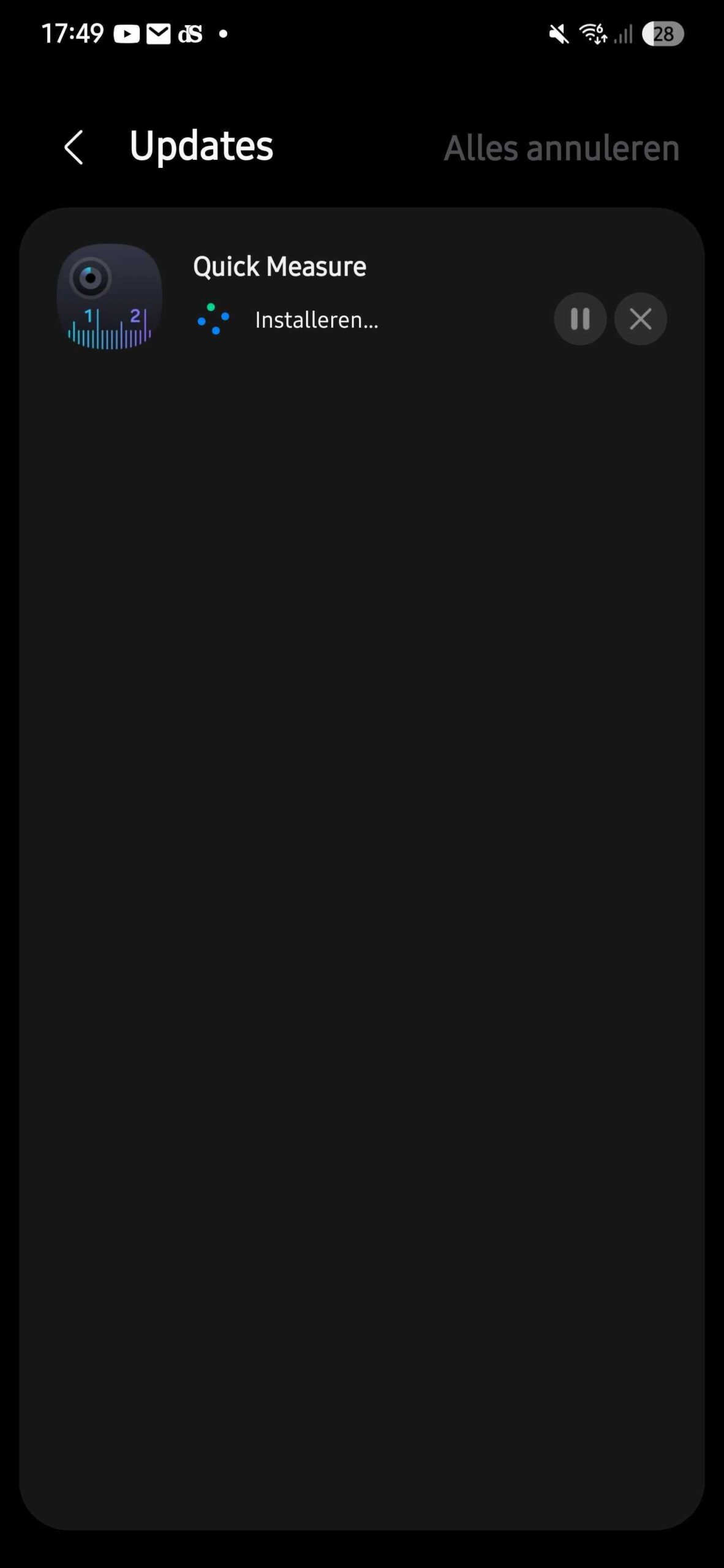
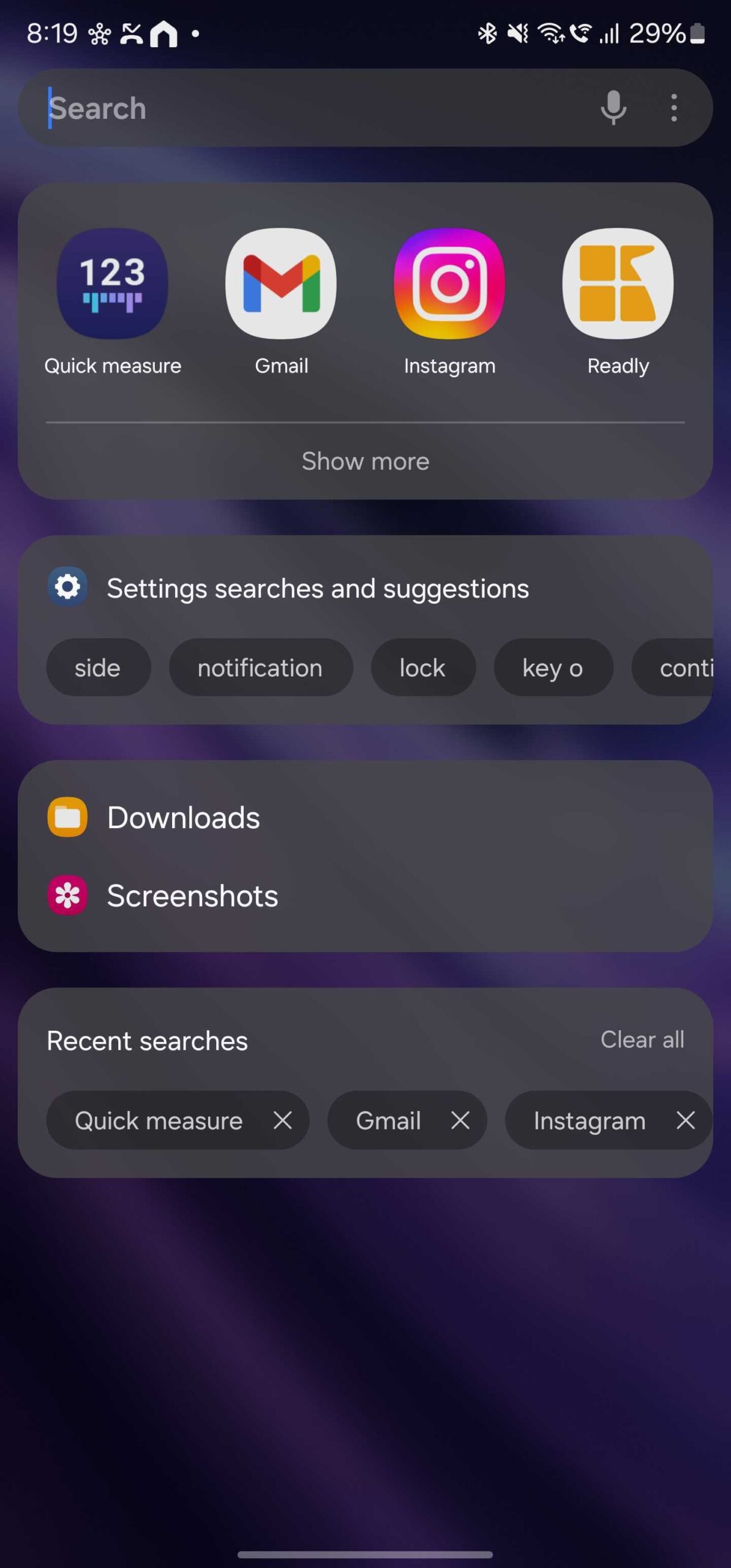
Recently, Samsung released the second beta version of One UI 7.0, bringing bug fixes and slight UI improvements. It also brought a new app icon for the Quick Measure app. As you can see in the screenshot below, Samsung has changed the color of the app icon and added a camera lens graphic to it.
The earlier app icon for the Quick Measure app used a purple background with a gradient and a graphic of a ruler. The new app icon uses a greyish background and has graphics for a camera lens and ruler, more accurately depicting what the app does and how it measures things.
This new version of the Quick Measure app can be found here, and you can download it and install it on your compatible Galaxy smartphone.
Apart from the app icons, Samsung has refreshed the app UI design of several stock apps, including the Camera app, which is now more ergonomically designed. It can be easily used with one hand, as all the controls have been shifted to the bottom of the screen.
Watch more
improvements that One UI 7.0 brought in our in-depth video below.
Asif is a computer engineer turned technology journalist. He has been using Samsung phones since 2004, and his current smartphone is the Galaxy S21 Ultra. He loves headphones, mechanical keyboards, and PC hardware. When not writing about technology, he likes watching crime and science fiction movies and TV shows.