Last updated: December 25th, 2024 at 08:25 UTC+01:00
SamMobile has affiliate and sponsored partnerships, we may earn a commission.
Reading time: 2 minutes
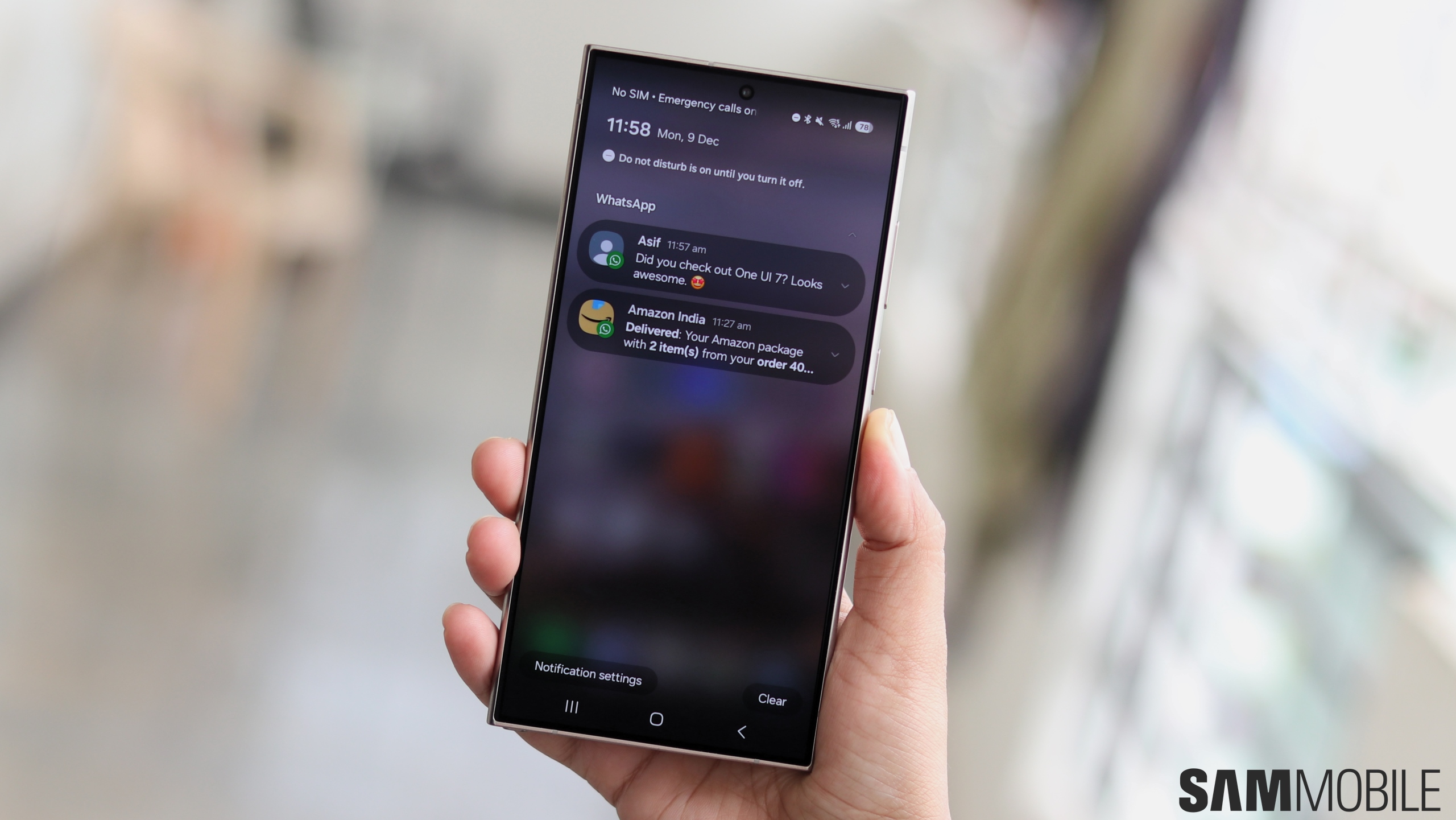
The second beta version of One UI 7.0 has introduced a new feature called Filter Notifications. With this feature, you can set your phone to move all unwanted or unimportant notifications to the bottom of the notifications page. You can choose the type of notifications that you want to filter.
There are three options to filter notifications: Background Activities, Minimized Notifications, and Old Notifications.
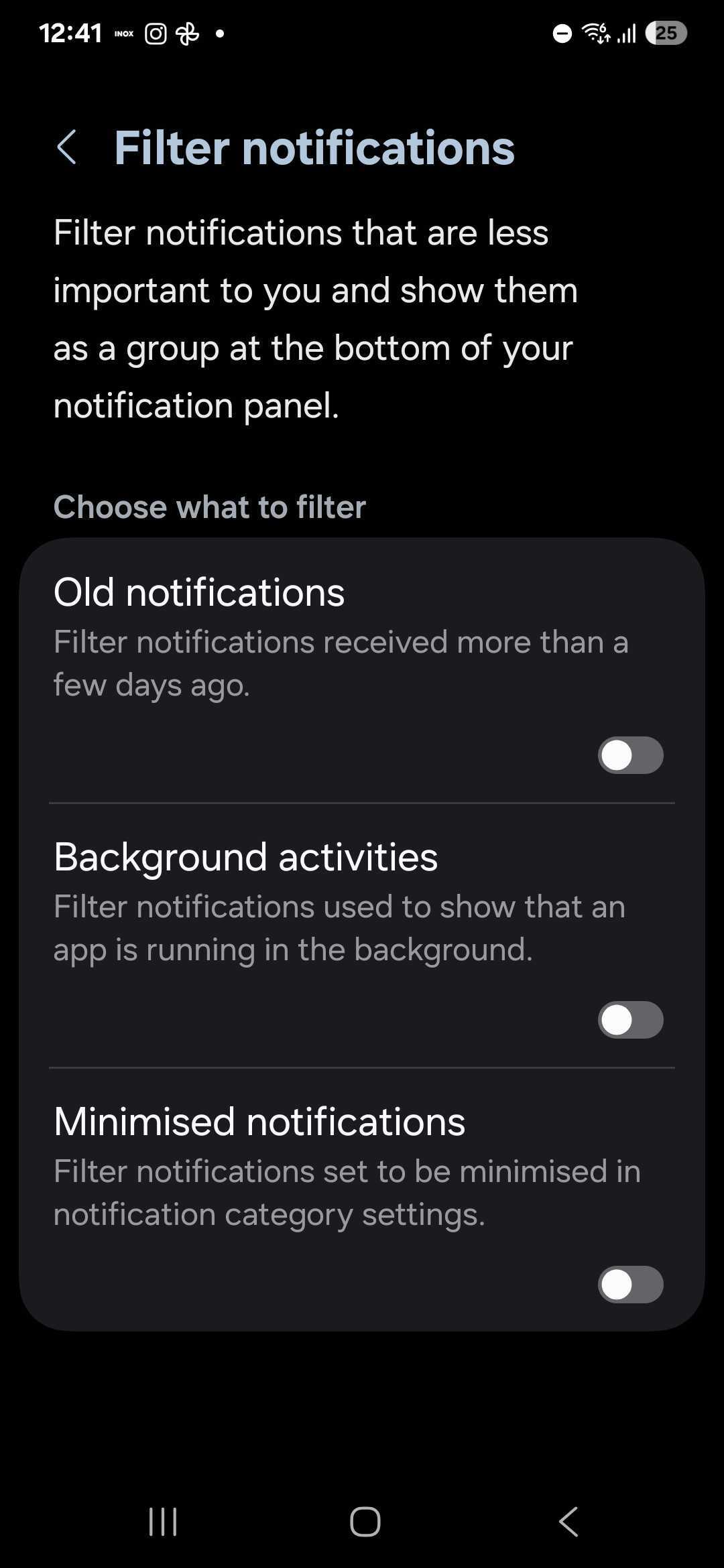
Some apps send Background activity notifications to inform you that the app is active in the background. Minimized notifications are those that you manually minimize. Old notifications are the ones that you haven't taken action on for more than a few days.
You can individually enable these three options to customize notification filtering. You can do that by navigating to Settings » Notifications » Advanced settings and tapping Filter notifications.
You can watch other such features that the second beta version of One UI 7.0 brought in our detailed video below.
With the One UI 6.1 update, Samsung disabled notification categories by default, but there was a way to bring them back. Hopefully, notification filtering will make phone's notifications area more manageable and declutter it.

Asif is a computer engineer turned technology journalist. He has been using Samsung phones since 2004, and his current smartphone is the Galaxy S23 Ultra. He loves headphones, mechanical keyboards, and PC hardware. When not writing about technology, he likes watching crime and science fiction movies and TV shows.












