Last updated: December 26th, 2024 at 08:48 UTC+01:00
SamMobile has affiliate and sponsored partnerships, we may earn a commission.
Reading time: 2 minutes
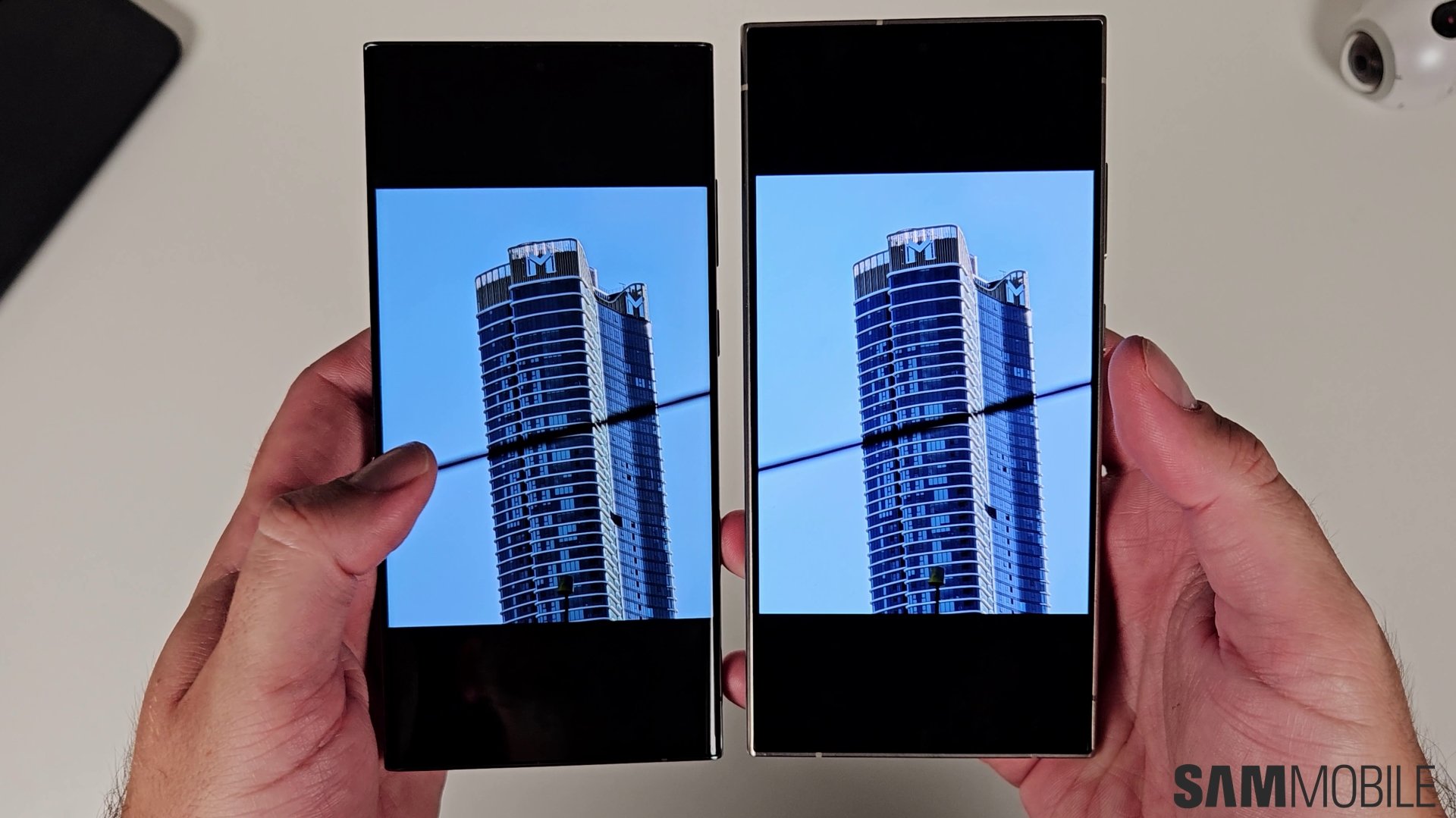
The Galaxy S24 was Samsung's first device to feature Super HDR. It is a system-wide feature that has the capability to capture, display, and publish images and videos with a high dynamic range. However, some people don't like how those images and videos appear. For such people, One UI 7.0 offers the ability to disable Super HDR altogether (via Android Authority).
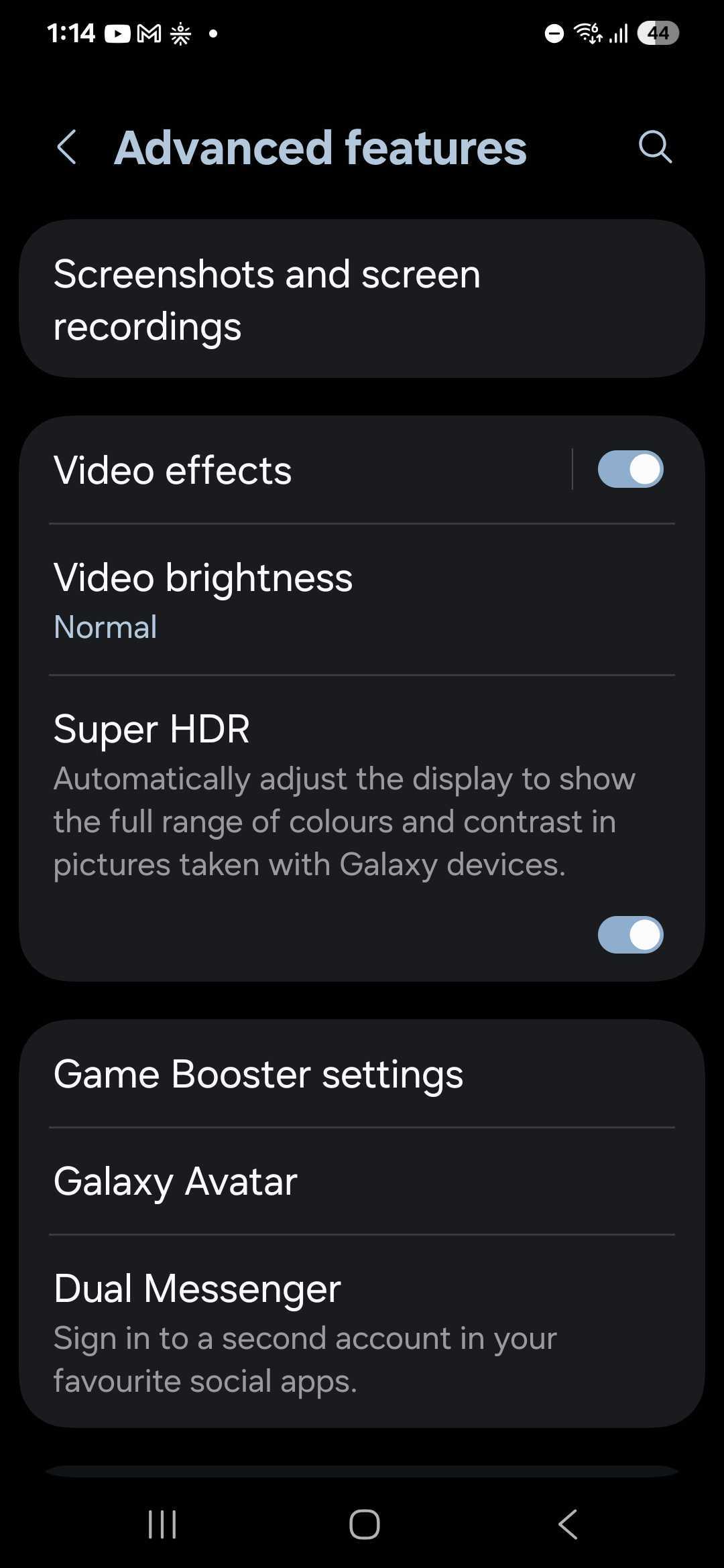
You can do that by navigating to Settings » Advanced features and disabling the Super HDR toggle.
With One UI 6.1, Samsung only offered the Super HDR toggle in the stock Gallery app. Disabling the feature only prevented the display from getting brighter in the Gallery app. With the toggle disabled in phones running One UI 7.0, Super HDR gets disabled even in third-party apps like Instagram and Threads.
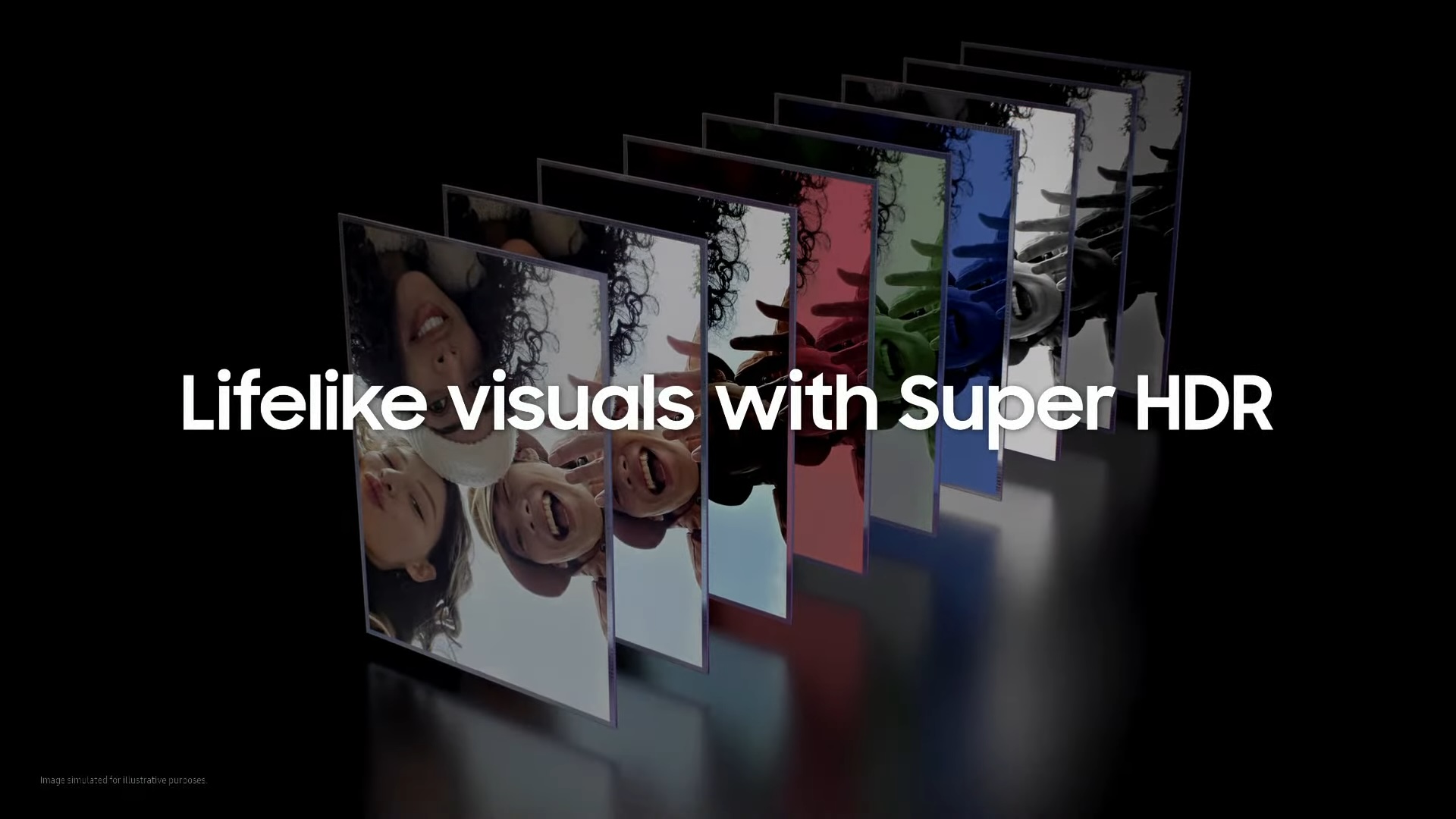
Samsung's Super HDR feature is based on Google's Ultra HDR format. On compatible devices, it allows for capturing images and videos in a high dynamic range, displaying HDR images and videos with higher brightness, and even publishing those images in HDR format on supported apps.
Currently, only the Galaxy S24, Galaxy S24+, Galaxy S24 Ultra, Galaxy Z Flip 6, Galaxy Z Fold 6, and the Galaxy Z Fold Special Edition support Super HDR.
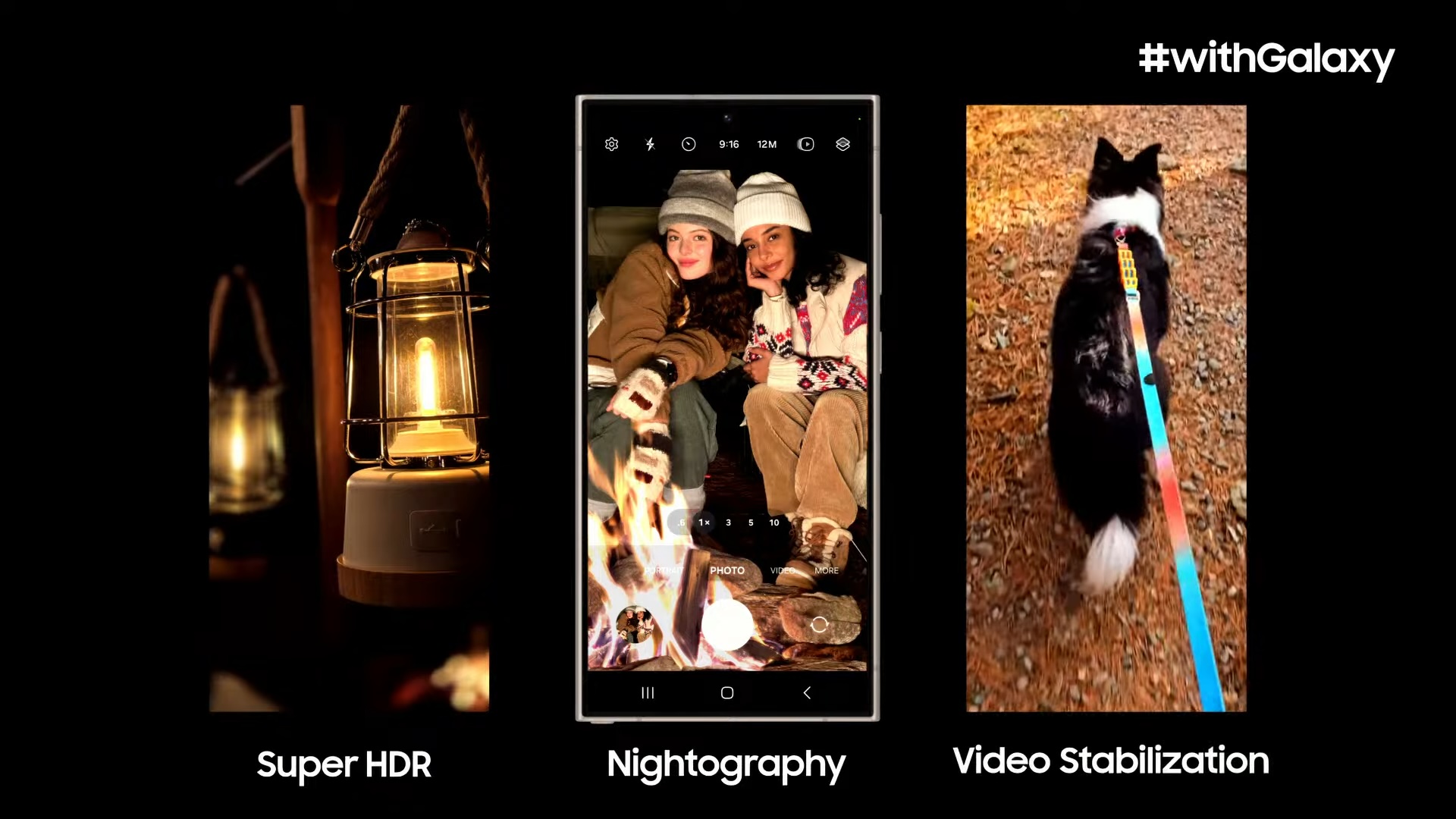
When you browse those images and videos on apps like Instagram on a supported phone, the display gets brighter to display the highlights more faithfully. However, some people don't like this behavior, and they can now disable it with One UI 7.0.

Asif is a computer engineer turned technology journalist. He has been using Samsung phones since 2004, and his current smartphone is the Galaxy S23 Ultra. He loves headphones, mechanical keyboards, and PC hardware. When not writing about technology, he likes watching crime and science fiction movies and TV shows.













