Last updated: September 4th, 2023 at 10:13 UTC+02:00
SamMobile has affiliate and sponsored partnerships, we may earn a commission.
Reading time: 3 minutes
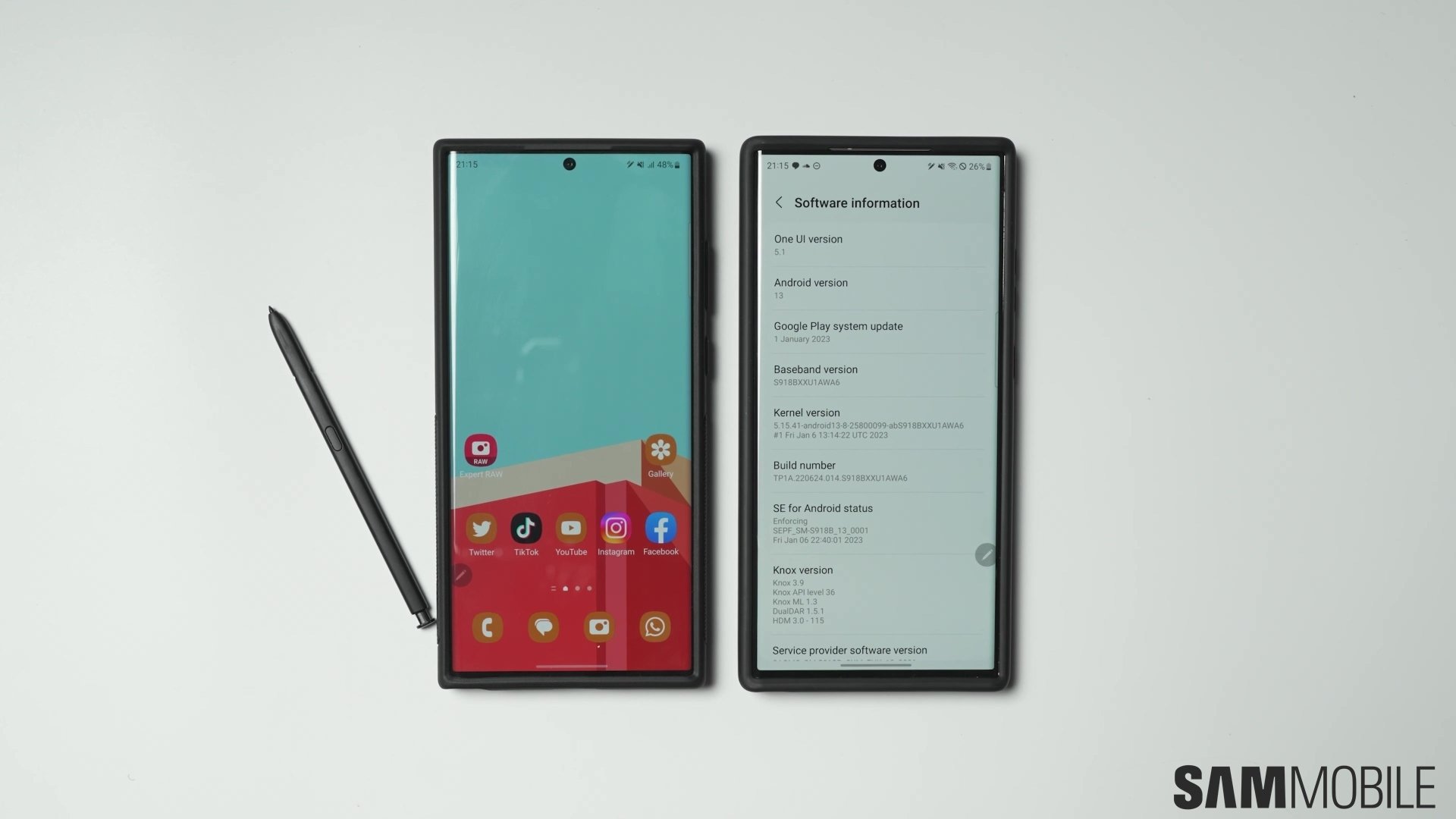
Google is planning to bring the eSIM transfer tool with the final release of Android 14. However, Samsung seems to have built (via Mishal Rahman and Dylan Huynh) a brilliant device-to-device eSIM transfer tool that works between Galaxy smartphones and tablets. One UI 5.1 has an eSIM transfer tool built into the Settings app. Samsung seems to have developed a feature to convert a physical SIM to an eSIM, and the company has even published a webpage that lists all the supported countries and mobile network carriers that support the feature.
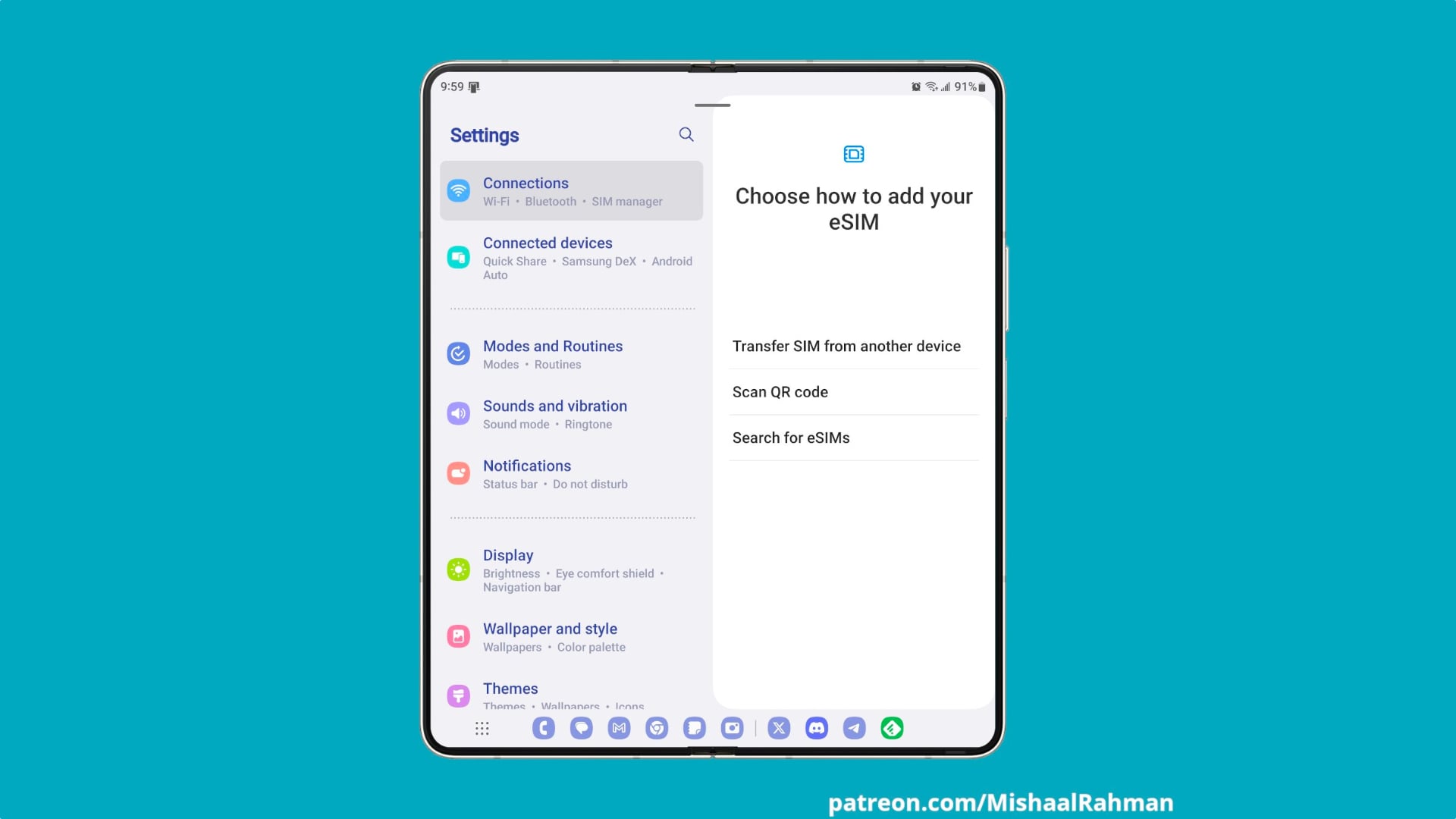
To transfer an eSIM from one Galaxy smartphone to another Galaxy smartphone, you need to follow a step-by-step procedure explained below. Note that both Galaxy smartphones (or tablets) must run One UI 5.1 and have a secure lock to make this feature work.

Currently, the phones that support device-to-device eSIM transfer include the Galaxy S20 (or newer Galaxy S series phones), Galaxy Fold (or newer Galaxy Z phones), and the Galaxy Note 20 series. Here is the complete list:
If your phone supports an eSIM and runs One UI 5.1, you can convert your physical SIM card to an eSIM by following the procedure below.
Just to be sure, please check with your mobile network carrier whether eSIM and the device-to-device eSIM transfer is supported.

Asif is a computer engineer turned technology journalist. He has been using Samsung phones since 2004, and his current smartphone is the Galaxy S23 Ultra. He loves headphones, mechanical keyboards, and PC hardware. When not writing about technology, he likes watching crime and science fiction movies and TV shows.












