












Latest opinions
-
 Samsung could crush Apple with the Galaxy Z Fold 8 and Fold 9
 -
 iPhone Duo pre-orders show Apple users are watching Samsung’s innovations closely
 -
 Samsung has a reason to make fewer Galaxy phones, and it's a risk worth taking
 -
 Even a 1TB Galaxy Z Fold 8 can cost less than a 256GB iPhone Duo
 -
 I can't stand this One UI feature many Galaxy Z Fold users seem to love
 -
 Why Samsung needs to double down on the bet it has made on 82 million US Galaxy devices
 -
 iPhone Duo’s reported production problems show why Samsung’s experience matters
 -
 I missed this old Galaxy Watch feature on holiday
 -
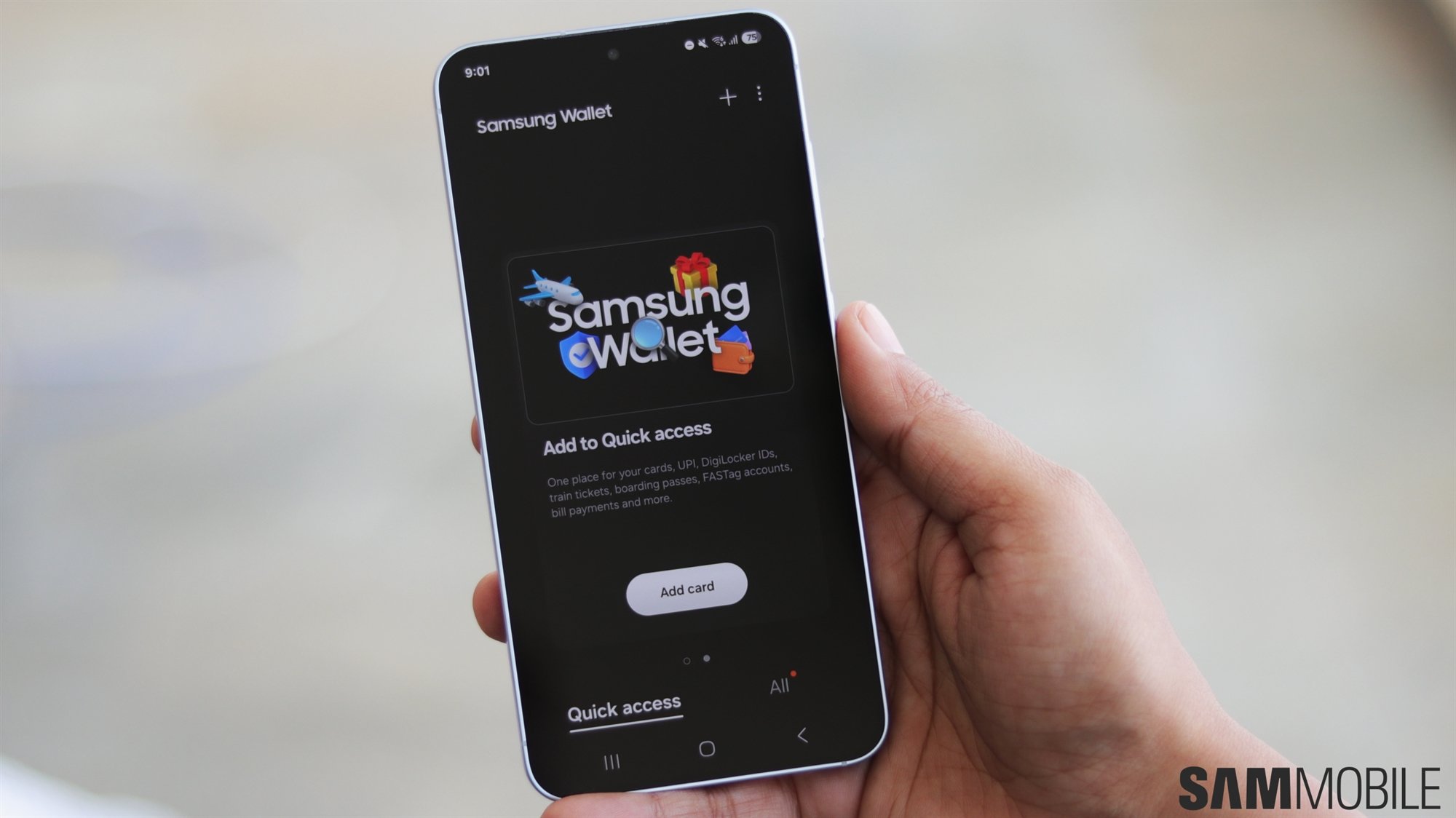 How Samsung Wallet is quietly becoming irreplaceable for millions of US Galaxy owners



