Last updated: April 26th, 2024 at 08:30 UTC+02:00
SamMobile has affiliate and sponsored partnerships, we may earn a commission.
Reading time: 2 minutes
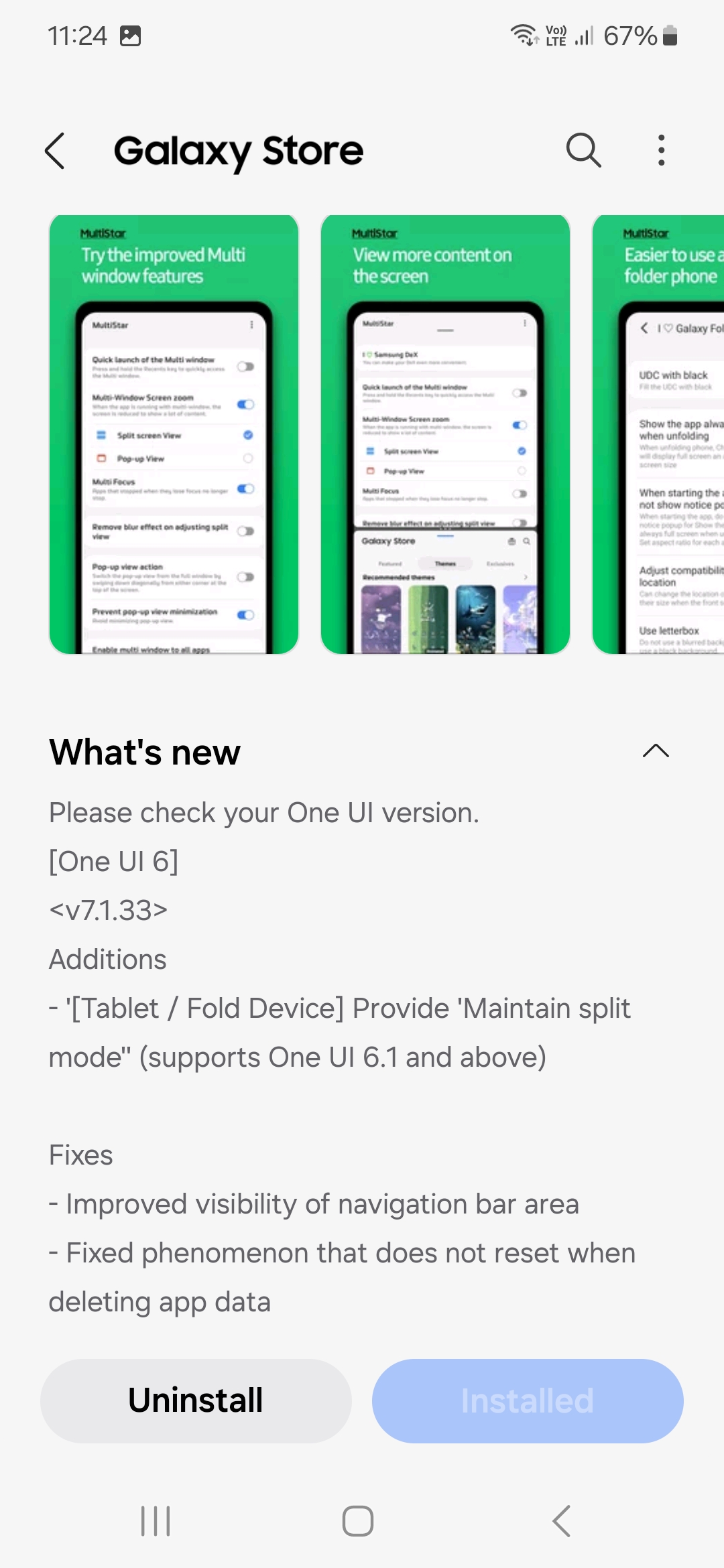
Samsung has released a new version of the MultiStar app (version 7.1.33). It brings three changes; a new feature for foldable devices and tablets running on One UI 6.1, one visual improvement, and one bug fix.
Let’s start with the new feature, which is stated in the changelog as “[Tablet/Fold Device] Provide ‘Maintain split mode' (supports One UI 6.1 and above).”
From what we can understand, with this option enabled, when you change the view of the app from the full-screen mode to the split-screen mode, close it, and open it again, the app will open in the split-screen mode. So, if you want an app to open in the split-screen mode every time on your Galaxy Fold, Flip, or Tab device so that you can continue to work on other stuff when the app opens, this option makes that possible for you.
Moving on to the visual improvement, Samsung says that it has “improved visibility of navigation bar area.” In MultiStar, buttons in the navigation bar and the navigation bar have a similar color palette, which makes it hard for you to distinguish buttons from the navigation bar (or find buttons in the navigation bar). Samsung says that it has improved this visual element. So, you should now be able to see the buttons more clearly.
Coming to the bug fix, the company says that it has “Fixed phenomenon that does not reset when deleting app data.” MultiStar has an issue where options in it don’t go back to their default setting when you clear the app’s data. To reset the app, you have to uninstall it and then install it again. Well, not anymore. Samsung says that it has fixed the issue. So, you should now be able to reset MultiStar just by deleting the app’s data.

I’m a computer science engineer living in Hyderabad, India, who has a keen interest in automobiles and consumer electronics. My journalism career kicked off in 2017 with MySmartPrice where I wrote news, features, buying guides, and explanatory articles about technology among other things, and reviewed many products, including smartphones, tablets, laptops, PC components, smartwatches, audio devices, wearables, and smart home products. Since then, I have worked for 91Mobiles, Apple, and Onsitego, before finally landing on SamMobile.












