Last updated: February 7th, 2024 at 11:54 UTC+01:00
SamMobile has affiliate and sponsored partnerships, we may earn a commission.
Reading time: 2 minutes
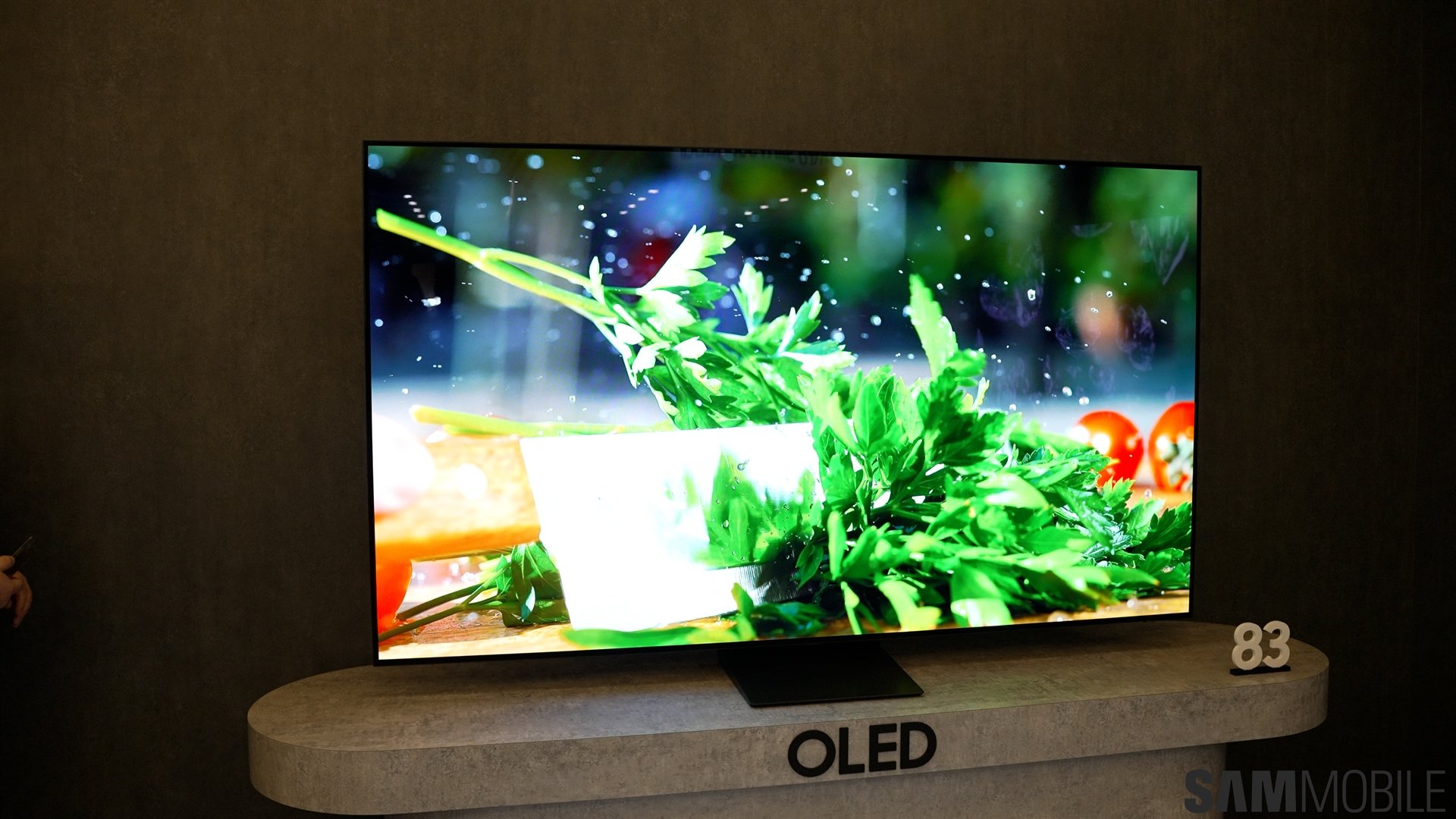
Tizen OS updates can improve security, add new features, or even change the design of the user interface. A Samsung TV running 2023 software will offer a different experience than an older model from a few years back.
And in case you missed the news, the new 2024 version of Tizen brings numerous improvements to the UI and Game Bar, better integration with your Samsung account and preferences, and more.
Needless to say, if you want to take advantage of new Tizen OS features on your TV as they become available, you need to keep the firmware up to date. Here's how you can check if new updates are available. These steps should work with most Samsung smart TV models.
First, use the remote to access the Settings screen. Then, navigate to “Support” and access “Software update.” Lastly, tap “Update Now” to check if new Tizen OS versions are available.
Depending on your TV model and OS version, you may also have the option to enable “Auto update.” But similar to Galaxy phones and tablets, this auto-updater doesn't run constantly, so checking for new firmware updates manually from time to time can potentially give you access to a new Tizen version earlier.

Mihai is a blogger and column writer at SamMobile. His first Samsung phone was an A800 which took a lot of beating, and a part of him still misses the novelty of the clamshell design. In his free time, he enjoys watching shows, documentaries, and stand-up comedy; listening to music, taking walks, and occasionally playing old(er) video games.













