Last updated: June 7th, 2020 at 10:13 UTC+02:00
SamMobile has affiliate and sponsored partnerships, we may earn a commission.
Reading time: 3 minutes

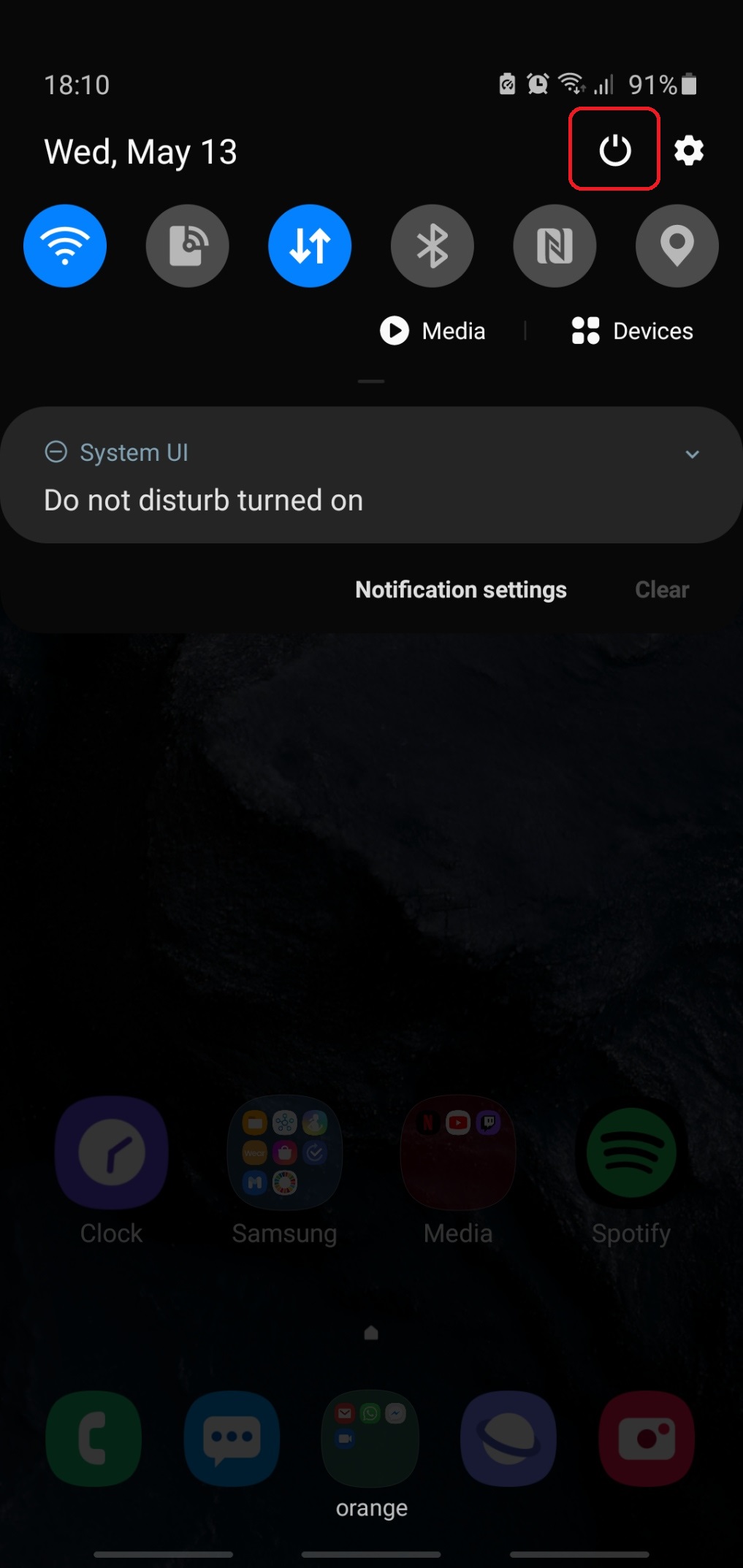
Today, we'll dig deeper into this topic and detail every one of the four methods you can use to turn off the Galaxy Note 10. For some readers, this information will not be new, but others might learn a new trick or two. The four methods are: using the Quick Settings menu; using Bixby; using the side/power key after changing some settings; and using two physical buttons.
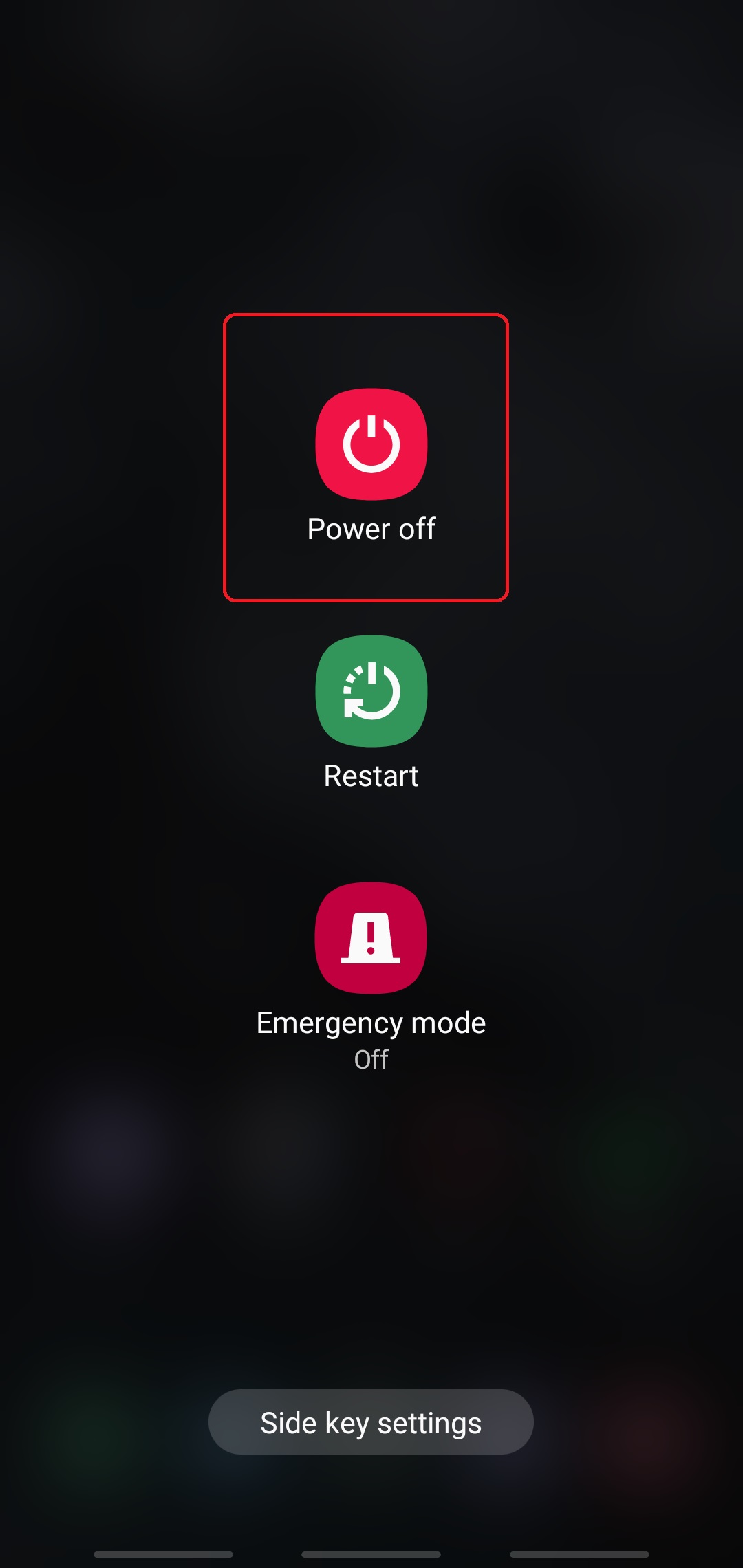
By default, the side key is bound to Bixby, so pressing and holding the button will summon the assistant.

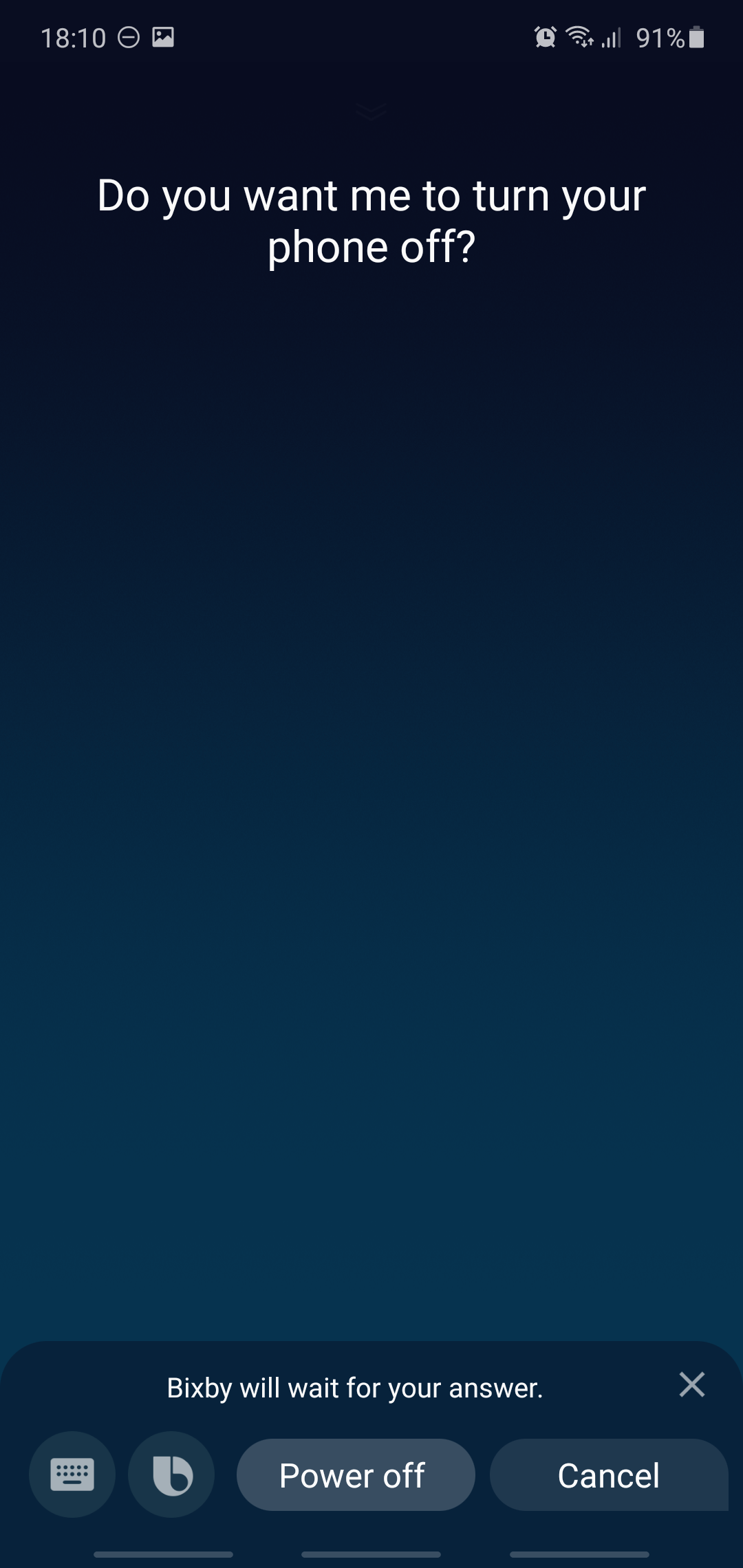
If the methods above are not to your liking, you can still use the side/power key to turn off the Galaxy Note 10 in a more traditional manner, but you'll have to enable this functionality first.
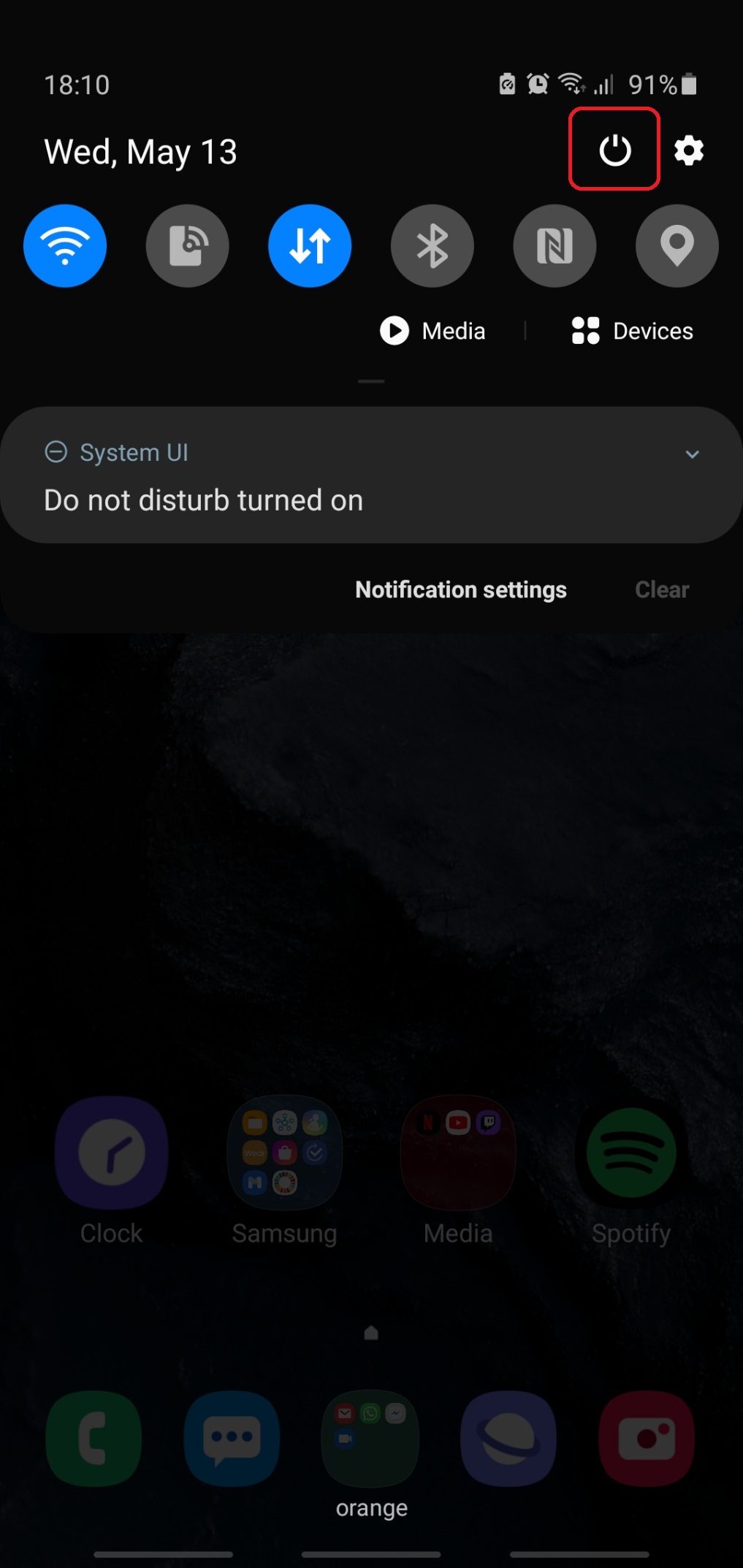
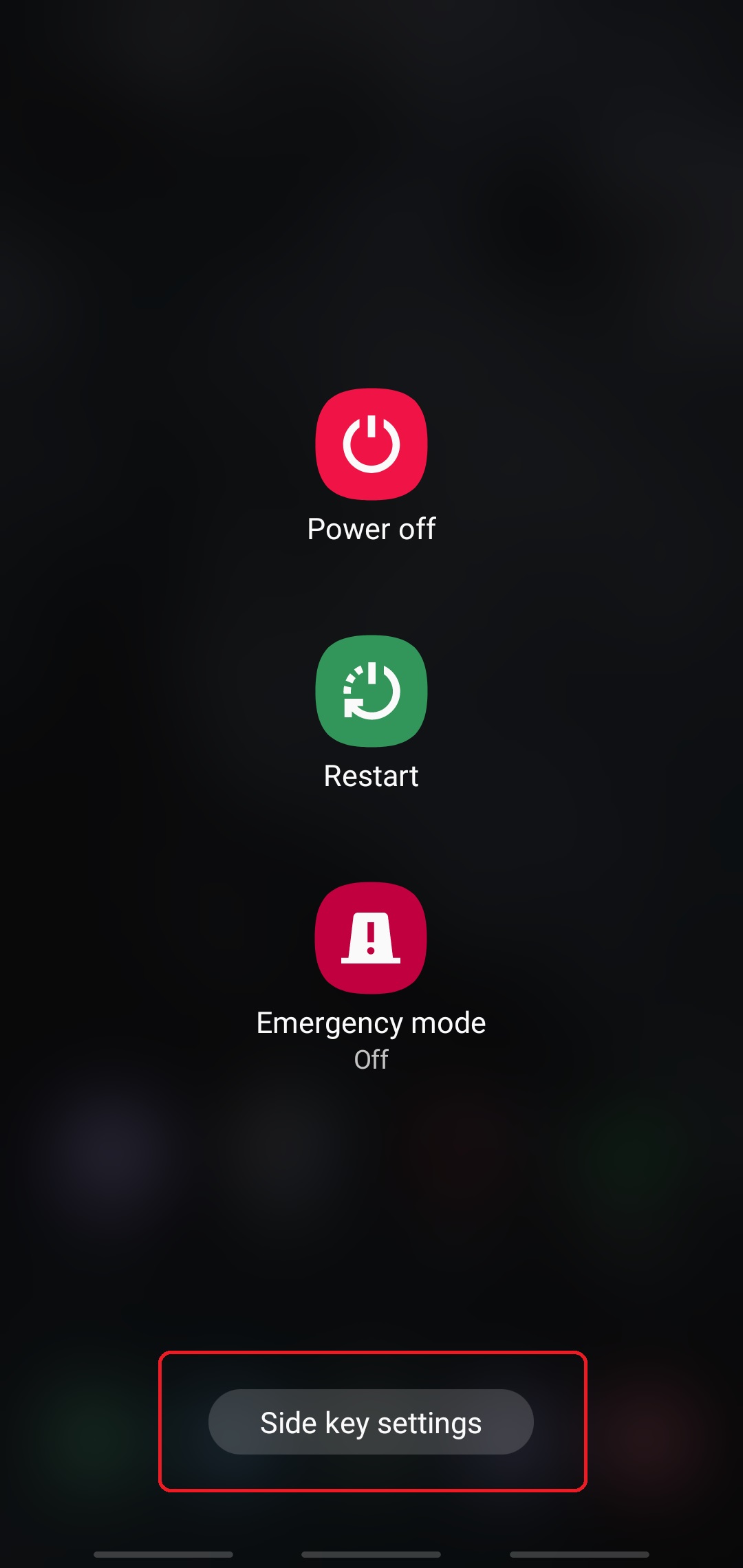
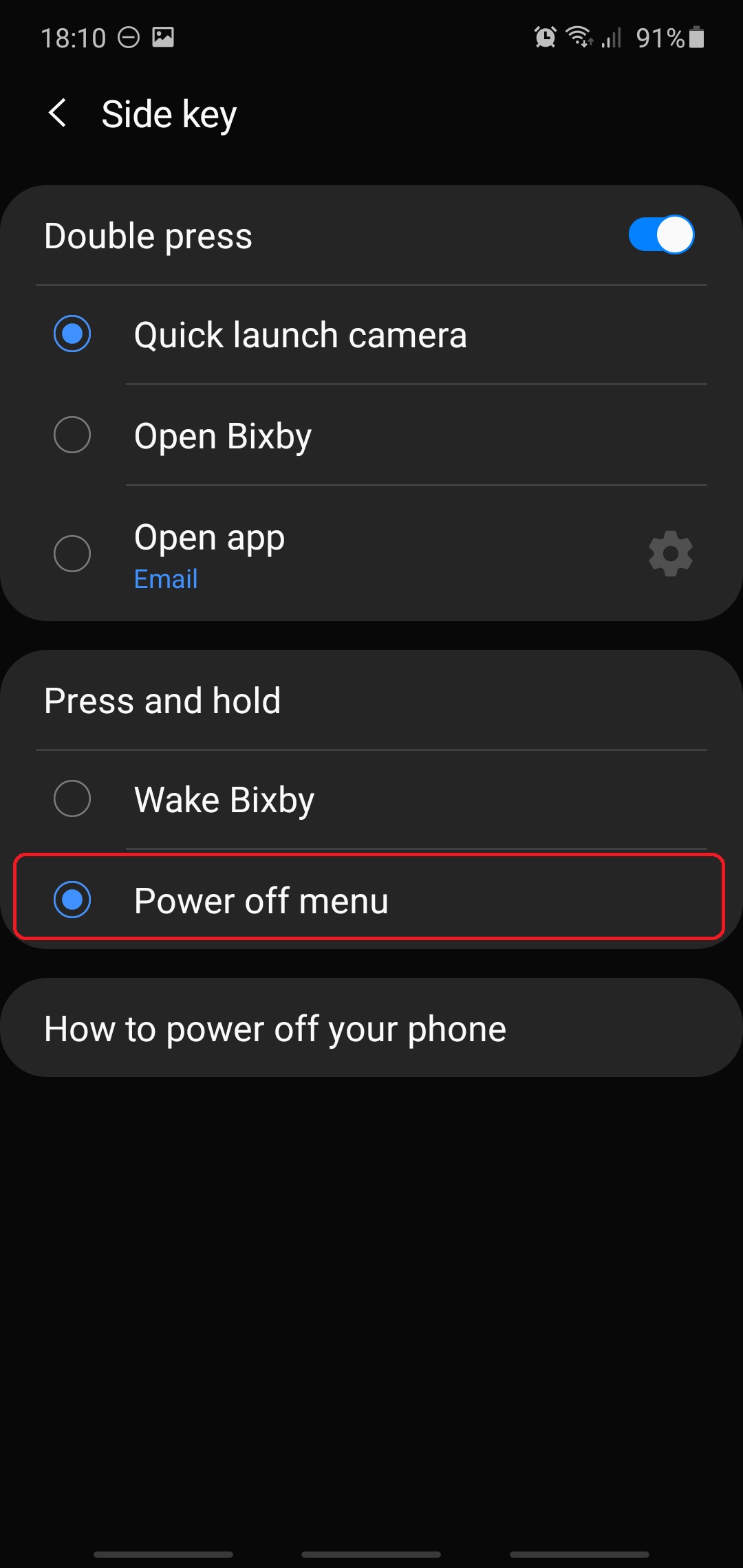
Note that the first three steps above are required only once until you enable the Power off menu option. Once enabled, you won't have to go through these steps to power off your phone; you'll just have to follow the fourth and final step.
Last but not least, if you want to power off your Galaxy Note 10 using physical buttons but you don't want to replace the aforementioned Wake Bixby functionality linked to the side key, you can use a combination of buttons instead.
Were you aware of all these four options for turning off your Galaxy Note 10? Which method do you prefer or use the most? Leave a comment below and don't forget to check our other tips & tricks.

Mihai is a blogger and column writer at SamMobile. His first Samsung phone was an A800 which took a lot of beating, and a part of him still misses the novelty of the clamshell design. In his free time, he enjoys watching shows, documentaries, and stand-up comedy; listening to music, taking walks, and occasionally playing old(er) video games.












