Last updated: February 23rd, 2026 at 09:28 UTC+01:00
SamMobile has affiliate and sponsored partnerships, we may earn a commission.
Lost your Samsung phone? Here's how to find it.
Reading time: 3 minutes

It's not difficult to understand why we feel such panic when our phones are misplaced. Our phones have become an extension of our lives. They store our most valuable and vulnerable moments. From storing our precious photos and videos to credit cards and other financial apps. Losing a phone in this day and age can be disastrous.
If you own a Galaxy smartphone and have often been in a situation that has had you wondering where is my Samsung phone is, you need to start using the Find My Mobile feature. Samsung has created a powerful tool that lets you locate, lock and even remotely wipe your Galaxy device.
Make sure that you have properly configured Find My Mobile so that you're never left wondering how to find my Samsung phone. The additional functionality that it provides will give you the peace of mind that even if you're unable to recover the device, you can erase all data so that it doesn't fall in the wrong hands.
The find my phone feature doesn't work without a Samsung Account. You'll need to create one if you haven't already. Your phone must then be signed into the Samsung Account for the Find My Mobile tool to work.
Step 1: Head over to the Biometrics and security menu in the Settings app and tap on Find My Mobile. Ensure that this feature is enabled. You can also select options like Remote Unlock and Send last location if you prefer.
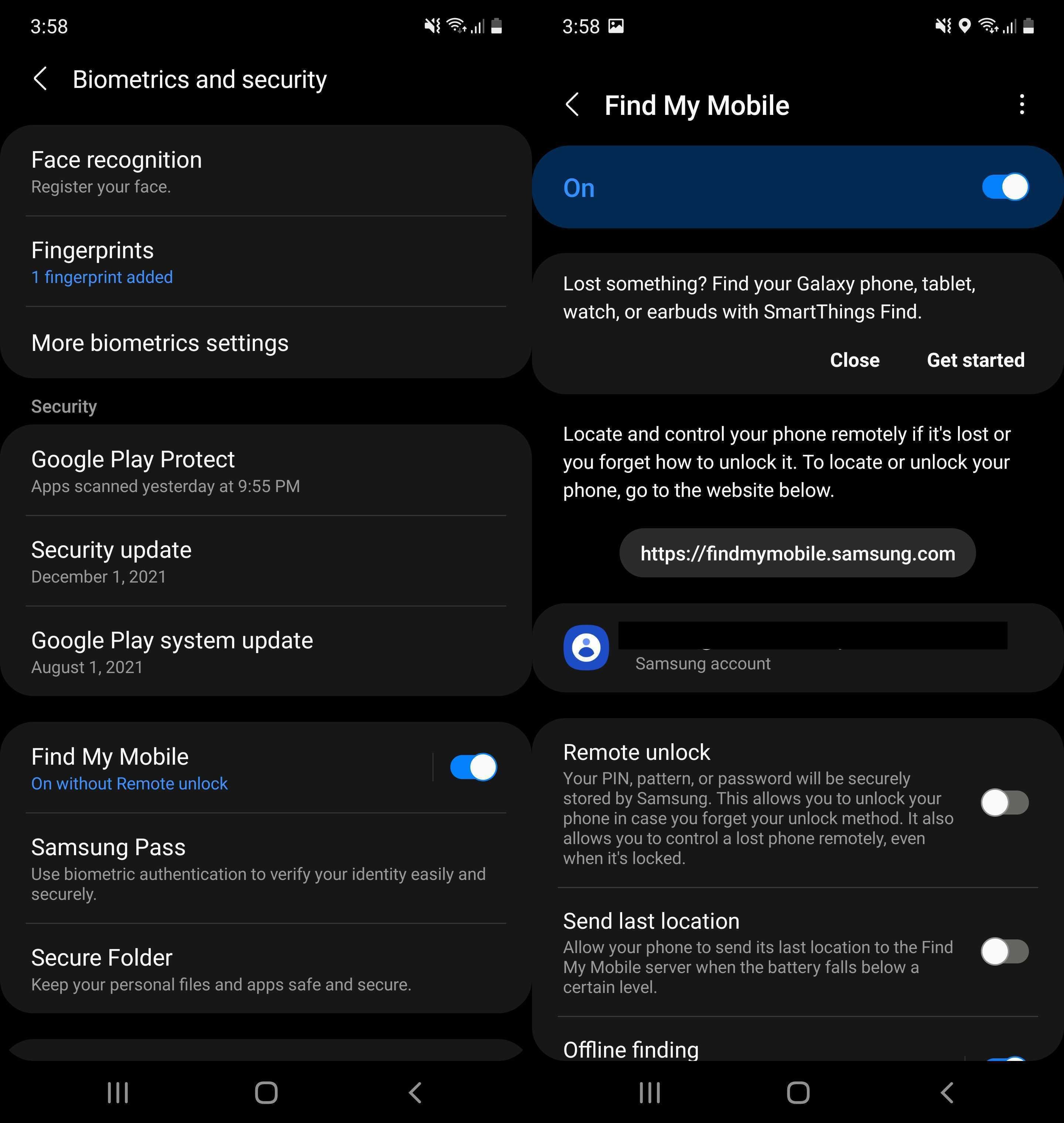
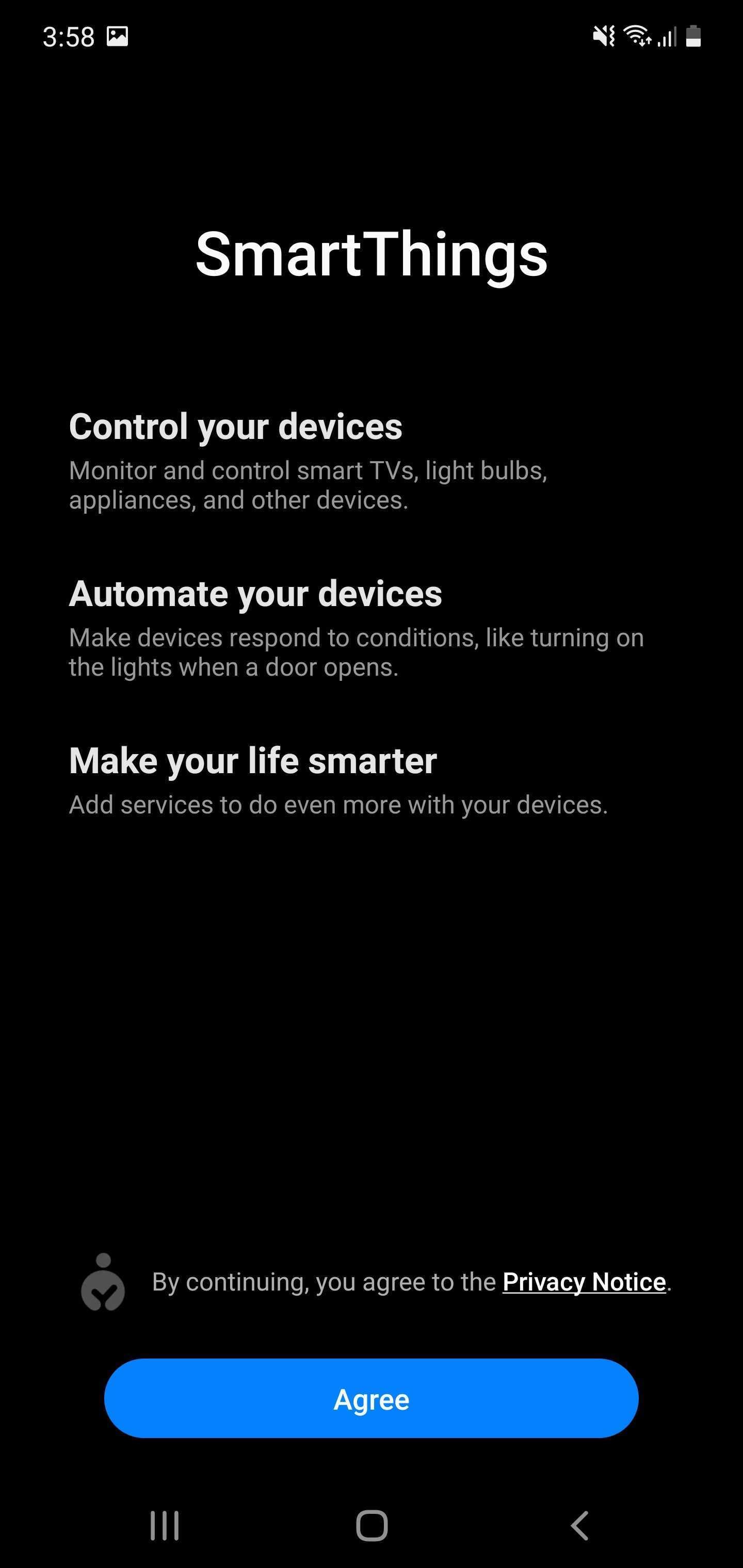
Step 2: You can also enable SmartThings Find from this menu if you'd like. This feature can be used to find Samsung devices like smartphones, smartwatches, earbuds and tablets even when they're offline.
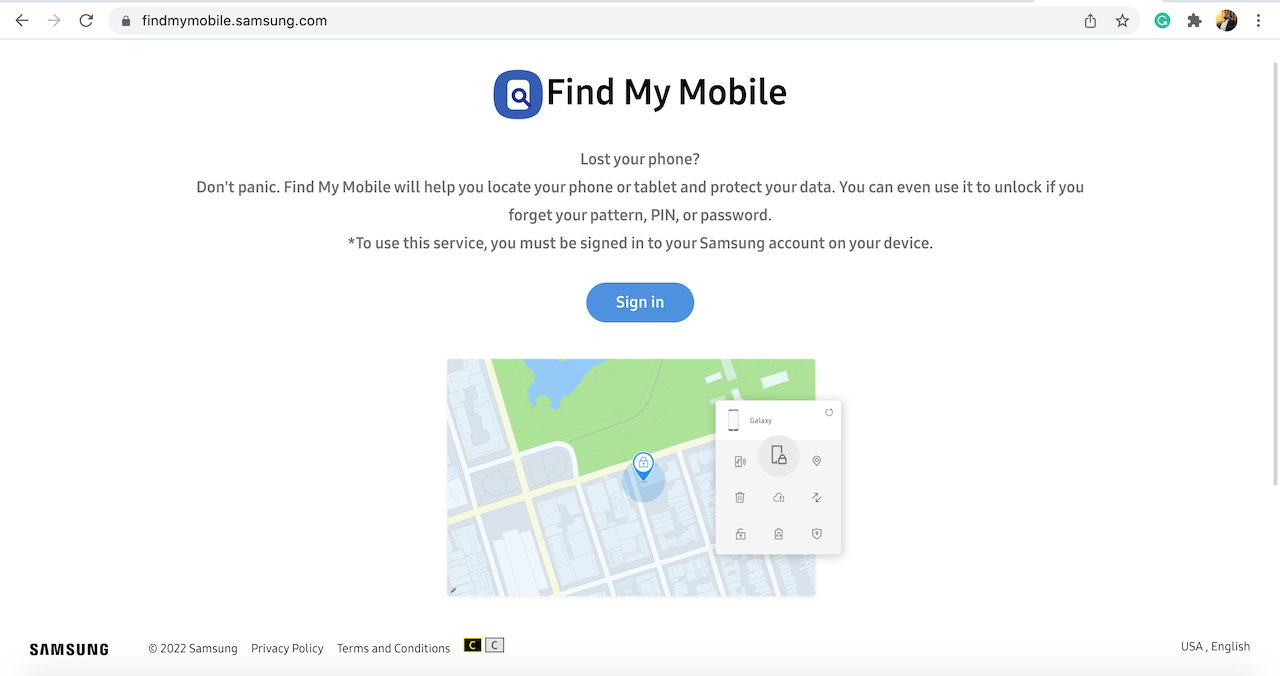
Step 1: Visit findmymobile.samsung.com in your web browser.
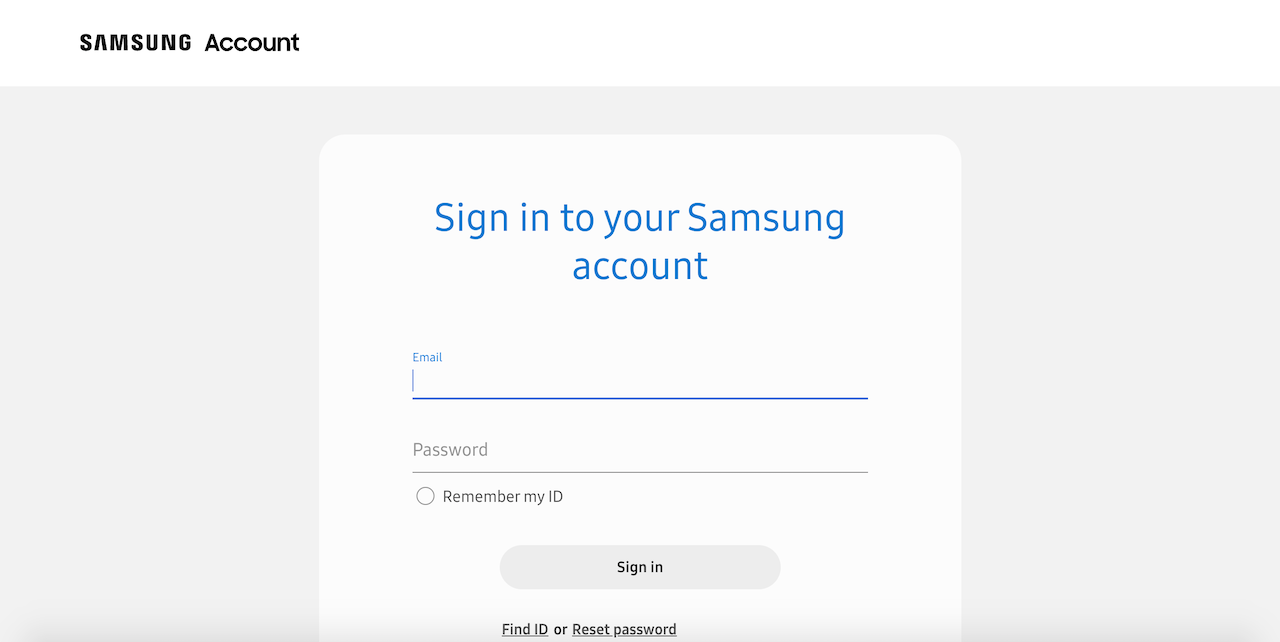
Step 2: Log in to the tool using your Samsung Account details.
Step 3: Once logged in, you'll be presented with several different options. If your phone is connected to a Wi-Fi or cellular network, it will be shown here. If it's is signed into the Samsung Account, Find My Mobile is immediately going to display its location on a map.
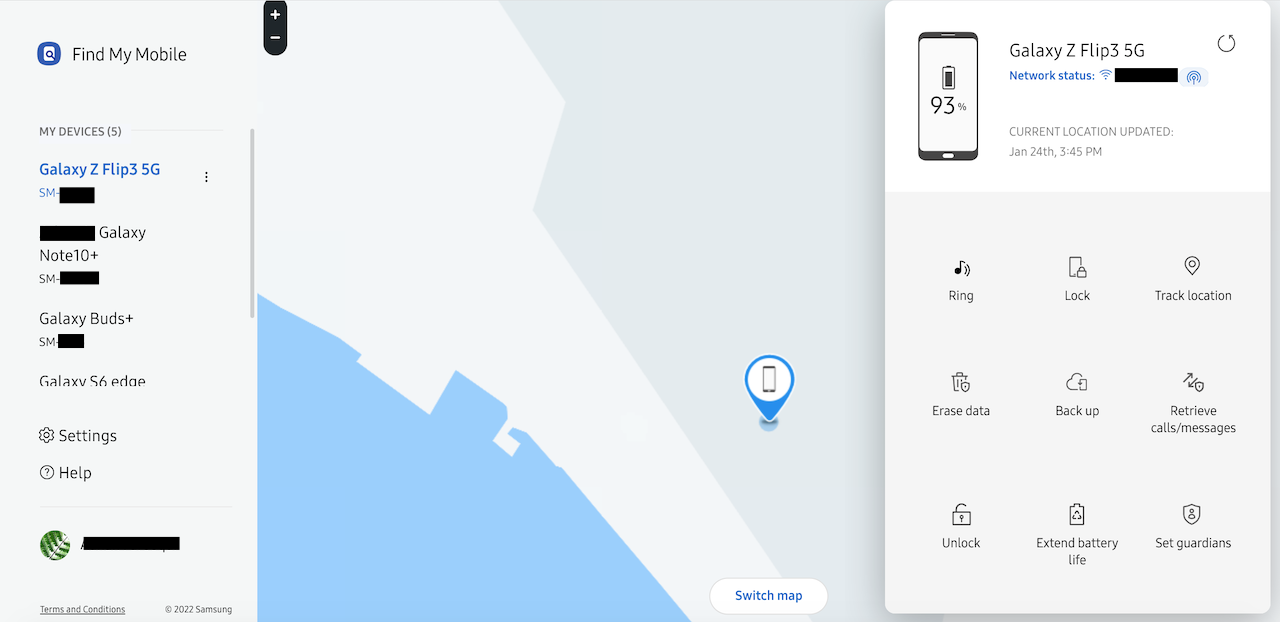
The Ring feature makes your phone ring for 1 minute at the maximum volume even if it's set to vibrate or mute. With Lock, you can show a message on your lock screen or prevent people from turning off the device.
Track location provides you with an approximate location of the device while Erase data makes it possible to wipe the device remotely. There are also options for backing up your data, retrieving calls and messages, unlocking the device remotely and putting the device in a power-saving mode to extend its battery life.
That's all there is to it. With Find My Mobile, you'll no longer be wondering where is my Samsung phone. It's a quick and easy way to locate your device when it gets lost or even misplaced at home.

Adnan Farooqui is a long-term writer at SamMobile. Based in Pakistan, his interests include technology, finance, Swiss watches and Formula 1. His tendency to write long posts betrays his inclination to being a man of few words.













