Last updated: May 23rd, 2022 at 16:57 UTC+02:00
SamMobile has affiliate and sponsored partnerships, we may earn a commission.
Reading time: 2 minutes
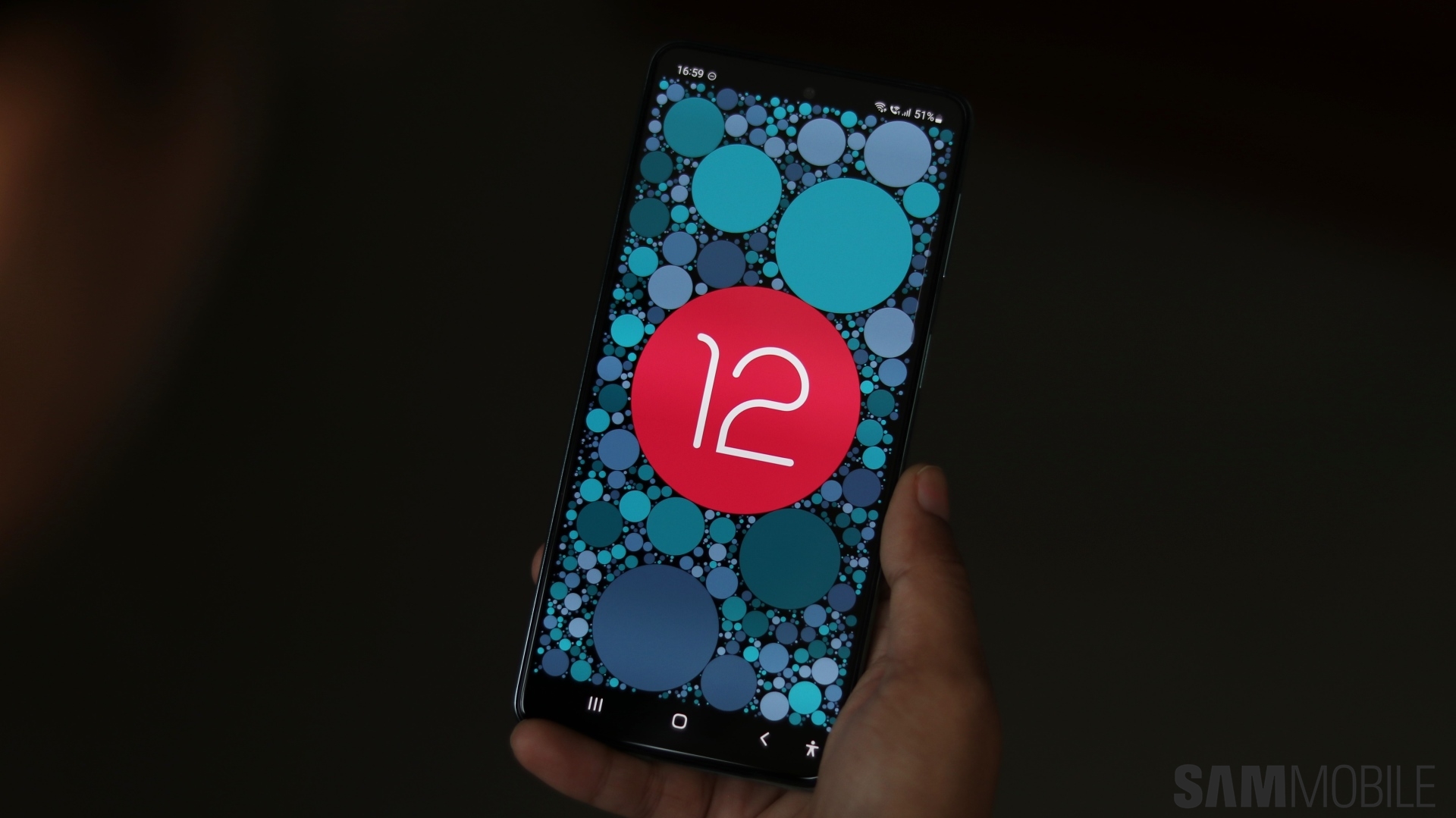
The preferred method of factory resetting a Galaxy phone or tablet that won't change ownership is through Recovery Mode, as it doesn't remove your Google accounts entirely.
However, this ‘pro' can become a ‘con' if you plan to sell or trade your device. In the latter cases, it's best to factory reset your device through the Settings app rather than via Recovery. This way, you remove all traces of you ever using the phone, including your Google and Samsung accounts.
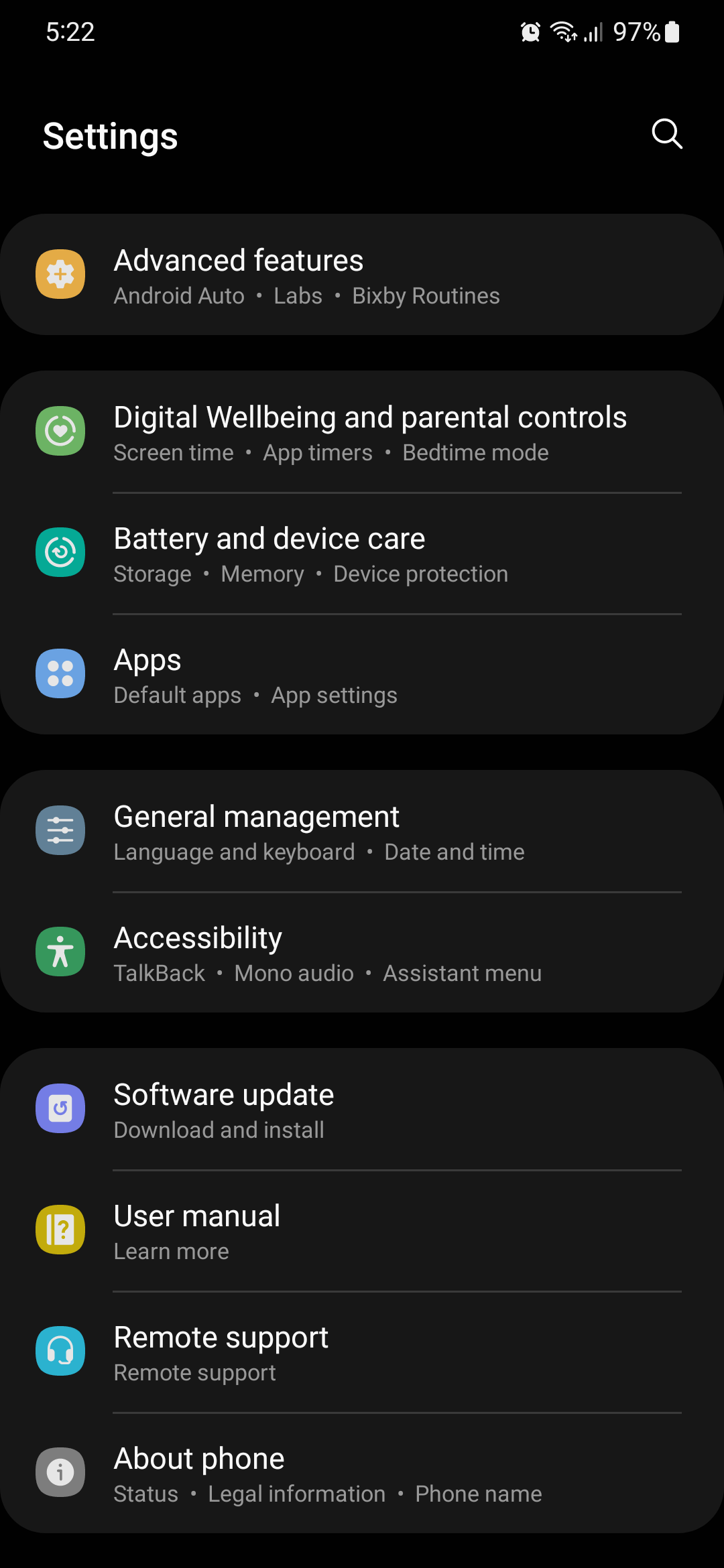
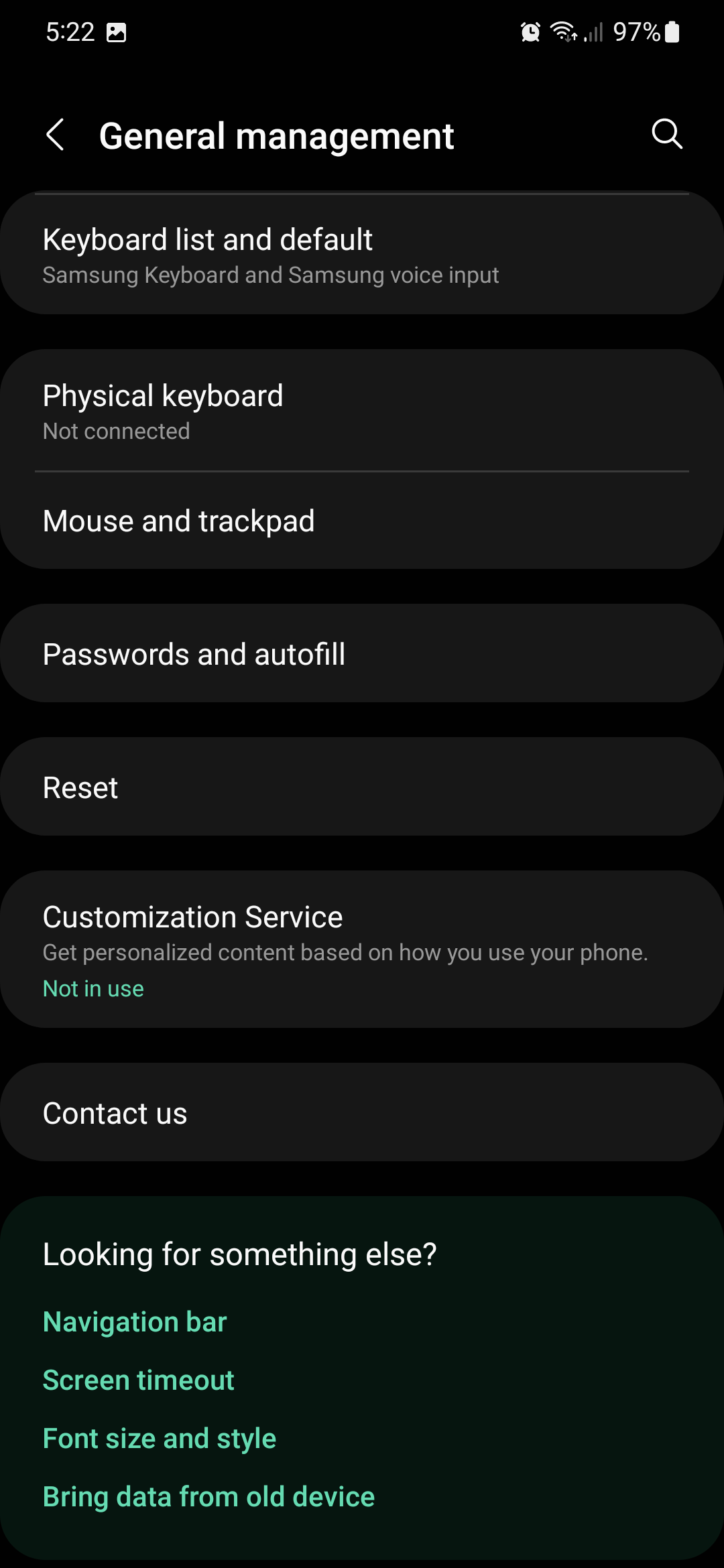
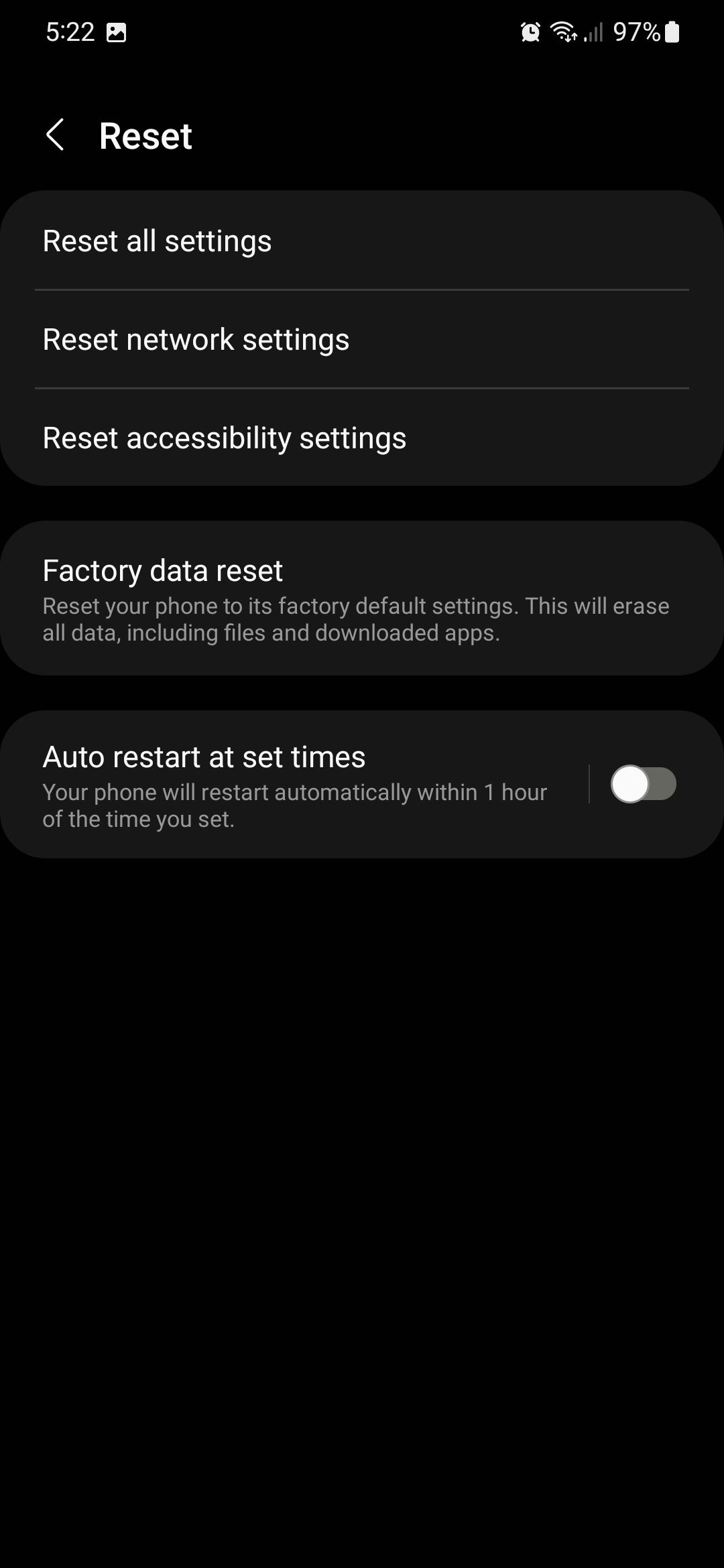
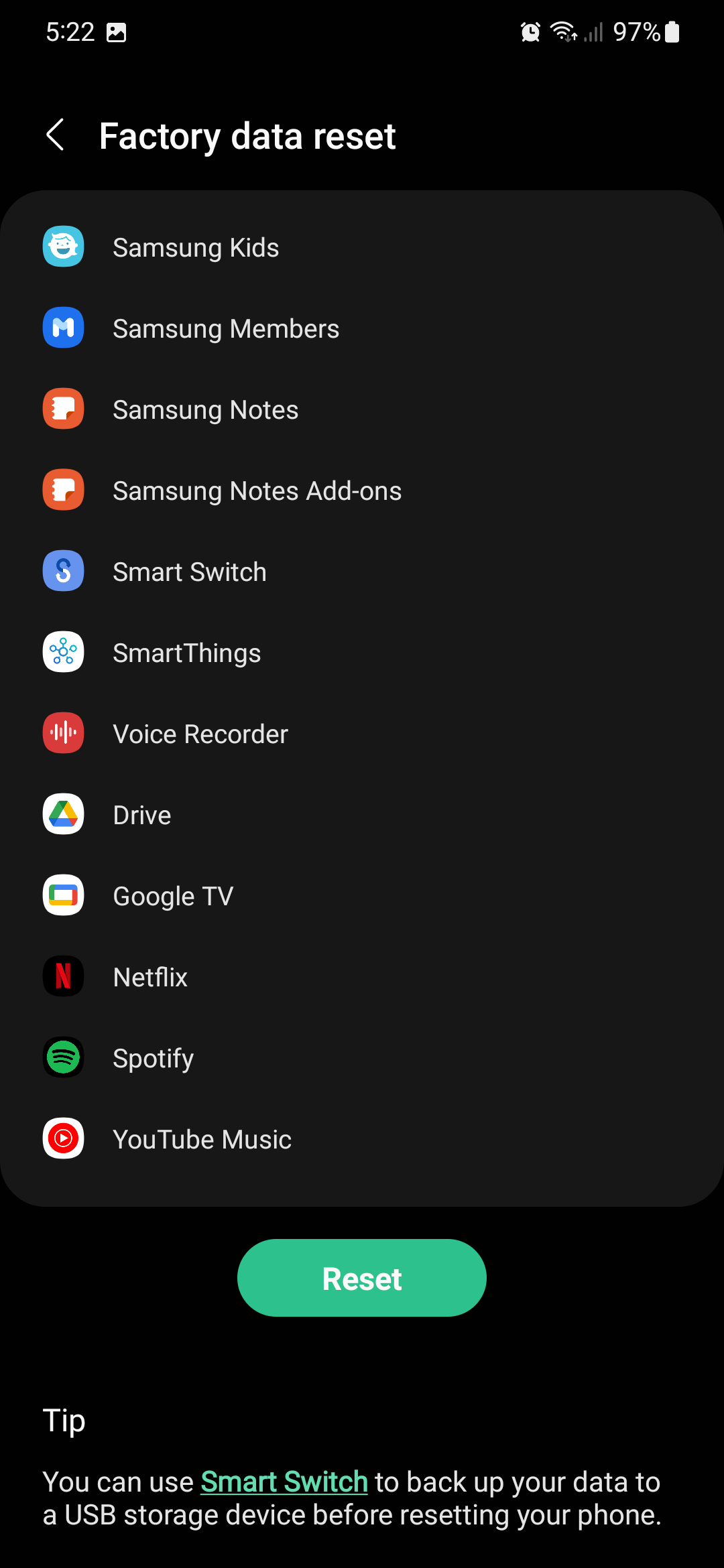
Performing a clean factory reset on your Samsung Galaxy device requires only a few steps. It's not a complicated process, but be advised that you will lose all your data stored on the phone's memory. Data saved on the microSD card (assuming your Galaxy device has expandable storage) will not be affected by the factory reset. Regardless, it's advised to back up all your data before proceeding.
To factory reset your Galaxy phone or tablet:
Join SamMobile’s Telegram group and subscribe to our YouTube channel to get instant news updates and in-depth reviews of Samsung devices. You can also subscribe to get updates from us on Google News and follow us on Twitter.

Mihai is a blogger and column writer at SamMobile. His first Samsung phone was an A800 which took a lot of beating, and a part of him still misses the novelty of the clamshell design. In his free time, he enjoys watching shows, documentaries, and stand-up comedy; listening to music, taking walks, and occasionally playing old(er) video games.














