Last updated: October 27th, 2022 at 04:30 UTC+02:00
SamMobile has affiliate and sponsored partnerships, we may earn a commission.
Reading time: 2 minutes
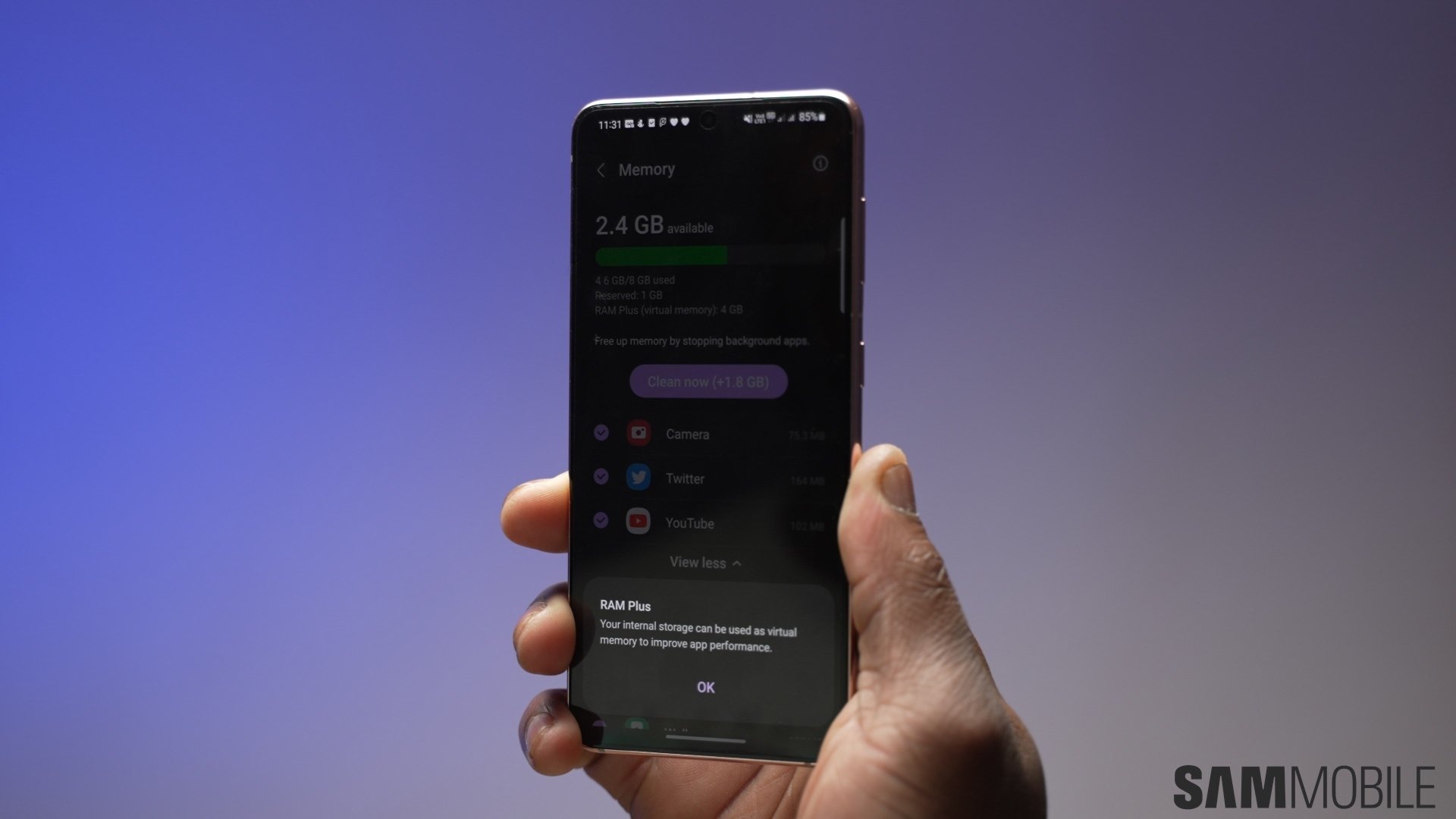
When it was first introduced, RAM Plus didn't give you any option to select just how much storage space you dedicate to it. Samsung changed that with One UI 4.1, and with One UI 5.0, the company also added the ability to disable RAM Plus altogether.
While it's an interesting feature, it's not something most people will notice making a difference. Still, RAM Plus comes enabled by default on devices that support it and usually captures 4GB of storage space to act as virtual memory. But it's quite easy to disable it reclaim all the storage RAM Plus may be using up.
You need to open your phone or tablet's Settings app, navigate to Battery and device care, tap Memory, scroll to the bottom and tap RAM Plus, and use the toggle at the top right of the screen to disable the feature. The same menu also lets you select how much internal storage is used as virtual memory, but at least on flagship phones and tablets, we don’t think having RAM Plus enabled has any benefits, so turning it off is the best course of action.
Or if you have enough storage available on your Galaxy device and don't see yourself filling it up for a long time, you can just leave RAM Plus enabled. It may not show any noticeable gains, but keeping it enabled has no side effect, either (other than using more of your internal storage).
Just keep in mind that if your device's storage is starting to fill up to the brim, disabling RAM Plus could give you a few extra gigabytes before you have to resort to deleting stuff to make space for new files and data.

Abhijeet's writing career started with guides for custom firmware for Samsung devices (including the original Galaxy S), and he moved to SamMobile in mid-2013 and worked up the ranks to Editor-in-chief. In addition to phones and mobile devices, his interests include gaming on both PC and console, PC hardware, and spending countless hours on YouTube watching videos on tech, movies, games, politics, and internet dramas.












