Last updated: March 29th, 2024 at 08:36 UTC+01:00
SamMobile has affiliate and sponsored partnerships, we may earn a commission.
Reading time: 2 minutes
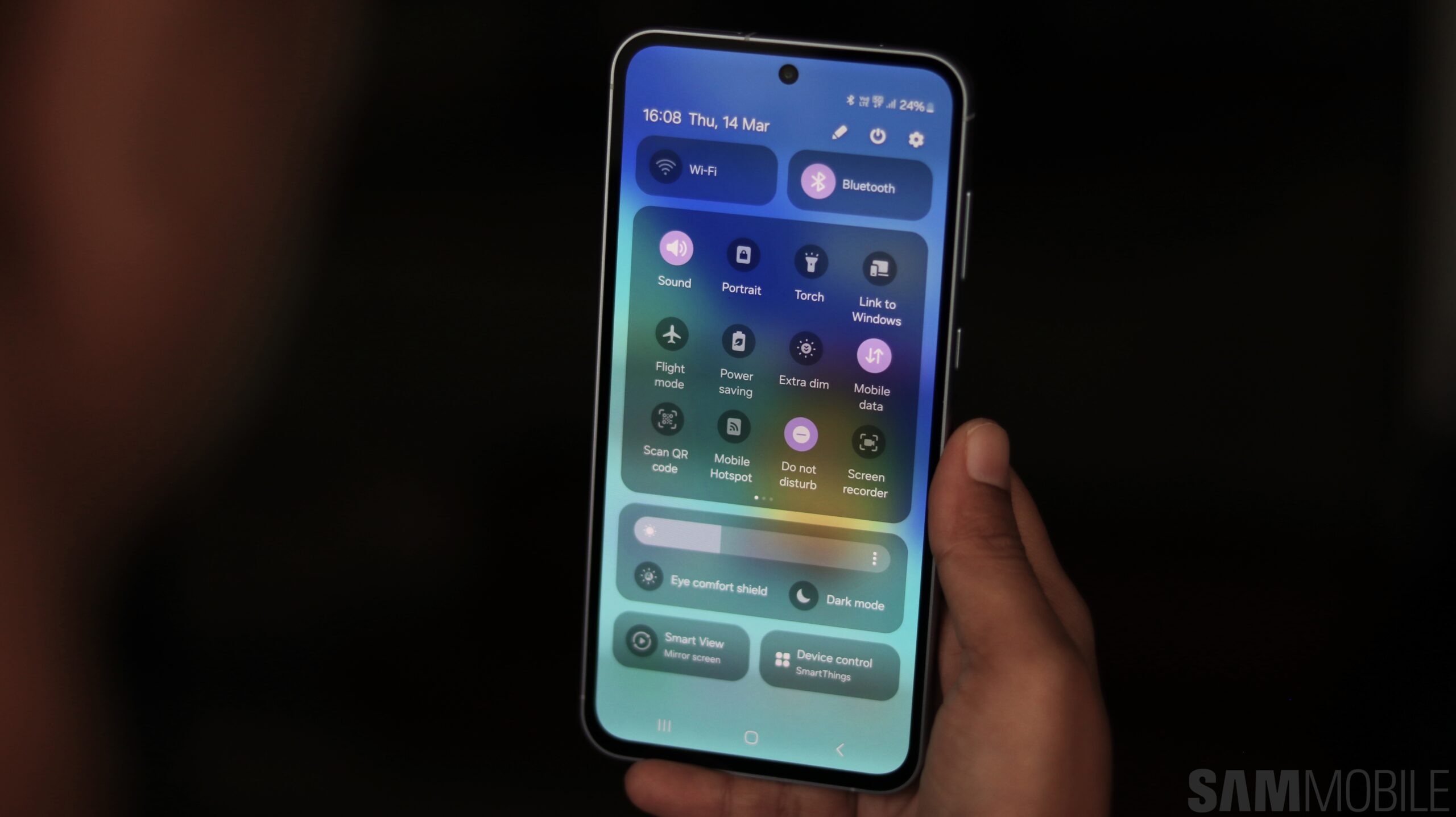
If you want to hide the UI navigation gesture bar on your phone running One UI 6.1, here's how you can do it.
To hide the UI navigation gesture bar in One UI 6.1, you have to install the Good Lock app and the NavStar app from the Galaxy Store. Make sure that your phone is running version 6.1.05.40 of the NavStar app. If you can't find that version on the Galaxy Store, download it from here and install it. Now, follow the steps mentioned below.
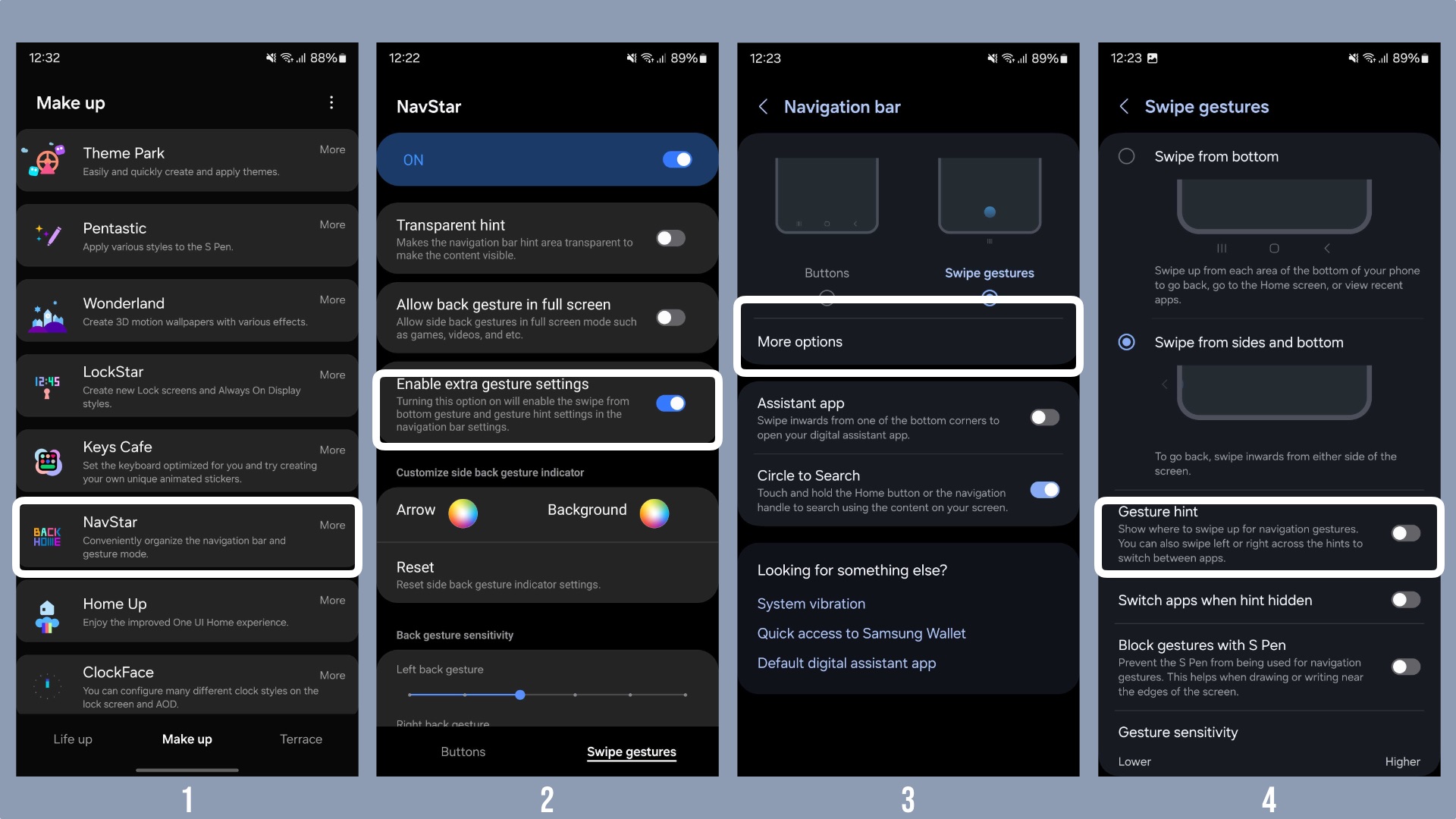
You can have a look at the screenshots above to get a proper idea of what you need to do to hide the UI navigation bar on your device running One UI 6.1.
Some people were confused after installing the One UI 6.1 update, as their phones reverted to on-screen buttons on Android's navigation gesture system instead of Samsung's navigation gesture system. We will explain how to revert to Samsung's ‘Swipe From Bottom' gesture system in a separate article.
One UI 6.1 brings several new features, including the ones powered by Galaxy AI, to the Galaxy S23 series, Galaxy Z Flip 5, Galaxy Z Fold 5, and the Galaxy Tab S9 series. You can have a look at all those features in our detailed video below.

Asif is a computer engineer turned technology journalist. He has been using Samsung phones since 2004, and his current smartphone is the Galaxy S23 Ultra. He loves headphones, mechanical keyboards, and PC hardware. When not writing about technology, he likes watching crime and science fiction movies and TV shows.












