Last updated: April 14th, 2022 at 14:05 UTC+02:00
SamMobile has affiliate and sponsored partnerships, we may earn a commission.
Reading time: 2 minutes
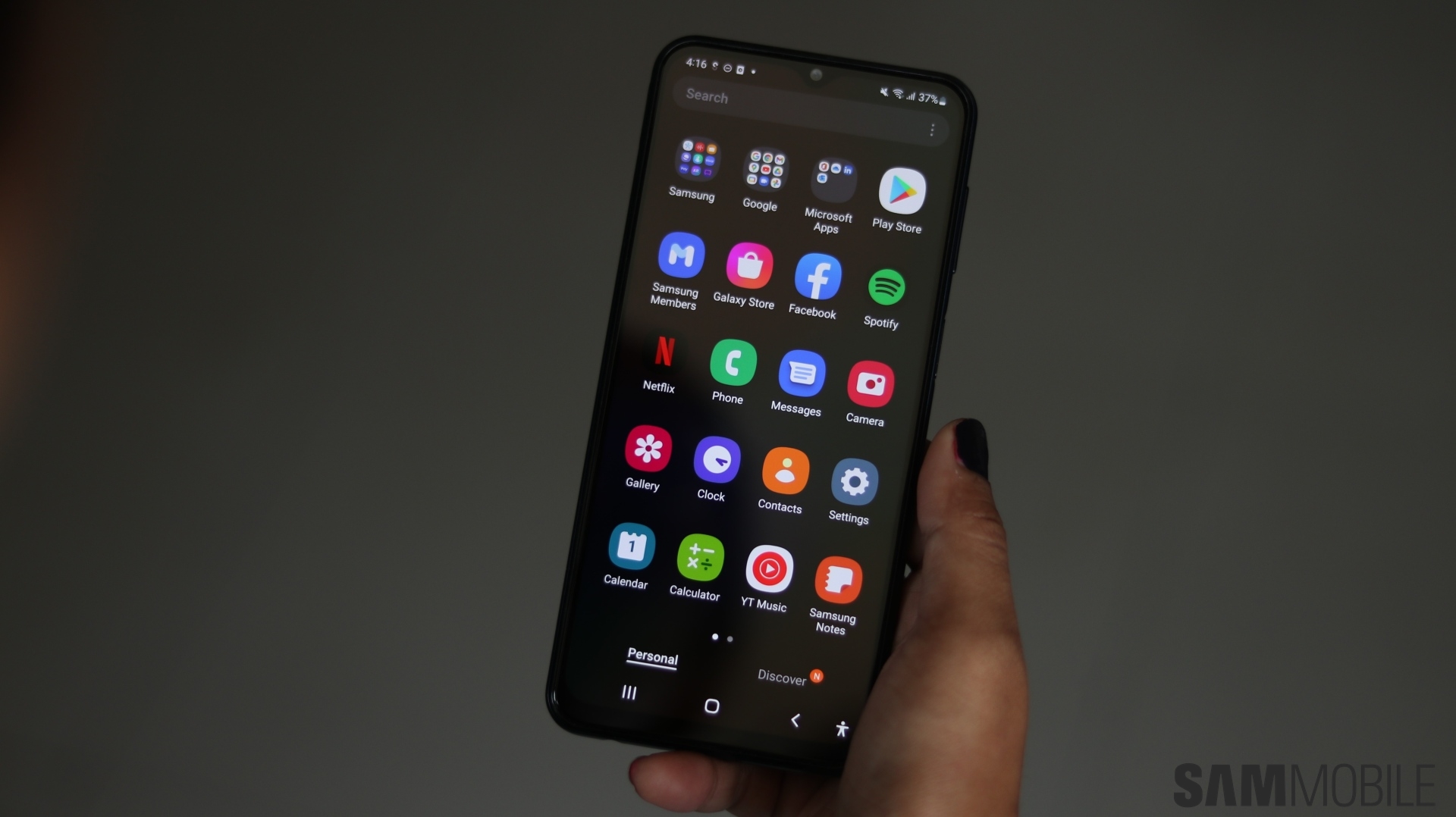
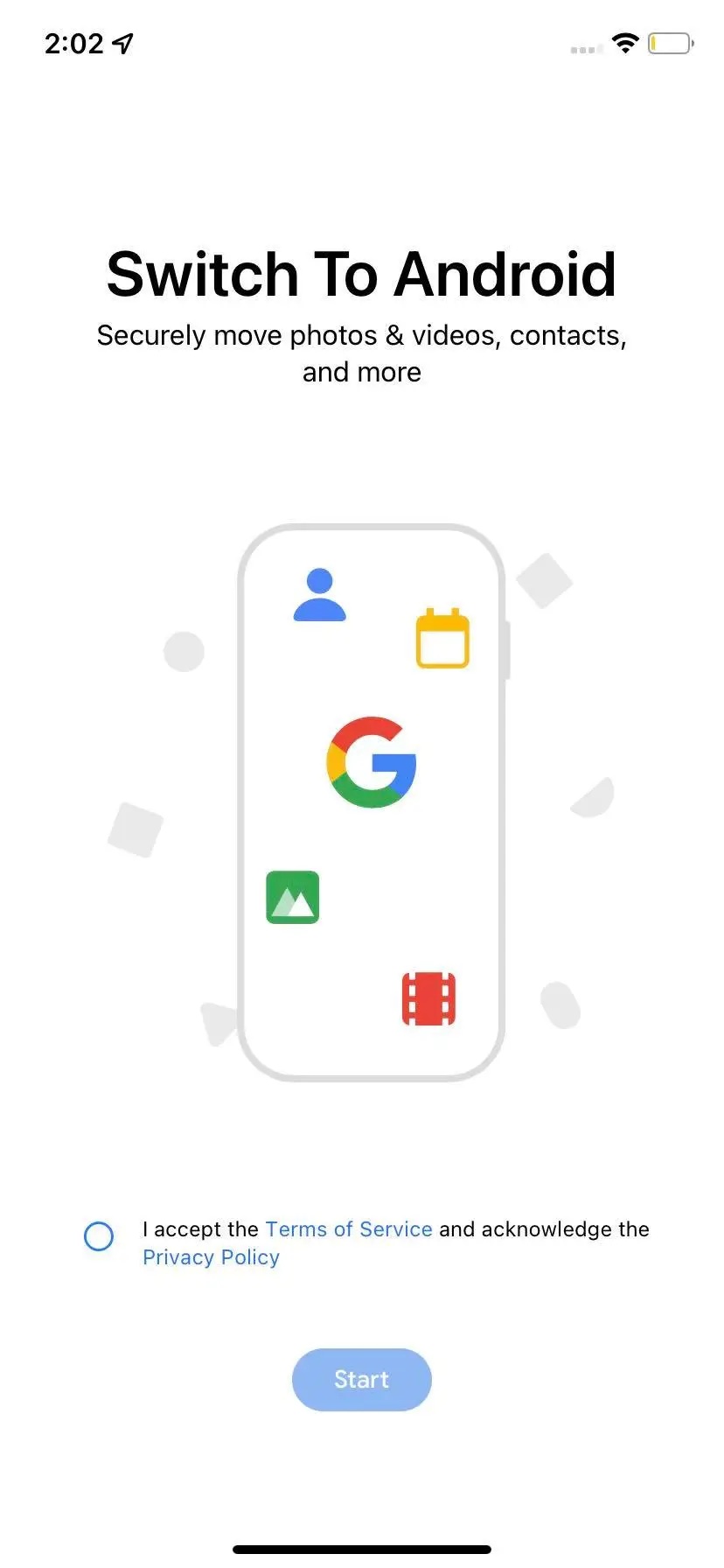
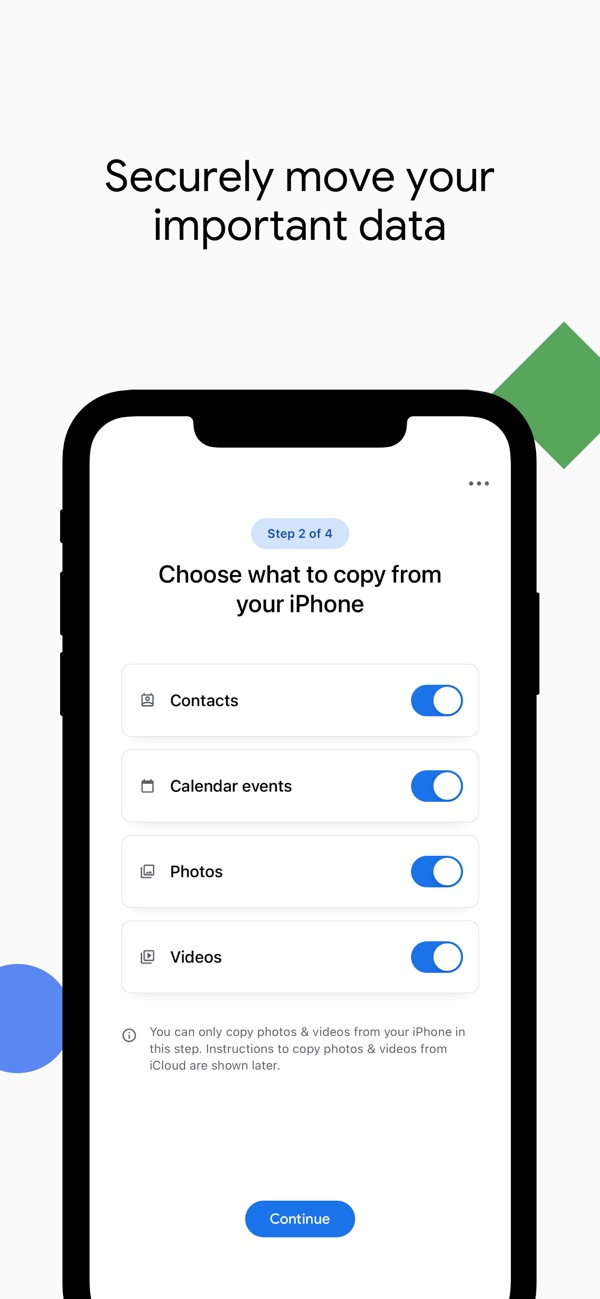
The new Switch To Android app is available on the App Store for iPhones, but you can't find it if you just search for it. You have to follow this link to access the app and install it on your iPhone. It lets you transfer calendar events, contacts, photos, and videos from an iPhone to an Android device. It all works wirelessly once you scan a QR code, so you don't have to worry about using a cable or an adapter.
The app falls short in terms of feature set, though. It can't transfer messages, call logs, home screen wallpaper, and settings from an iPhone to an Android smartphone. In comparison, Samsung's Smart Switch can transfer all that data and things like WhatsApp chat threads, apps (or similar ones on Play Store), and even device settings.
If Google wants to create a centralized system that lets users easily switch from iPhones to Android smartphones, it needs to do more and add more features to Android and its new iOS app.
Join SamMobile’s Telegram group and subscribe to our YouTube channel to get instant news updates and in-depth reviews of Samsung devices. You can also subscribe to get updates from us on Google News and follow us on Twitter.

Asif is a computer engineer turned technology journalist. He has been using Samsung phones since 2004, and his current smartphone is the Galaxy S23 Ultra. He loves headphones, mechanical keyboards, and PC hardware. When not writing about technology, he likes watching crime and science fiction movies and TV shows.












