Last updated: July 16th, 2025 at 06:09 UTC+02:00
SamMobile has affiliate and sponsored partnerships, we may earn a commission.
It is now easier to access the address bar.
Reading time: 2 minutes
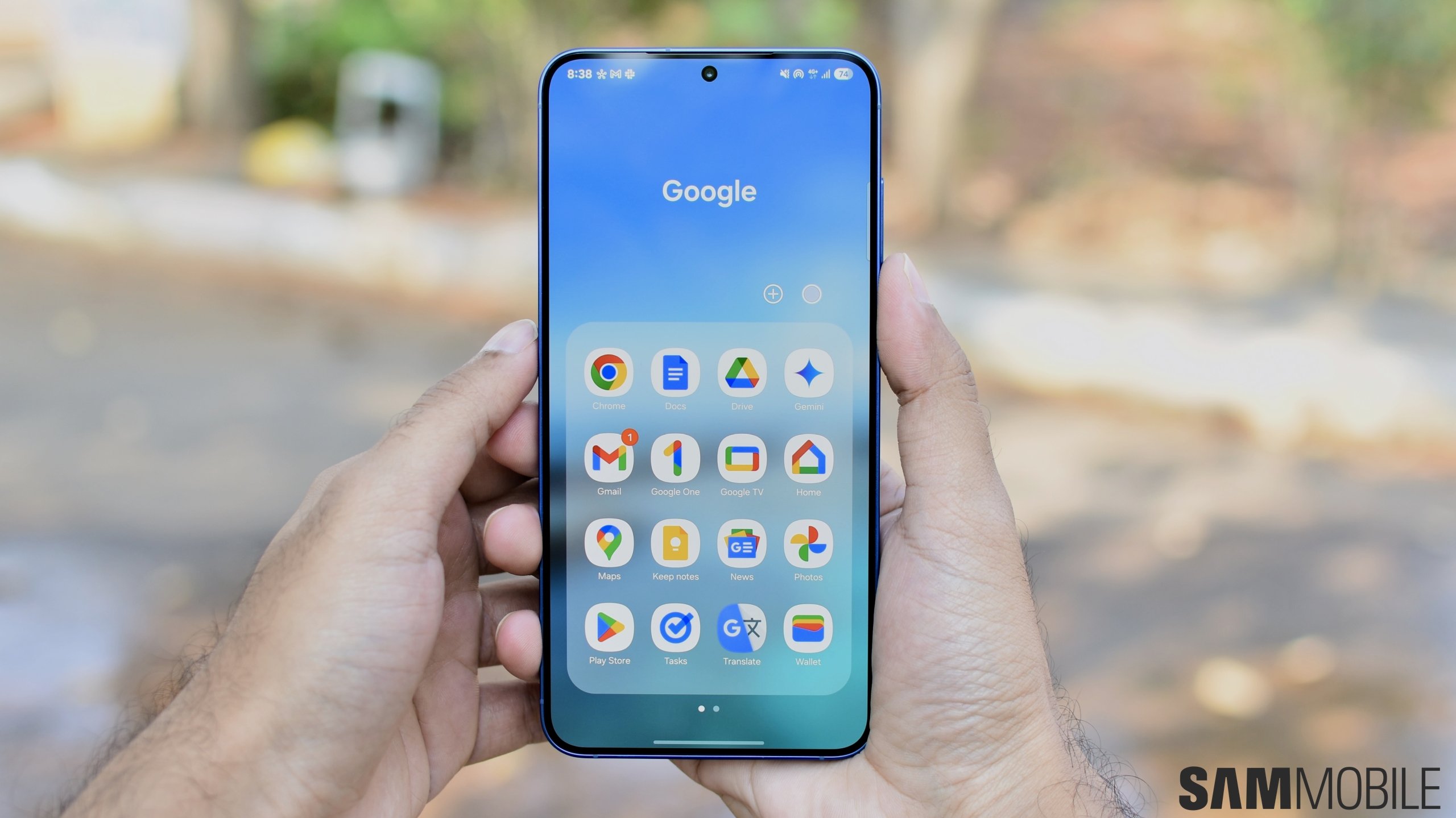
Although Google Chrome is pre-installed on all Galaxy phones and tablets, Samsung Internet remains the preferred browser among many users. This preference comes from its additional features, customization options, and superior performance compared to Chrome. Notably, one of the customization options available on Samsung Internet has been copied by Google Chrome.
Google announced last month that it would allow users to move the address bar to the bottom. And now, the feature is finally available. After installing the latest update (version 138) for Google Chrome from the Play Store, you can choose whether the address bar appears at the top or the bottom, depending on your preferences.
You can see the differences between top and bottom positions in the screenshots below.


After installing the latest version of Google Chrome, open the app and long-press the address bar to reveal the new option called ‘Move address bar to the bottom.' Once you tap that option, the address bar moves to the bottom, and you can switch it up again by long-pressing the address bar and tapping ‘Move address bar to the top' option.
Since phones have huge screens these days, it is hard for your finger to reach the top of the screen every time you want to type a webpage's address. To ease the reachability, you can use Google Chrome's new feature to make one-handed usage much easier.

Asif is a computer engineer turned technology journalist. He has been using Samsung phones since 2004, and his current smartphone is the Galaxy S23 Ultra. He loves headphones, mechanical keyboards, and PC hardware. When not writing about technology, he likes watching crime and science fiction movies and TV shows.













