Last updated: November 27th, 2024 at 10:49 UTC+01:00
SamMobile has affiliate and sponsored partnerships, we may earn a commission.
Reading time: 2 minutes
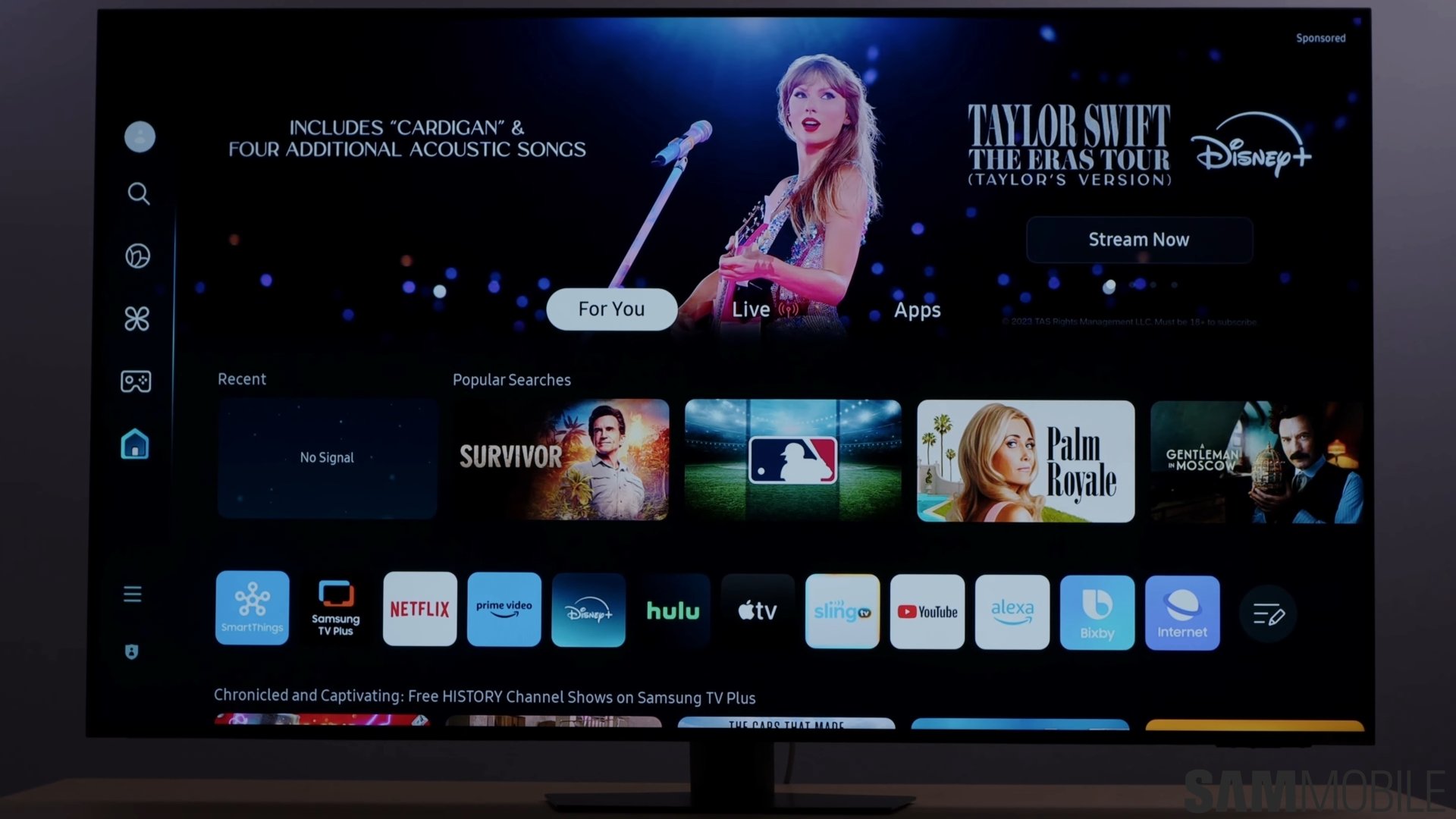
But what if you can't get it to work? You can try this.
The most common way to summon the Daily Board is to say “Hi, Bixby” when your TV screen is turned off. But if you've been trying to do that without results, it probably means the “Hands-free wake-up” option on your TV is turned off.
Here's how you can enable it, right after our video below.
First, press the Settings button on your TV remote, then select the cog icon and go to “All Settings.”
Next, use the remote to navigate to and select “General & Privacy.” Then, go to “Voice” and turn on “Hands-free wake-up.” You can set this option to work “Always” or “Only when the Screen is on.”
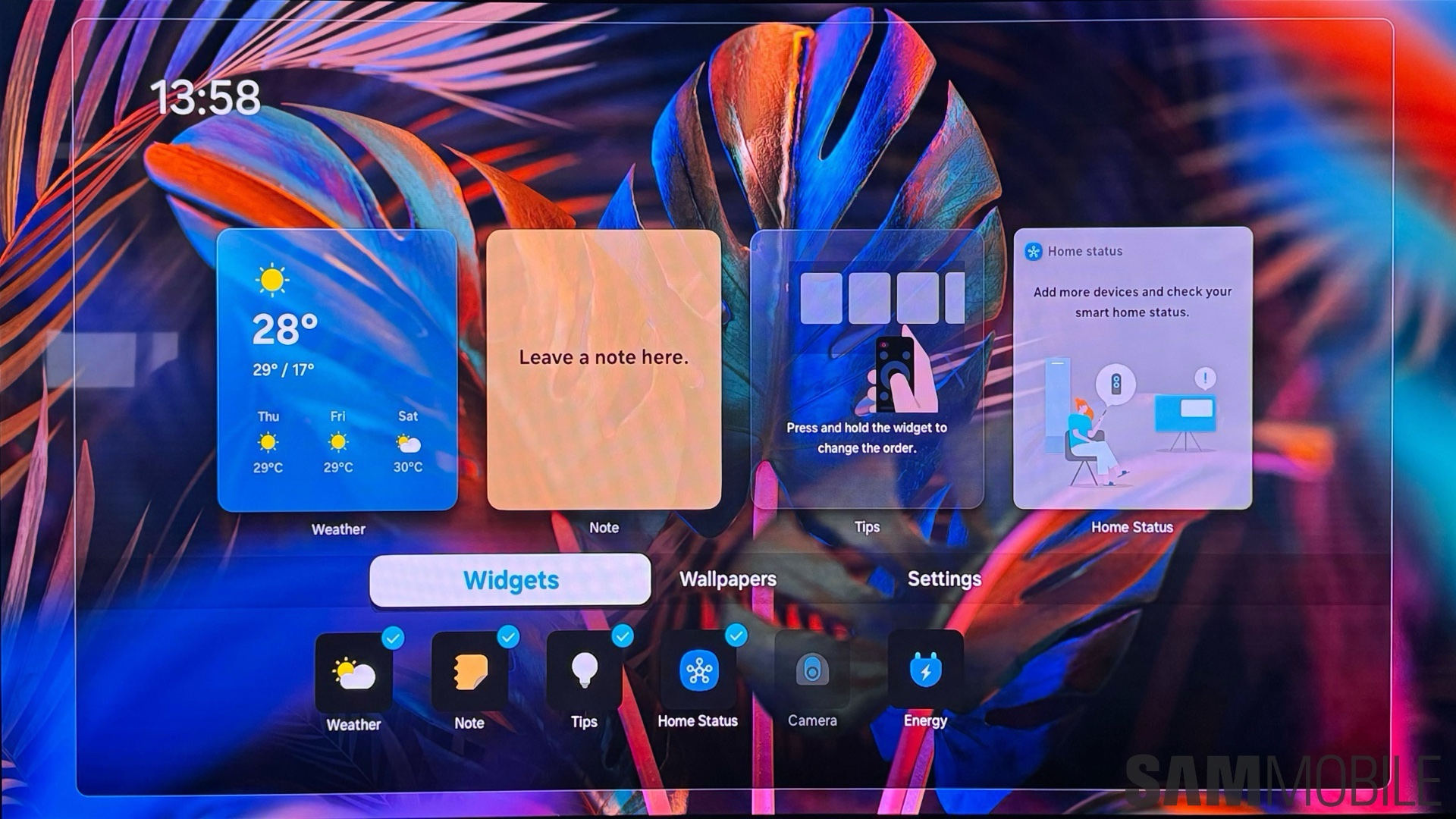
It's worth knowing that you can change some Bixby settings for “Hands-free wake-up,” such as the wake-up phrase between “Hi, Bixby” or just “Bixby.” And if you have a Samsung soundbar connected to your TV, you can choose whether you want to use the soundbar's microphone for Bixby voice commands.
That's it. Now you should be able to get the Daily Board to work on your TV whenever you say “Hi, Bixby” or “Bixby” with your screen turned off.

Mihai is a blogger and column writer at SamMobile. His first Samsung phone was an A800 which took a lot of beating, and a part of him still misses the novelty of the clamshell design. In his free time, he enjoys watching shows, documentaries, and stand-up comedy; listening to music, taking walks, and occasionally playing old(er) video games.













