Last updated: November 27th, 2022 at 23:24 UTC+01:00
SamMobile has affiliate and sponsored partnerships, we may earn a commission.
Reading time: 2 minutes
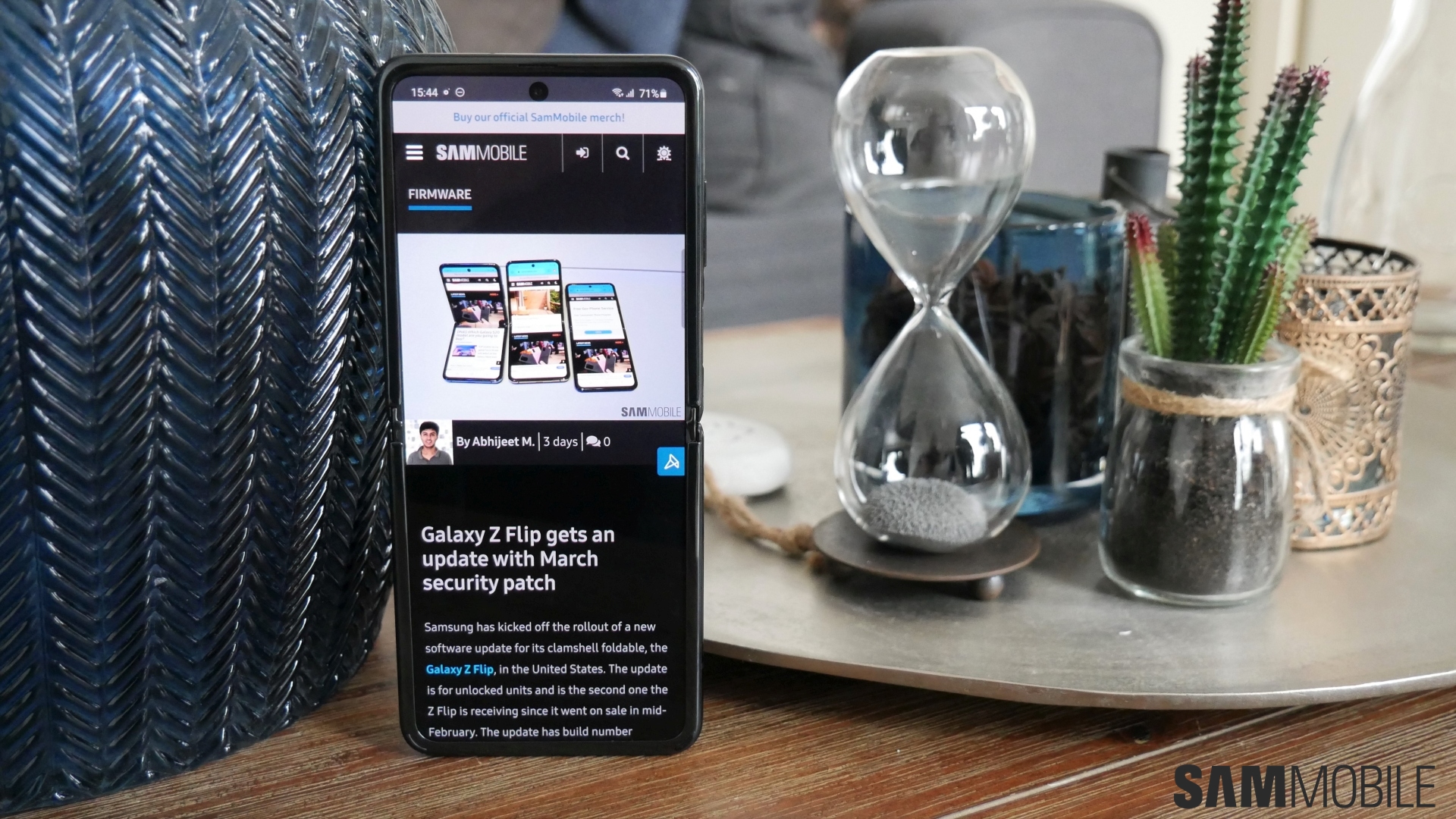
Sprint has released the Android 13-based One UI 5.0 update to the Galaxy Z Flip and the Z Flip 5G, with the latter also getting it on T-Mobile's network. Both carriers have bundled the November 2022 security patch with these updates, which feature firmware versions F700USQU5HVK5 and F707USQU3GVK3 for the Z Flip and Z Flip 5G respectively.
Provided your OG Galaxy Z Flip is still in a working condition and you are still using it as your daily driver, you can try to download the update over the air from the phone's Settings » Software update menu. As usual, you can take the alternative route of downloading the latest firmware from our archive and installing it on your phone manually using a Windows PC. Samsung's Smart Switch program for PC can also be used for updating to Android 13/One UI 5.0.
Android 13 and One UI 5.0 bring a lot of new features to Samsung's phones and tablets, including lock screen personalization options that are highly extensive and give lock screen customization a whole new meaning. We cover all of the new features in the videos below, so do be sure to check them out!
[modelinfo model=”SM-F700U”]
[modelinfo model=”SM-F707U”]

Abhijeet's writing career started with guides for custom firmware for Samsung devices (including the original Galaxy S), and he moved to SamMobile in mid-2013 and worked up the ranks to Editor-in-chief. In addition to phones and mobile devices, his interests include gaming on both PC and console, PC hardware, and spending countless hours on YouTube watching videos on tech, movies, games, politics, and internet dramas.













