Last updated: January 28th, 2025 at 12:31 UTC+01:00
SamMobile has affiliate and sponsored partnerships, we may earn a commission.
Reading time: 2 minutes
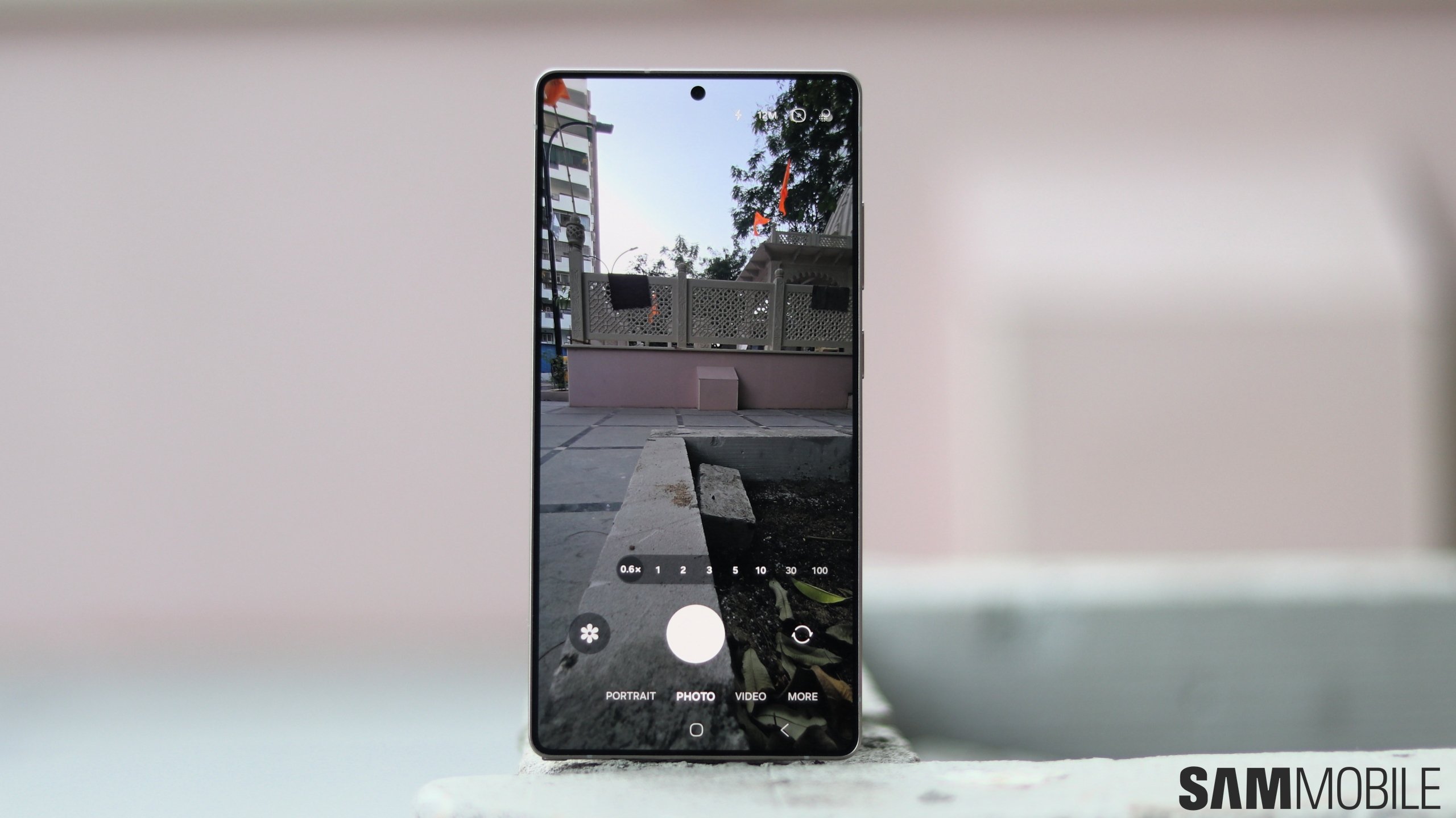
The Galaxy S25 series gets two new features via Good Lock's Camera Assistant module: HDR10+ toggle and external storage support. As you can see in the screenshot below, you can enable or disable HDR10+ video recording via the Camera Assistant app. For this to work, HDR needs to be turned in the stock Camera app's Advanced Video Options menu.
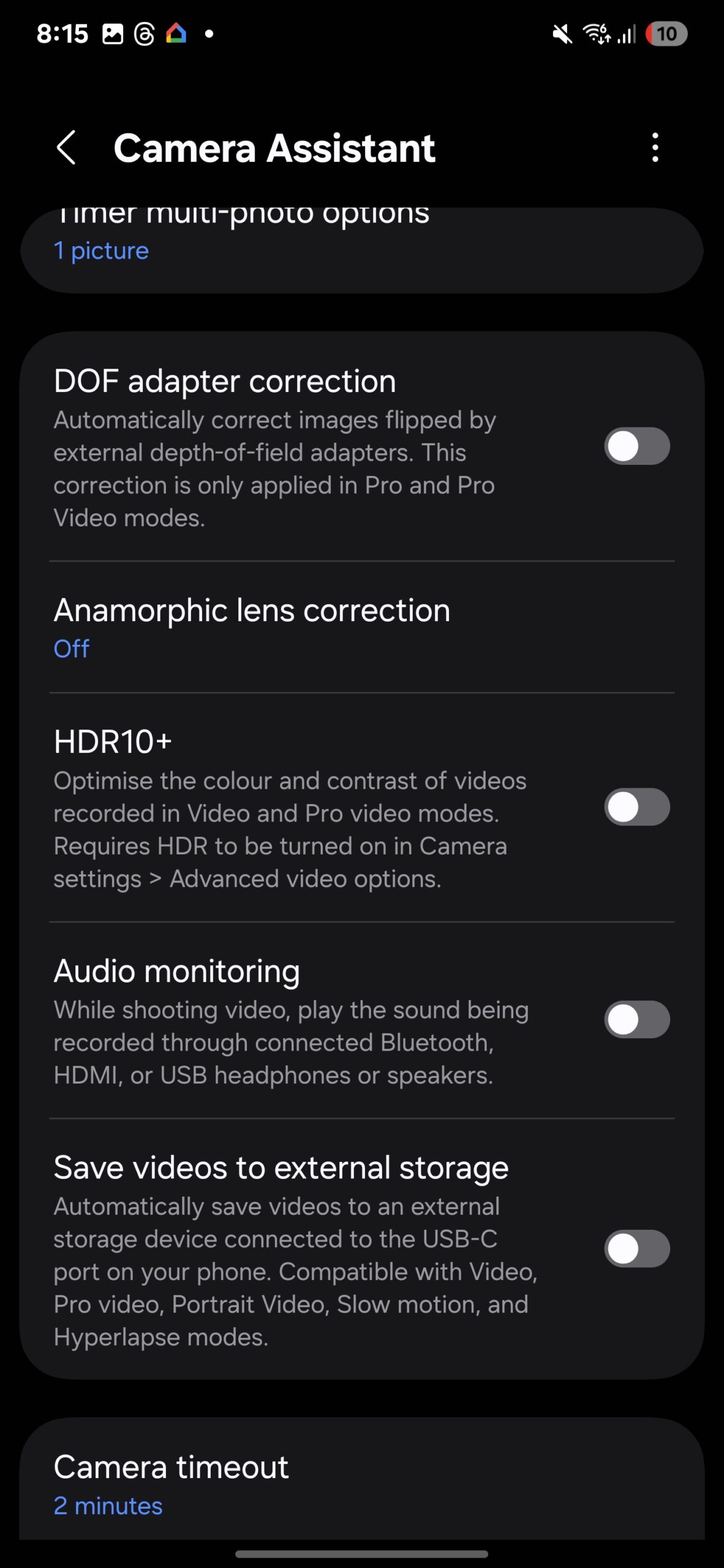
HDR10+ optimizes the colors and contrast of videos recorded in Pro Video and Video modes of the Galaxy S25's stock camera app. The Galaxy S24 recorded 8-bit SDR videos by default, but the Galaxy S25 series records videos in 10-bit HDR (in the HLG format).
The new phones also get support for storing videos directly to an external storage device that is connected via the USB Type-C port. This feature is compatible with Video, Pro Video, Portrait Video, Slow Motion, and Hyperlapse modes in the stock Camera app.
Watch our early impression of the Galaxy S25 Ultra's cameras in our hands-on video below.
The two new camera features in Camera Assistant may be restricted to the Galaxy S25 series, but we would like to be proven wrong in this regard.

Asif is a computer engineer turned technology journalist. He has been using Samsung phones since 2004, and his current smartphone is the Galaxy S23 Ultra. He loves headphones, mechanical keyboards, and PC hardware. When not writing about technology, he likes watching crime and science fiction movies and TV shows.












