Cyber week deals! Galaxy Watch8 Classic, Fold 7, S25 Ultra. Follow us on YouTube, TikTok, or LinkedIn
Last updated: January 25th, 2025 at 13:25 UTC+01:00
SamMobile has affiliate and sponsored partnerships, we may earn a commission.
Reading time: 2 minutes
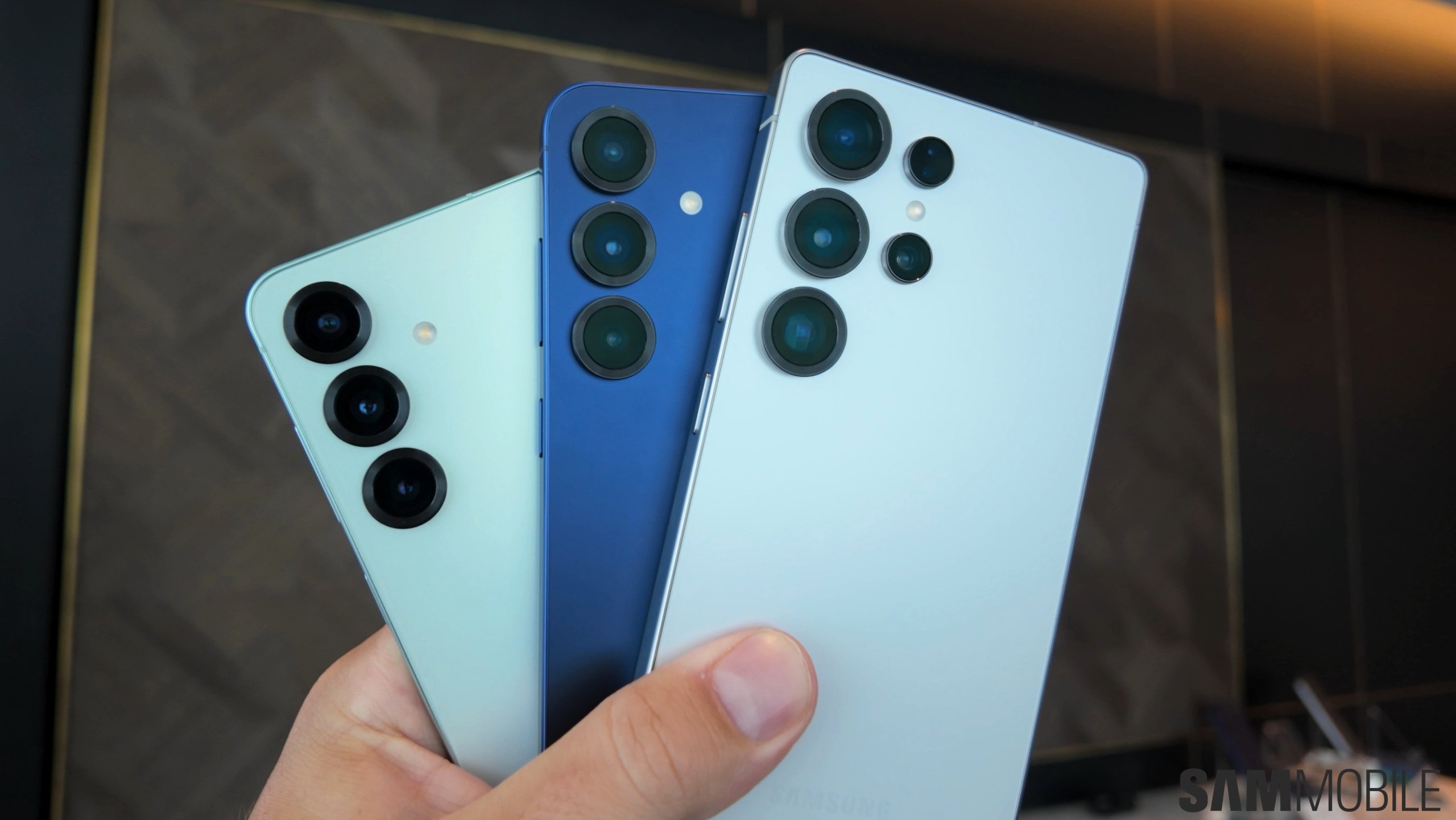
We recently confirmed that the Galaxy S25, Galaxy S25+, and Galaxy S25 Ultra support Seamless Updates. This feature, which sets up two partitions on a device, lets you use the phone (using partition A) while a new software update installs in the background (on partition B).
When this feature was launched with Android 7.1 Nougat in 2016, it required double the storage space for the operating system, resulting in less available storage space for the user.
Later, Google introduced an improved system called Virtual A/B Partition. It creates a compressed snapshot of each partition that needs to be updated. Then, it applies the patches in the update file of that snapshot. The operating system then checks if that partition can boot. This is the system that Samsung has implemented in the Galaxy S25.
While the new A/B partition system takes up some extra storage space, it doesn't need double the storage space that the original system needed. Hence, you don't need to worry about the Seamless Updates feature on the Galaxy S25 series.
You can watch One UI 7.0 and its new features that debuted with the Galaxy S25 series in our video below.
Asif is a computer engineer turned technology journalist. He has been using Samsung phones since 2004, and his current smartphone is the Galaxy S21 Ultra. He loves headphones, mechanical keyboards, and PC hardware. When not writing about technology, he likes watching crime and science fiction movies and TV shows.