Great deals, Galaxy S25 FE, Fold 7, S25 Ultra. Subscribe to SamMobile TV!
Last updated: October 30th, 2025 at 06:31 UTC+01:00
SamMobile has affiliate and sponsored partnerships, we may earn a commission.
This is the second major One UI update since the phone's launch. It will get two more such updates.
Reading time: 2 minutes
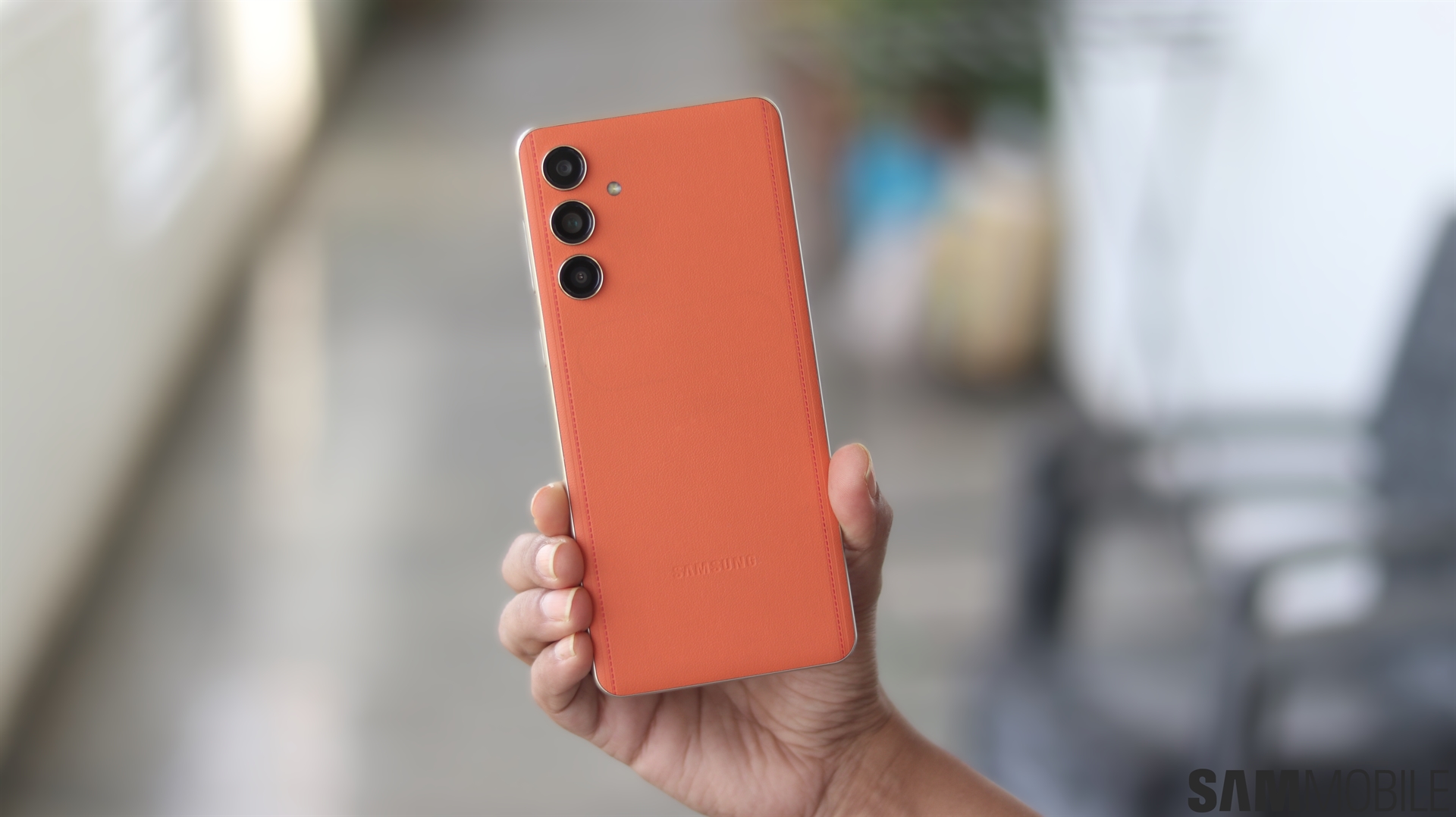
Samsung is currently busy rolling out the One UI 8 update. Following the release of the update to the Galaxy F15, Galaxy M55, and Galaxy M55s, the company has now released it to the Galaxy F55. This marks the second major Android OS and One UI update the phone has received since its launch.
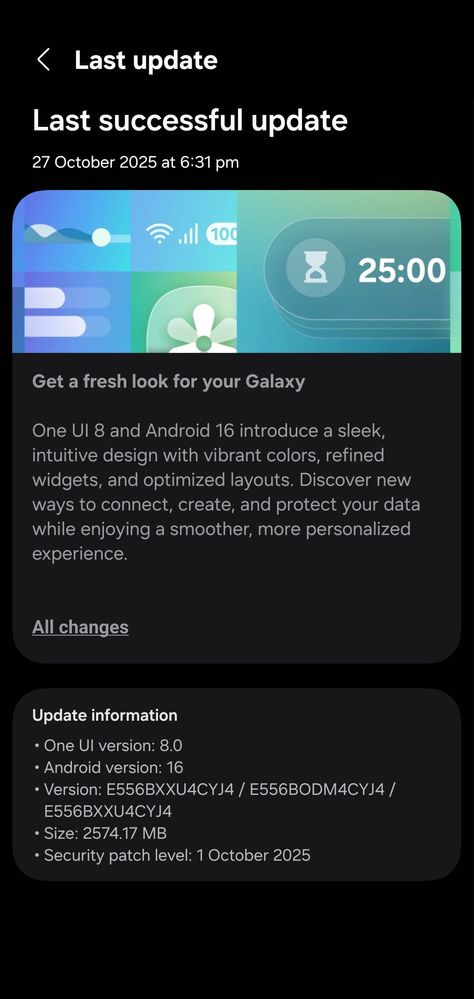
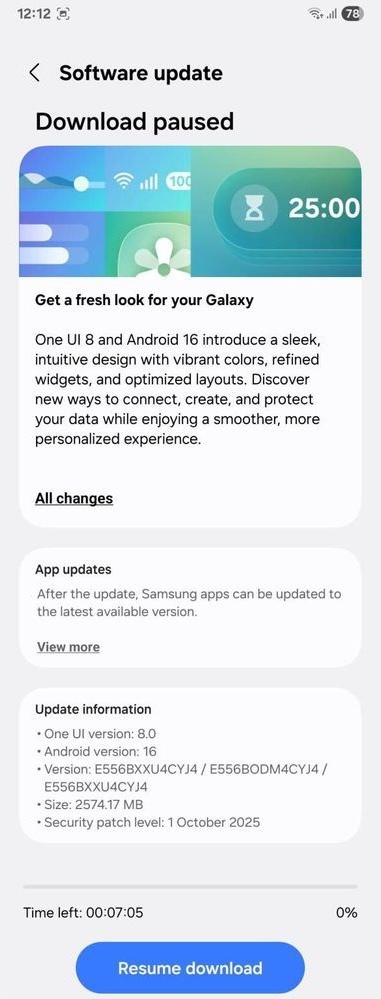
The Android 16-based One UI 8.0 update has been released for the Galaxy F55. It is now available in India, and if you have the phone, you can download and install it by navigating to Settings > Software update > Download and install. Once the update is downloaded, tap the Install now.
The update comes with firmware version E556BXXU4CYJ4 and has a download size of around 2.5GB. It includes the October 2025 security patch, which is the latest one available.
The Galaxy F55 was launched in mid-2024 with Android 14 (One UI 6.0) onboard. Earlier this year, the phone received the Android 15 (One UI 7.0) update, and now, it has received the Android 16 (One UI 8.0) update. Since Samsung promised four generations of Android updates, the Galaxy F55 will get two more Android OS updates (Android 17 and Android 18).
One UI 8.0 brings a major redesign to Quick Share, which now has a full-screen design and two separate tabs for Send and Receive functions. The Samsung Internet app has also received a redesigned menu, while the Weather app has received improved graphics and visuals.
The Modes and Routines app has received new actions and conditions. Samsung Health gets new health features like Bedtime Guidance and Running Coach. The Now Bar is now compatible with Android 16's Live Updates feature, which means it now works with third-party apps for live notifications.
The new 90:10 split-screen multitasking option offers a better experience of switching between two apps for quick referencing. Calendar, Clock, and Reminder apps have received new management features for calendar entries, alarms, and reminders, respectively.
The Phone app has a new Profile Card interface. The Camera app now has a swipe gesture to reveal quick camera controls. The Secure Folder feature is now more secure, while Bluetooth Auracast-based audio casts have improved with One UI 8.0. You can check out all the new and improved features here.
Asif is a computer engineer turned technology journalist. He has been using Samsung phones since 2004, and his current smartphone is the Galaxy S21 Ultra. He loves headphones, mechanical keyboards, and PC hardware. When not writing about technology, he likes watching crime and science fiction movies and TV shows.