9 days until XMAS. Massive discount Galaxy Z Fold7, Watch8, S25 Ultra and S95F OLED TV
Last updated: May 8th, 2024 at 10:53 UTC+02:00
SamMobile has affiliate and sponsored partnerships, we may earn a commission.
Reading time: 2 minutes
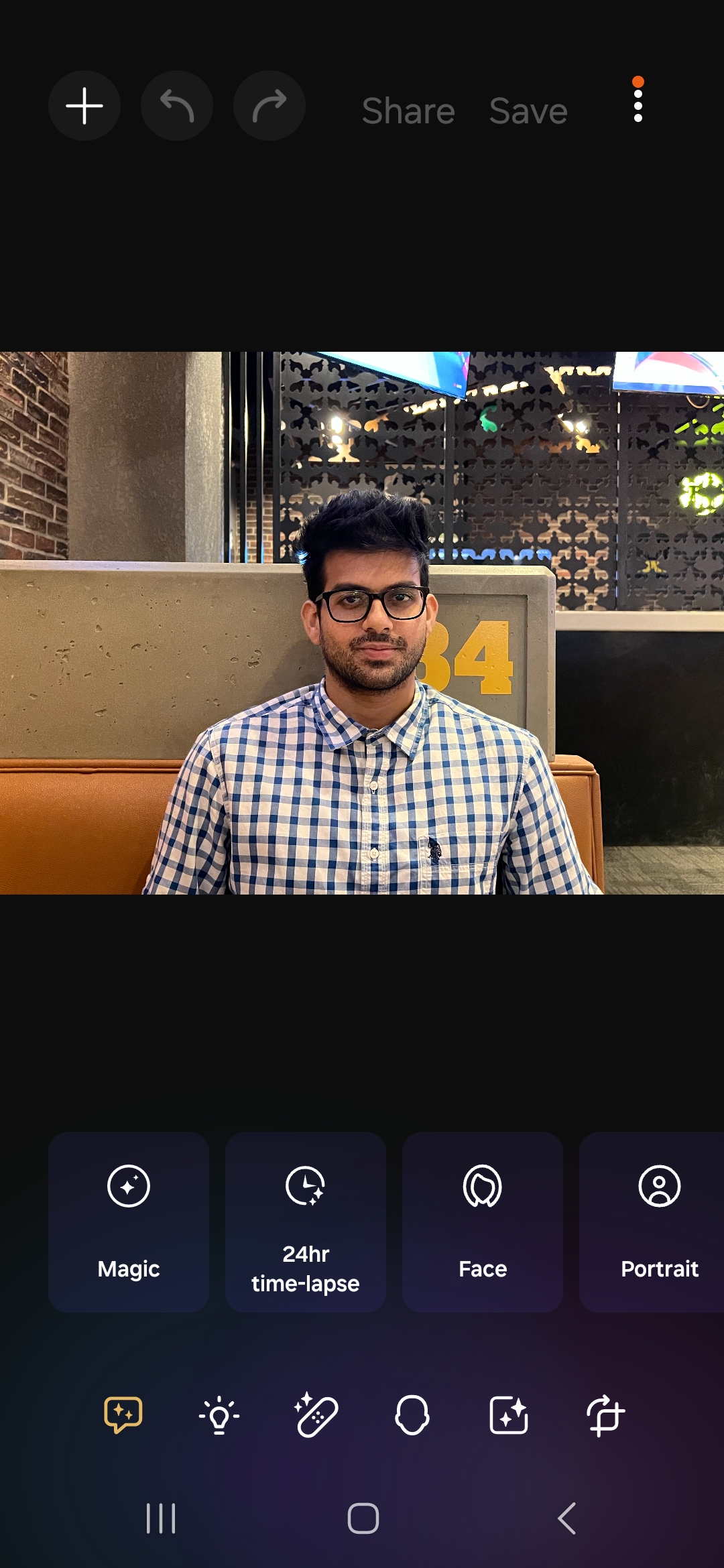
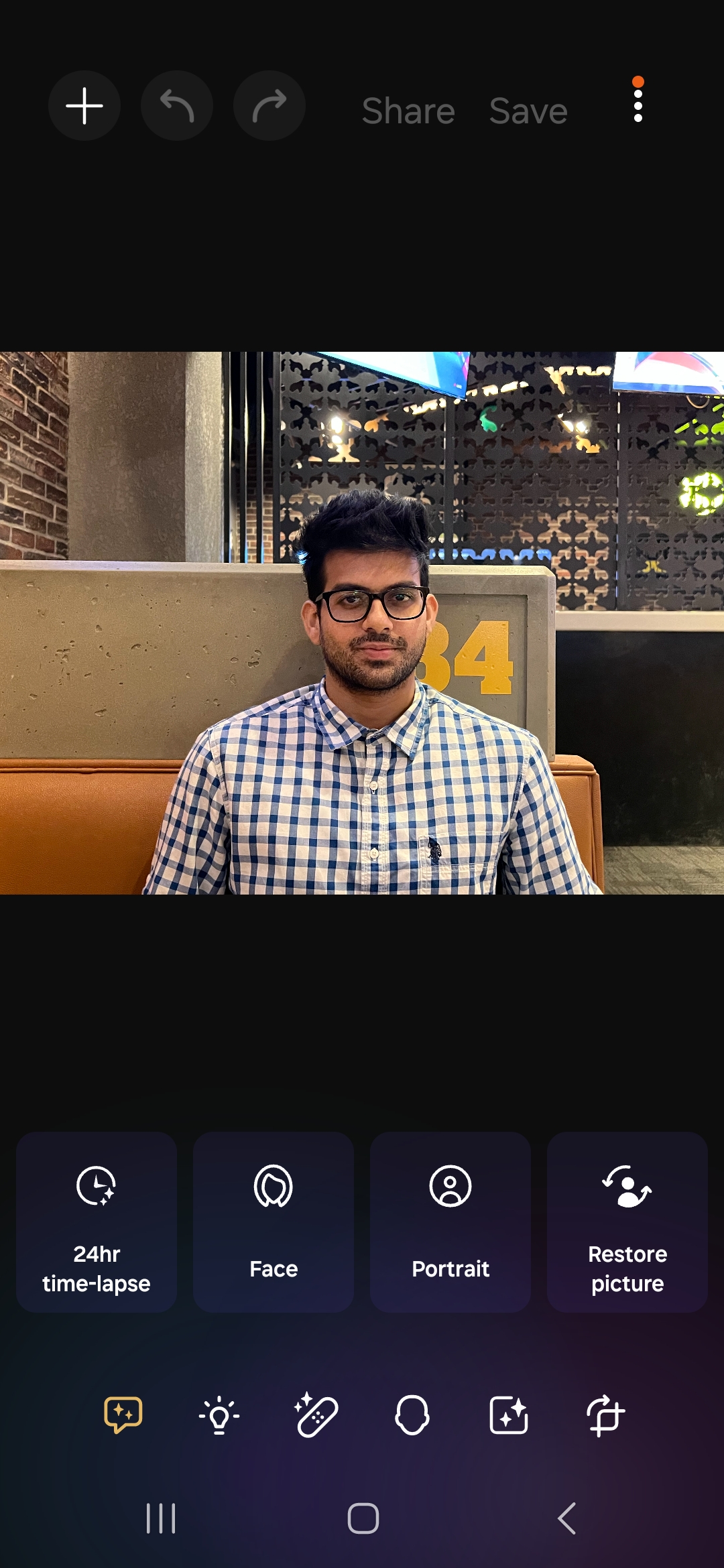
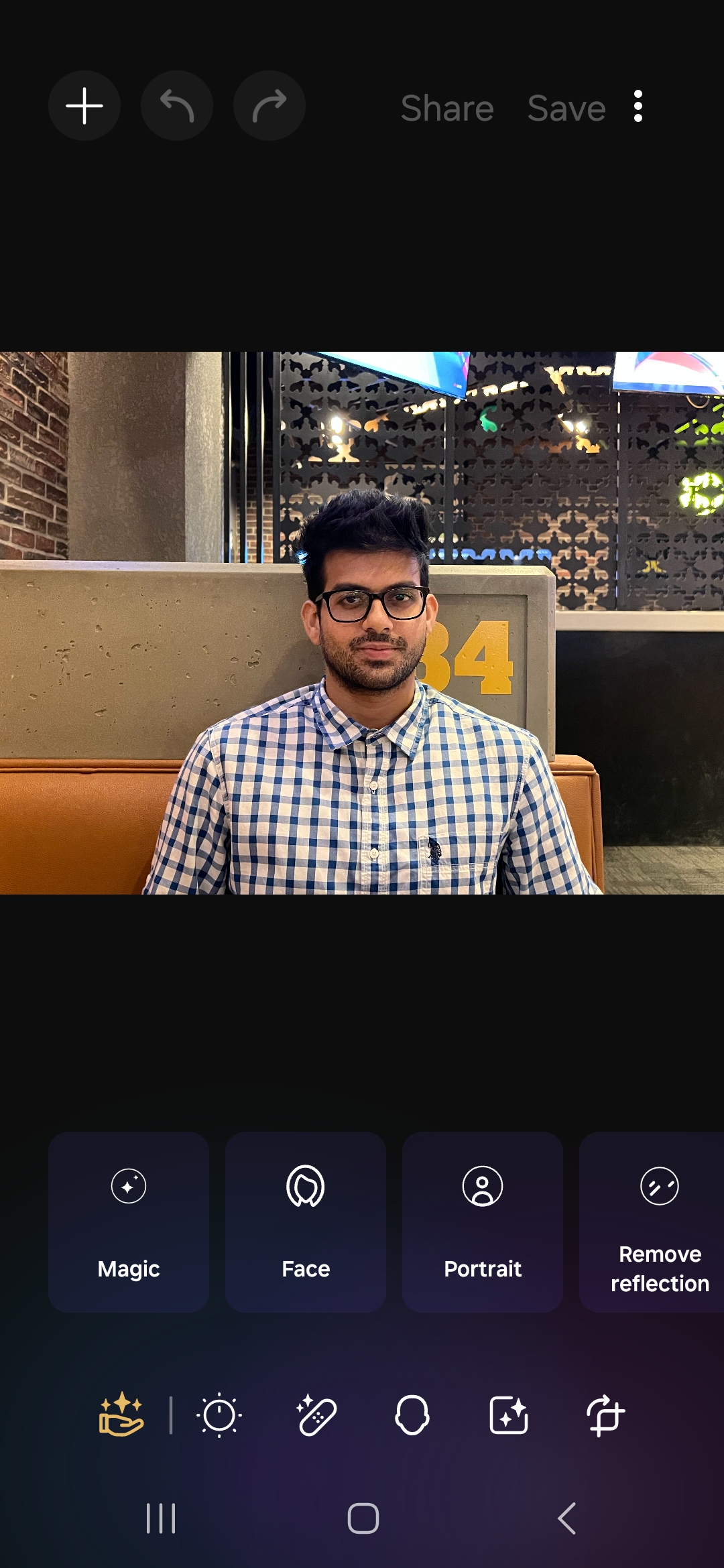
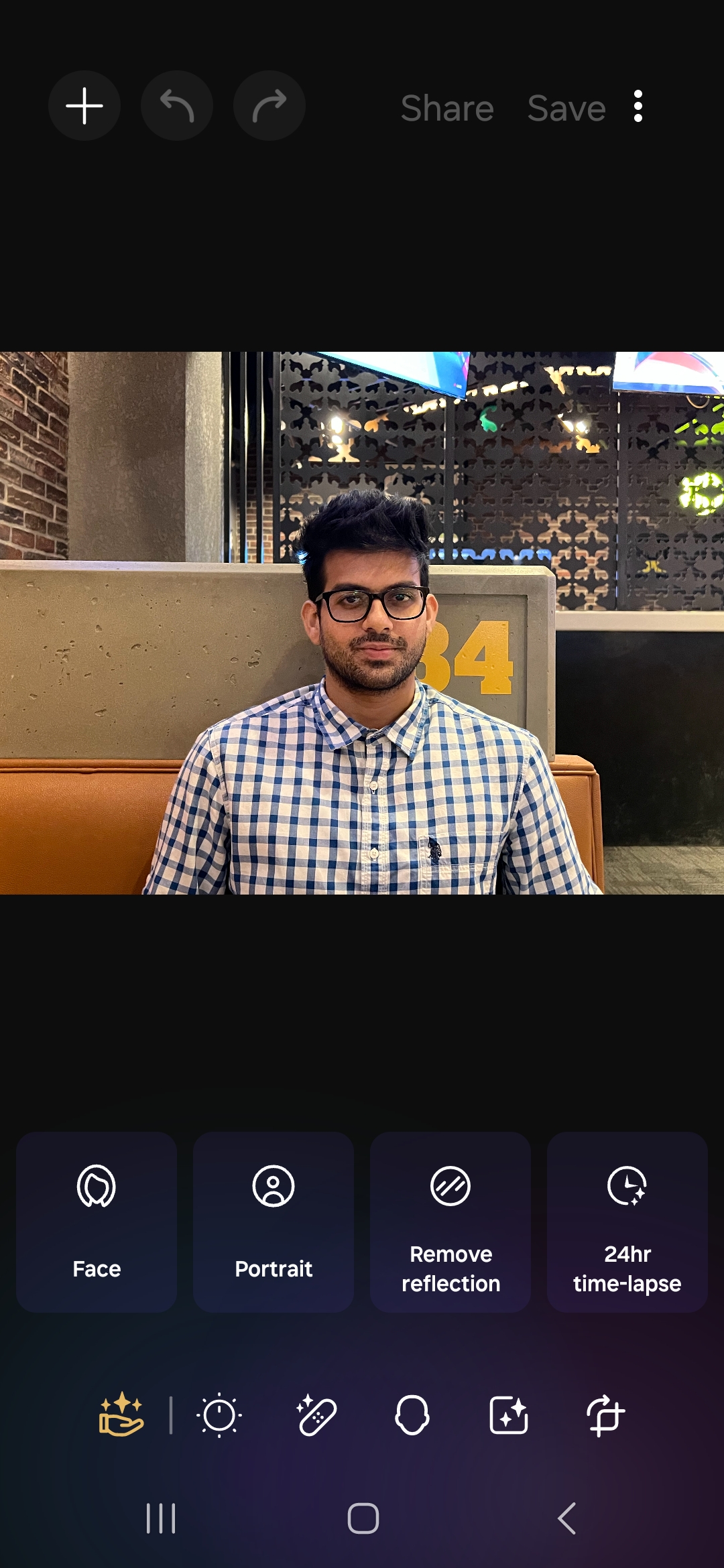
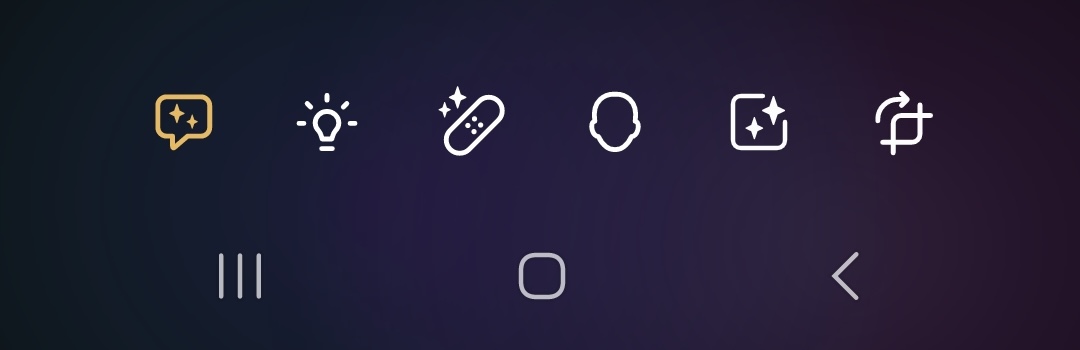
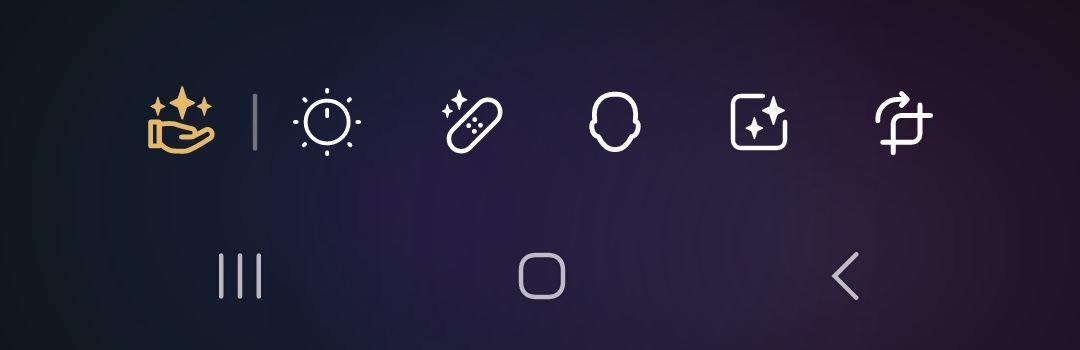
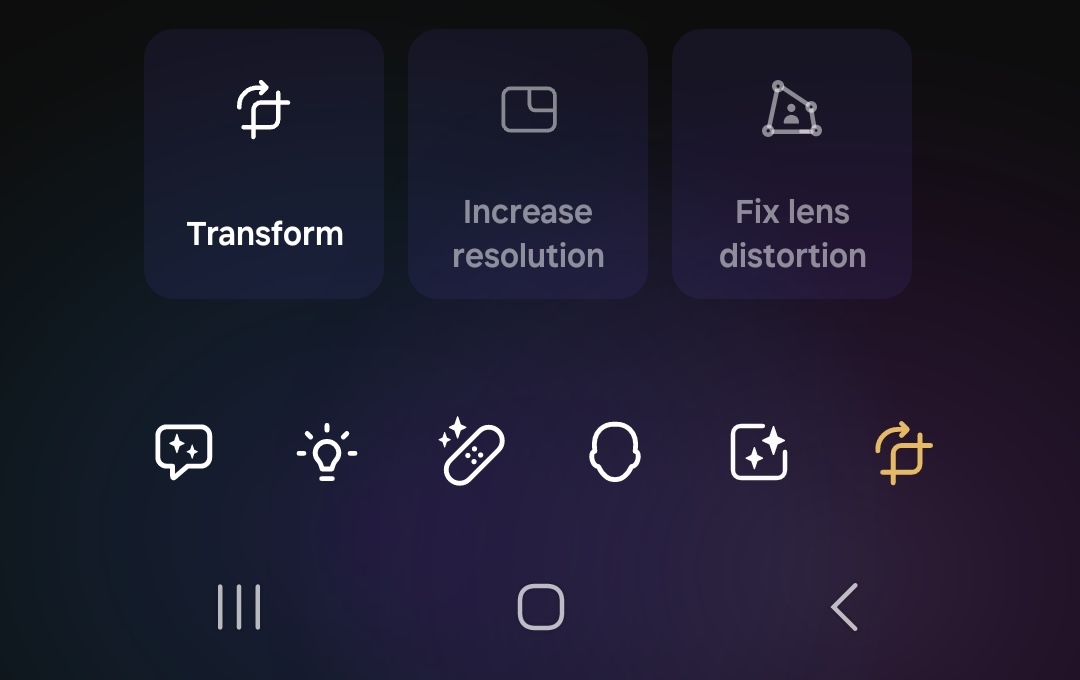
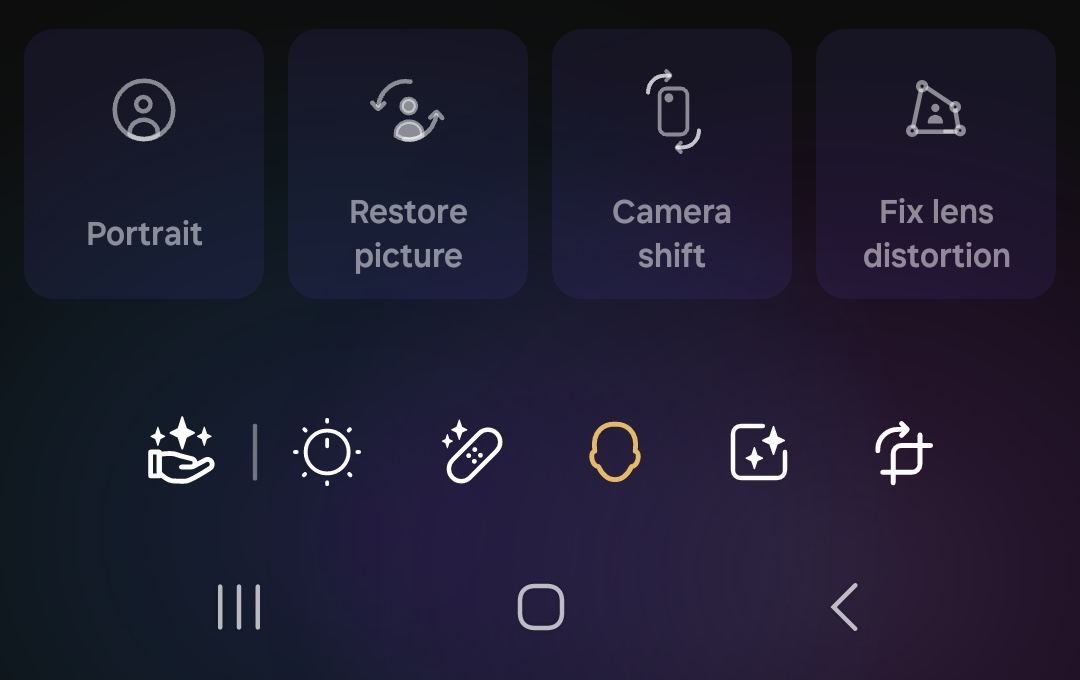
When you open a picture or a video in the Galaxy Enhance-X app, it scans the content and automatically suggests the editing options that you should use with it. As you can see in the screenshots below, for the same picture, the previous version and the latest version of the app suggested different editing options. So, Samsung seems to have changed what editing suggestions the app offers. This could either be an improvement or otherwise.
With the latest update, Samsung is offering new icons for two editing sections. First is the section that offers editing suggestions and second is the section that offers editing options related to brightness and color adjustments. The refreshed icons convey what options those sections offer to users in a better way than the older ones.
Along with that, Samsung has moved the ‘Fix lens distortion’ option from the section that offers options related to image adjustment/cropping to the section that has options related to editing faces.
To update Galaxy Enhance-X to version 2.0.89, go to Galaxy Store » Menu » Updates. If the update is available for you, Galaxy Store will show it to you. In that case, you can either click the update icon beside the listing of the app or click on the Update all button at the top-right corner of the screen.
I’m a computer science engineer living in Hyderabad, India, who has a keen interest in automobiles and consumer electronics. My journalism career kicked off in 2017 with MySmartPrice where I wrote news, features, buying guides, and explanatory articles about technology among other things, and reviewed many products, including smartphones, tablets, laptops, PC components, smartwatches, audio devices, wearables, and smart home products. Since then, I have worked for 91Mobiles, Apple, and Onsitego, before finally landing on SamMobile.