Last updated: October 23rd, 2025 at 07:48 UTC+02:00


Galaxy Books powered by Windows 11 may soon offer better battery life in dark mode

Microsoft is upgrading many elements in Windows 11 with support for dark mode, resulting in reduced eye strain and longer battery life.

Abid Iqbal Shaik

Reading time: 2 minutes

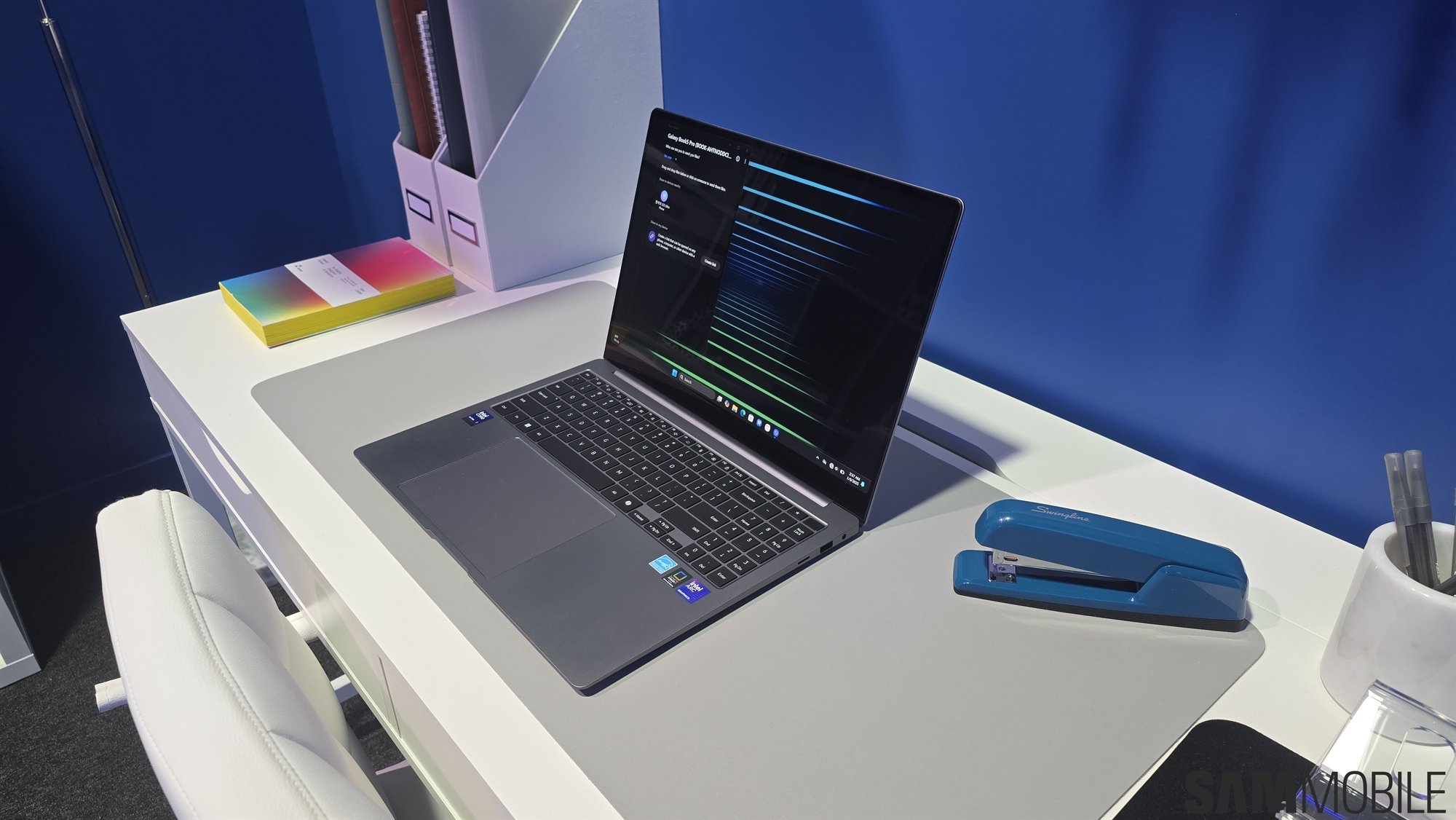
samsung galaxy book 5 pro 5
Laptop

Windows 11 has been offering the dark mode for years now. It doesn’t put as much strain on your eyes as the light mode, and on devices with OLED displays, such as Samsung’s Galaxy Book models, it offers longer battery life as the majority of pixels don’t have to light up.

However, in the dark mode, the OS shows many UI elements in the light theme, which can suddenly increase strain on your eyes, make the UI look inconsistent, and doesn’t offer as good a battery life as it has the potential to. Well, Microsoft is finally improving the situation.

Microsoft has announced Windows 11 Insider Preview Build 26220.6772 for the Dev Channel. It brings many improvements. One of them is the upgraded dark mode. More specifically, the dark mode is now available for more UI elements, including 

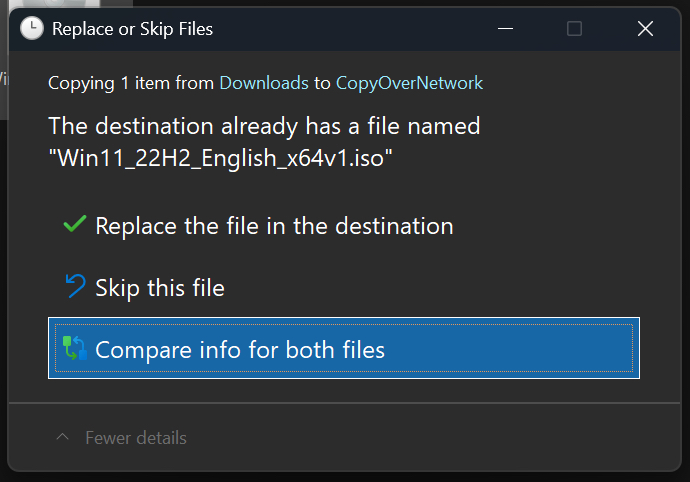
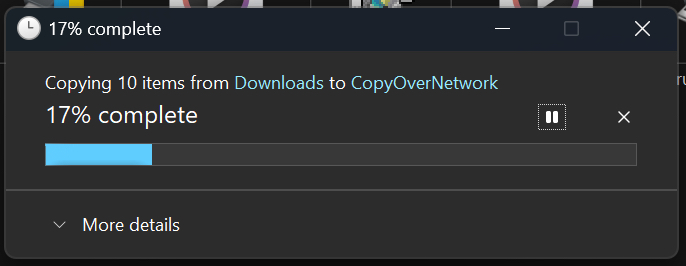
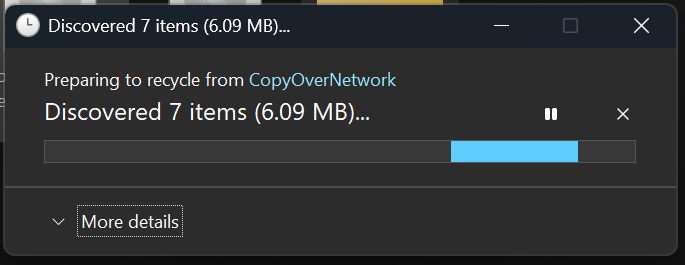
  • The default and expanded state for copy, move, and delete dialogs
  • Progress bars and chart views
  • Dialogs for confirming states like skip, override, and file selection
  • Multiple confirmation and error dialogs
microsoft windows 11 dark mode for copy conflict panel
microsoft windows 11 dark mode for copy panel
microsoft windows 11 dark mode for delete confirmation panel
microsoft windows 11 dark mode for discover panel


With that, people will not be surprised by light-themed UI elements as frequently as before, reducing strain on their eyes. Plus, the UI will look more consistent, and the OS will offer longer battery life, at least on devices with OLED displays, such as Galaxy Books.

At the moment, there's no information about when Samsung will expand the upgraded dark mode to the stable channel.