HAPPY HOLIDAYS – SamMobile. Awesome deals Galaxy Z Fold7, Watch8, S25 Ultra and S95F OLED TV
Last updated: March 9th, 2023 at 06:22 UTC+01:00
SamMobile has affiliate and sponsored partnerships, we may earn a commission.
Reading time: 2 minutes
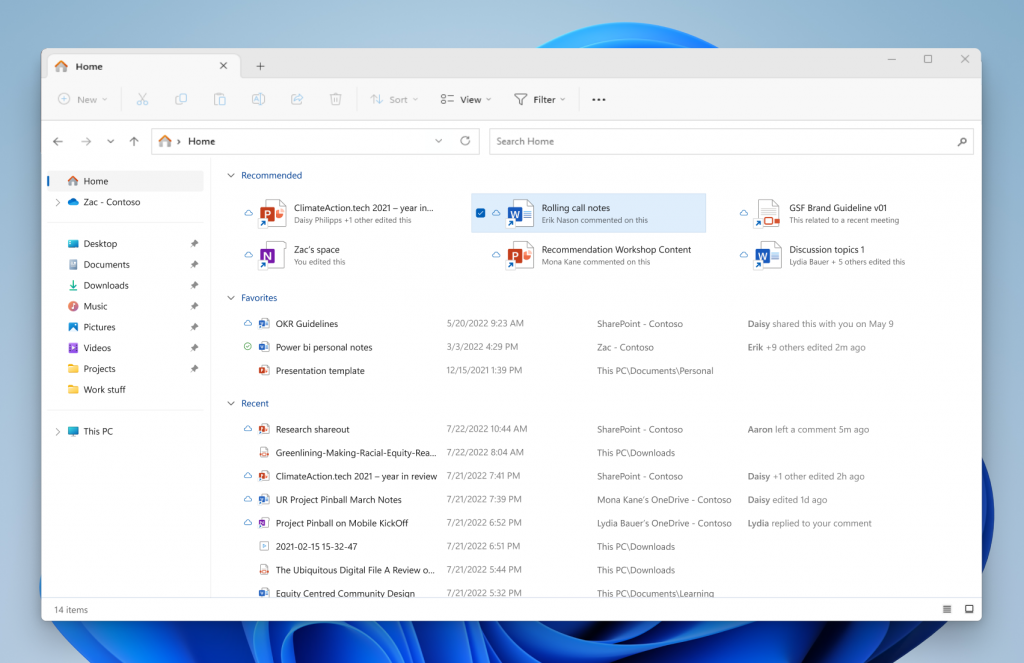
Do note that this Recommended Files area will be available on Samsung's Galaxy Books and other Windows 11-powered PCs that are registered to Azure Active Directory. According to the official blog, the files you will see in the new ‘Recommended Files' area in Windows 11 File Explorer include files related to upcoming meetings or that are close to the deadline, as well as shared documents that have been recently accessed or commented upon by your colleagues.
Apart from the Recommended Files area, the File Explorer is also getting a new ‘Access Keys' feature for the XAML Content menu. FYI, with an access key, you will be able to quickly execute a command in the context menu with just a keystroke. According to the Windows 11 build 23404 changelog, Microsoft has also redesigned the in-app commands page, with every command now having a description.
The Taskbar is getting improved, and you will now see changes in the appearance of the search bar on the Taskbar in dark mode if you have the app set to light mode. Notably, the search bar will appear lighter when Windows is set to a custom color mode, specifically dark mode. Right-clicking an app in Start and selecting Uninstall will now take you to the Settings on the Uninstall page.
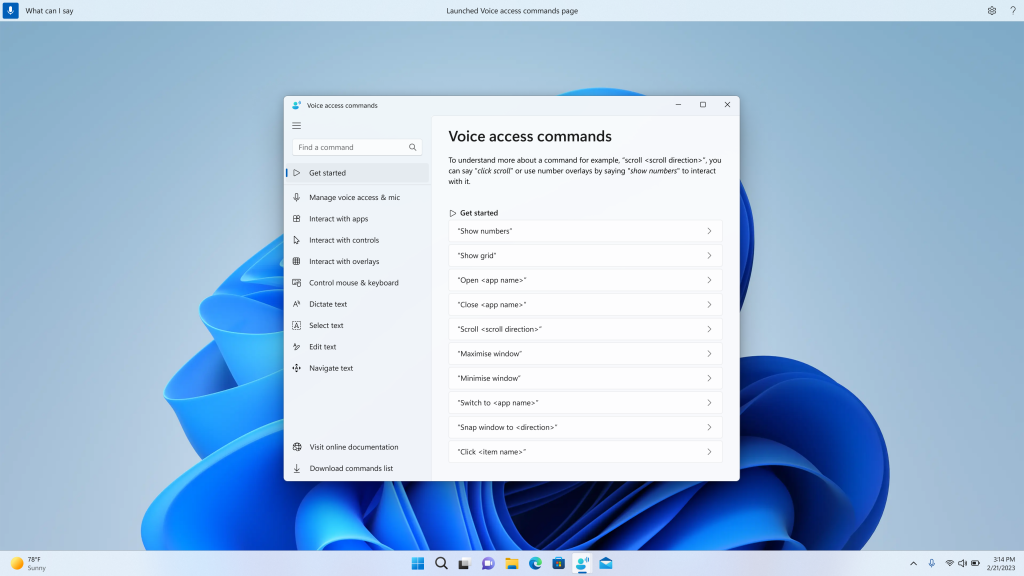
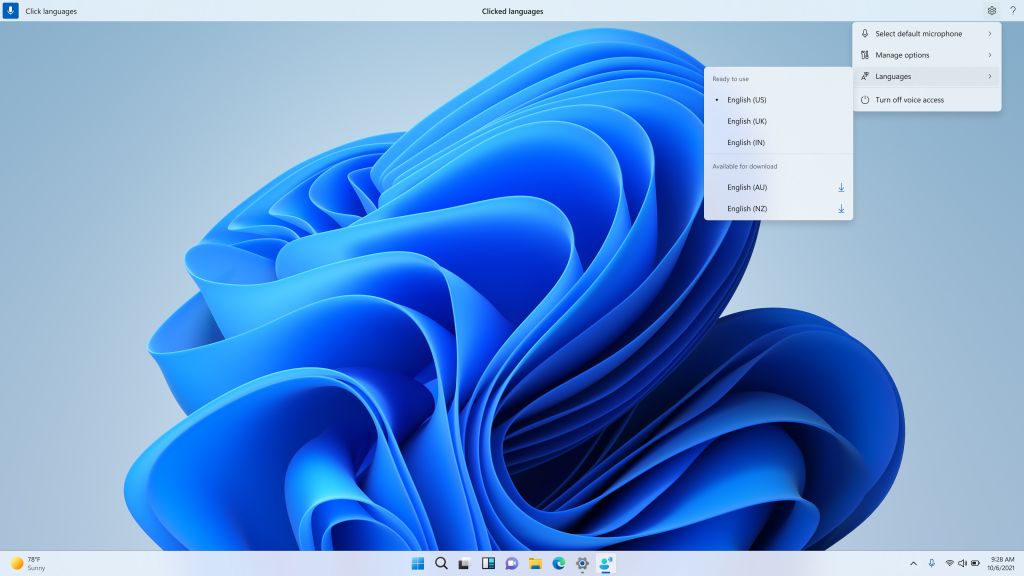
There are some general improvements to Voice Access, including support for more languages. Users will now also see a copy button to quickly copy the 2FA codes in notification prompts from apps installed on their PCs or phones linked to their PCs. If you use a VPN, then the update is also adding a glanceable VPN status. For the complete list of changes and new features, you can read the changelog on the official Microsoft blog.