HAPPY HOLIDAYS – SamMobile. Awesome deals Galaxy Z Fold7, Watch8, S25 Ultra and S95F OLED TV
Last updated: December 7th, 2023 at 00:12 UTC+01:00
SamMobile has affiliate and sponsored partnerships, we may earn a commission.
Reading time: 2 minutes
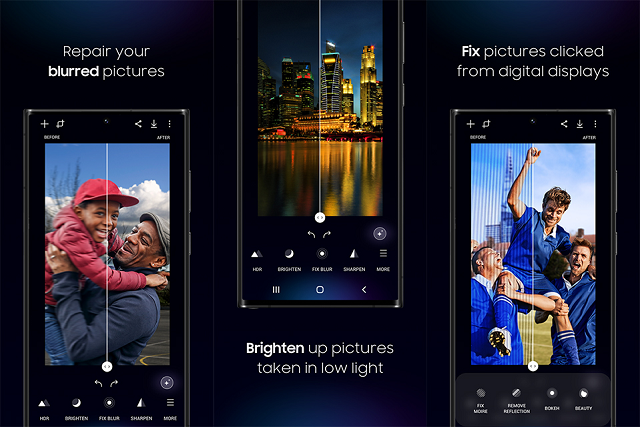
However, it seems some users are having issues using Galaxy Enhance-X after updating their device to Android 14/One UI 6. The issues include crashes when attempting to use features such as denoising (which reduces noise in pictures) or editing photos saved in the high-efficiency HEIF format.
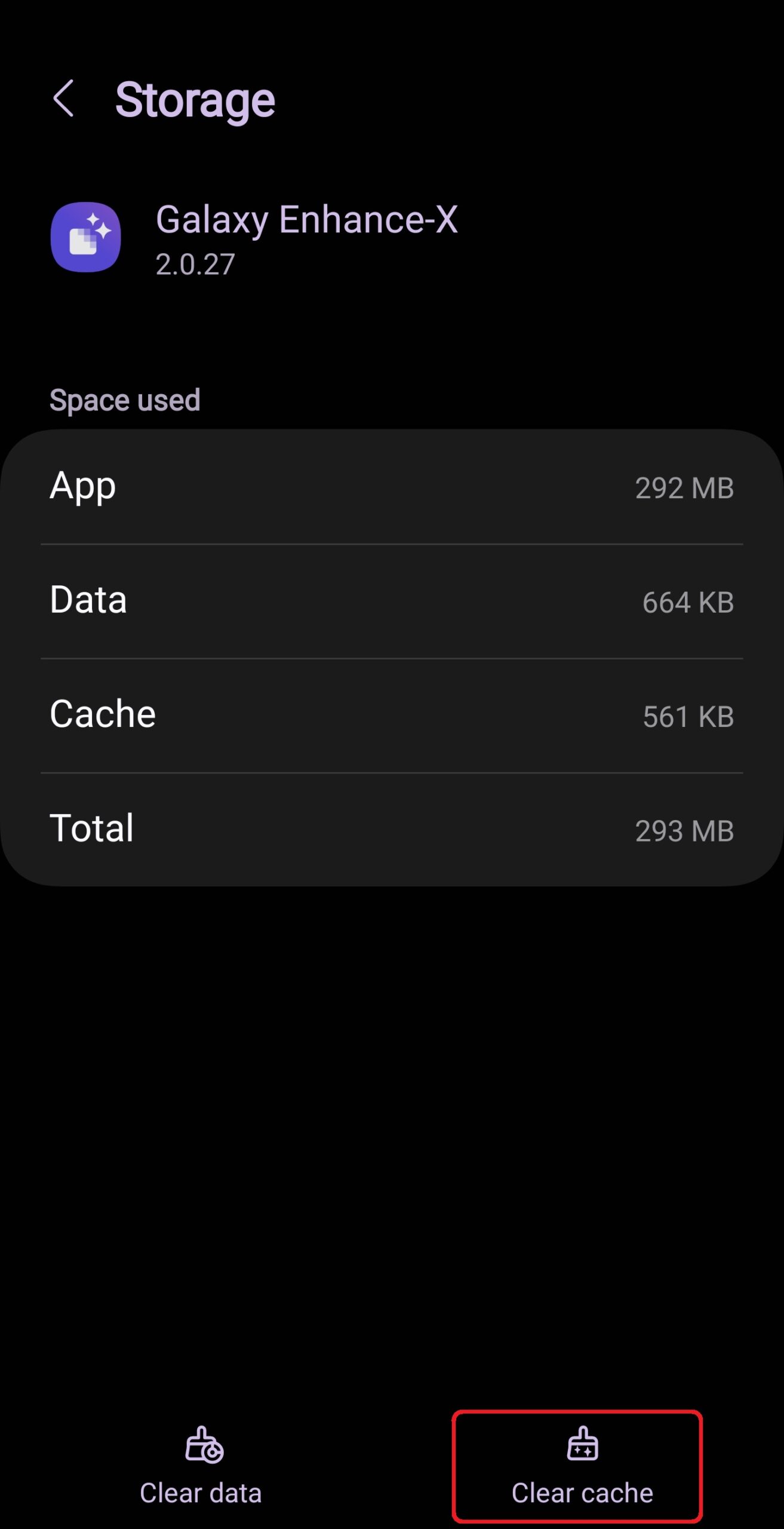
Samsung has acknowledged that it is aware of the issues and is working on fixes that will roll out with the next Galaxy Enhance-X update. In the meantime, the company suggests clearing the app's cache if you're having problems.
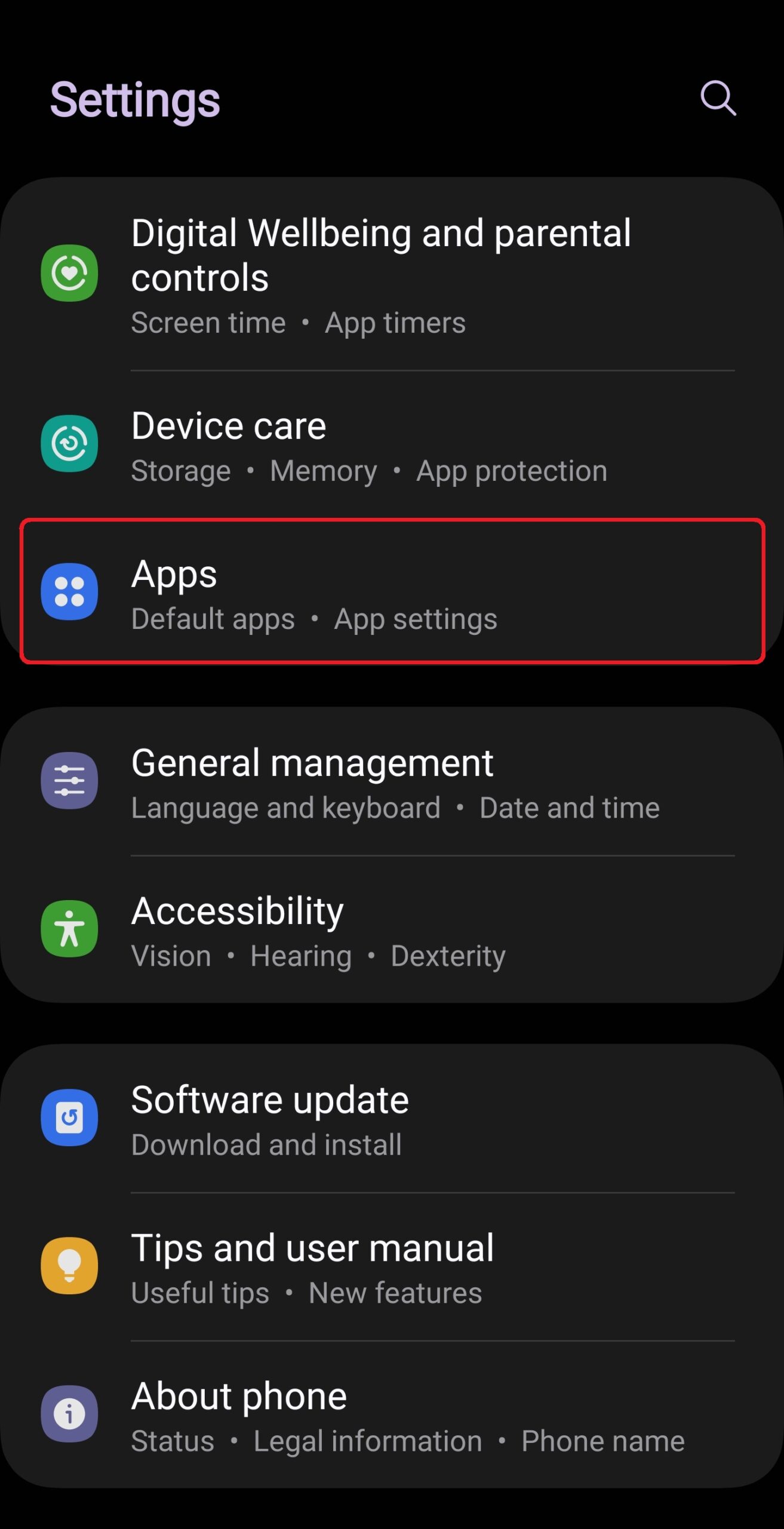
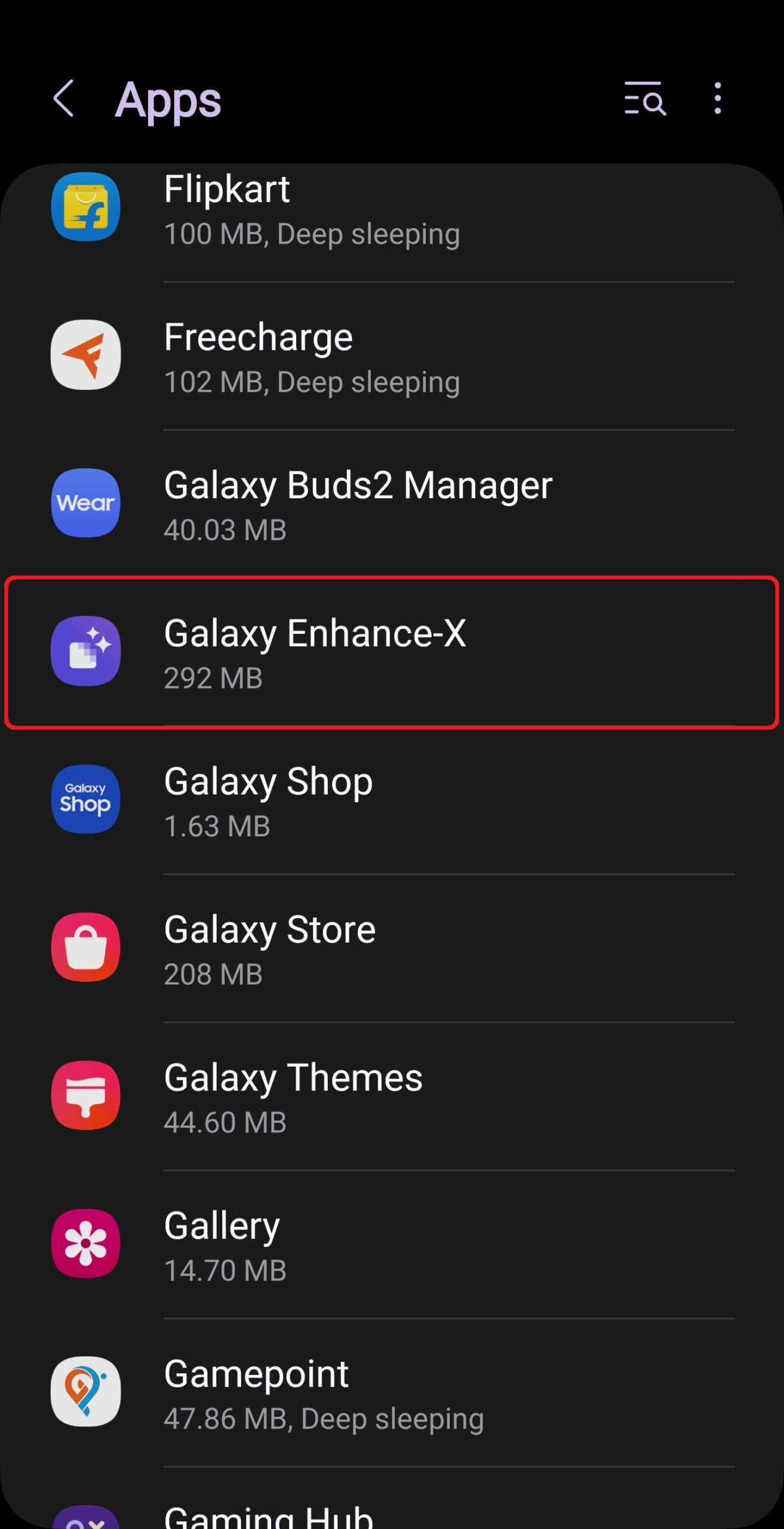
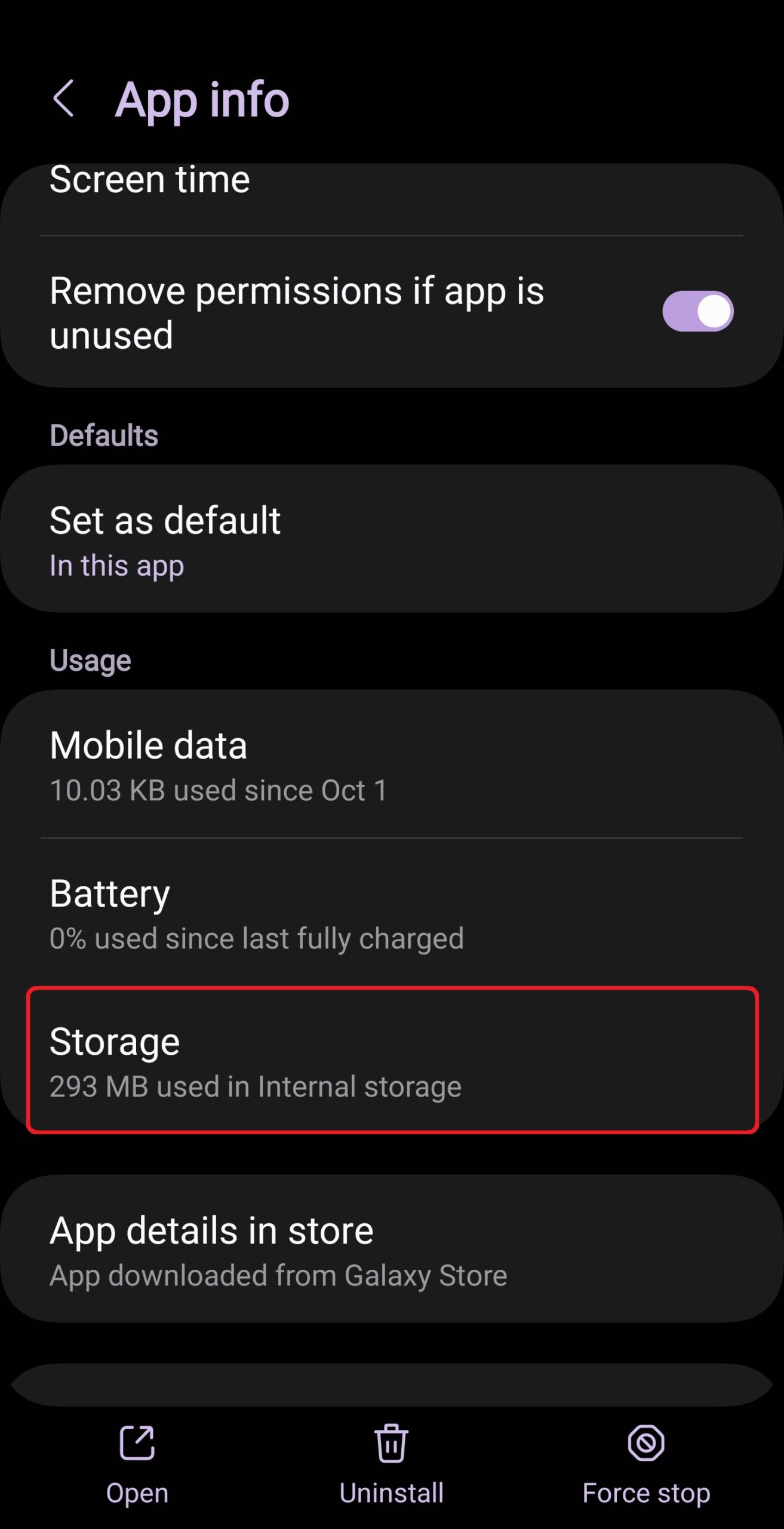
To clear the cache, open the Settings app, select Apps, find and tap Galaxy Enhance-X in the list, select Storage, and tap the Clear cache button. Once you have done that, try using the app again and check if you're still getting crashes. If you are, then you can try uninstalling and installing the app again.
If nothing gets rid of the issues, you will have to wait for an update to Galaxy Enhance-X. Once it is released, the update will be available in the Galaxy Store.
Abhijeet's writing career started with guides for custom firmware for Samsung devices (including the original Galaxy S), and he moved to SamMobile in mid-2013 and worked up the ranks to Editor-in-chief. In addition to phones and mobile devices, his interests include gaming on both PC and console, PC hardware, and spending countless hours on YouTube watching videos on tech, movies, games, politics, and internet dramas.