Last updated: October 30th, 2025 at 03:58 UTC+01:00
SamMobile has affiliate and sponsored partnerships, we may earn a commission.
The browser is first launching in beta for users in Korea and the USA.
Reading time: 2 minutes
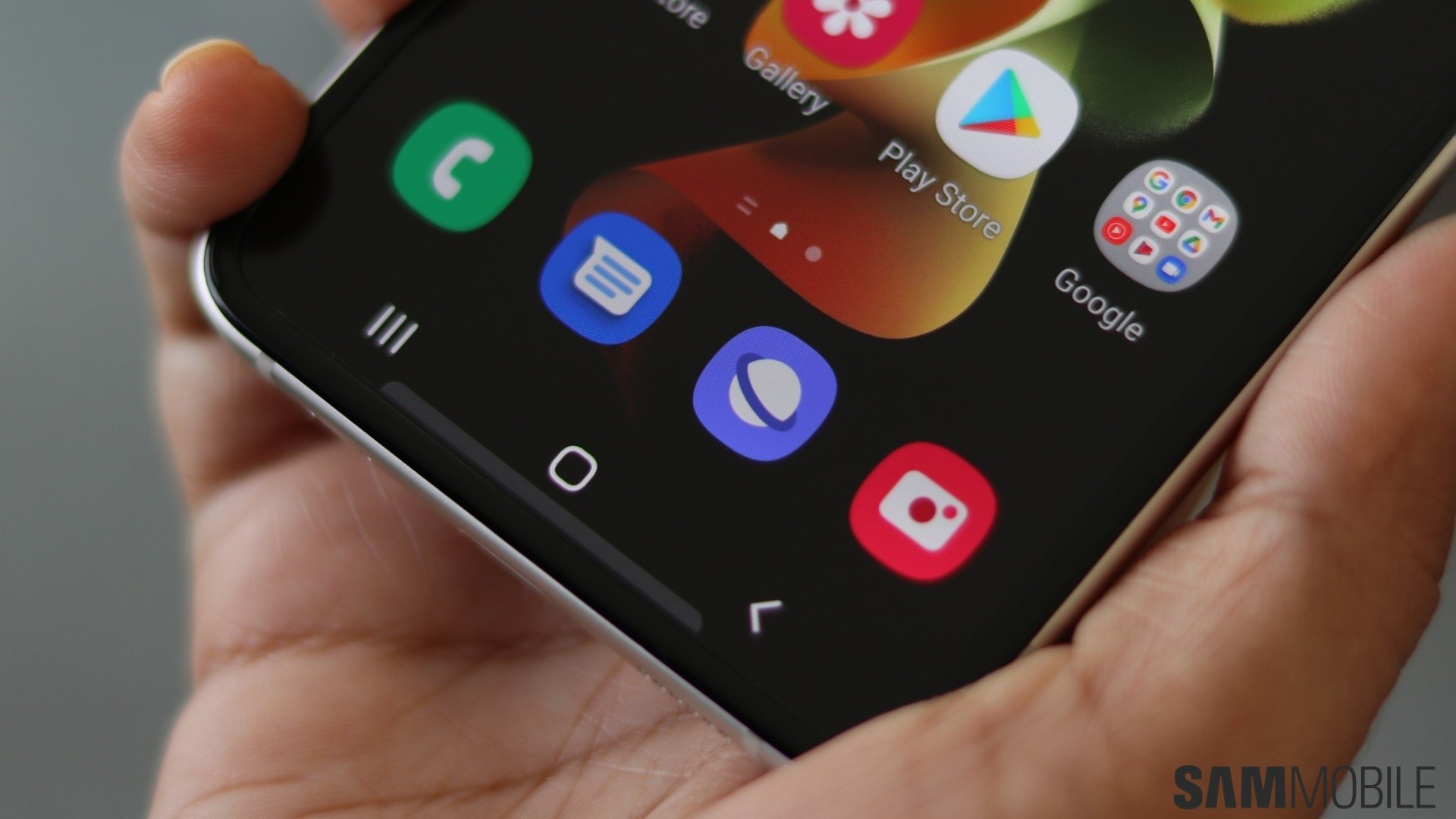
Samsung has announced that its popular Samsung Internet browser is finally coming to Windows. The PC version marks the browser’s return to the platform after a brief release in late 2023, this time with more features and deeper Galaxy ecosystem integration.
The browser has launched in beta for users in Korea and the USA, with availability set to expand to more regions later. To sign up for the beta, you need to visit this link; you will also need to be registered to the Samsung Developer Portal using your Samsung account.
If you're not in the US or Korea and can't register for the beta, we have the executable file available for download here (if you're using an ARM-powered PC, download the file here). To install Samsung Internet, your PC will need to be running Windows 11 or Windows 10 version 1809 or later.
Samsung Internet for PC offers many of the same features as the mobile version, including Smart anti-Tracking to block cookies and trackers, and a Privacy dashboard that lets you manage interruptions and view how many trackers were blocked each day.
The browser also integrates Galaxy AI via the Browsing Assist feature, which can summarize and translate web pages in multiple languages. Naturally, it supports data syncing between Windows and Android, allowing users to access bookmarks, browsing history, tabs, and Samsung Pass login information across devices.
With these features, Samsung Internet for PC could become a great option for Galaxy users who want a seamless browsing experience across their phones and computers, an experience many have been looking forward to for more than a decade.

Abhijeet's writing career started with guides for custom firmware for Samsung devices (including the original Galaxy S), and he moved to SamMobile in mid-2013 and worked up the ranks to Editor-in-chief. In addition to phones and mobile devices, his interests include gaming on both PC and console, PC hardware, and spending countless hours on YouTube watching videos on tech, movies, games, politics, and internet dramas.













