Cyber week deals! Galaxy Watch8 Classic, Fold 7, S25 Ultra. Follow us on YouTube, TikTok, or Instagram
Last updated: October 14th, 2025 at 11:08 UTC+02:00
SamMobile has affiliate and sponsored partnerships, we may earn a commission.
You can now use Copilot app on Windows to create documents, refine files, and find relevant images from your memories on your Galaxy Book laptop.
Reading time: 2 minutes
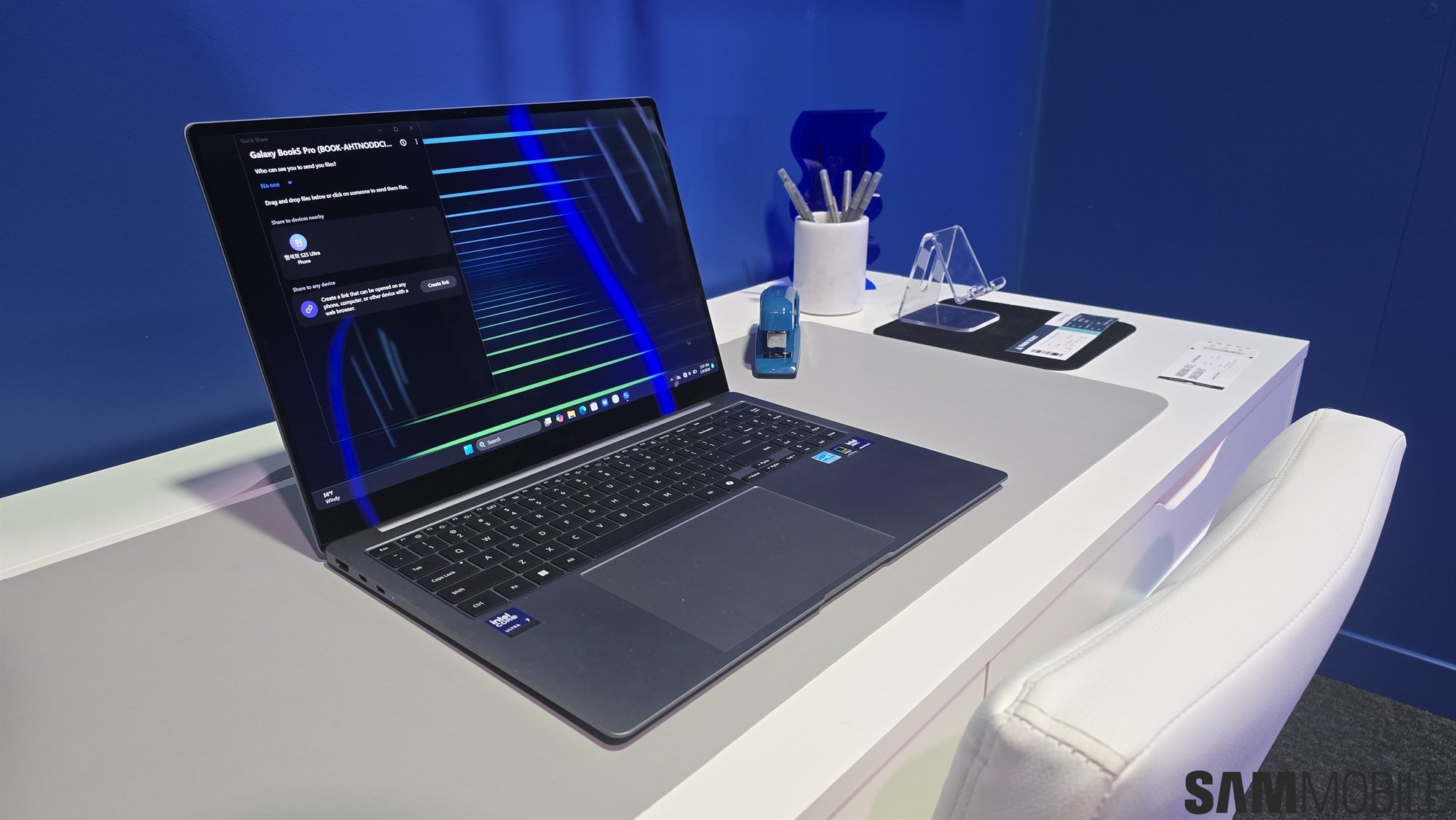
All Galaxy Book laptops run Windows OS out of the box, and the native AI chatbot in the operating system is Microsoft Copilot. It has started getting a major new update that brings more features and integrations, allowing you to do more for better productivity.
Microsoft has started rolling out a big update (version 1.25095.161.0) to the Copilot app on Windows. It brings a new feature called Connectors that can connect to your Google and Microsoft accounts to help you find files and create documents. It means Copilot won't be limited to being just an AI chatbot and is turning into a productivity app.
Copilot can now connect to Gmail, Google Calendar, Google Drive, Google Docs, OneDrive, and Outlook. So, you can ask questions in natural language about your emails, files, friends, and photos and videos, and Copilot will pull relevant information from your accounts.
You can ask it to find the email ID of one of your contacts, gather data from your notes, and find all your notes related to a specific project. You can also ask it to find the value of your recent invoice or images from your recent holiday. You can also create files based on your research. It also lets you refine content in Excel, Powerpoint, and Word files.
Since all these integrations are opt-in, you have to enable them manually from the Copilot app's Connections section to use all the features explained above.
All these improvements are in line with the company's Copilot integration expansion across its products and services. For example, Copilot is being integrated into Excel, PowerPoint, Word, OneNote, and Outlook apps. You can use those integrations to summarize files and make sense of things like your emails and documents.
This update is currently limited to users who are using Windows 11's Insider channel. If you opt into that channel, you can use all the new features on your Galaxy Book (or any other device running Windows 11 OS). The update could be released to all users in the coming weeks.
Asif is a computer engineer turned technology journalist. He has been using Samsung phones since 2004, and his current smartphone is the Galaxy S21 Ultra. He loves headphones, mechanical keyboards, and PC hardware. When not writing about technology, he likes watching crime and science fiction movies and TV shows.