Last updated: August 15th, 2023 at 06:28 UTC+02:00
SamMobile has affiliate and sponsored partnerships, we may earn a commission.
Reading time: 2 minutes
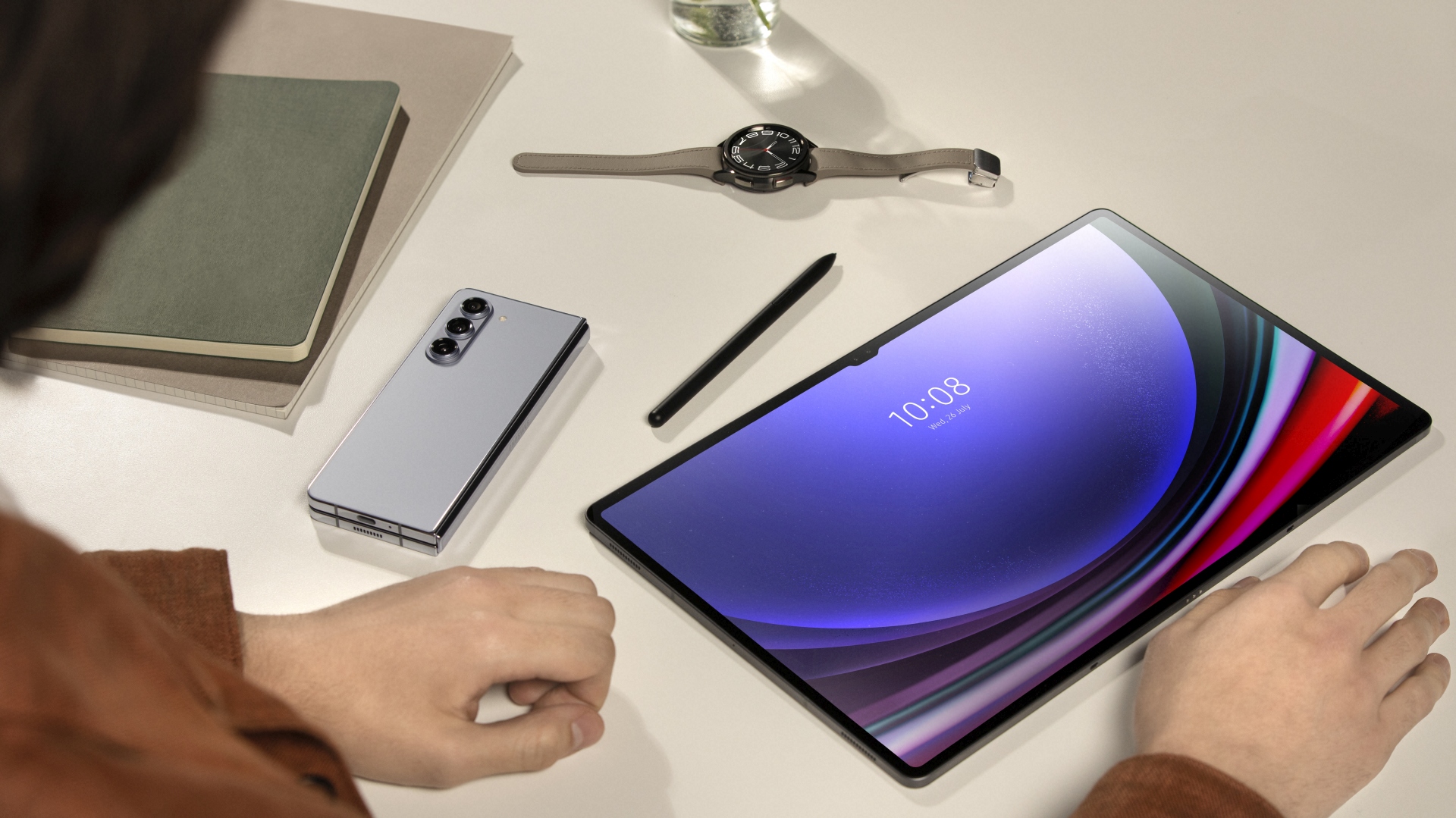
One of the best things about Apple products is that they work very well with each other. For example, if a person gets a call on their iPhone, they can take that call on their iPad or MacBook. Similarly, they can remotely turn on the Wi-Fi hotspot on their iPhone from their iMac or iPad, which is handy in many situations. Google, unfortunately, is far behind Apple in this regard. But that could be changing soon with a new feature in Android.
@Nail_Sadykov has spotted a new menu in Android called ‘Link Your Devices.' It contains the settings of the features that will work across all the Android devices linked to the same Google account. Currently, this menu has only one feature: Call switching. It allows you to “switch between devices for calls.” For example, if you get a call on your Android smartphone, you can take it on your Android tablet with the help of this feature, which would be very convenient if you are using a tablet and can't reach your mobile phone.
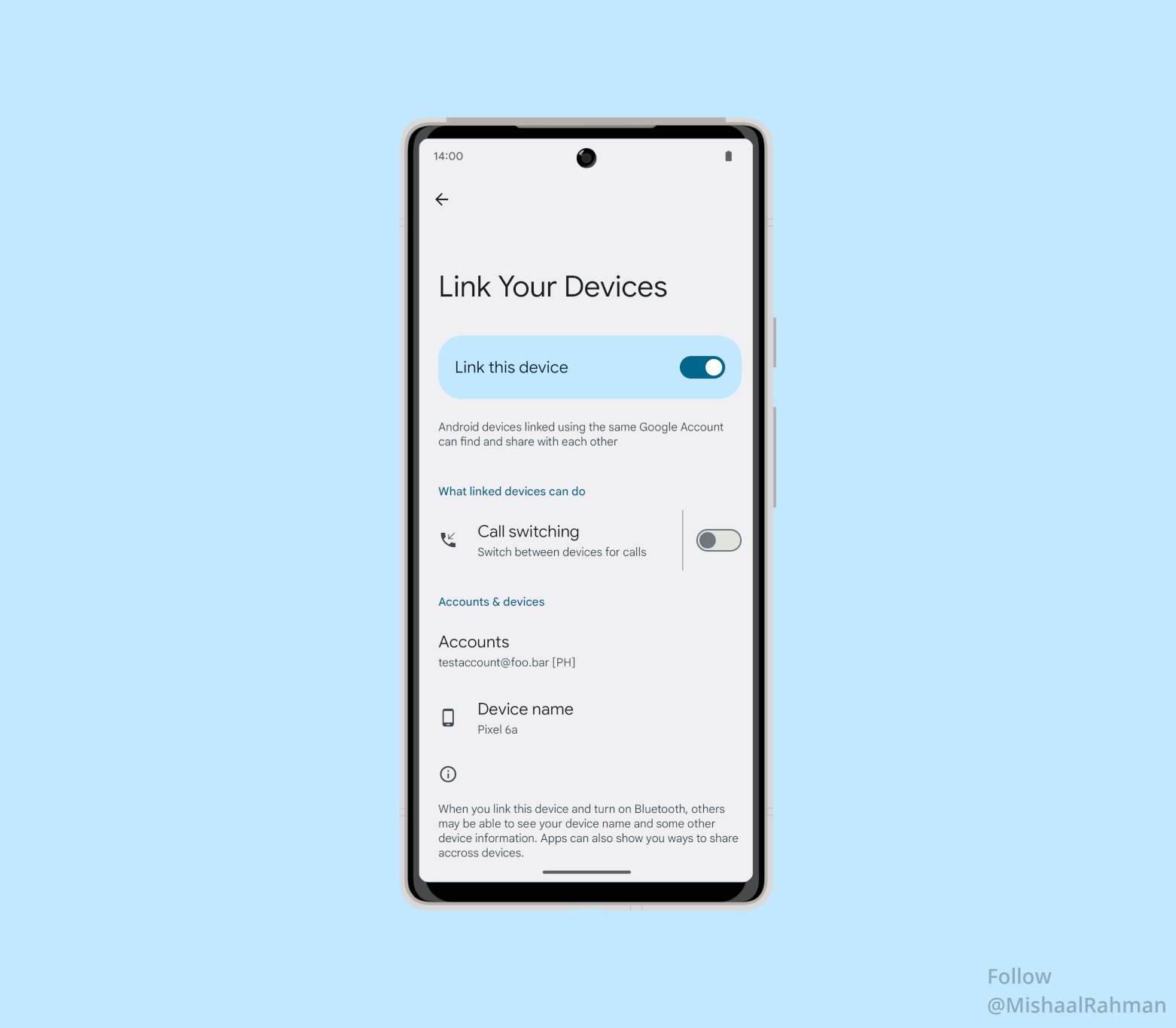
According to Mishaal Rahmaan, Google will also add “Internet sharing” to this page, allowing you to remotely turn on the Wi-Fi hotspot on your Android smartphone from an Android tablet. Google will hopefully keep adding more such features to the OS with every new update, putting it on par with Apple's OS'. Unfortunately, there's no information about when it will arrive. However, considering that arrival of the final release of Android 14 is just around the corner, you shouldn't expect to see it before Android 15.
Fortunately, Samsung users don't have to wait for the arrival of this feature as One UI already allows people to use their Galaxy smartphone in conjunction with their Galaxy tablets very well. For example, One UI allows people to take calls from their Galaxy smartphone on their Galaxy tablet. You can find all such features and settings by navigating to Settings > Connections and toggling Call & Message Continuity. On some Samsung devices, this feature is available in Settings > Advanced features.

I’m a computer science engineer living in Hyderabad, India, who has a keen interest in automobiles and consumer electronics. My journalism career kicked off in 2017 with MySmartPrice where I wrote news, features, buying guides, and explanatory articles about technology among other things, and reviewed many products, including smartphones, tablets, laptops, PC components, smartwatches, audio devices, wearables, and smart home products. Since then, I have worked for 91Mobiles, Apple, and Onsitego, before finally landing on SamMobile.













