Last updated: April 1st, 2020 at 16:24 UTC+02:00
SamMobile has affiliate and sponsored partnerships, we may earn a commission.
Reading time: 2 minutes
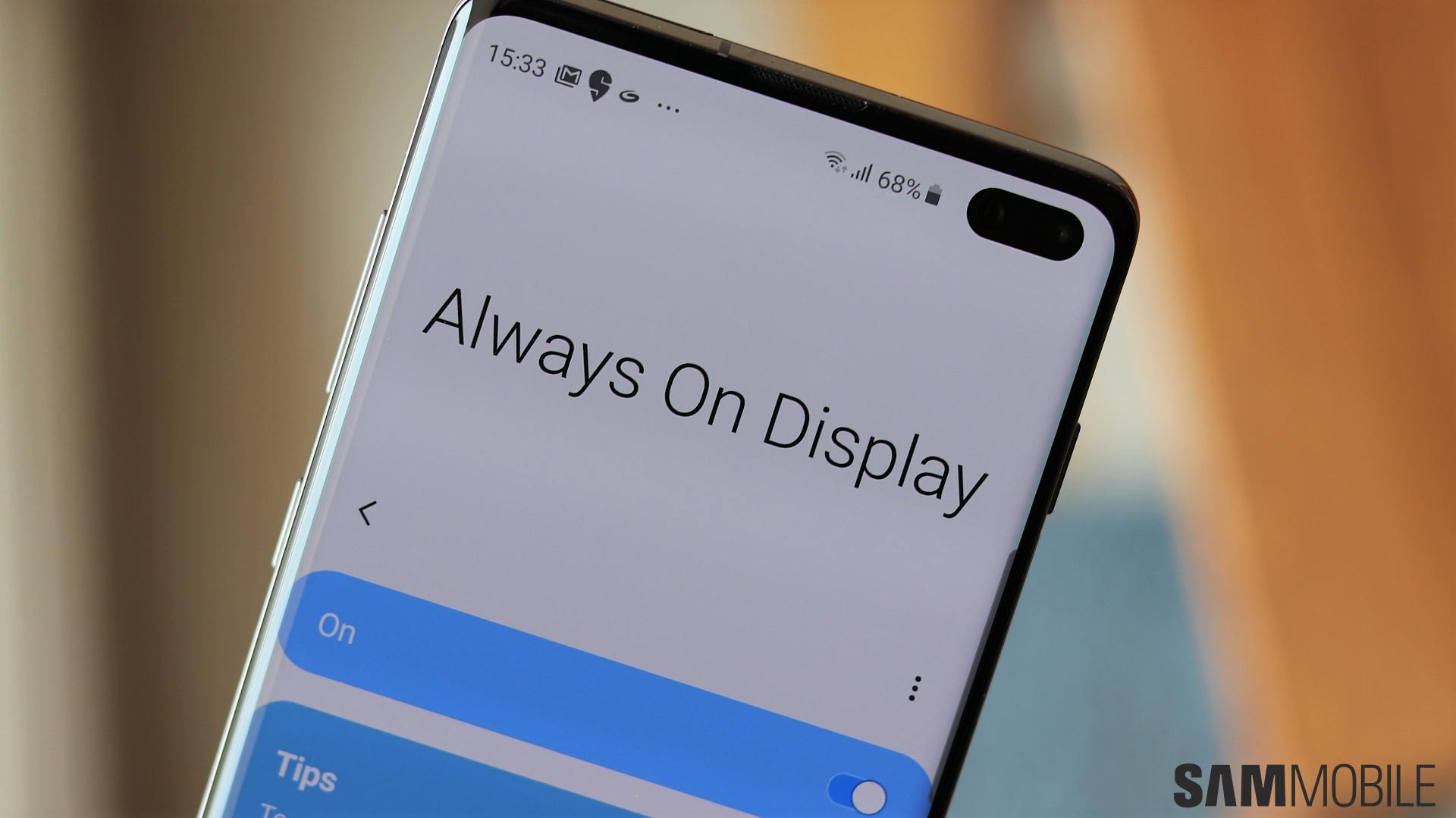
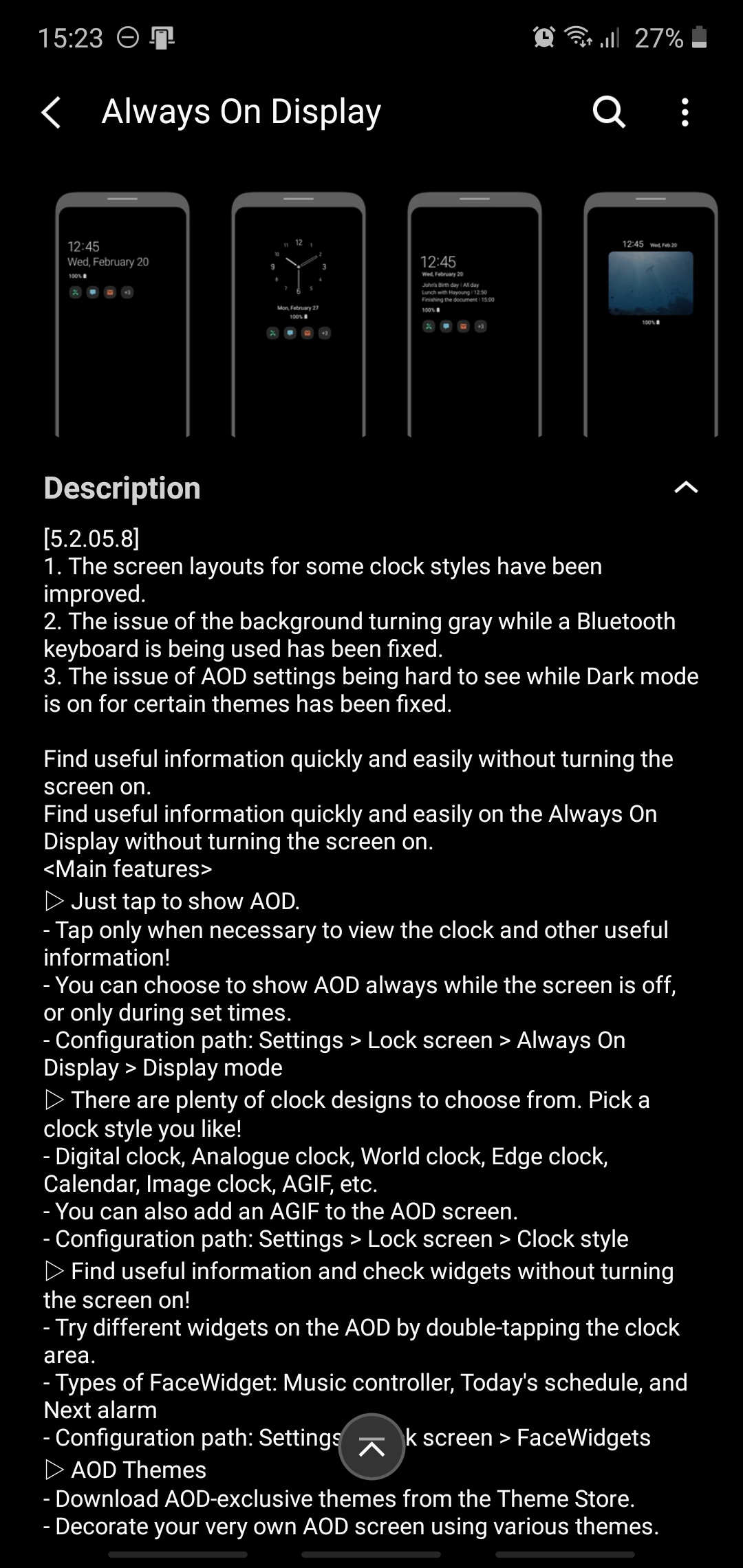
Before this update, Always On Display had an issue whereby the background would turn gray when using a Bluetooth keyboard. AOD settings were also difficult to see while Dark Mode was enabled on certain themes. These bugs have now been addressed with version 5.2.05.8.
The update is rolling out now, and we can confirm that it is available at least on the Galaxy Note 10 (running One UI 2.0 and not the latest One UI 2.1 update). But the new Always On Display version should be pushed to more Samsung devices as we speak.
You can check which Always On Display version you're running by opening Settings, navigating to Lock screen » Always On Display (don't tap the toggle, but the text itself), and tapping About Always On Display. If the update hasn't reached your phone yet, you may have to wait for a few more days. You can also launch the Galaxy Store on your phone, tap the ‘hamburger' menu in the upper-left corner, and check if the new version is waiting for you in the Updates category.

Mihai is a blogger and column writer at SamMobile. His first Samsung phone was an A800 which took a lot of beating, and a part of him still misses the novelty of the clamshell design. In his free time, he enjoys watching shows, documentaries, and stand-up comedy; listening to music, taking walks, and occasionally playing old(er) video games.












