Last updated: February 6th, 2025 at 16:31 UTC+01:00
SamMobile has affiliate and sponsored partnerships, we may earn a commission.
Reading time: 2 minutes
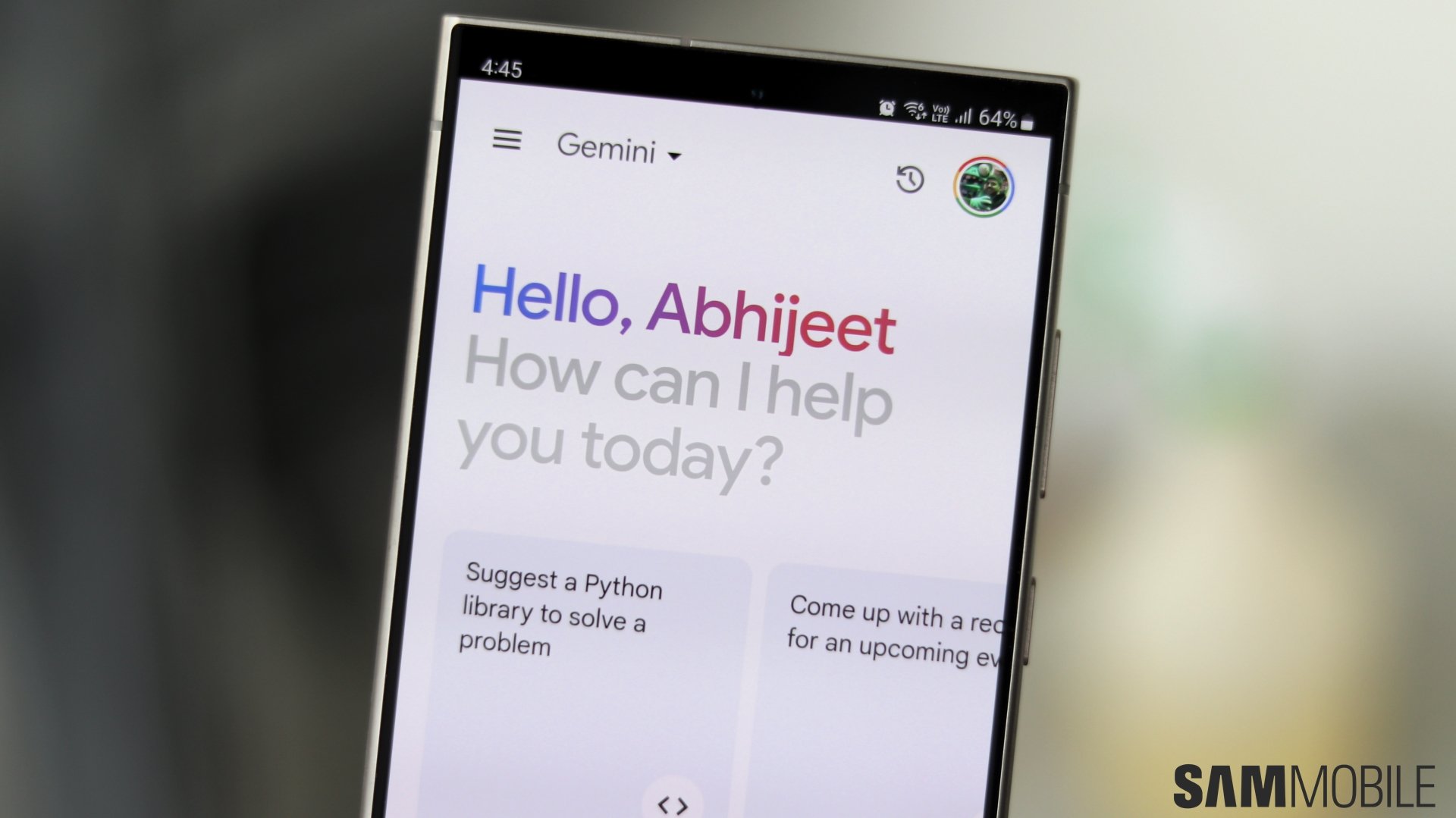
In July last year, Google upgraded Gemini for Android to give people the ability to summon it on the lock screen, enabling them to use the GenAI assistant without unlocking the device. However, Gemini couldn’t perform certain actions on the lock screen that were enabled by Extensions. Well, that’s finally changing.
Google has announced that Gemini can now access Extensions on the lock screen, allowing people to use the GenAI assistant for a wider array of tasks without unlocking the device.
For example, when your Galaxy phone is locked, you can ask Gemini to play a particular song on YouTube Music and it will use the music streaming service’s extension to play the requested song. You can also ask it to send a message to someone on WhatsApp, control Google Home smart devices, and navigate to a place on Google Maps.
Check out our hands-on video of the Galaxy S25 and the Galaxy S25+ below.
To enable this functionality you will have to do two things. First, go to Gemini » Extensions and enable the extensions that you want to. Second, go to Gemini » Settings » Gemini on lock screen and enable Use Gemini without unlocking and Make calls and send messages without unlocking.

I’m a computer science engineer living in Hyderabad, India, who has a keen interest in automobiles and consumer electronics. My journalism career kicked off in 2017 with MySmartPrice where I wrote news, features, buying guides, and explanatory articles about technology among other things, and reviewed many products, including smartphones, tablets, laptops, PC components, smartwatches, audio devices, wearables, and smart home products. Since then, I have worked for 91Mobiles, Apple, and Onsitego, before finally landing on SamMobile.












