


Last updated: November 23rd, 2026 at 02:50 UTC+01:00


One UI 9.5 won't let you turn off Auto Blocker during calls

This is one more way Samsung keeps users protected from scams.

Asif Iqbal Shaik

Reading time: 1 minutes

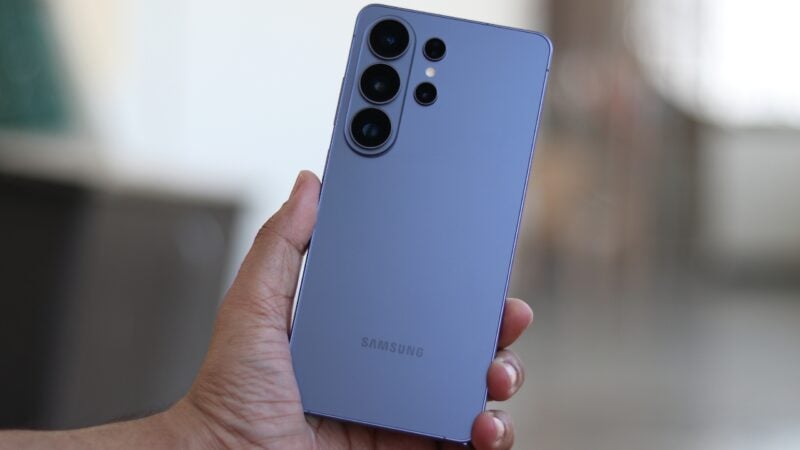
Samsung Galaxy Z Fold 8

Abhijeet Mishra / SamMobile

Phone

Samsung Galaxy Z Fold 8

Samsung introduced Auto Blocker with One UI 6.0 a few years ago to improve security on Galaxy phones and tablets. Since then, the company has steadily expanded its capabilities, and One UI 9.5 brings another critical upgrade to the feature.

In One UI 9.5, Auto Blocker can no longer be turned off during active voice calls. Scammers frequently use social engineering to trick victims into disabling security protections on their phones so they can sideload malicious APKs and take over the device. By locking Auto Blocker settings during calls, Samsung effectively stops this tactic in its tracks.

Once the call ends, the option to toggle Auto Blocker off becomes available again. This feature is currently live on Galaxy S26 series phones running the One UI 9.5 beta.

Samsung One UI 9.5 Auto Blocker

Asif Iqbal Shaik / SamMobile

Auto Blocker when calls are inactive in One uI 9.5

Samsung One UI 9.5 Auto Blocker Can't Turn Off During Calls

Asif Iqbal Shaik / SamMobile

Auto Blocker can't be turned off during calls in One UI 9.5

Samsung's implementation is similar to the anti-scam protections Google introduced with Android 16, which block APK sideloading and prevent users from disabling Google Play Protect mid-call. Together, these measures prevent malicious apps from being installed during scam calls.