Last updated: June 17th, 2026 at 14:29 UTC+02:00


Google releases Android 17 update with foldable improvements, app bubbles, and more

It improves apps on foldables, gaming performance, and productivity, among other things.

Asif Iqbal Shaik

Reading time: 5 minutes

android 17 on a galaxy s26

Abhijeet Mishra / SamMobile

Phone

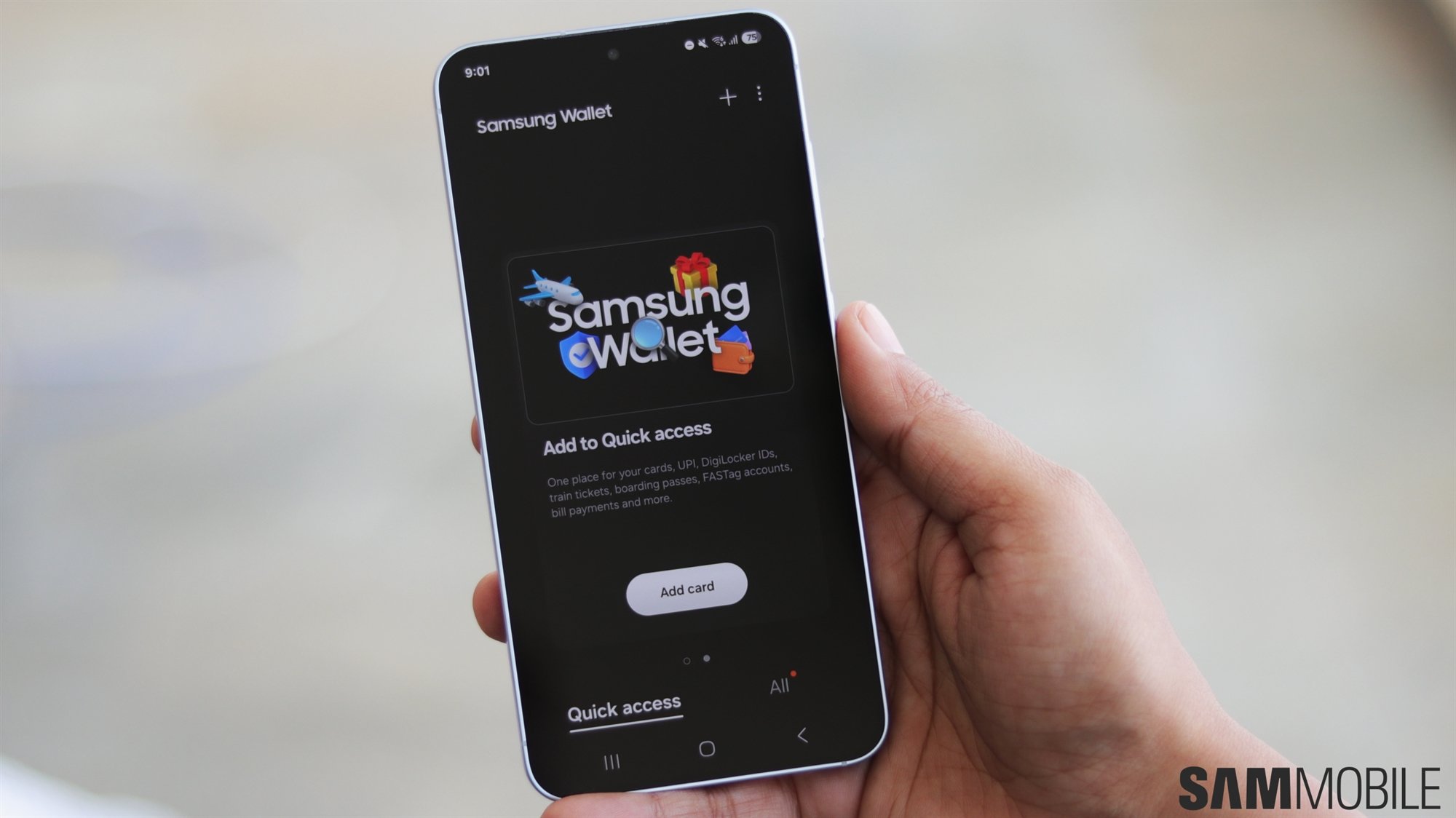
Android 17 (One UI 9) on a Galaxy S26 - Source: Abhijeet Mishra / SamMobile

Google has finally released the stable version of Android 17 for Pixel devices. This new version of Android brings several under-the-hood improvements, including enhancements that make apps work better on large-screen devices such as foldable phones and tablets. Other new features include App Bubbles, UI improvements, easier visibility into camera and location access by apps, and cross-device productivity enhancements.

The stable version of Android 17 is now available for all supported Pixel devices, including the Pixel 6 series, Pixel Fold, and Pixel Tablet. As a result, we now expect Samsung to accelerate development of One UI 9.0. The update will debut on the Galaxy Z Flip 8, Galaxy Z Fold 8, and Galaxy Z Fold 8 Ultra before expanding to existing compatible devices.

What’s new in Android 17?

google android 17 features

Google

Android 17 – Source: Google

App Bubbles

App Bubbles offer a new way to multitask. You can long-press any app icon to open it in a compact floating window that stays on top of other apps. On large-screen devices such as book-style foldables and tablets, open app bubbles are docked in a dedicated Bubble Bar at the bottom of the screen. You can switch between bubbles with a single tap and resize or maximize them as needed.

google android 17 app bubbles

Google

App Bubbles on a foldable Android 17 phone – Source: Google

Improved Picture-in-Picture mode on desktops

In desktop environments, such as Samsung DeX, Picture-in-Picture windows remain fully interactive. This means you can interact with app elements directly inside the floating window.

App improvements for foldable phones and tablets

With Android 17, Google has removed the ability for developers to restrict apps to portrait mode only. This means apps and games can expand across the entire screen and rotate into landscape orientation when required.

Through its adaptive-first development approach, Google is encouraging developers to make their apps adapt to different aspect ratios, orientations, and window sizes. If they don’t, users may switch to competing apps that offer a better experience. Google will also reward adaptive apps with better visibility in the Play Store, potentially helping developers attract and retain more users.

Google says there are more than 580 million large-screen devices capable of running Android apps. Optimizing apps for those devices can help developers reach more users while improving user retention. The company is also encouraging developers to support multiple input methods, including keyboards, mice, trackpads, styluses, and accessibility tools, making apps easier to use for a wider range of people.

Faster and smoother performance

Google has introduced app memory limits in Android 17 to prevent apps from consuming excessive RAM. This improves overall system responsiveness and battery life. The company has also worked to reduce frame drops and stuttering during gaming by making memory management more efficient.

google android 17 foldable gaming split screen gamepad

Google

50/50 split layout for gaming on book-style foldable Android 17 phones – Source: Google

Improved gaming on foldable phones

For foldable phones, Google has developed a 50:50 split-screen gaming mode where the game is displayed on one half of the screen while a touch-based gamepad occupies the other half. Android 17 also introduces native controller remapping, allowing users to customize controls for a better gaming experience.

Continue On

google android 17 continue on handoff suggestion

Google

Continue On app suggestion on an Android 17 tablet's taskbar – Source: Google

Android 17 offers an improved experience when switching tasks between devices. With the Continue On feature, you can see a suggestion to continue a task that was recently opened on another device. This suggestion appears as an app icon on the taskbar of a tablet or desktop device, such as a Chromebook.

The feature also supports app-to-web transitions. If an app is not installed on your tablet, the task can continue in a web browser instead.

Improved privacy and security

Android 17 lets you grant apps temporary access to your precise location and share only selected contacts for improved privacy.

With the new Mark As Lost feature in Find Hub, you can lock a lost or stolen phone using your fingerprint. This means that even if someone knows your passcode, you can still lock and track the device using biometric authentication. Google has also reduced the number of passcode or password attempts allowed before additional protections are triggered.

Google has further enhanced Live Threat Detection to block more suspicious apps and scams. It has also improved Advanced Protection mode to help users stay safe from sophisticated threats.

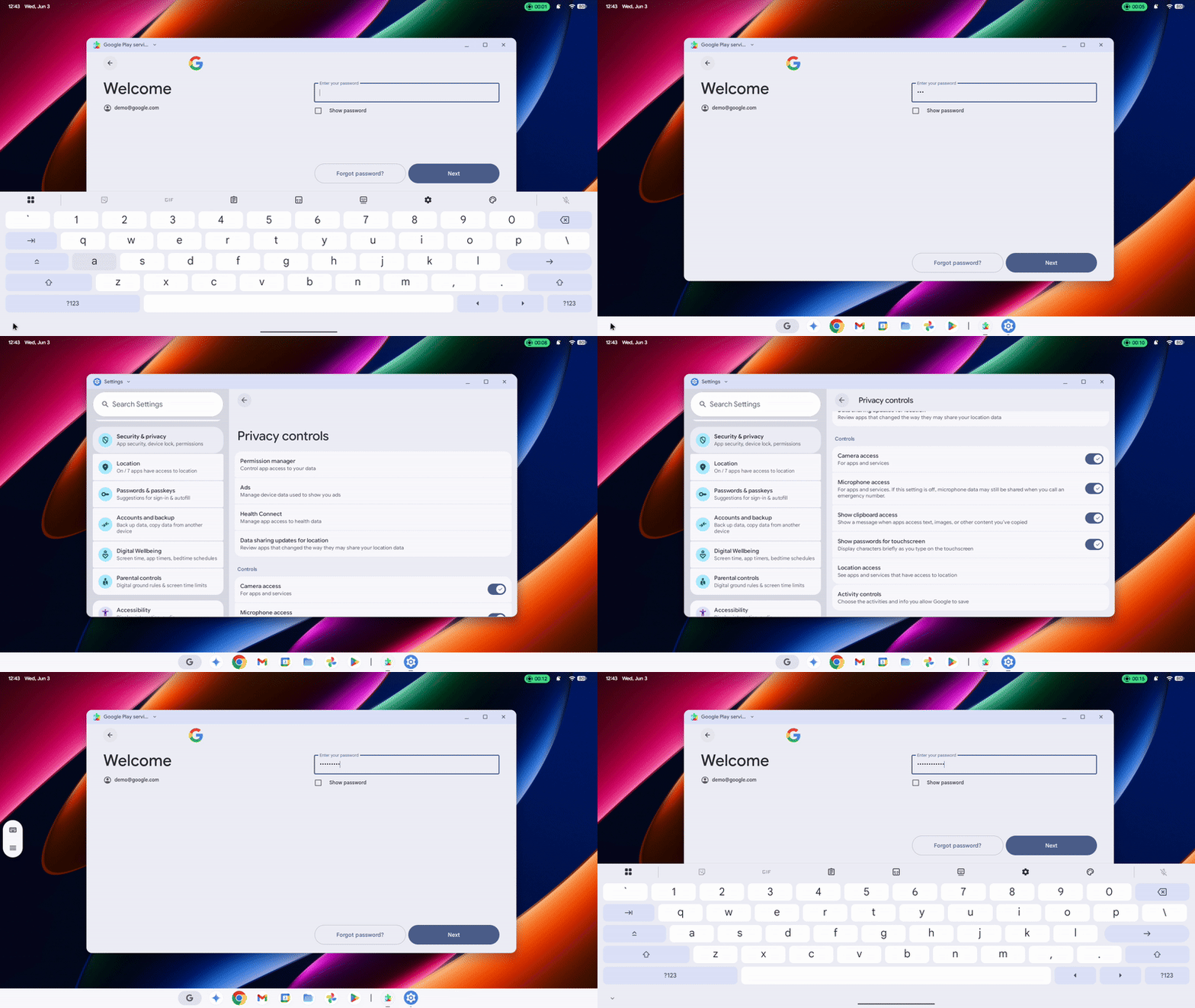
google android 17 password input hide first letter

Google

Typed password letters hidden on Android 17 – Source: Google

Eclipsa Video, RAW14, and improved media codec support

Android 17 supports Eclipsa Video, a new HDR video format that competes with Dolby Vision. It aims to display SDR and HDR content more consistently and is based on the SMPTE ST 2094-50 specification. The format uses dynamic metadata to help devices optimize video playback based on content brightness, display capabilities, and ambient lighting conditions.

Google has also added support for the Extended HE-AAC software encoder. It supports both low and high bitrates using Unified Speech and Audio Coding (USAC), delivering significantly better audio quality for voice messages in low-bandwidth scenarios.

Improved camera quality and capabilities

With the new RAW14 image format, professional camera apps can capture higher levels of color depth and image detail from compatible camera sensors.

Google has also added a new Constant Quality (CQ) mode for video recording, helping maintain consistent video quality throughout a recording session.

Android 17 can now identify different camera types. With new APIs, devices can determine whether a camera is built-in, an external USB webcam, or a virtual camera.

Improved Bluetooth LE Audio support

Google has added a dedicated device category for hearing aids that use the Bluetooth Low Energy (BLE) Audio standard. This allows Android 17 devices to distinguish hearing aids from regular headphones or earbuds. The update also introduces more granular audio routing options for hearing aids.

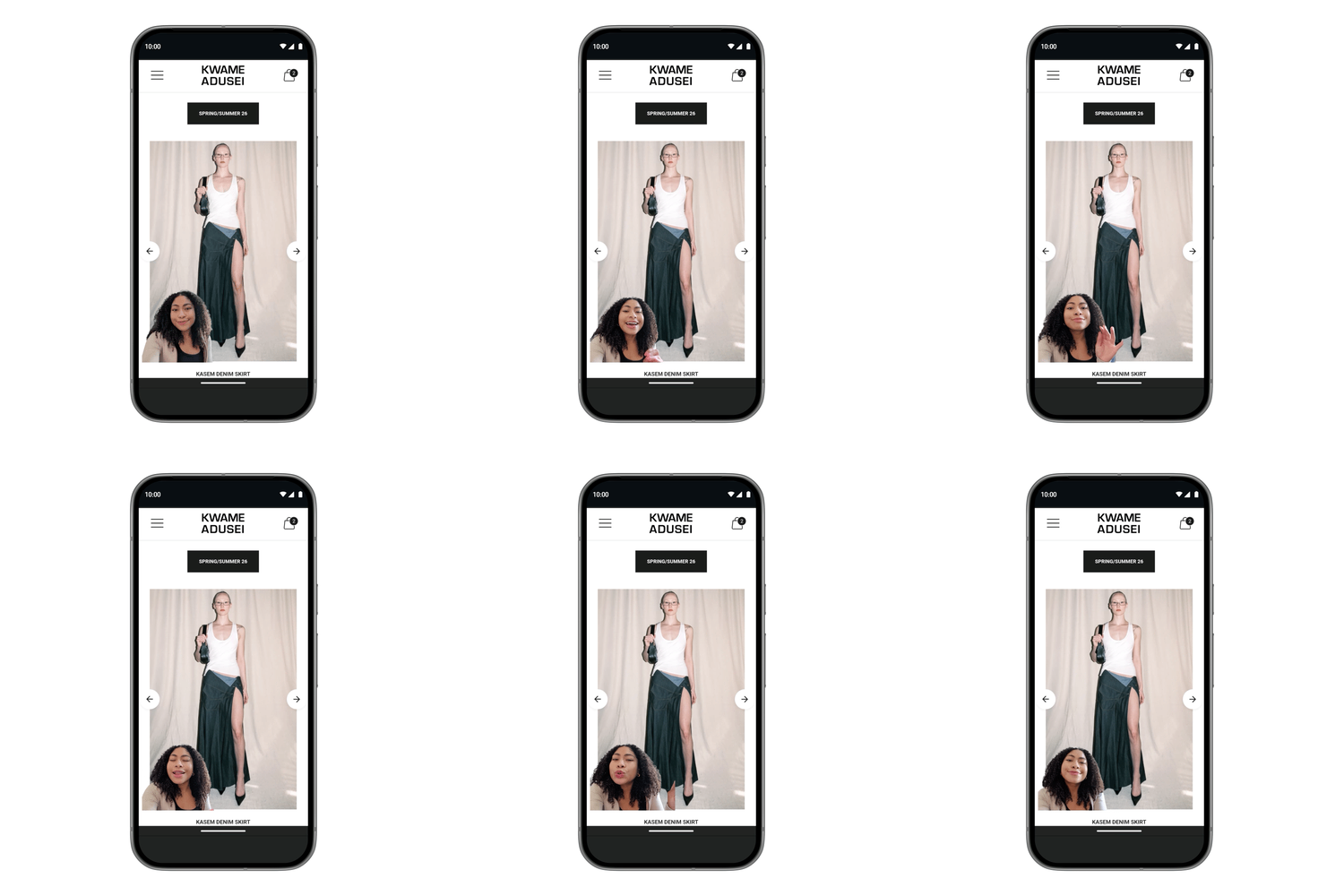
Screen Reactions on Pixel devices

On Google's Pixel devices, Android 17 brings support for Screen Reactions. You can create screen recordings with your face floating on top to create reaction videos similar to those seen on Instagram and YouTube Shorts.

google android 17 screen reactions

Google

Screen Reaction videos on Android 17 – Source: Google