Exceptional gifting. Our Samsung Galaxy gift guide features smartphones and wearables.
Last updated: July 3rd, 2022 at 12:58 UTC+02:00
SamMobile has affiliate and sponsored partnerships, we may earn a commission.
Reading time: 4 minutes
Don't forget to think about the foreground of the shot, which is what's in front of the fireworks, so that there's context and your shots look unique. The vantage point from where you take your photos should also allow for an unobstructed view of the fireworks. Be mindful of the wind direction as well, otherwise, you'll end up with smoke in the shots, making them look dull.
Prepare yourself before the fireworks begin by setting your Samsung phone on a tripod for the best composition. I also recommend taking a few shots before fireworks start so that you can escape the smoke from fireworks cluttering your photo. That way, your base exposure will be clean.
For base exposure don't be afraid to experiment using every mode of your camera. You will be surprised that basic Night Mode will be just enough for an amazing clean shot. Similarly, the Camera Pro Mode and the Expert RAW app are also good to get that base exposure.
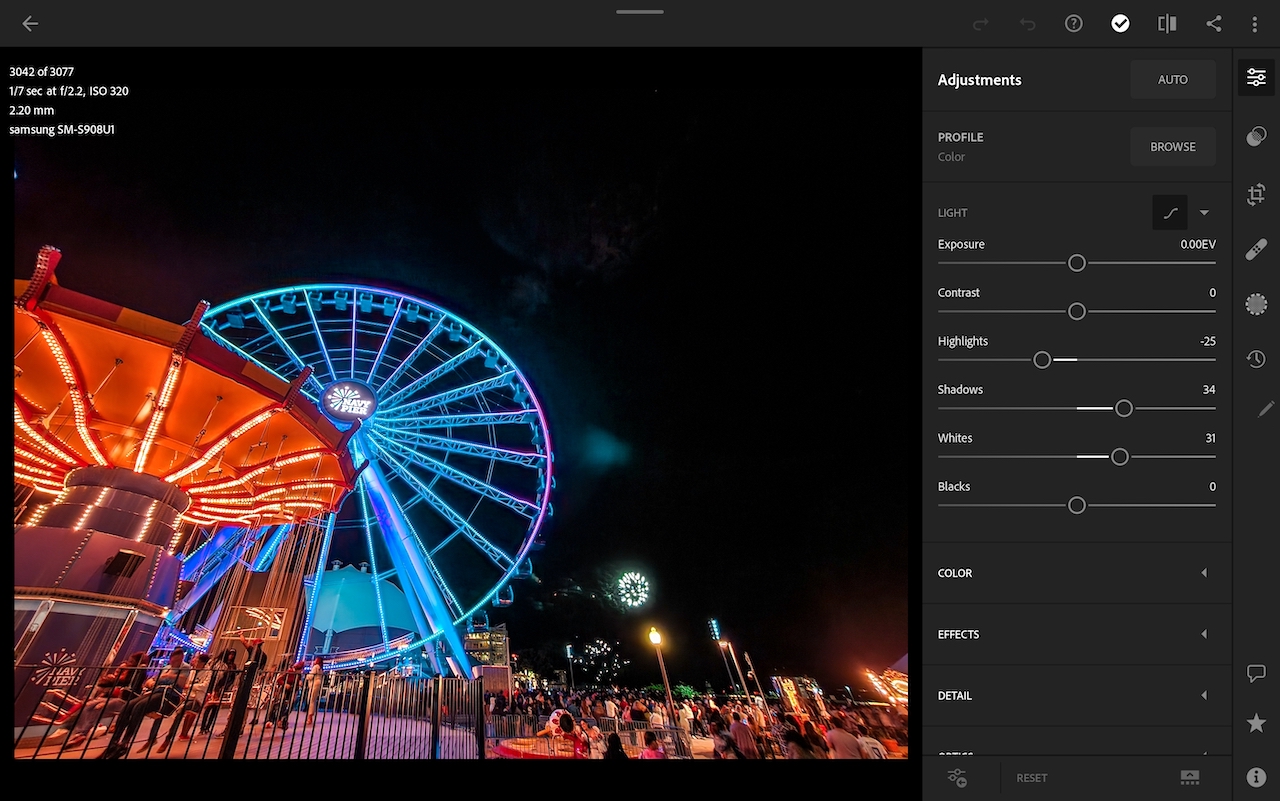
Once you are happy with your base shot and you think you've got your perfect night shot, get ready to capture many fireworks shots. The more shots you take the more options you will have to work with. Here's the base shot I'm working with:
Best way to capture fireworks is to keep your camera steady, any camera shake will ruin your shot.
There are a few ways to take a shot and keep the phone steady.
The settings that have always worked the best for me are:
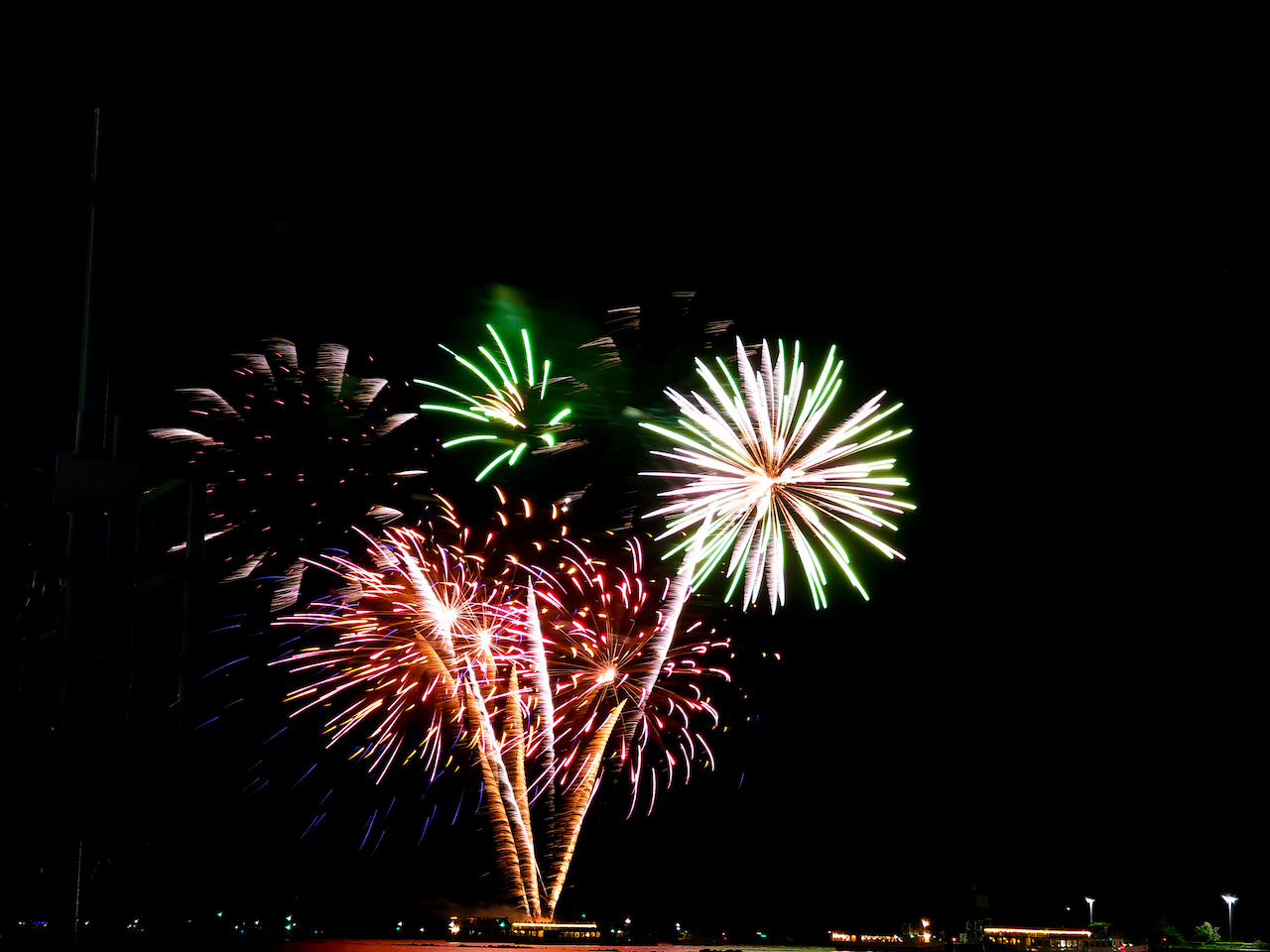
I make sure to point my phone in the direction where fireworks are being launched from and keep taking as many photos as I need to have a variety of fireworks shots to work with. Once all the shots have been taken, I sort through them and select the best shots, we don't need a lot to create an awesome image.
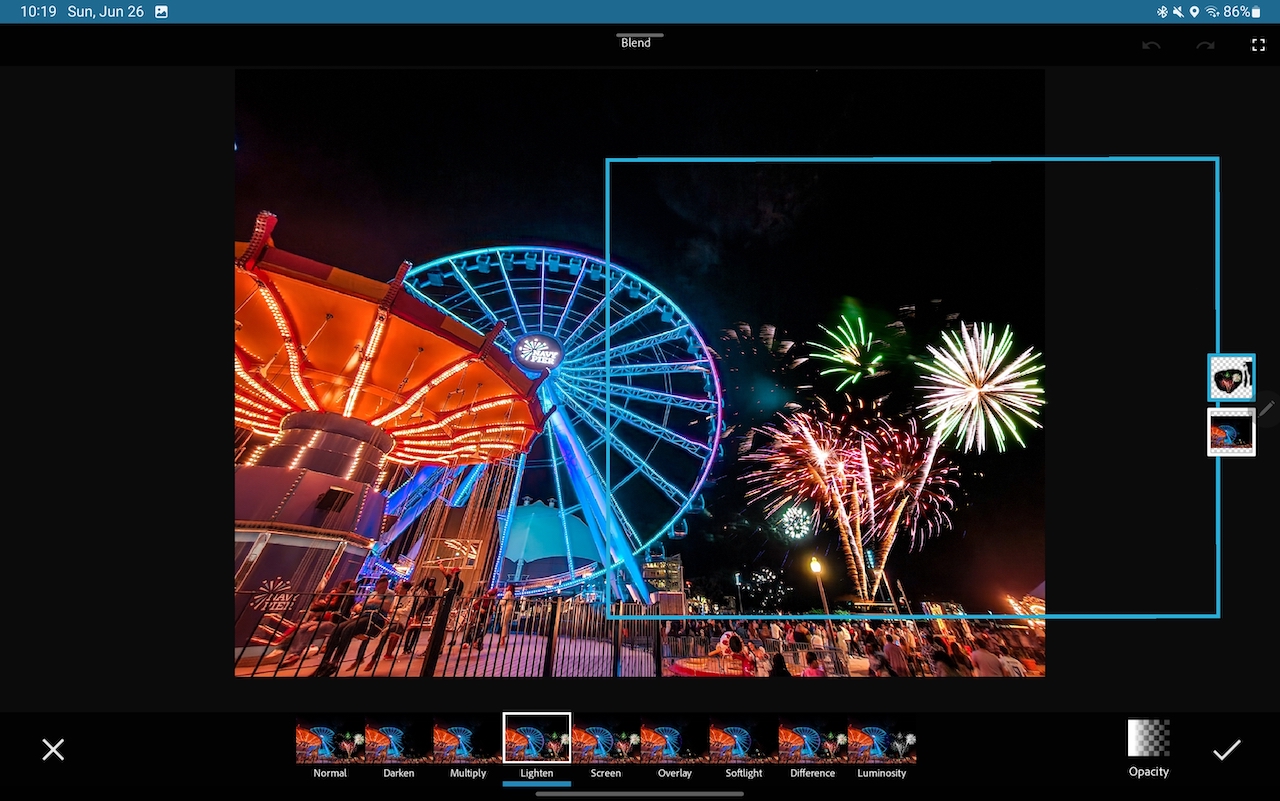
I then transfer the base shot we took earlier and the fireworks photos that I want to use on my Galaxy Tab S8. You can do all of this on your phone as well by following the exact same steps. Start by editing the base shot in the Lightroom Mobile App (download from Play Store.)
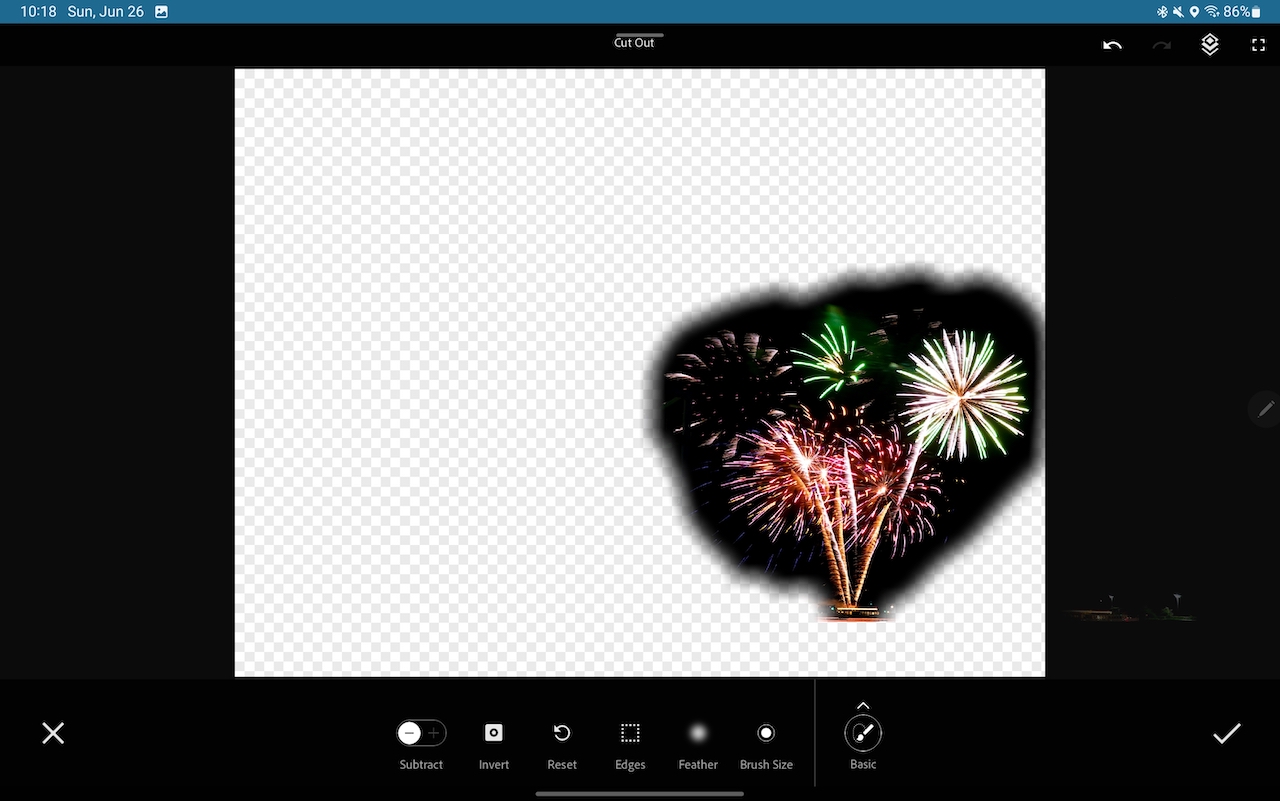
Then edit the fireworks photos and pull the Black slider all the way back so that most of the shot is made up of the fireworks only. This also helps make the merging process easier. Once that's done, then following these steps:
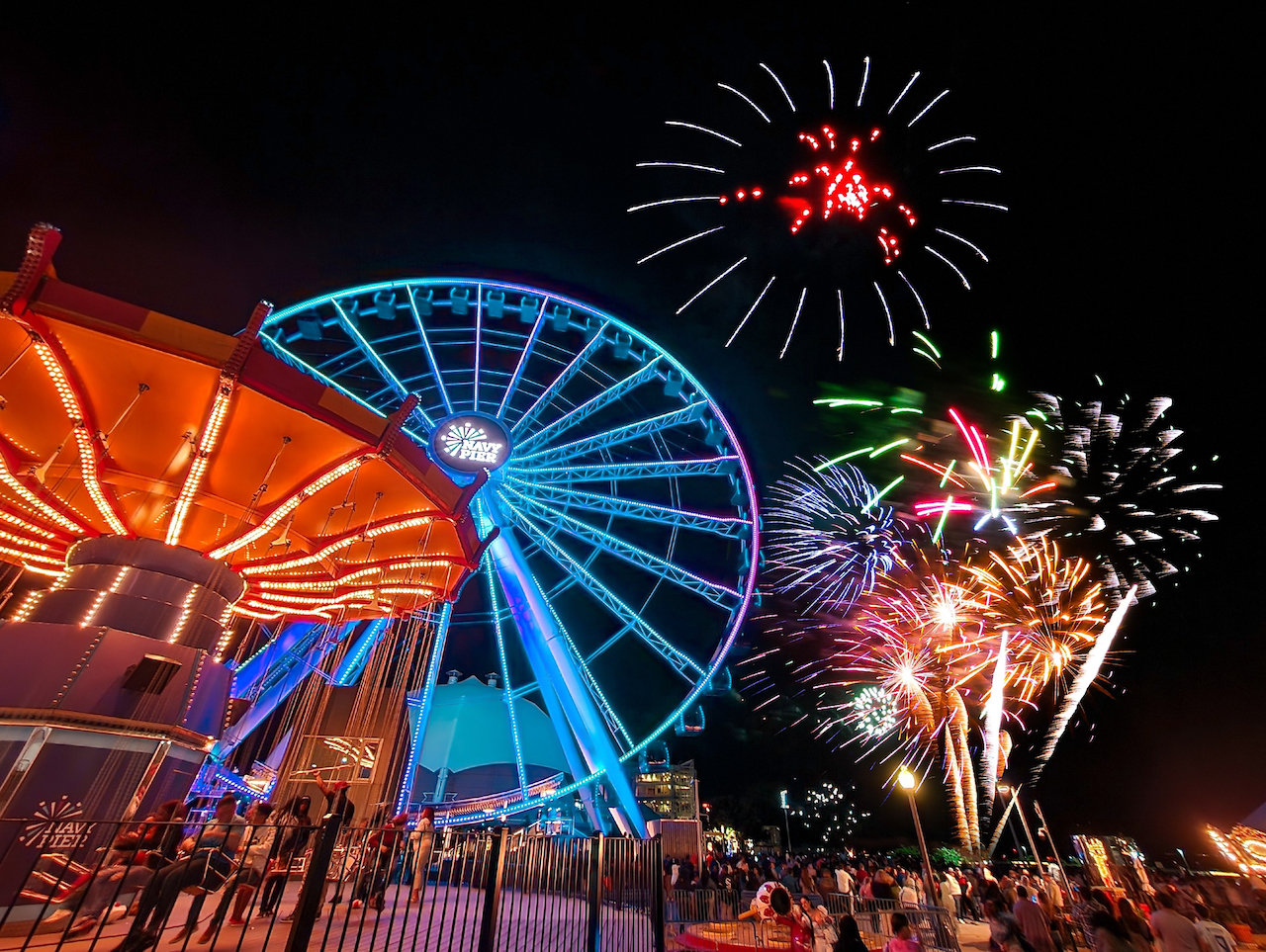
You can repeat the same process and import as many shots of fireworks as you like, remember, you don't need to overdo it for a great merged final shot. That's all there is to it. The final blended shot will be one of the best photos of fireworks that you've ever taken using your phone!
Join SamMobile’s Telegram group and subscribe to our YouTube channel to get instant news updates and in-depth reviews of Samsung devices. You can also subscribe to get updates from us on Google News and follow us on Twitter.