Last updated: April 7th, 2025 at 12:59 UTC+02:00
SamMobile has affiliate and sponsored partnerships, we may earn a commission.
Samsung has released the Android 15-based One UI 7.0 update for the Galaxy Z Fold Special Edition in South Korea.
Reading time: 2 minutes
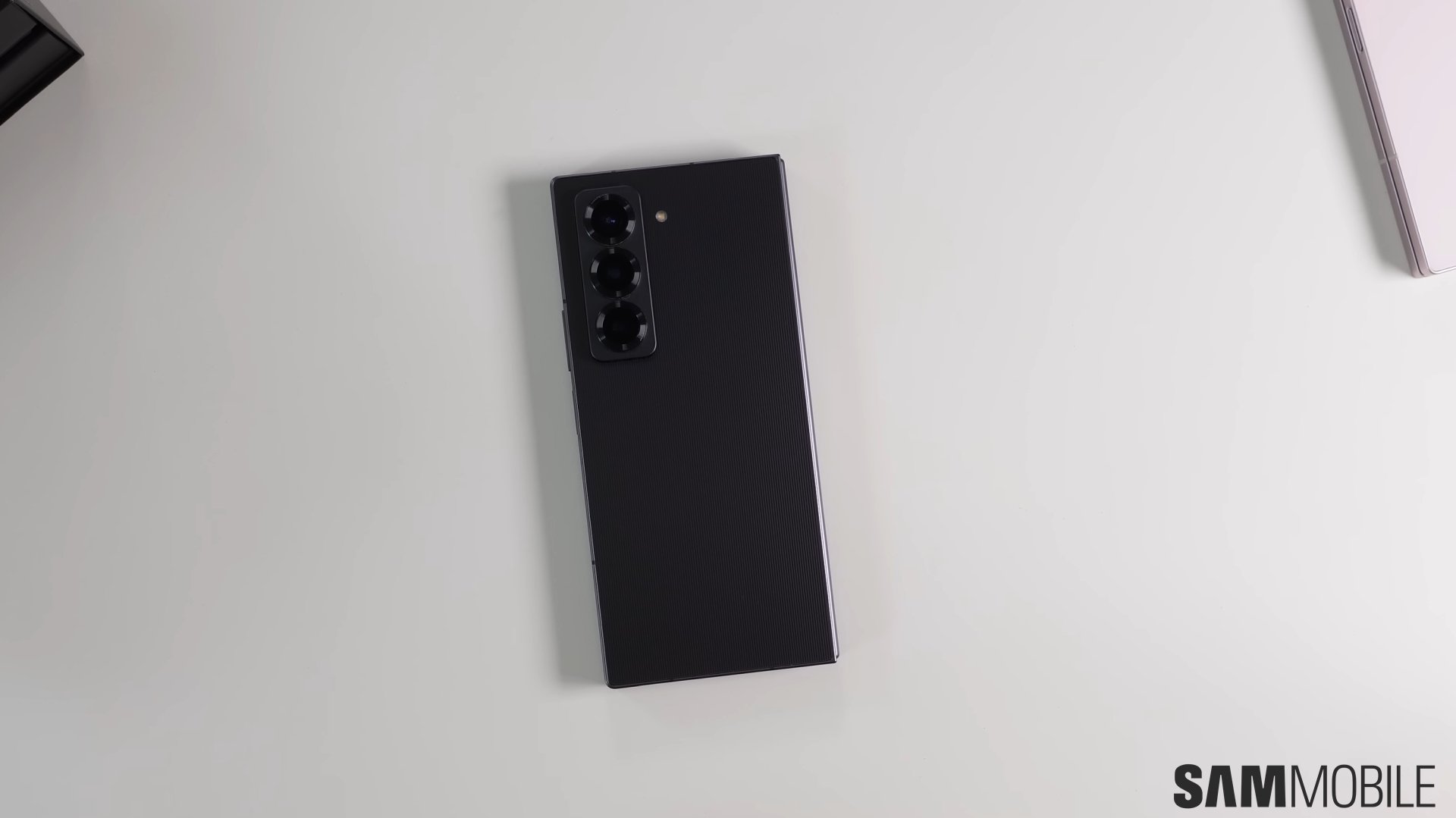
Earlier today, Samsung started rolling out the stable One UI 7.0 update to the Galaxy S24 series, Galaxy Z Flip 6, and Galaxy Z Fold 6 in South Korea. Now, the company has also released the much-awaited One UI 7.0 (Android 15) update for the Galaxy Z Fold Special Edition.
The Galaxy Z Fold Special Edition has started getting its first major software update, featuring Android 15 and One UI 7.0. Since the phone was officially released only in South Korea, the update is available only in the company's home country. It comes with firmware version F958NKSU2BYCK and has a download size of around 5GB. It includes the April 2025 security patch.


If you want to install the One UI 7.0 update on your Galaxy Z Fold Special Edition, you should navigate to Settings » Software update » Download and install on your phone.
Besides a thinner design and a 200MP camera, the Galaxy Z Fold Special Edition is identical to the Galaxy Z Fold 6. So, all the One UI 7.0 features should be similar between both foldable phones.
The new update brings a completely new UI design, featuring separate pages for notifications and Quick Panel. You can access notifications by swiping down on the home screen from anywhere. To access the Quick Panel, you need to swipe down from the top right side of the screen. Notifications now appear bigger and have a pill shape. Quick Panel is now even more customizable and has a volume control slider.
Samsung has also added new and improved Galaxy AI features, including voice call transcribing. One UI 7.0 also brings a new styling for widgets, featuring more rounded edges and standard widget sizes. More home screen and lock screen widgets and lock screen clock widget customization and placement features have been added. Home screen widgets now have more customization options, including background, background color, shape, and transparency.
The Camera app has received a major makeover, featuring more one-handed accessibility, as all the camera controls are shifted to the bottom of the screen (in portrait screen orientation). Modes now has a new UI, while Routines have received more trigger options and the If-Else condition.

Asif is a computer engineer turned technology journalist. He has been using Samsung phones since 2004, and his current smartphone is the Galaxy S23 Ultra. He loves headphones, mechanical keyboards, and PC hardware. When not writing about technology, he likes watching crime and science fiction movies and TV shows.












