Last updated: July 2nd, 2019 at 04:33 UTC+02:00
SamMobile has affiliate and sponsored partnerships, we may earn a commission.
Reading time: 2 minutes
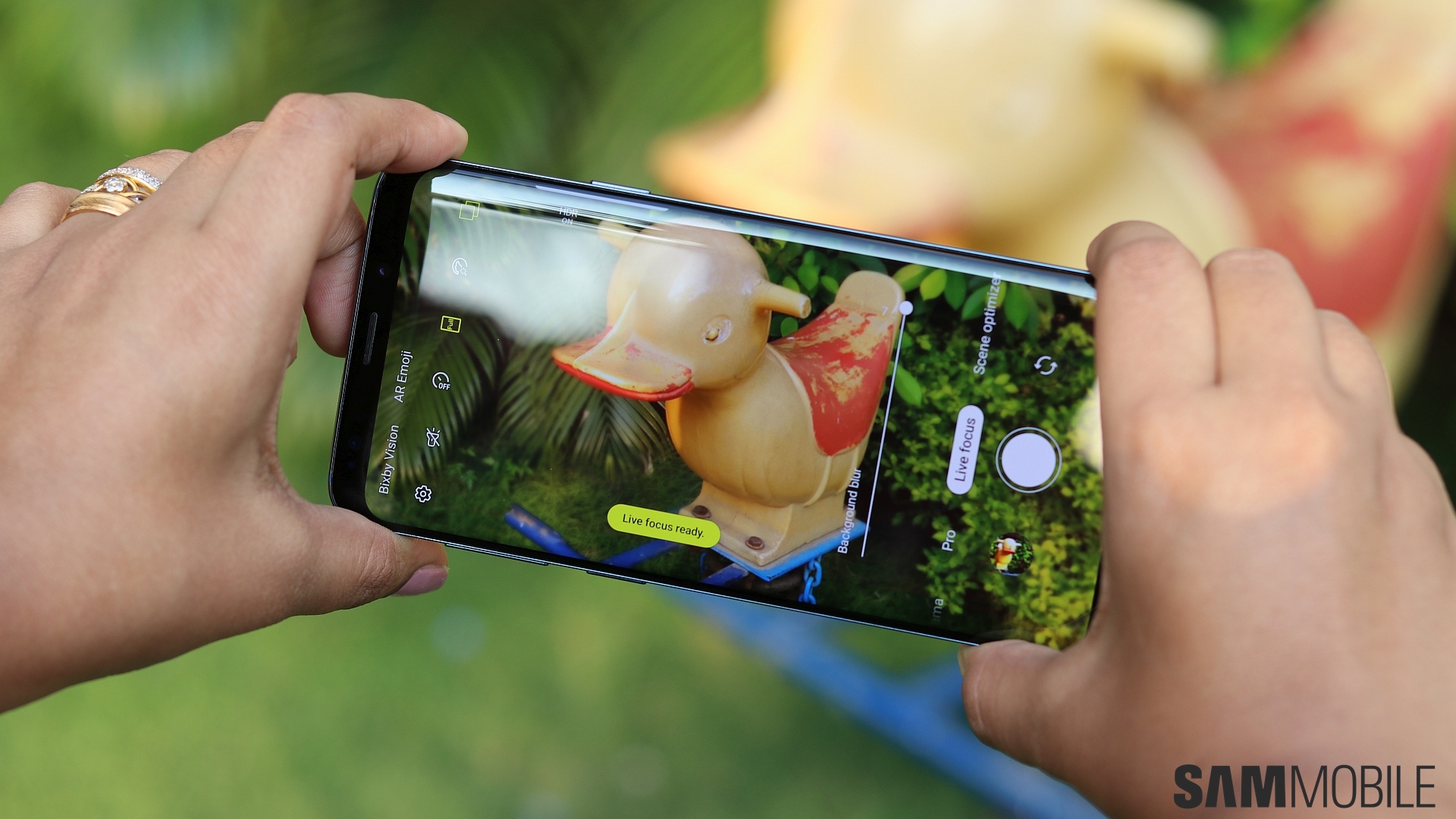
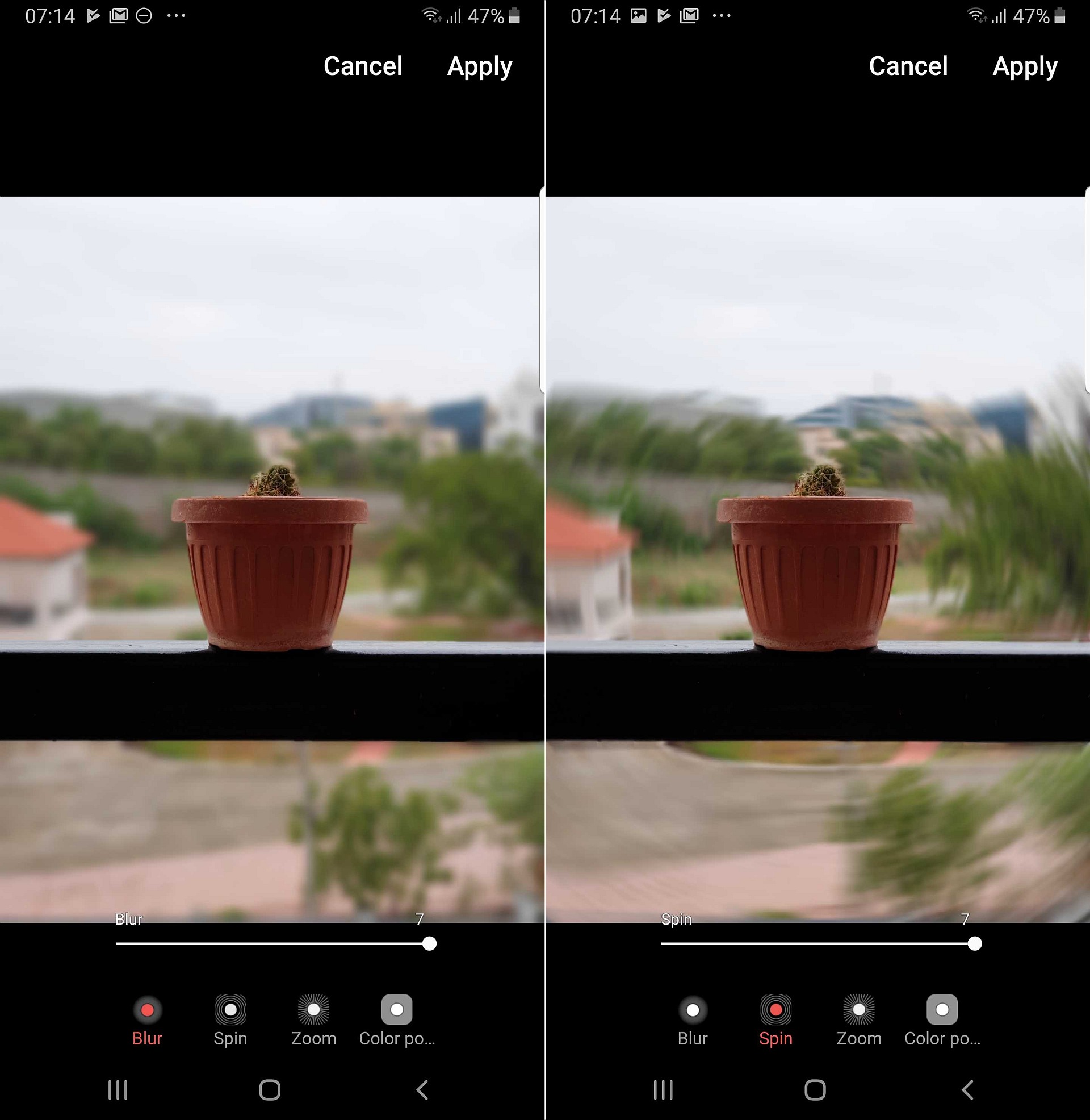
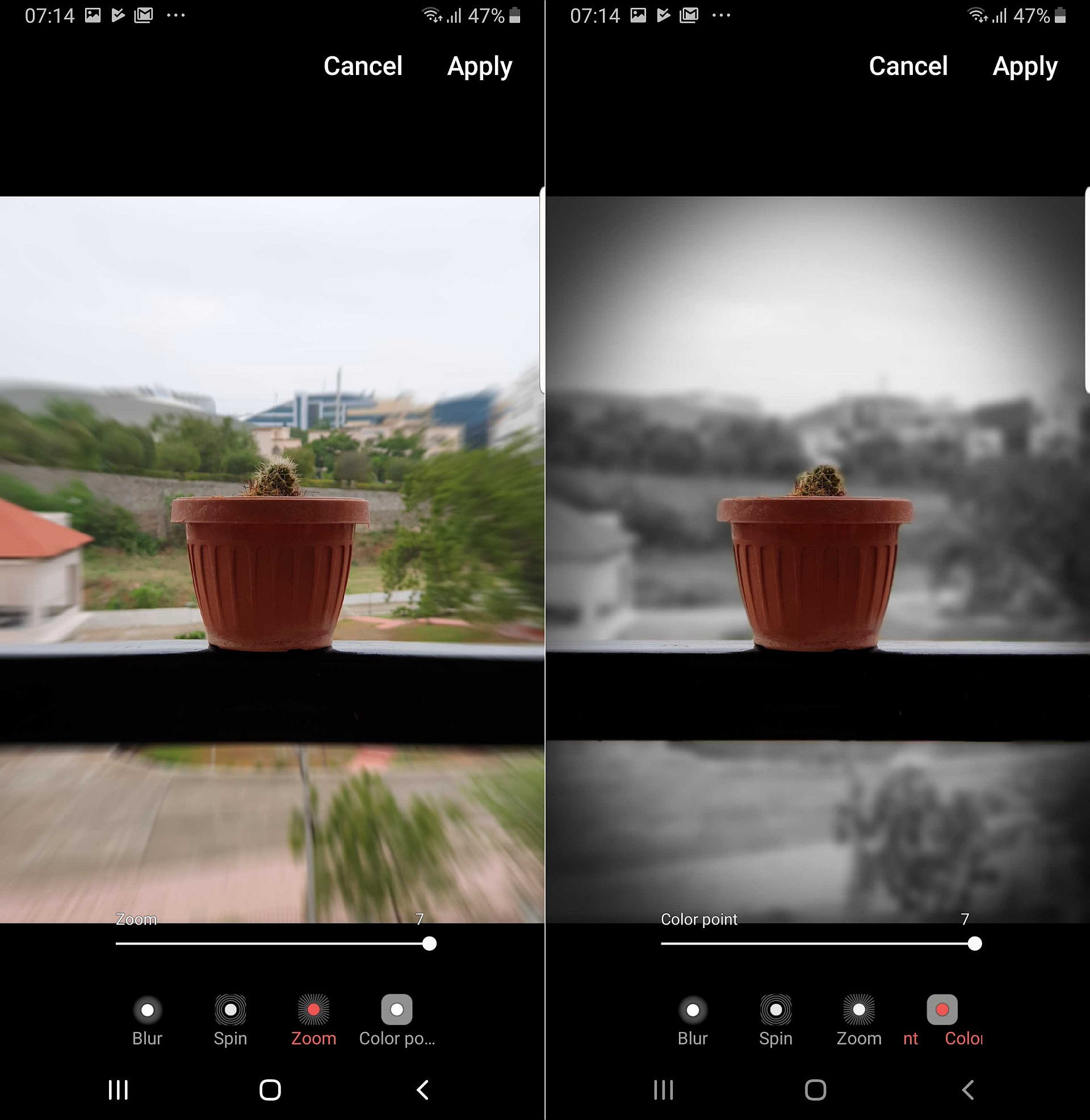
There are four effects to choose from: Blur, Spin, Zoom, and Color Point. Our favorite effect is Color Point, which makes the background black and white. However, unlike the Galaxy S10, the Galaxy S9 and Note 9 only allow changing the background effect after a Live Focus photo has been taken (the S10 trio let you change the effect on the fly). You can do this by opening the Gallery app, navigating to a Live Focus photo, and then hitting the Change background effect option. The new effects can be applied to both new and existing Live Focus photos.
Of course, Live Focus remains an imperfect feature as the background is not always distinguished properly and there can be artefacts, especially around a person's hair. Still, it's fun being able to change the blur effect, allowing for a more artistic look in your bokeh/portrait shots compared to standard background blur, and Galaxy S9 and Galaxy Note 9 owners can now take advantage of the same Live Focus effects as the Galaxy S10e, Galaxy S10 and Galaxy S10+.
Note: It's possible that not all countries will receive the new Live Focus effects with the June security update and will instead get them through the next software update.
[modelinfo model=”SM-G960F”]
[modelinfo model=”SM-G965F”]
[modelinfo model=”SM-N960F”]

Abhijeet's writing career started with guides for custom firmware for Samsung devices (including the original Galaxy S), and he moved to SamMobile in mid-2013 and worked up the ranks to Editor-in-chief. In addition to phones and mobile devices, his interests include gaming on both PC and console, PC hardware, and spending countless hours on YouTube watching videos on tech, movies, games, politics, and internet dramas.












