Last updated: October 11th, 2019 at 09:40 UTC+02:00
SamMobile has affiliate and sponsored partnerships, we may earn a commission.
Reading time: 2 minutes
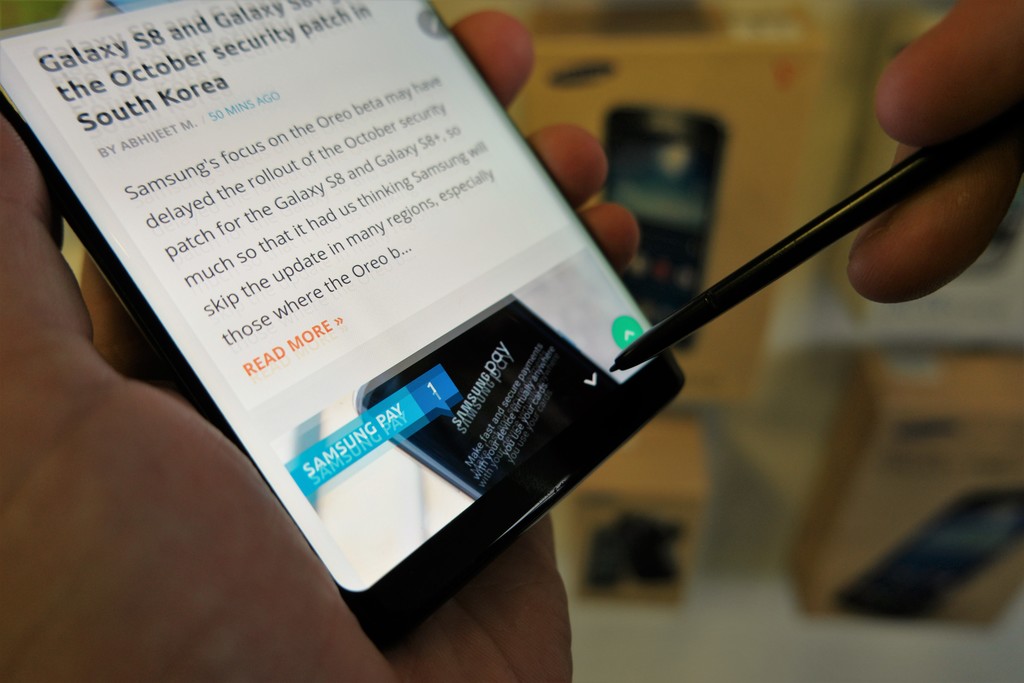
We've already covered many Galaxy Note 8 Tips & Tricks extensively to help you take full advantage of all the features that your new phablet offers. If you tend to use the S Pen frequently you might also want to learn how to customize the Air Command menu on the Galaxy Note 8.
It's pretty easy to take advantage of this feature. Simply hover the S Pen at the top or bottom of the display when you want to scroll up or down.
Do keep in mind that this feature doesn't work in all third-party apps. It works in Samsung Internet but not in Chrome. It also works in WhatsApp but not in Facebook. This feature can be used to scroll in the Settings menu as well.
The feature isn't new to the Note lineup but since it hasn't been highlighted for the Galaxy Note 8 (there's no setting to toggle it, either), those who are new to the Note family would only have found out about it by chance.

Adnan Farooqui is a long-term writer at SamMobile. Based in Pakistan, his interests include technology, finance, Swiss watches and Formula 1. His tendency to write long posts betrays his inclination to being a man of few words.













