Last updated: October 7th, 2024 at 12:14 UTC+02:00
SamMobile has affiliate and sponsored partnerships, we may earn a commission.
Reading time: 2 minutes
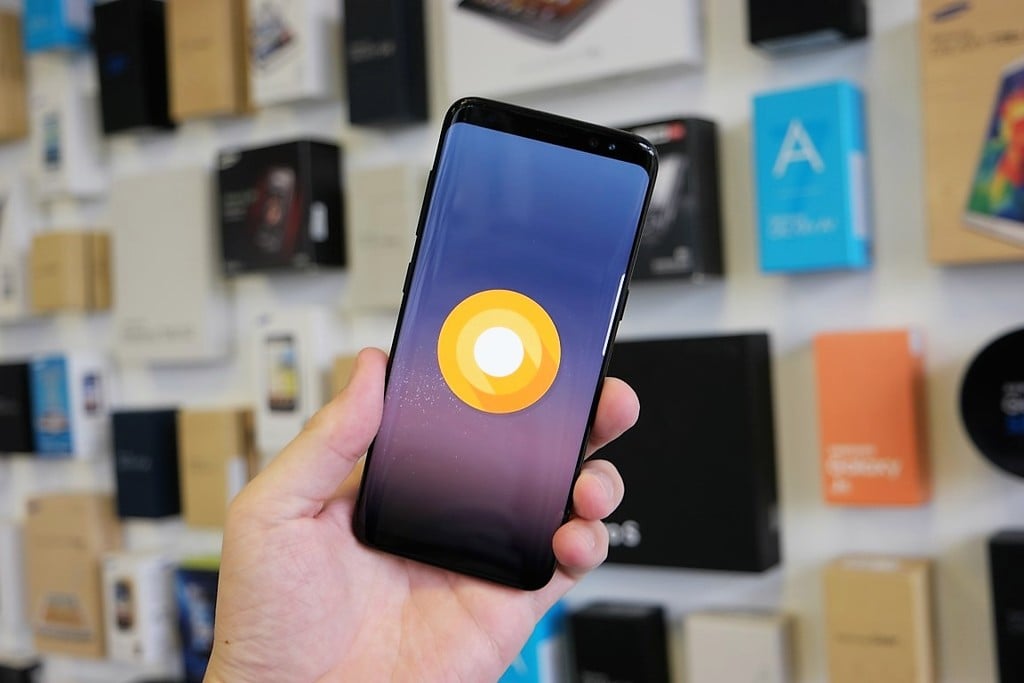
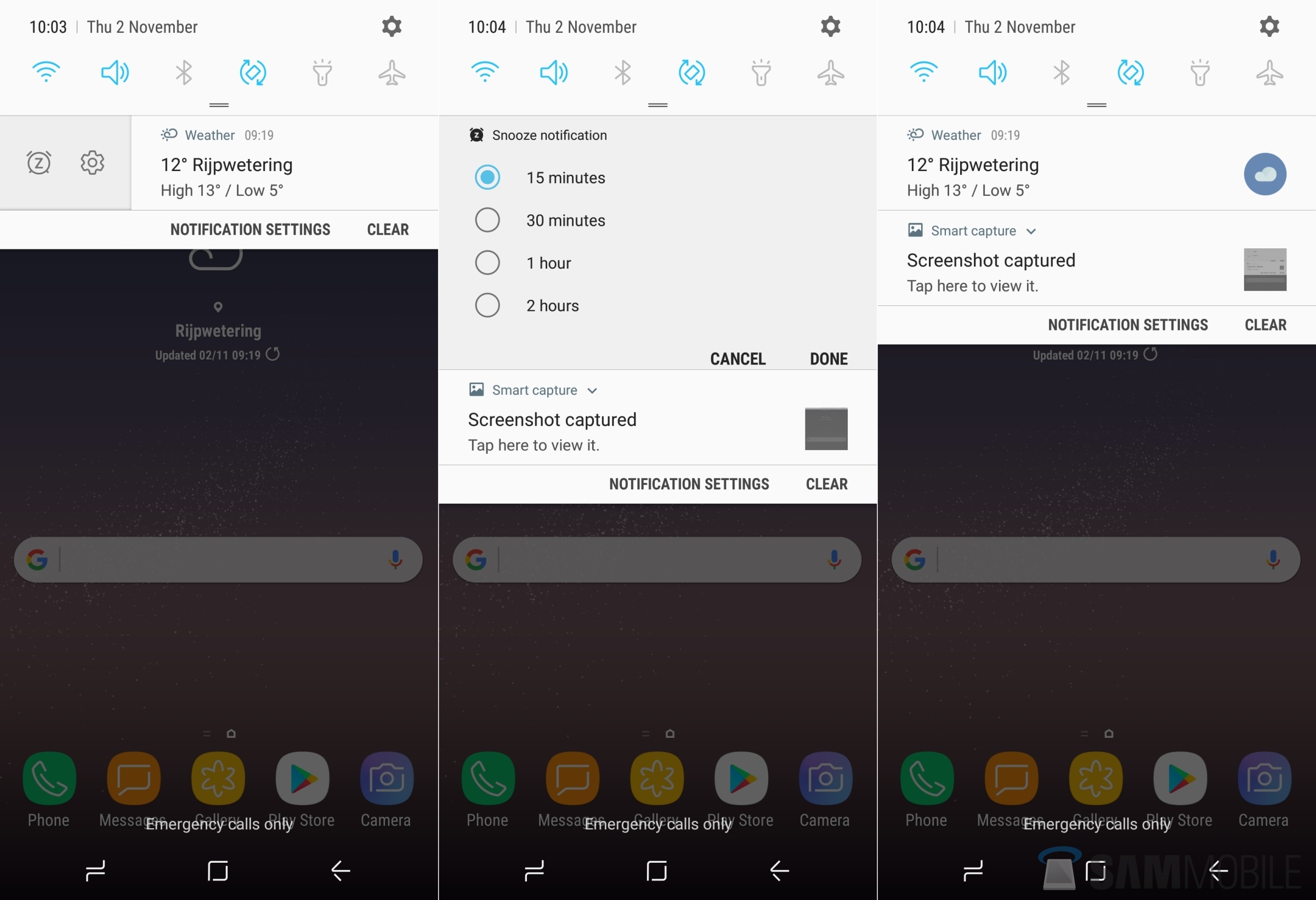
The Clear all button in Android's notification shade can be useful for getting rid of all notifications with a single click, but with Oreo, users can pin notifications that they do not wish to remove even when the notification shade is cleared. On the flip side, notifications that bother you (like those pesky WhatsApp group messages that keep pouring in) can be snoozed for up to two hours. The pin and snooze options can be accessed by swiping an app's notification ever so slightly to the left or right, then hitting the corresponding toggle. We can see these being quite useful, especially that snooze button.
There are a handful of new features and changes on Android 8.0 Oreo, and you can read about them all in our What's New With Android 8.0 Oreo series. Are you using the Oreo beta on your Galaxy S8 or S8+? Discovered any new features that we may have missed? Let us know in the comments!

Abhijeet's writing career started with guides for custom firmware for Samsung devices (including the original Galaxy S), and he moved to SamMobile in mid-2013 and worked up the ranks to Editor-in-chief. In addition to phones and mobile devices, his interests include gaming on both PC and console, PC hardware, and spending countless hours on YouTube watching videos on tech, movies, games, politics, and internet dramas.












