Last updated: May 25th, 2017 at 09:33 UTC+02:00
SamMobile has affiliate and sponsored partnerships, we may earn a commission.
Reading time: 1 minutes
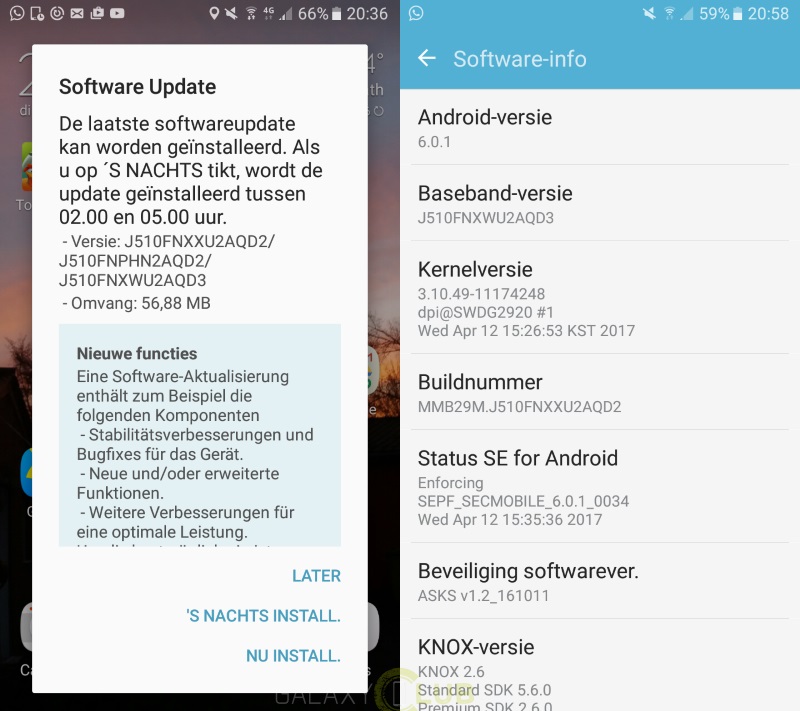
As we've come to expect, the update is making the rounds in stages. To see if the OTA is ready for your Galaxy J5 (2016), all you have to do is open up Settings, then select the Download Updates Manually from the Software Update section. On the other hand, you can always wait until you receive a push notification instructing you to install the upgrade, but it could take a little longer to arrive.