Last updated: May 12th, 2017 at 13:18 UTC+02:00
SamMobile has affiliate and sponsored partnerships, we may earn a commission.
Reading time: 2 minutes
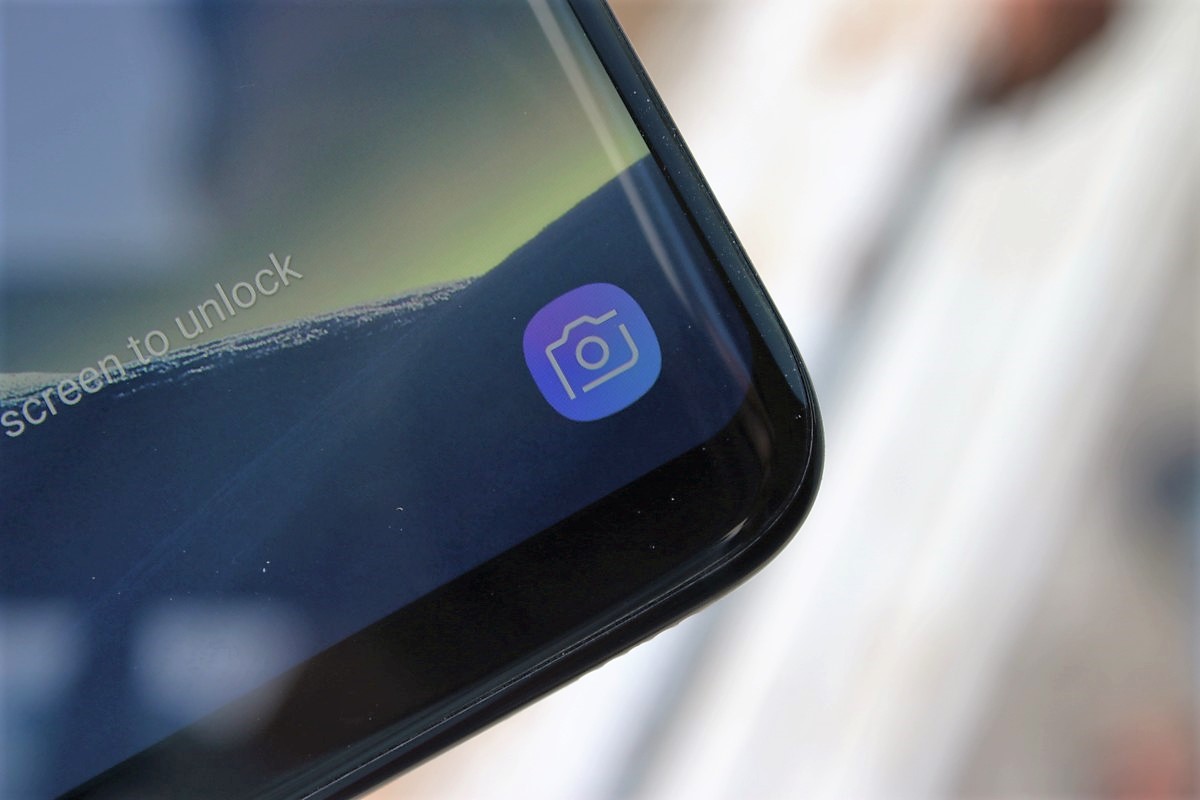
Here's how you can change the app shortcuts on the lockscreen on your Galaxy S8 or S8+:
Step 1: Open the phone's settings from the app drawer or by hitting the gear icon in the notification shade.
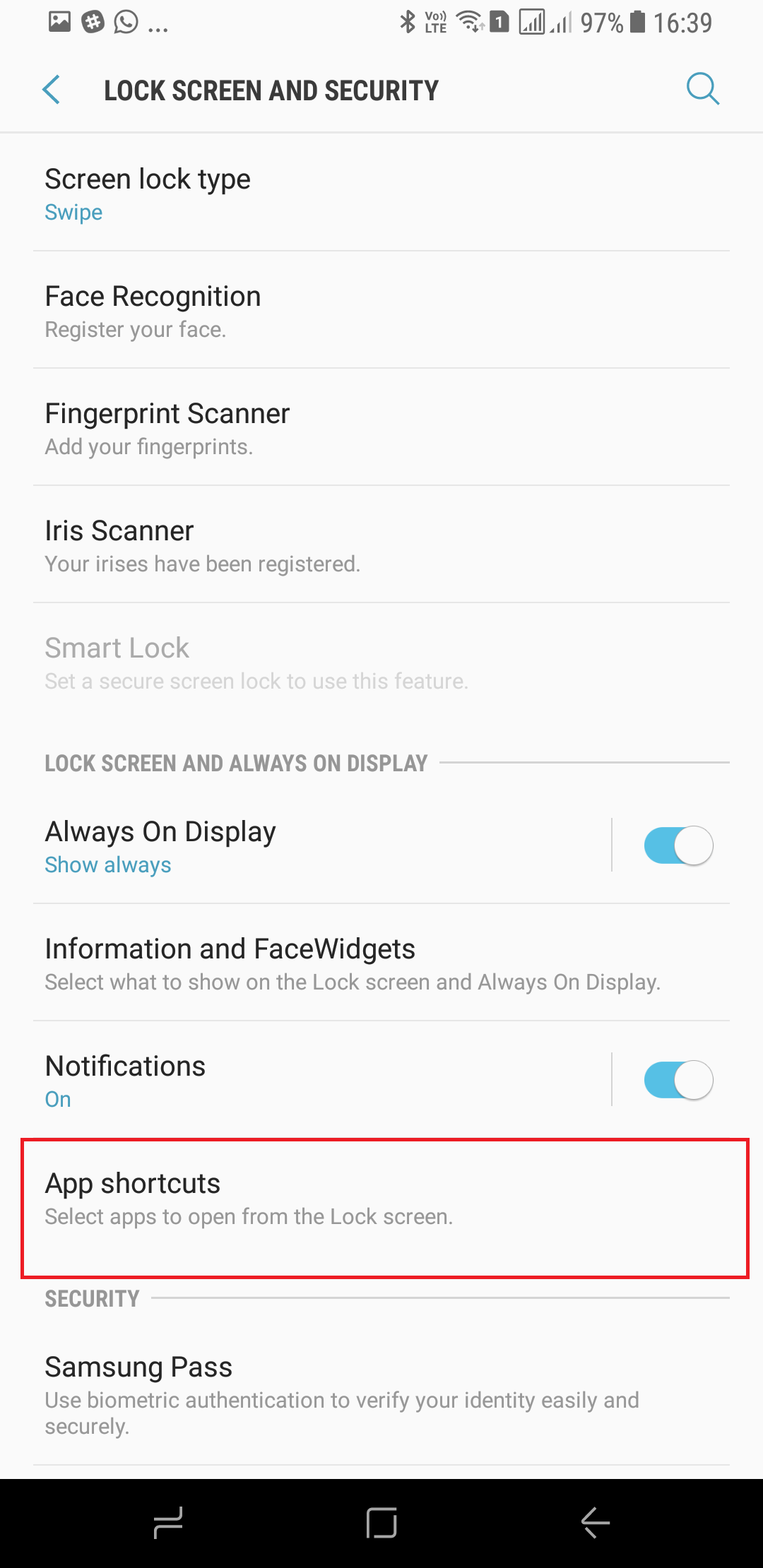
Step 2: Go into the Lock screen and security menu.
Step 3: Here, go into App shortcuts.
Step 4: Simply change each shortcut to the app you want. That's it.
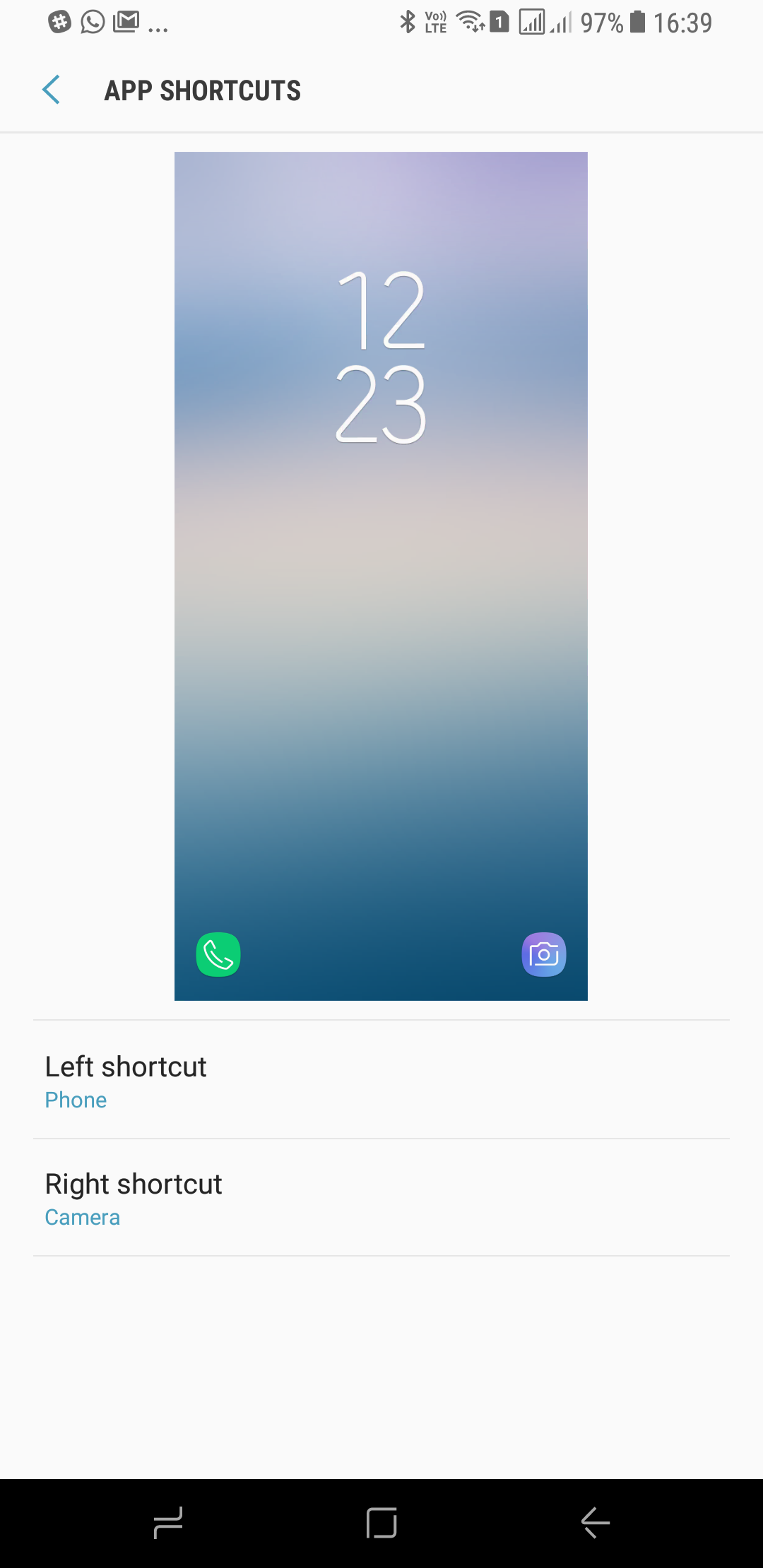
You should now have your personal shortcuts on the lock screen for quick access. Should you have any issues, be sure to let us know in the comments so we can point you in the right direction. Don't forget to take a look at other Galaxy S8 and S8+ tips so you can make the most of your new smartphone.

Abhijeet's writing career started with guides for custom firmware for Samsung devices (including the original Galaxy S), and he moved to SamMobile in mid-2013 and worked up the ranks to Editor-in-chief. In addition to phones and mobile devices, his interests include gaming on both PC and console, PC hardware, and spending countless hours on YouTube watching videos on tech, movies, games, politics, and internet dramas.













