Last updated: May 8th, 2017 at 08:54 UTC+02:00
SamMobile has affiliate and sponsored partnerships, we may earn a commission.
Reading time: 1 minutes
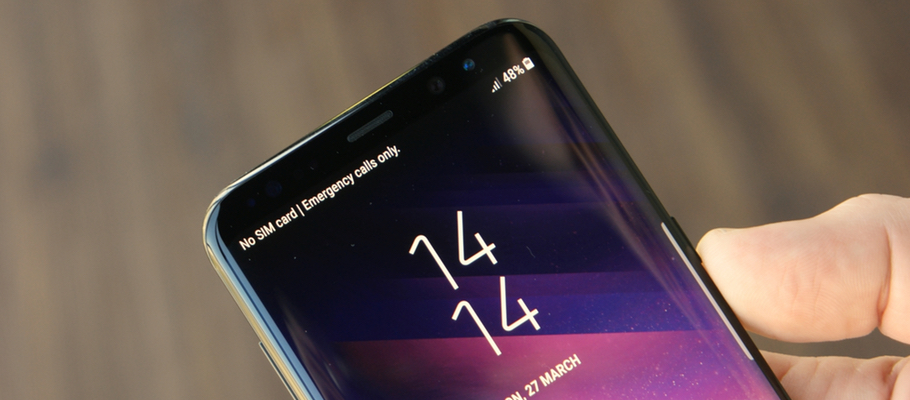
Aside from the inclusion of a couple of additional bug fixes, the upgrade appears to be identical to the release that started making the rounds in Europe and South Korea recently, transporting a couple of new settings for the Adaptive Display screen mode.
To see if the OTA is ready for your Galaxy S8 or Galaxy S8+ follow these steps: Settings > Software Update > Download Updates Manually. If it doesn't show up, don't panic. It just means that it hasn't reached your device yet, so be sure to repeat the process in around 24-hours.















