Last updated: May 4th, 2017 at 10:35 UTC+02:00
SamMobile has affiliate and sponsored partnerships, we may earn a commission.
Reading time: 1 minutes
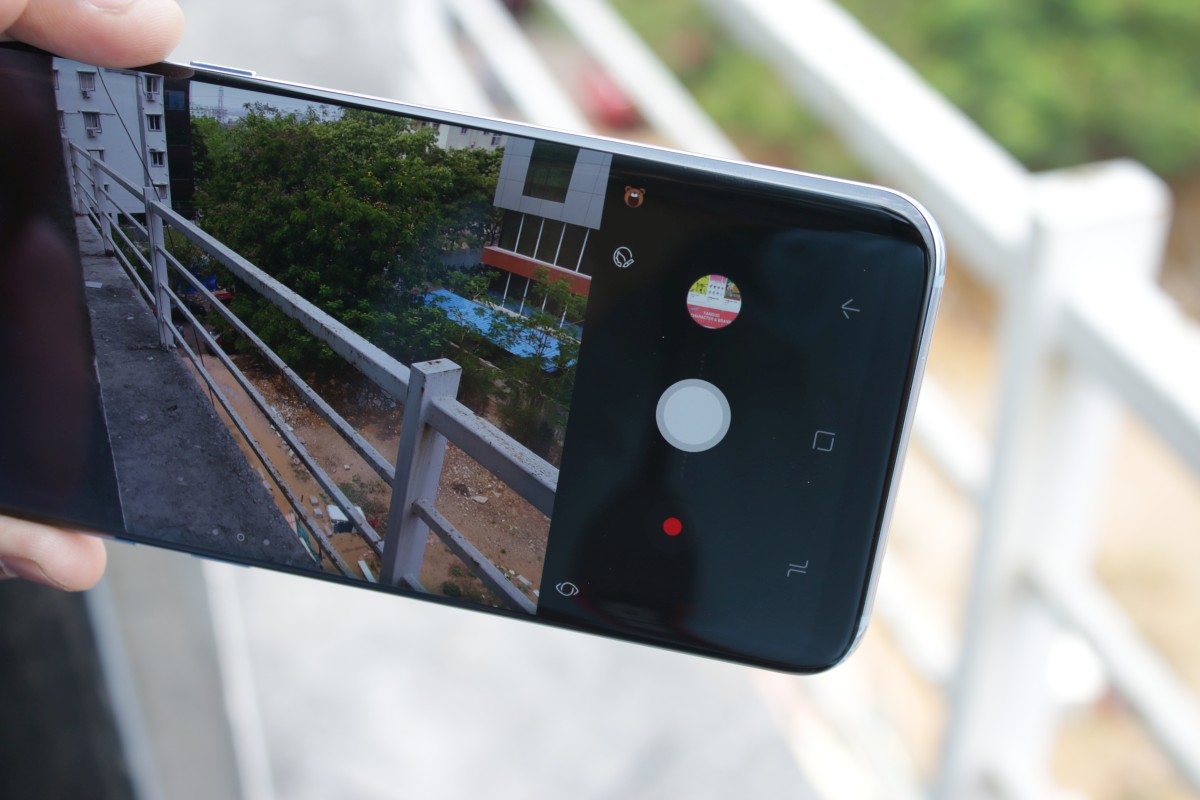
Here's how:
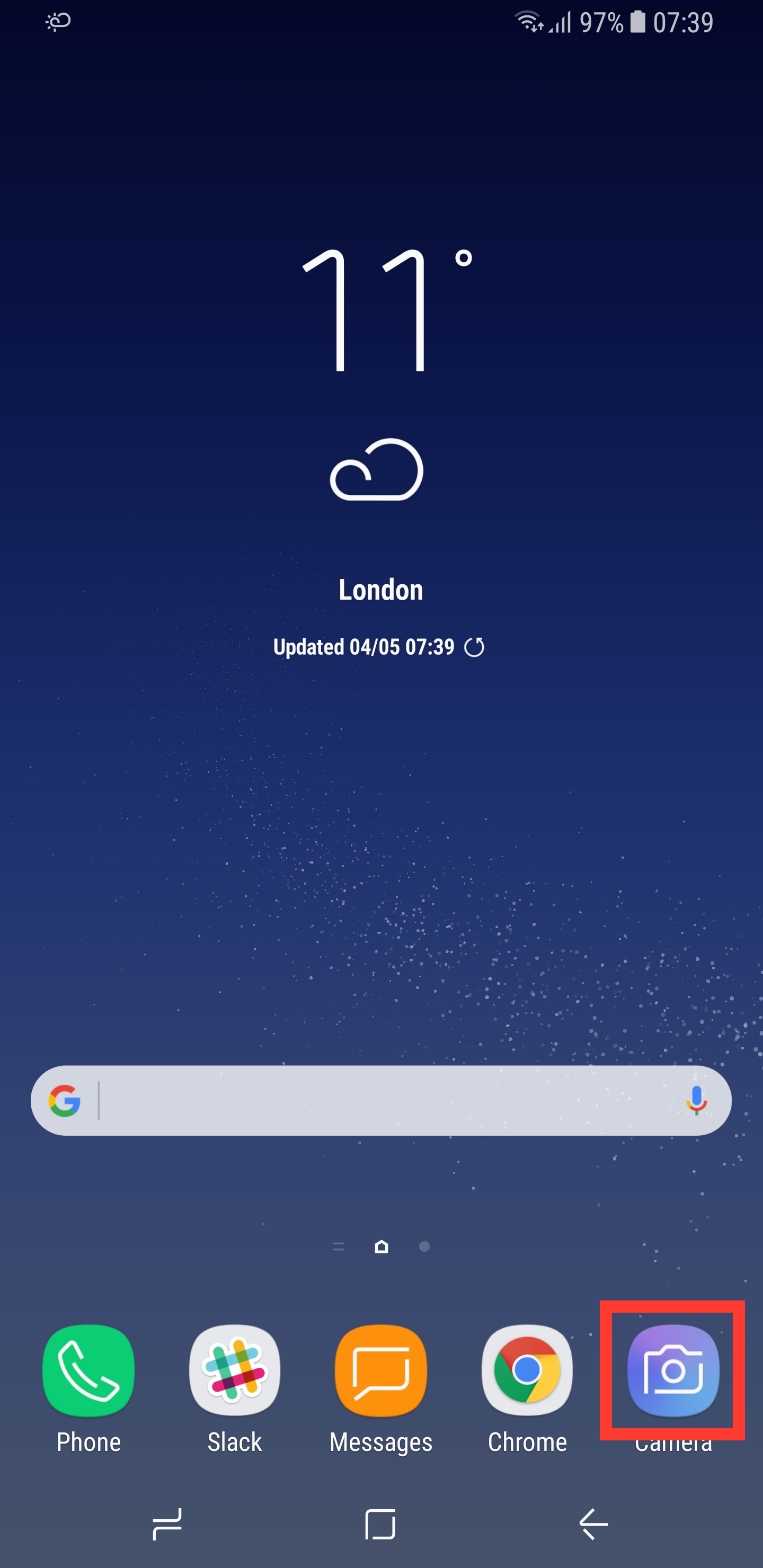
Step 1: Open the Camera application.
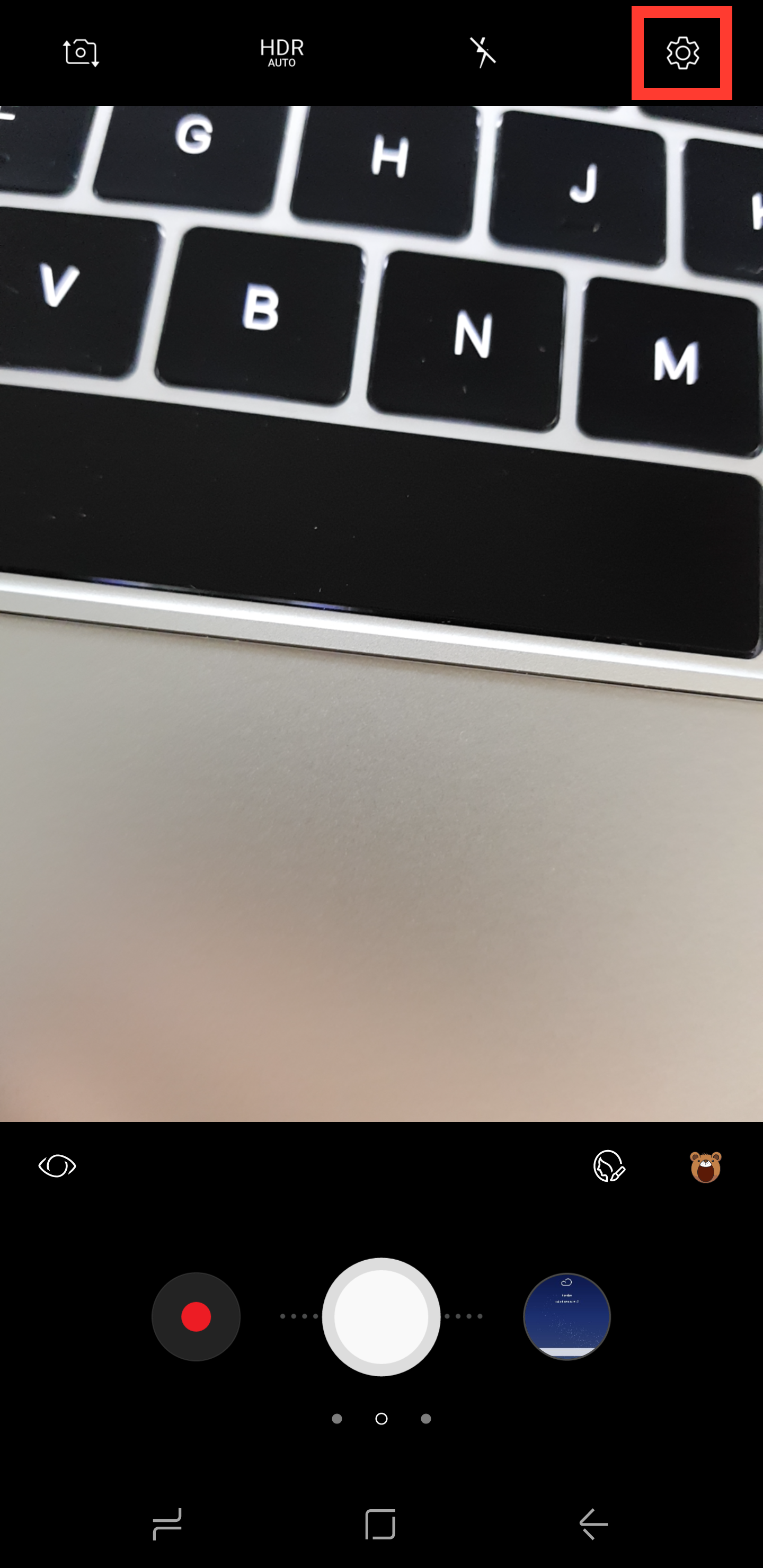
Step 2: Tap the Settings icon in the upper-right corner.
Step 3: Select Video Size.
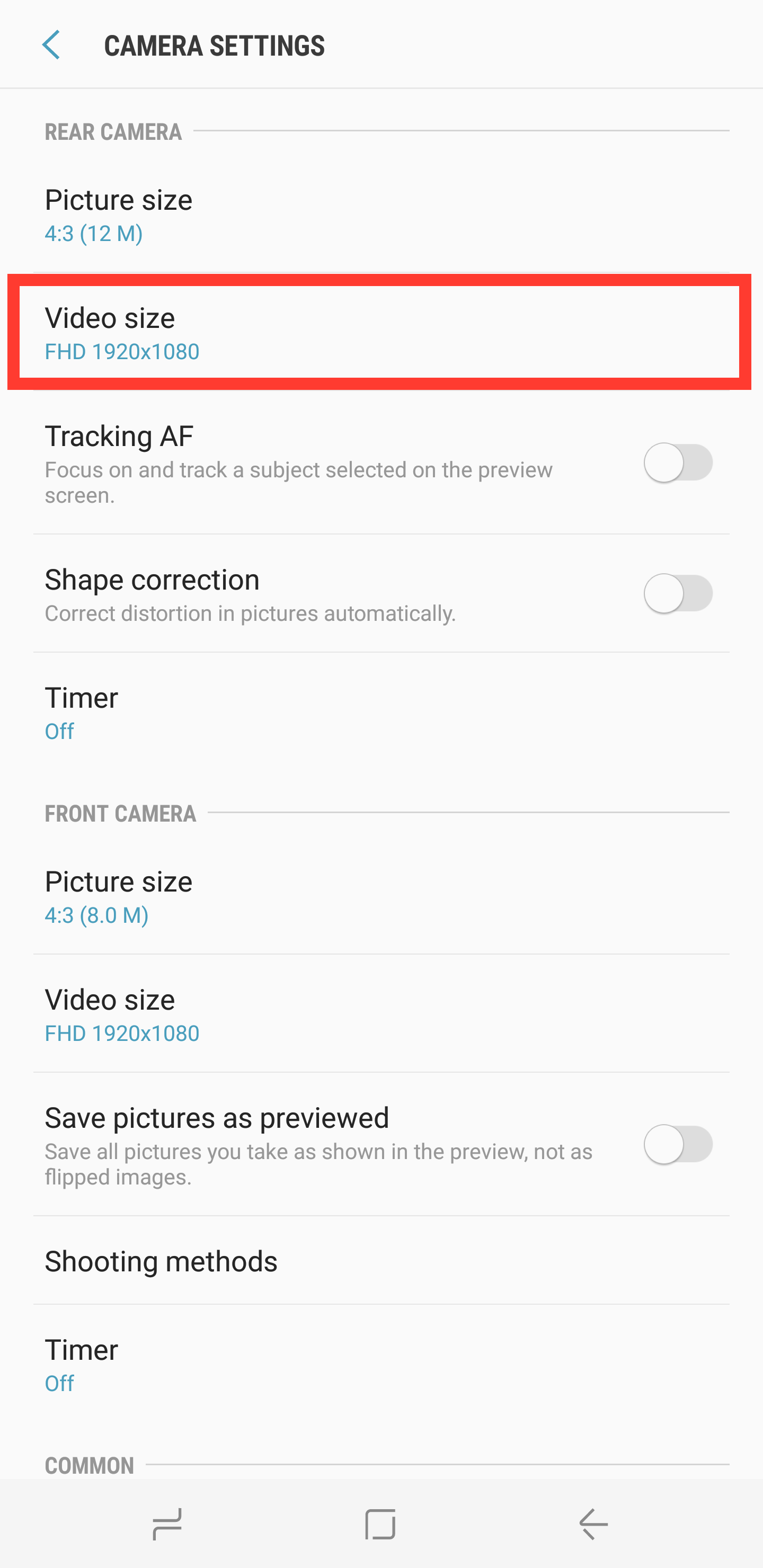
Step 4: Change the option from FHD to UHD.
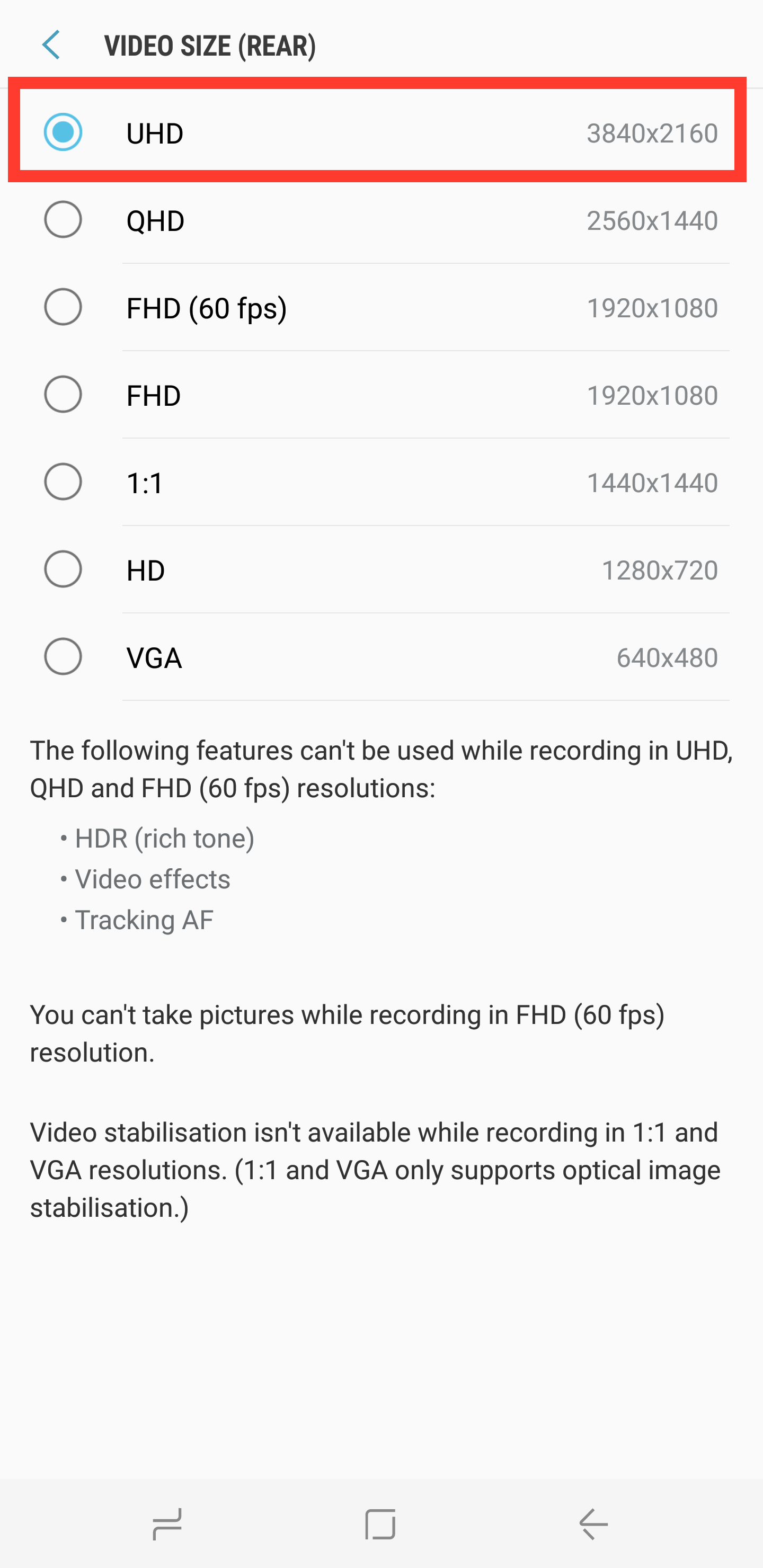
That's all there is to it. We should point out, however, that recording videos in 4K takes up a lot more storage space than Full HD — so it would probably best to reserve the feature for occasions when the higher quality will actually make a difference.
As always, if you happen to find yourself in a bit of a pickle while following any of the aforementioned steps, let us know in the comments section below (or over on Facebook and Twitter). Otherwise, be sure to check out our other Galaxy S8 tips and tricks.













