Last updated: February 21st, 2017 at 14:09 UTC+01:00
SamMobile has affiliate and sponsored partnerships, we may earn a commission.
Reading time: 2 minutes
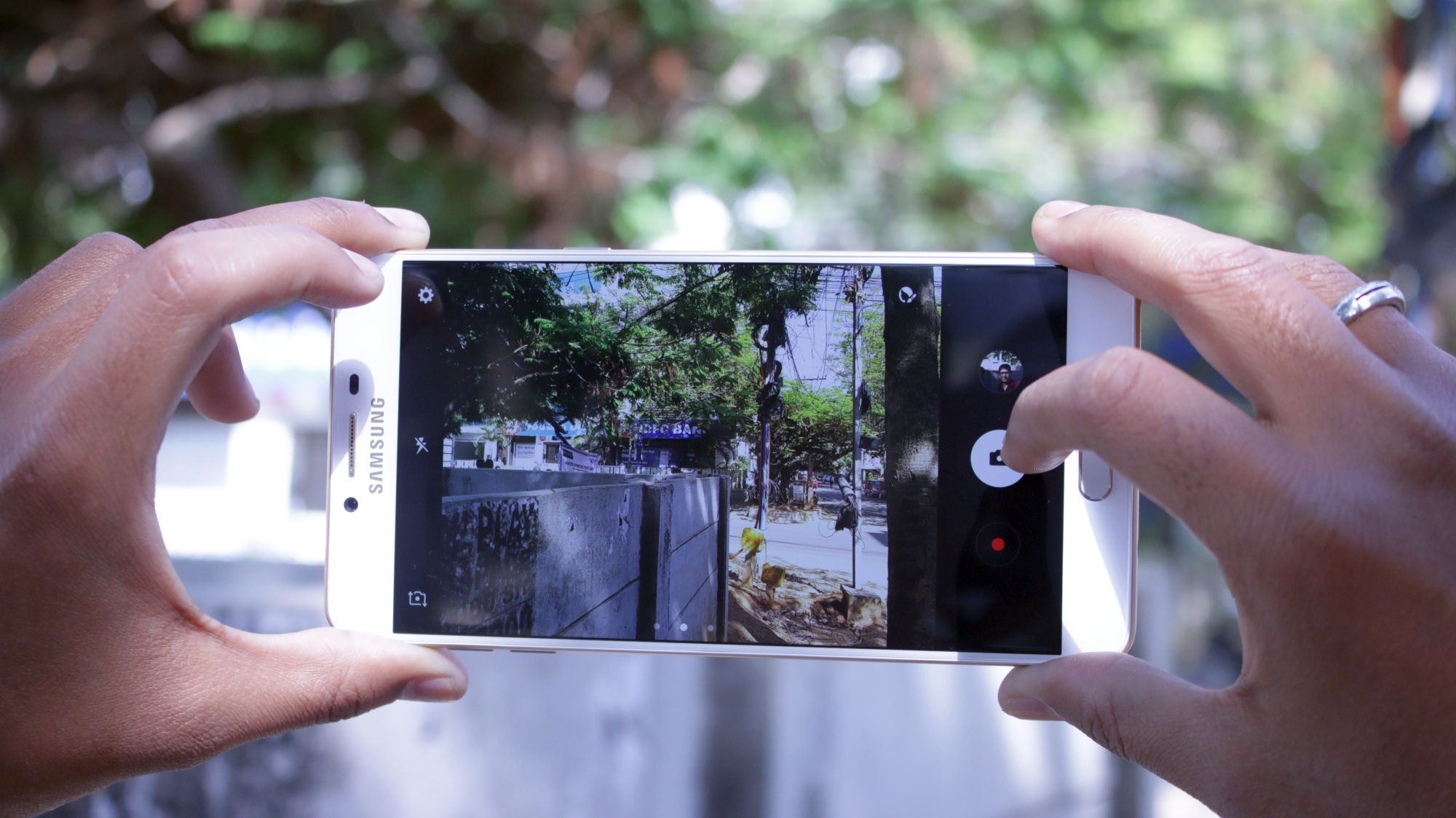
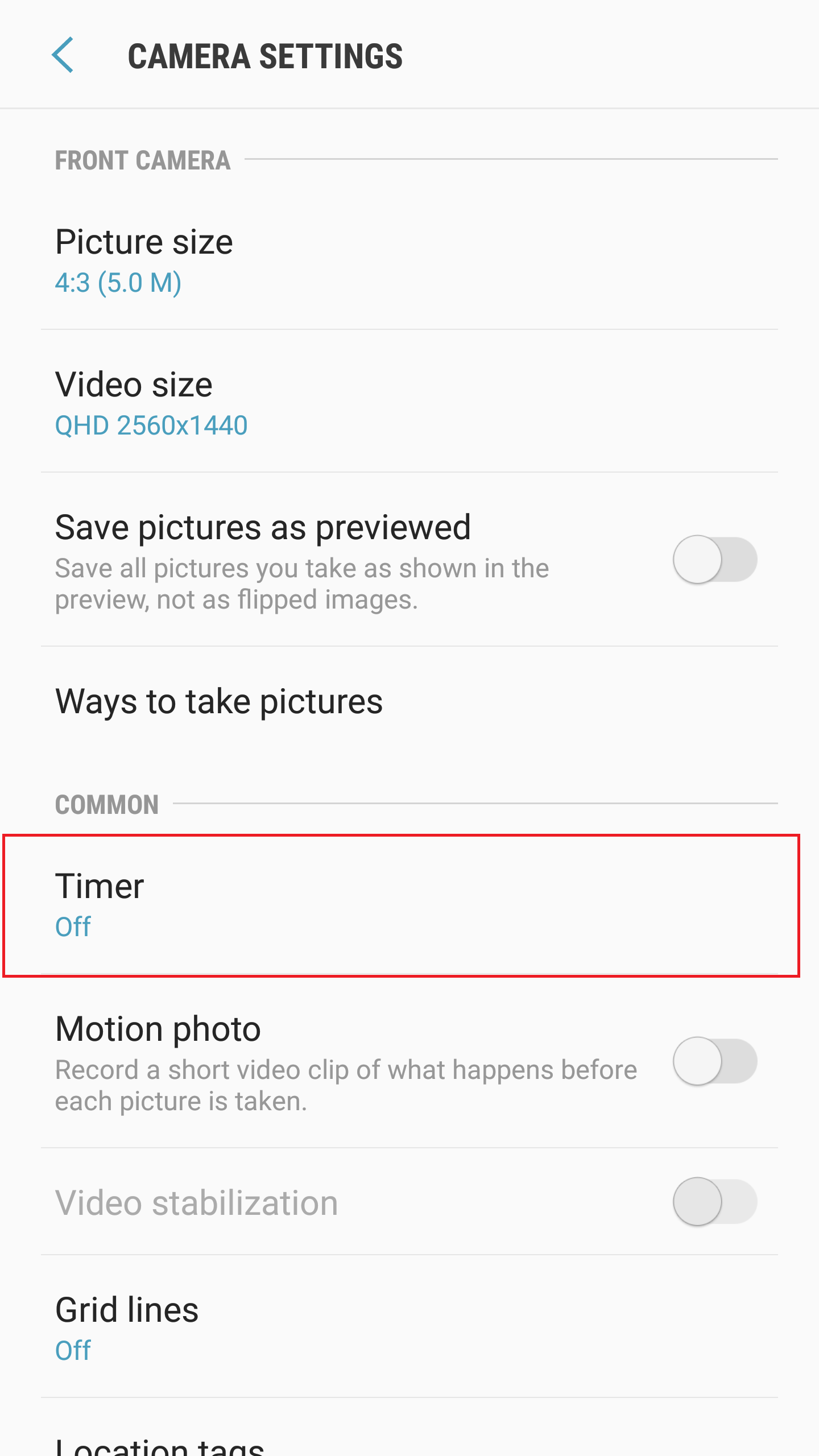
Galaxy Note 7 users are probably aware of this already as the camera app on Nougat was introduced on Samsung's discontinued Note flagship, but Galaxy S7 users who have updated to Nougat might have been wondering where the timer has disappeared. Well, it's now tucked away inside the camera's settings instead of being accessible on the viewfinder. It is certainly an odd change, but one could argue that the timer isn't exactly an oft-used feature in smartphone cameras anymore and its placement in the settings probably isn't going to affect a majority of users.
Those who buy one of the new Galaxy A series handsets (or the Galaxy C9 Pro) will also see the new camera app (even though those devices do not run Android 7.0 Nougat), so it looks like this is how things will be going forward. Take a look at other Nougat tips for your Galaxy S7 and Galaxy S7 edge, and do let us know if you have found something that we haven't covered here on SamMobile.

Abhijeet's writing career started with guides for custom firmware for Samsung devices (including the original Galaxy S), and he moved to SamMobile in mid-2013 and worked up the ranks to Editor-in-chief. In addition to phones and mobile devices, his interests include gaming on both PC and console, PC hardware, and spending countless hours on YouTube watching videos on tech, movies, games, politics, and internet dramas.













