Last updated: February 1st, 2017 at 08:27 UTC+01:00
SamMobile has affiliate and sponsored partnerships, we may earn a commission.
Reading time: 2 minutes
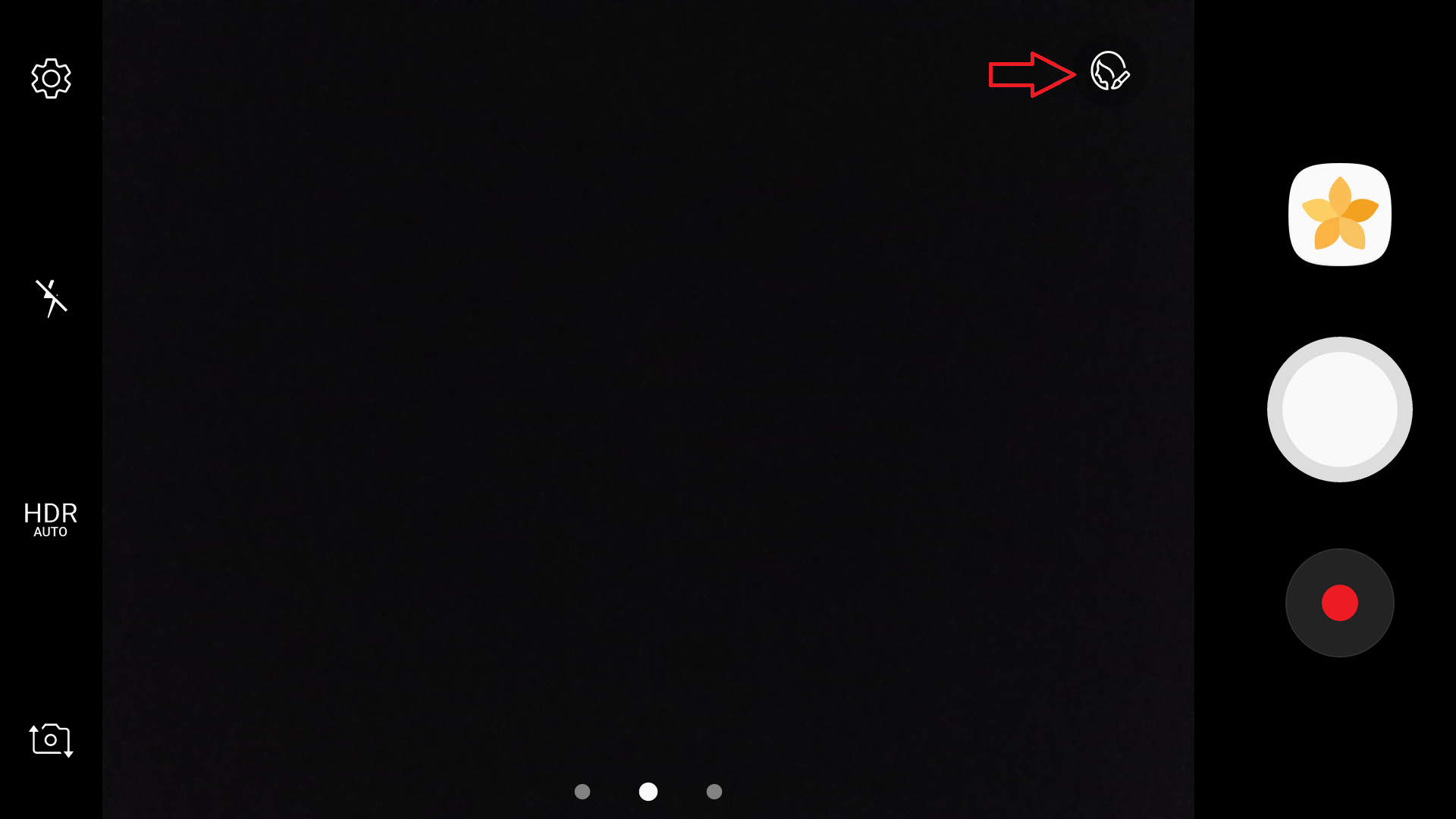
You can find the skin tone option on the right side of the screen (near the shutter button), and it works just as well with the rear camera as it does with the front-facing camera (although it might not fare so well if the subject is standing too far away). It seems to work with videos as well, but the difference is negligible based on our testing. Unfortunately, other “beauty mode” controls like slim face and large eyes continue to be exclusive to the selfie camera, but maybe that will change with the next major version of Android?
Wondering what else is new in Samsung's version of Nougat? Check out other Nougat tips and a list of all the major new features (click here to watch a small video if you don't want to read), and let us know if you have discovered something we haven't noticed!
Update: As one of our readers pointed out, you can download the Beauty face mode from the camera app on devices running Android versions before Nougat (by clicking the mode button, followed by the download button), which does what the skin tone option does for the rear camera. However, you have to manually switch to the beauty face mode each time you want to use it, so it's good to see Samsung has now built the option into the camera app by default.

Abhijeet's writing career started with guides for custom firmware for Samsung devices (including the original Galaxy S), and he moved to SamMobile in mid-2013 and worked up the ranks to Editor-in-chief. In addition to phones and mobile devices, his interests include gaming on both PC and console, PC hardware, and spending countless hours on YouTube watching videos on tech, movies, games, politics, and internet dramas.












