Last updated: November 10th, 2016 at 22:39 UTC+01:00
SamMobile has affiliate and sponsored partnerships, we may earn a commission.
Reading time: 1 minutes
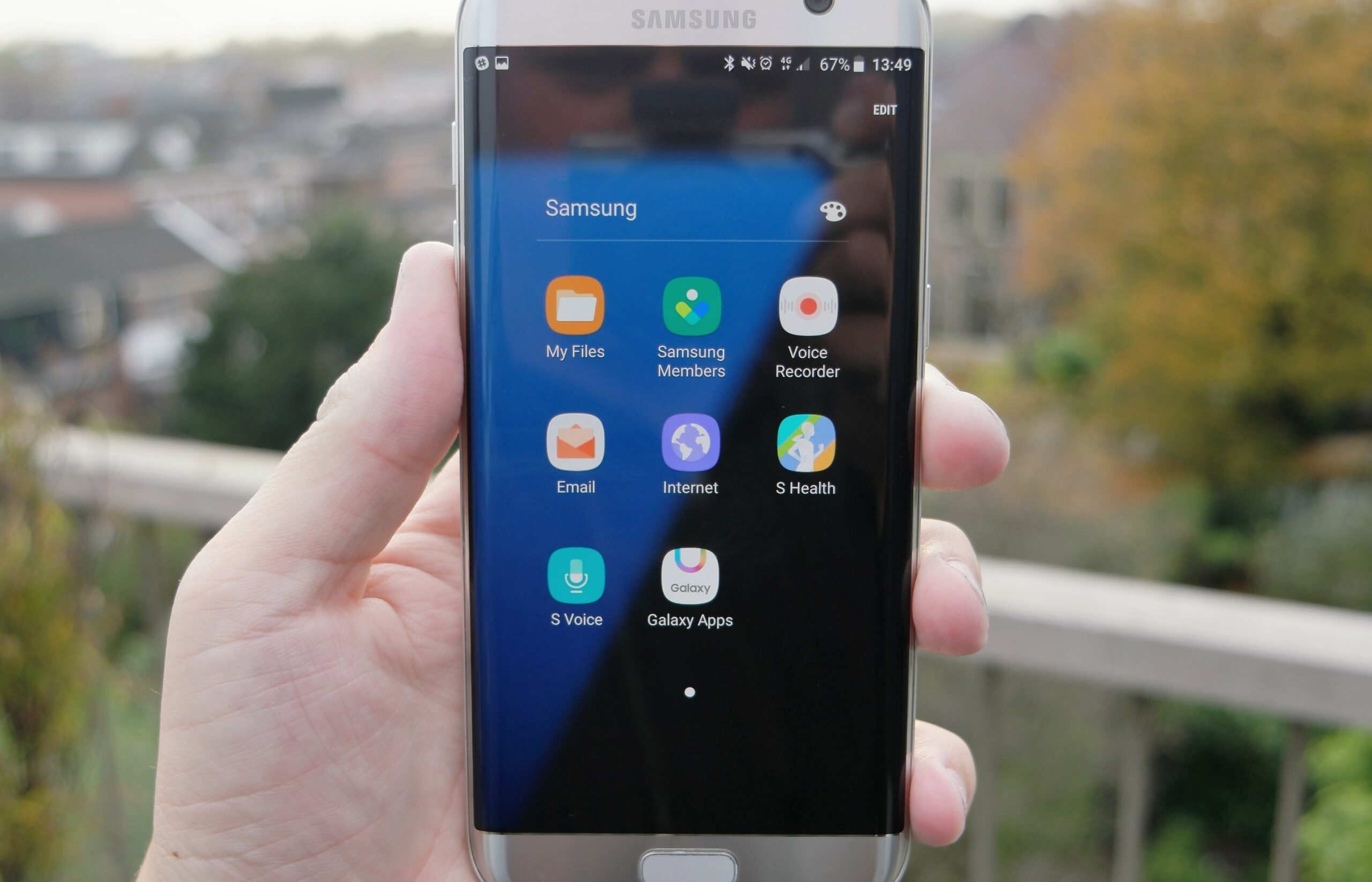
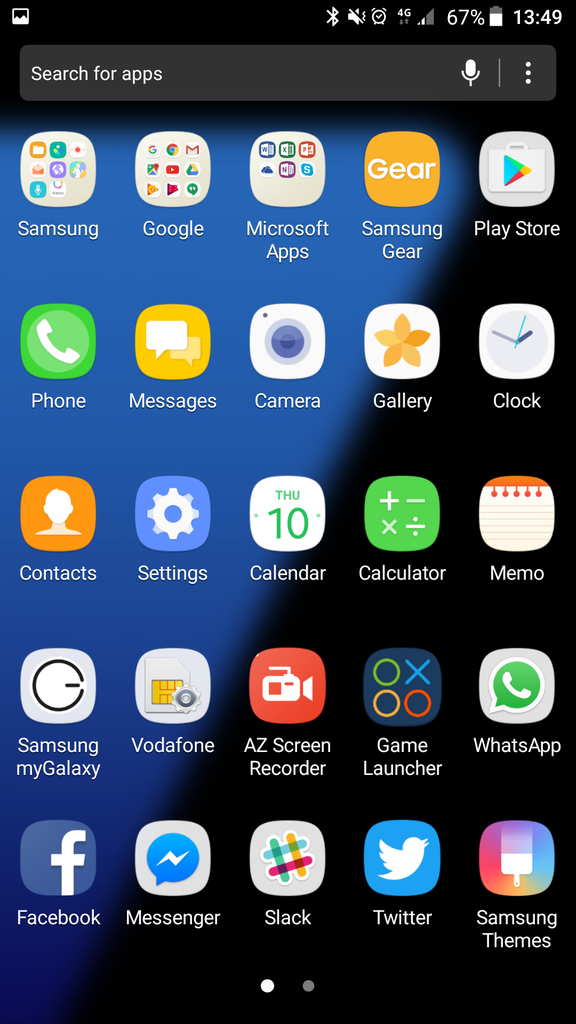
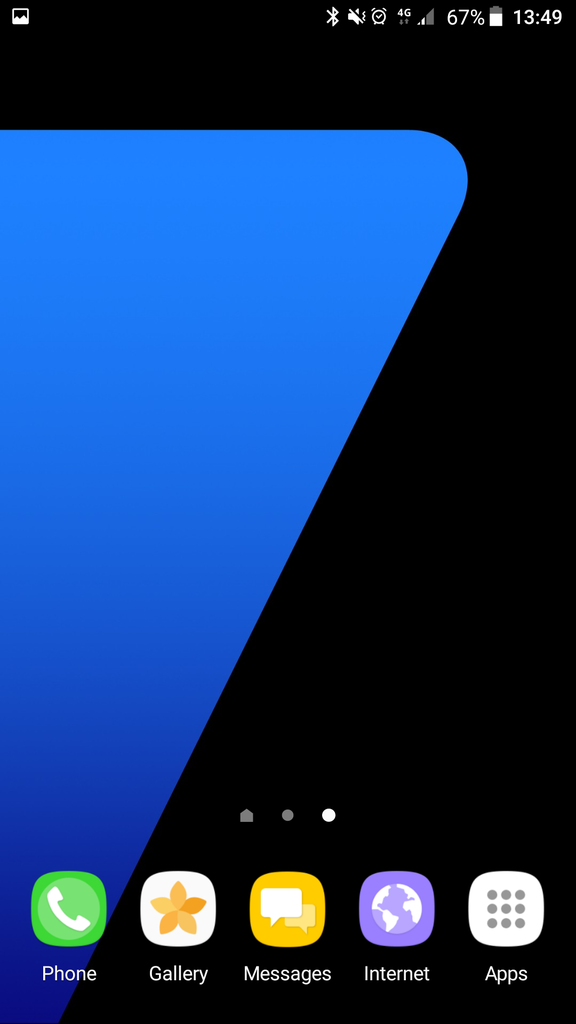
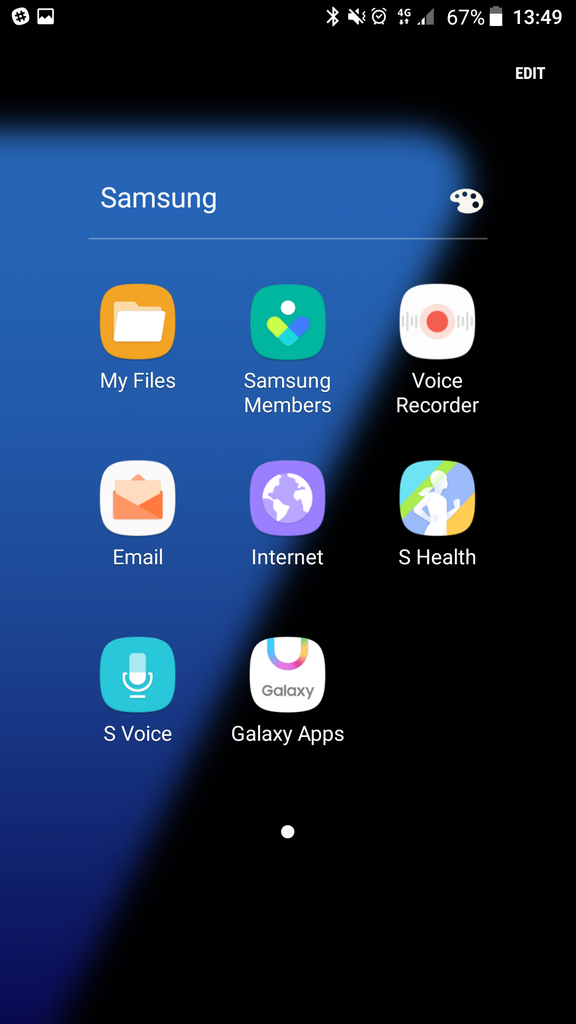
In part 3 of the What's New With Nougat series, we're looking at app folders. If you look at app folders as they are right now you'll find that they don't lend an air of clarity and openness to the user interface. It's like you're boxed into this view of a list of applications. That changes with the new UX that Samsung will offer with Nougat. As you can see in the screenshots posted below, app folders are now transparent, you get to see the background and the entire arrangement looks very clean and tidy. That's really how it should be, don't you think?

Adnan Farooqui is a long-term writer at SamMobile. Based in Pakistan, his interests include technology, finance, Swiss watches and Formula 1. His tendency to write long posts betrays his inclination to being a man of few words.













