Last updated: March 30th, 2016 at 09:45 UTC+02:00
SamMobile has affiliate and sponsored partnerships, we may earn a commission.
Reading time: 1 minutes
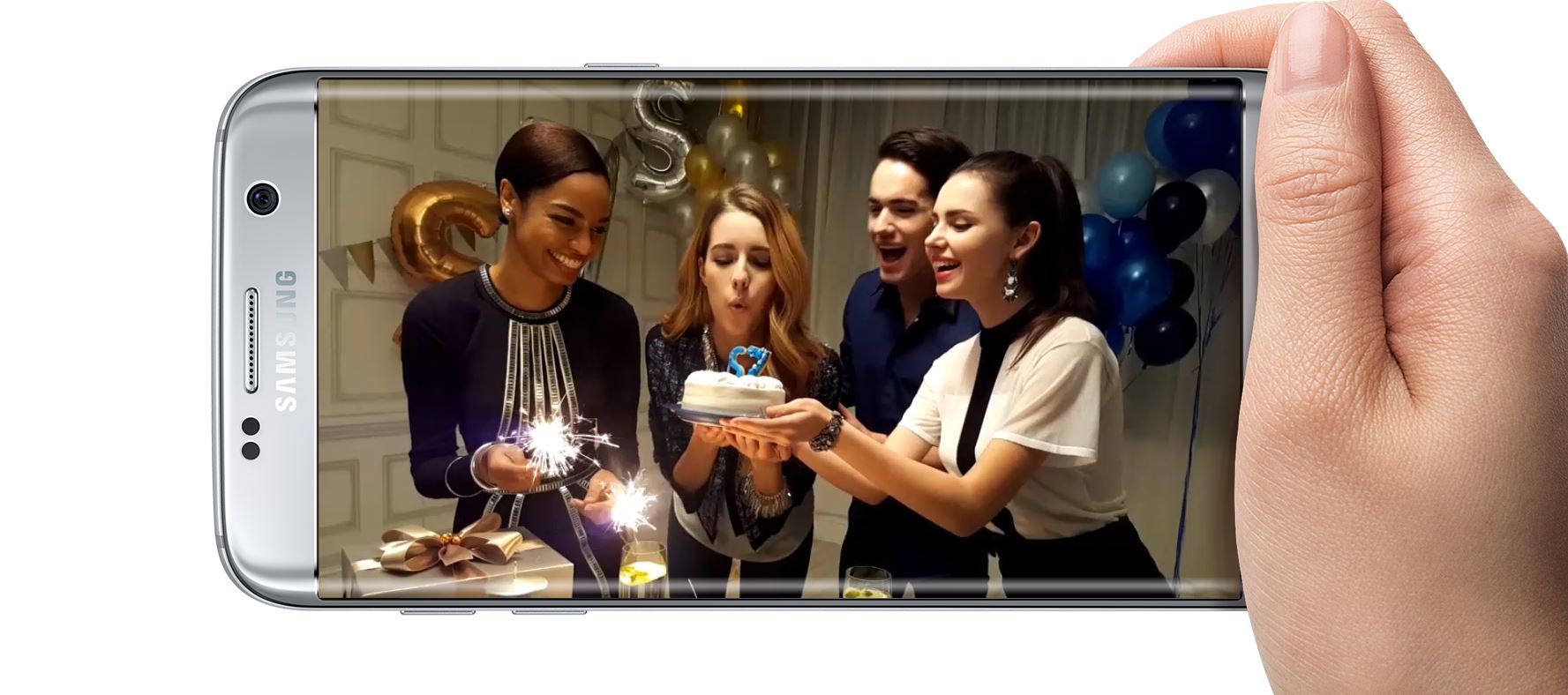
Called Motion Photo Sharer, the app resides in the share menu on your device. To share motion photos, just open the gallery, press the share button on an image, select Motion Photo Sharer from the list, and then simply select save or share based on what you want to do with the video. Of course, remember that the Motion Photo feature only works if you have enabled it in the camera's settings, otherwise the camera simply captures regular images like a camera is supposed to.
Grab Motion Photo Sharer from Google Play for your Galaxy S7 or Galaxy S7 edge.

Abhijeet's writing career started with guides for custom firmware for Samsung devices (including the original Galaxy S), and he moved to SamMobile in mid-2013 and worked up the ranks to Editor-in-chief. In addition to phones and mobile devices, his interests include gaming on both PC and console, PC hardware, and spending countless hours on YouTube watching videos on tech, movies, games, politics, and internet dramas.












