Cyber week deals! Galaxy Watch8 Classic, Fold 7, S25 Ultra. Follow us on YouTube, TikTok, or LinkedIn
Last updated: March 18th, 2016 at 14:07 UTC+01:00
SamMobile has affiliate and sponsored partnerships, we may earn a commission.
Reading time: 2 minutes
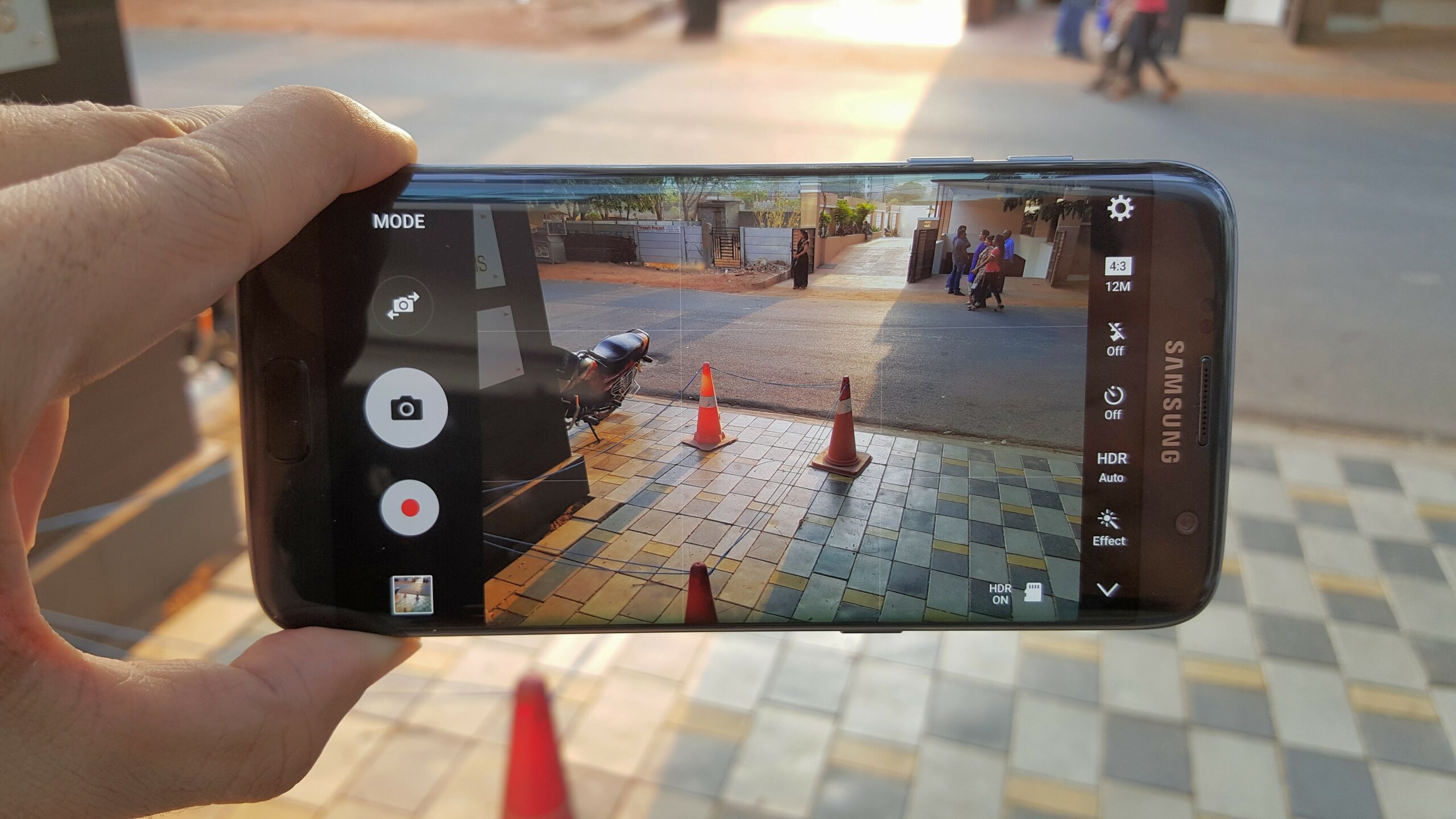
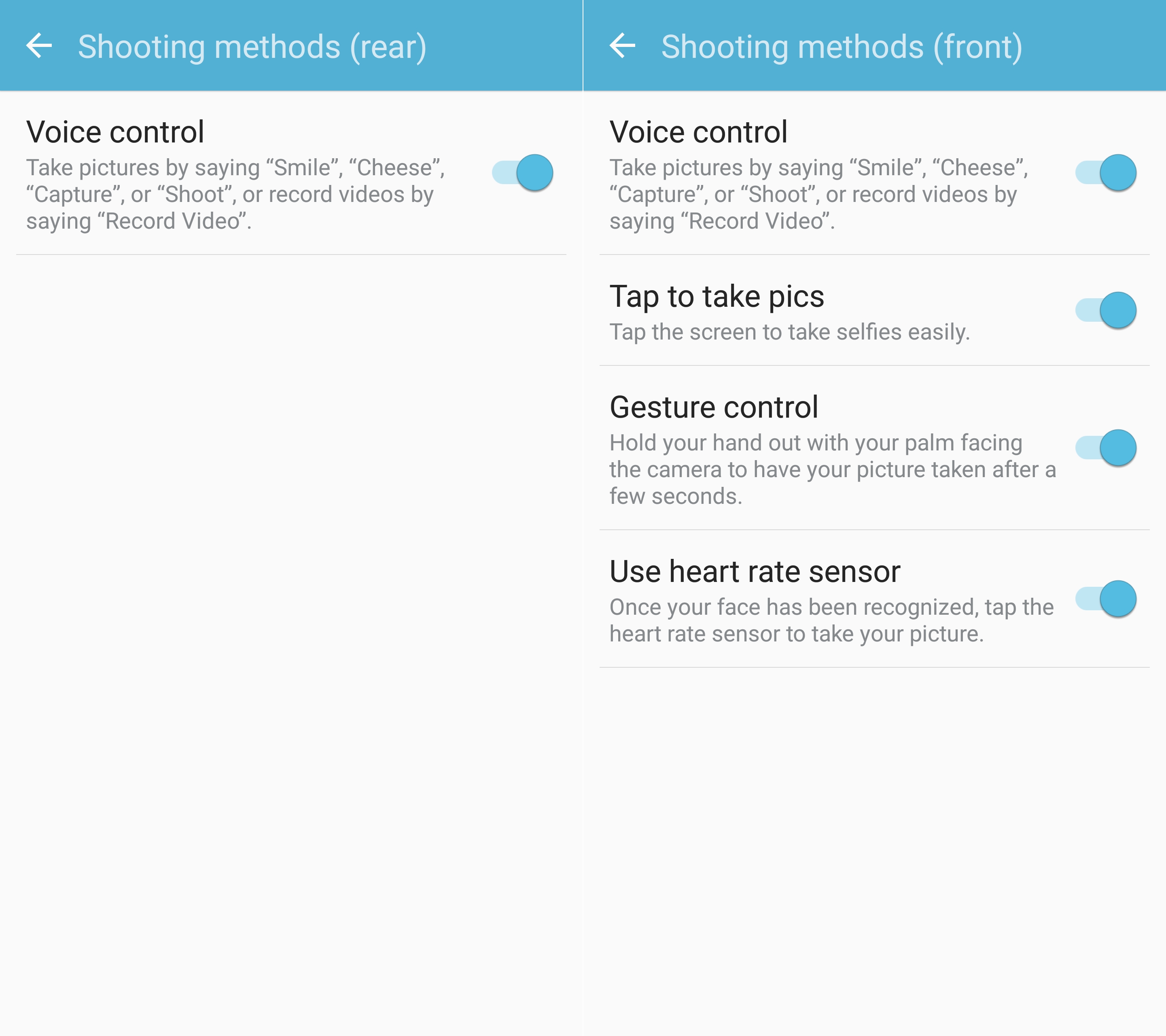
Voice control is also disabled on the S7 and S7 edge, but you can easily enable voice control. Open the camera app (double pressing the home button gets you to the camera fastest), click the settings button at the top left of the screen, tap the Shooting methods option, and toggle the voice control setting to on. For the front camera, you can also enable and disable other shooting gestures, like tapping anywhere on the screen or tapping the heart rate sensor on the back to take selfies, and showing the palm of your hand to the camera to initiate a timed photo capture.
To take pictures using your voice, you can say shoot, cheese, smile or capture. Just be sure you say the word out clearly enough and your device will do the rest of the work. You can also start recording videos by saying “record video”. Go ahead, try it out, and also check out other Galaxy S7 and Galaxy S7 edge tips to make the best of your new handset!
Abhijeet's writing career started with guides for custom firmware for Samsung devices (including the original Galaxy S), and he moved to SamMobile in mid-2013 and worked up the ranks to Editor-in-chief. In addition to phones and mobile devices, his interests include gaming on both PC and console, PC hardware, and spending countless hours on YouTube watching videos on tech, movies, games, politics, and internet dramas.