Last updated: February 9th, 2016 at 12:27 UTC+01:00
SamMobile has affiliate and sponsored partnerships, we may earn a commission.
Reading time: 2 minutes
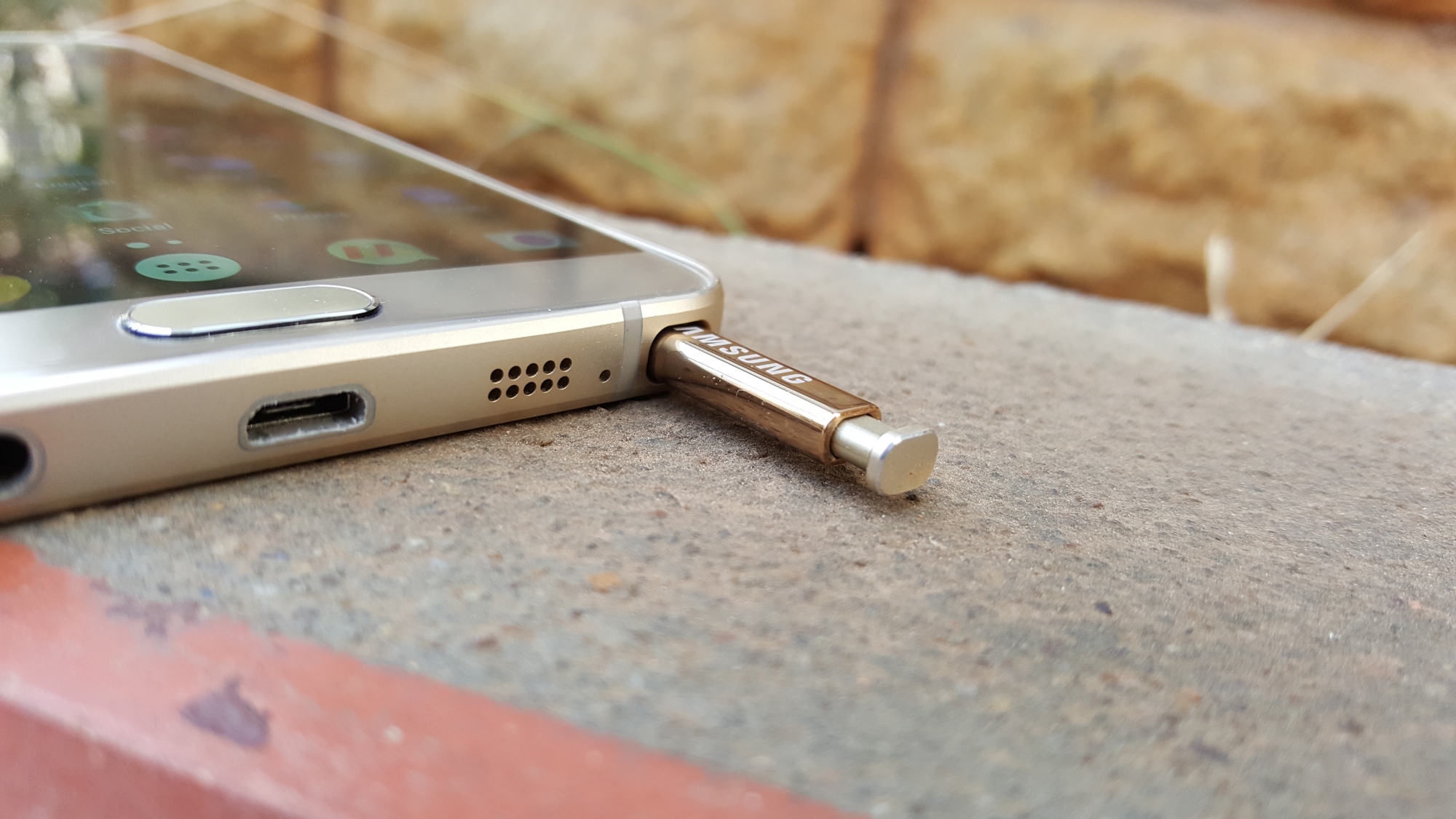
If you activate one little feature on your Galaxy Note, you can save yourself the hassle of locating or replacing a lost S Pen.
Here's how you do it:
Now you will notice that if you remove your S Pen, set it aside, and pick up your phone without it in its housing, your handset will vibrate and push a notification prompting you to return it to its dedicated compartment. It’s a really simple but extremely effective feature that significantly reduces the likelihood of you losing your beloved pointer or leaving it behind too often.













