Last updated: November 23rd, 2019 at 14:58 UTC+01:00
SamMobile has affiliate and sponsored partnerships, we may earn a commission.
Reading time: 2 minutes
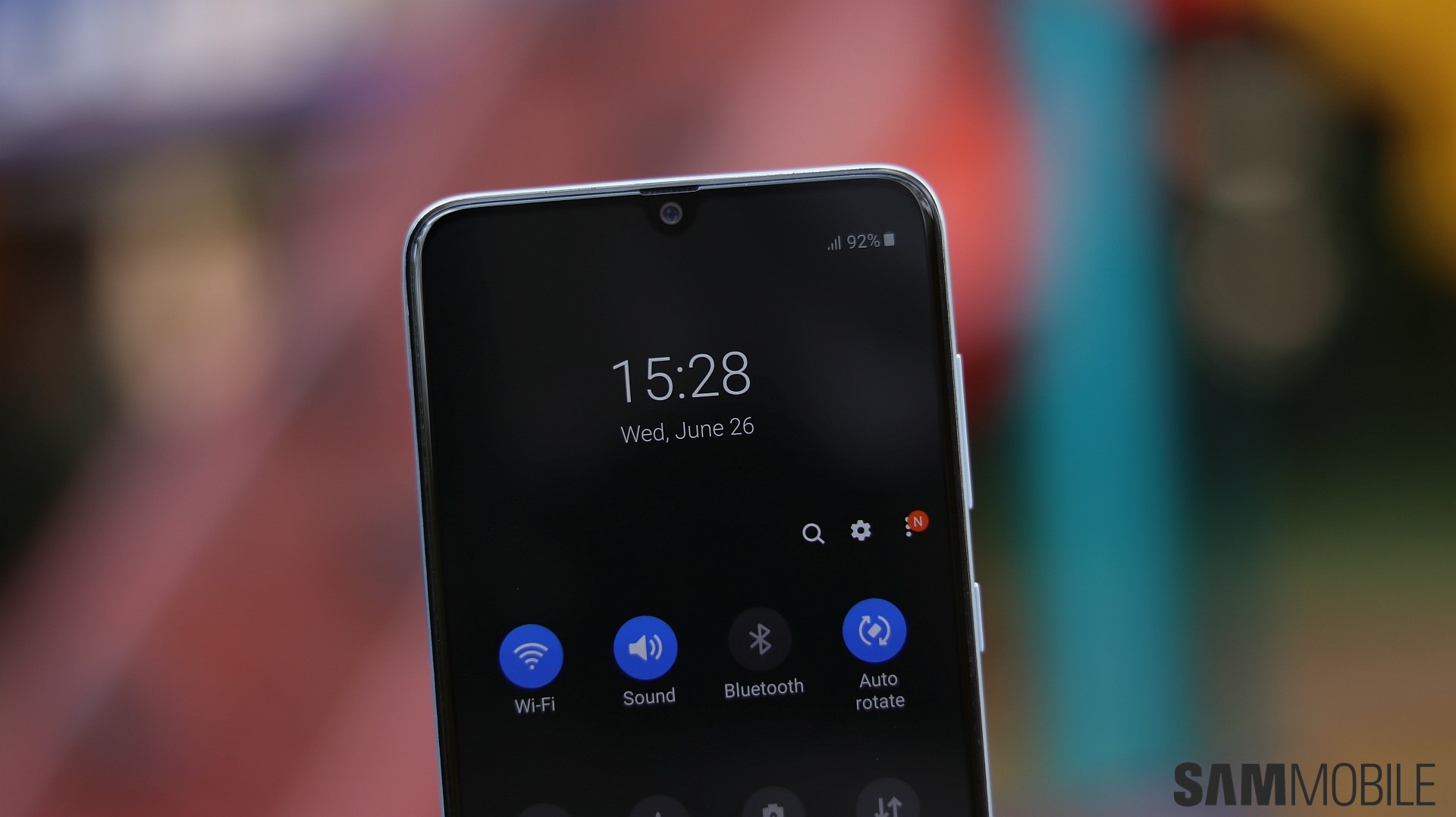
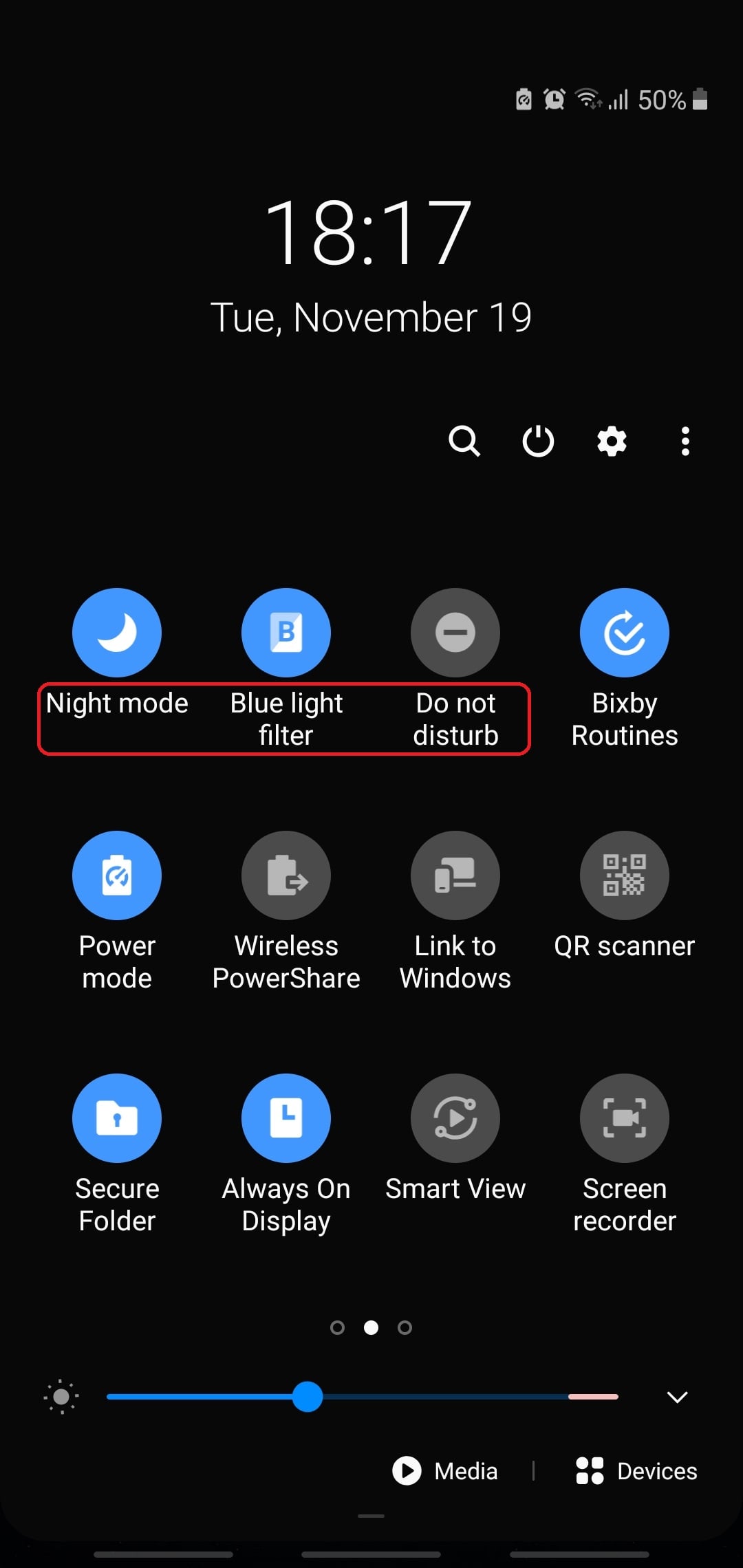
All of the three features mentioned above can either be turned On or Off manually, or they can be set to do so automatically according to a predefined or custom schedule.
Setting up a schedule for these three features is simple. Just swipe the Status bar down and tap the text under each option; not the quick toggle itself but the text beneath it. Then tap Details.
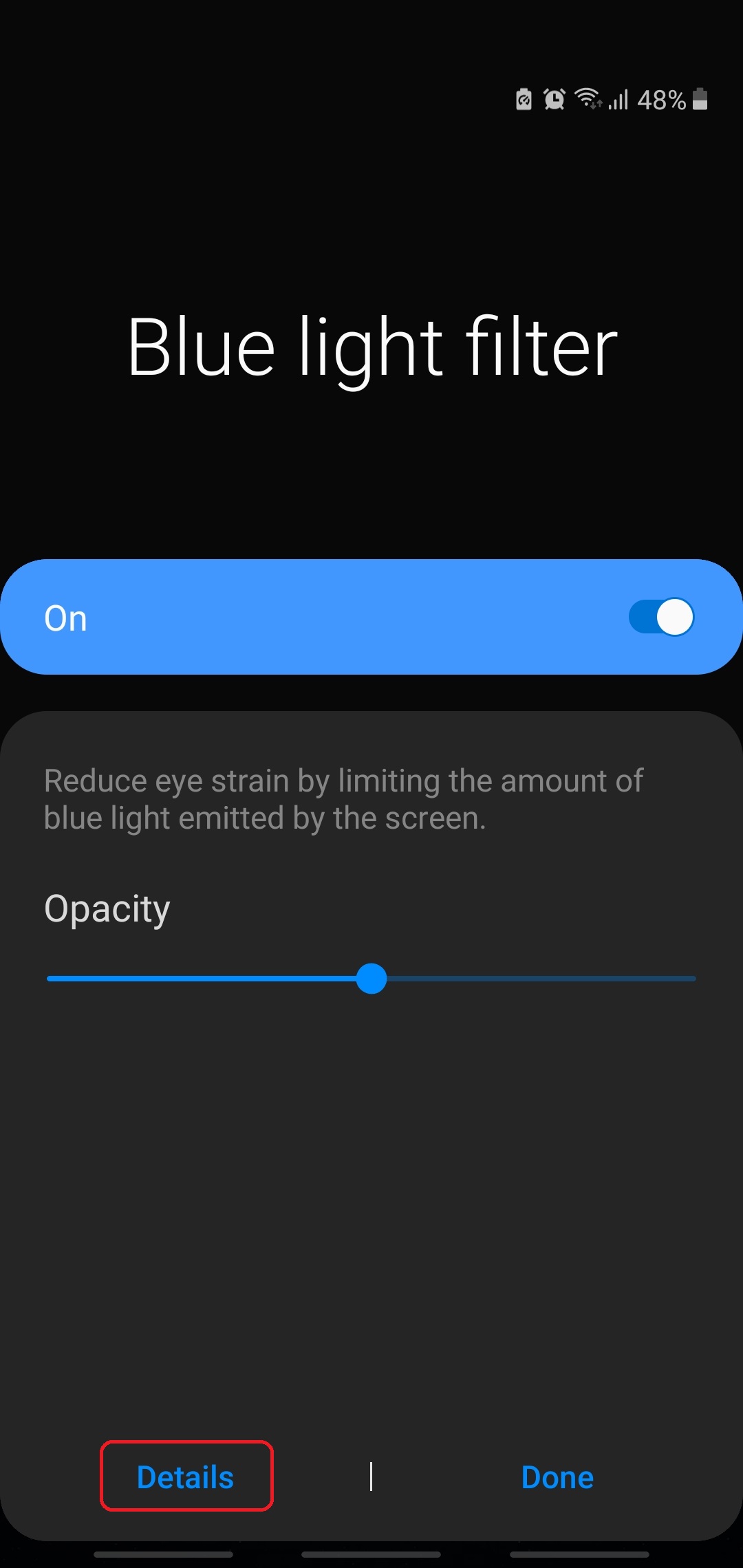
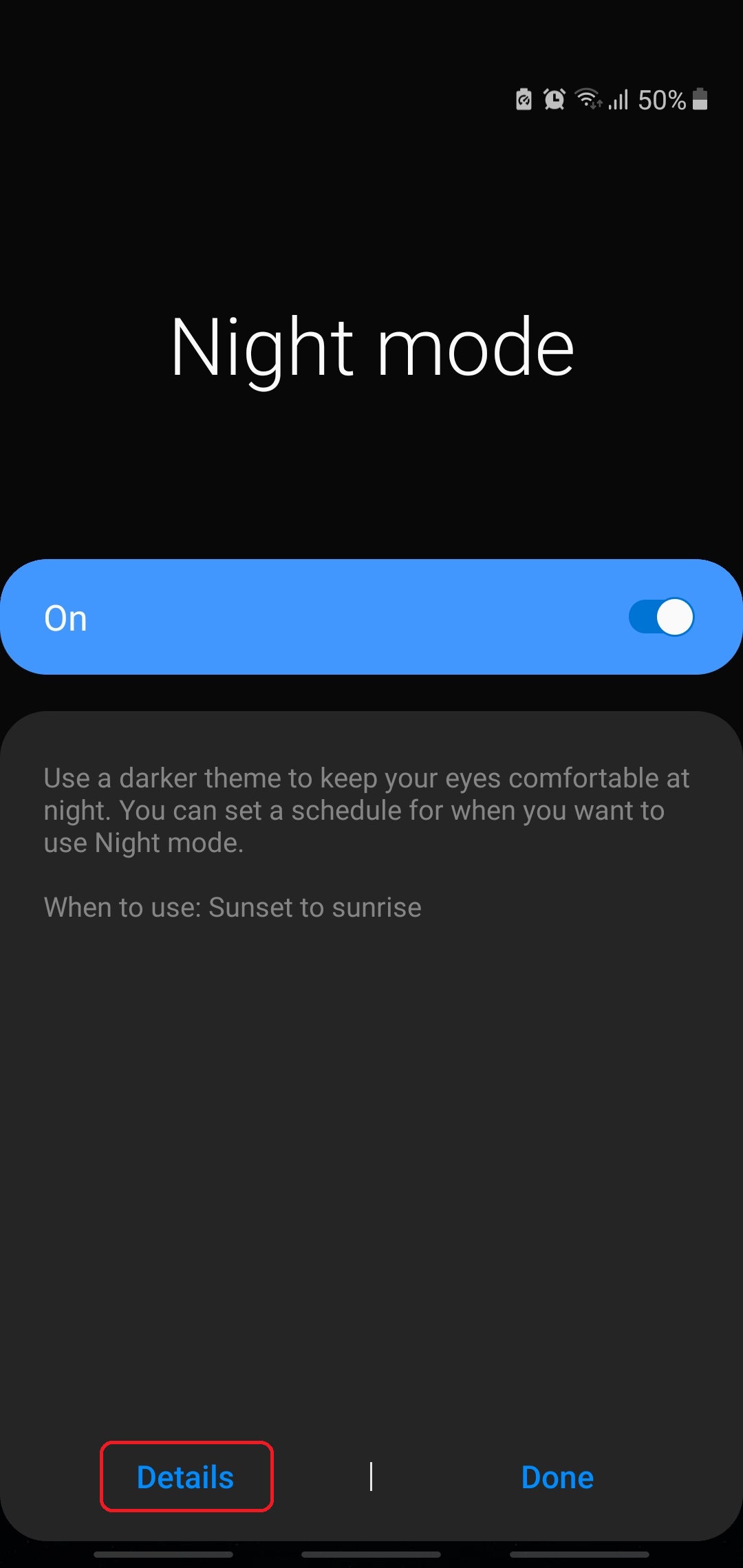
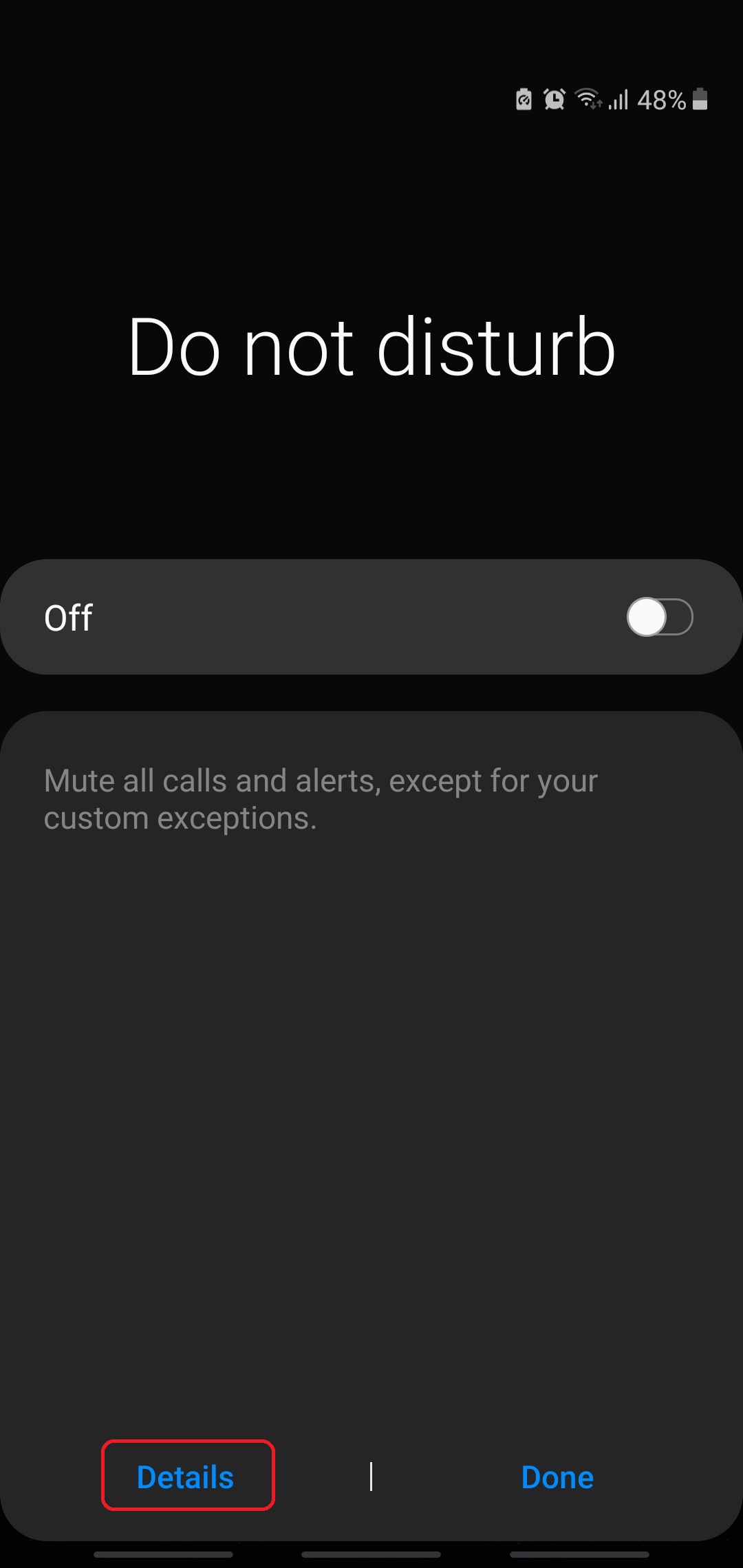
The Details page for each feature contains two toggles. One lets you enable or disable the selected feature manually, while the other allows you to set a schedule. You can either set these three features to follow an automated Sunset to sunrise schedule based on your timezone, or you can tap Custom schedule and set the desired hours of the day.
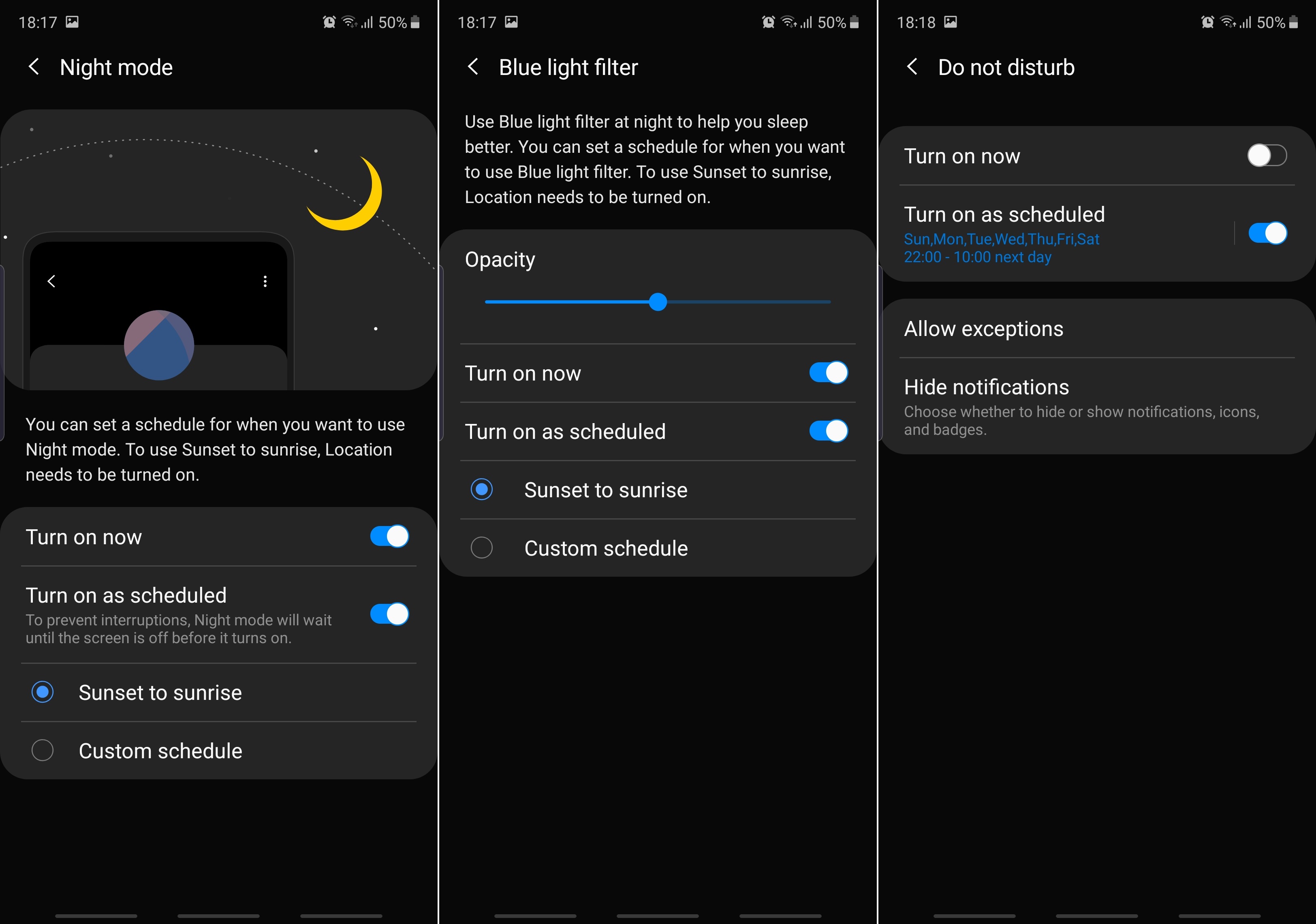
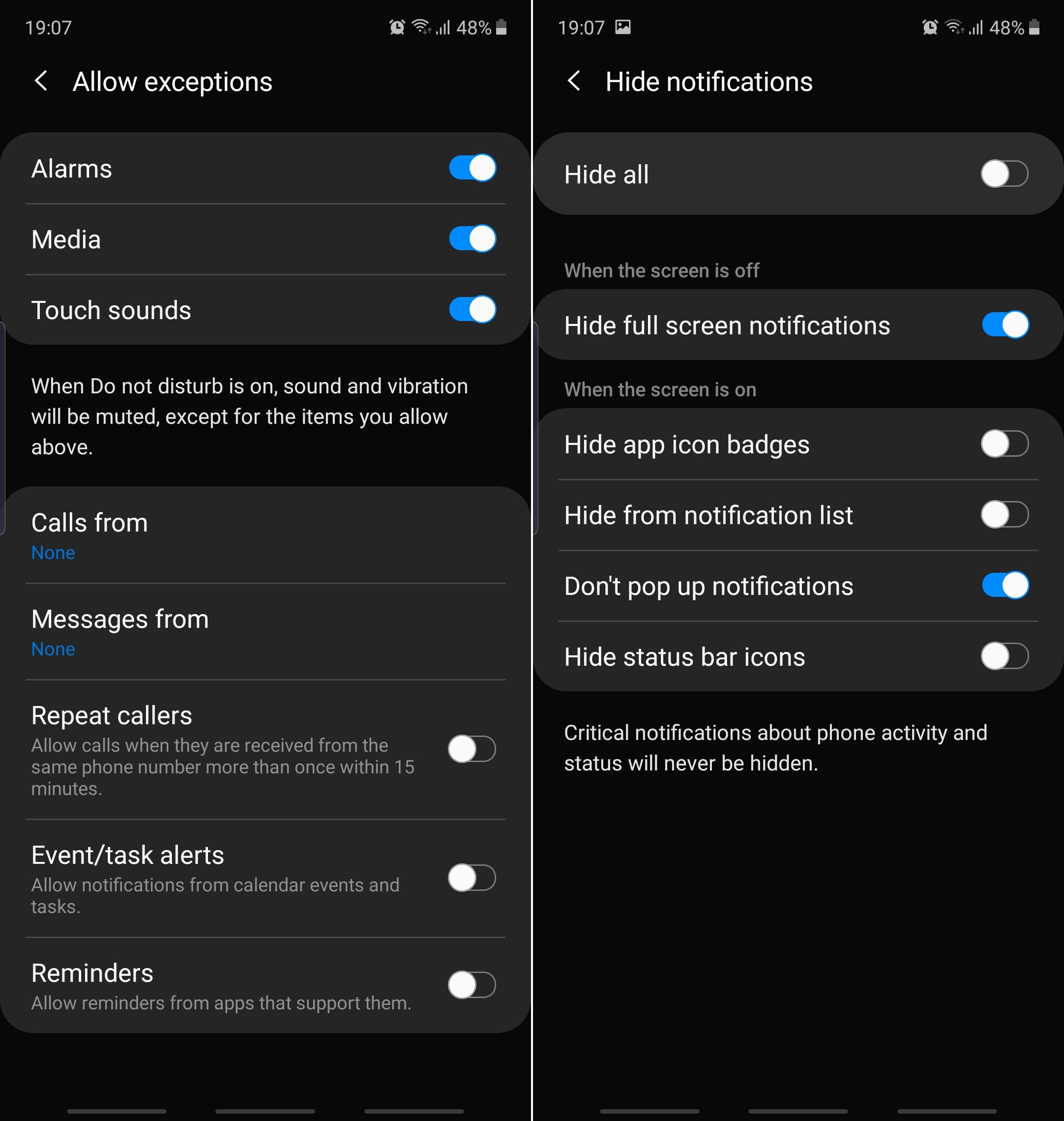
Bonus tip: Blue light filter and DND come with a couple of extra options. You can change the filter's opacity, set exceptions for DND, or choose which notifications to be shown or hidden whenever DND is enabled.
How often do you use Blue light filter, Night mode, and/or DND? Do you usually enable/disable them manually or schedule them? Or do you prefer relying on Bixby Routines instead? Let us know in the comment section below.

Mihai is a blogger and column writer at SamMobile. His first Samsung phone was an A800 which took a lot of beating, and a part of him still misses the novelty of the clamshell design. In his free time, he enjoys watching shows, documentaries, and stand-up comedy; listening to music, taking walks, and occasionally playing old(er) video games.














