Cyber week deals! Galaxy Watch8 Classic, Fold 7, S25 Ultra. Follow us on YouTube, TikTok, or Instagram
Last updated: January 20th, 2025 at 02:41 UTC+01:00
SamMobile has affiliate and sponsored partnerships, we may earn a commission.
Reading time: 3 minutes
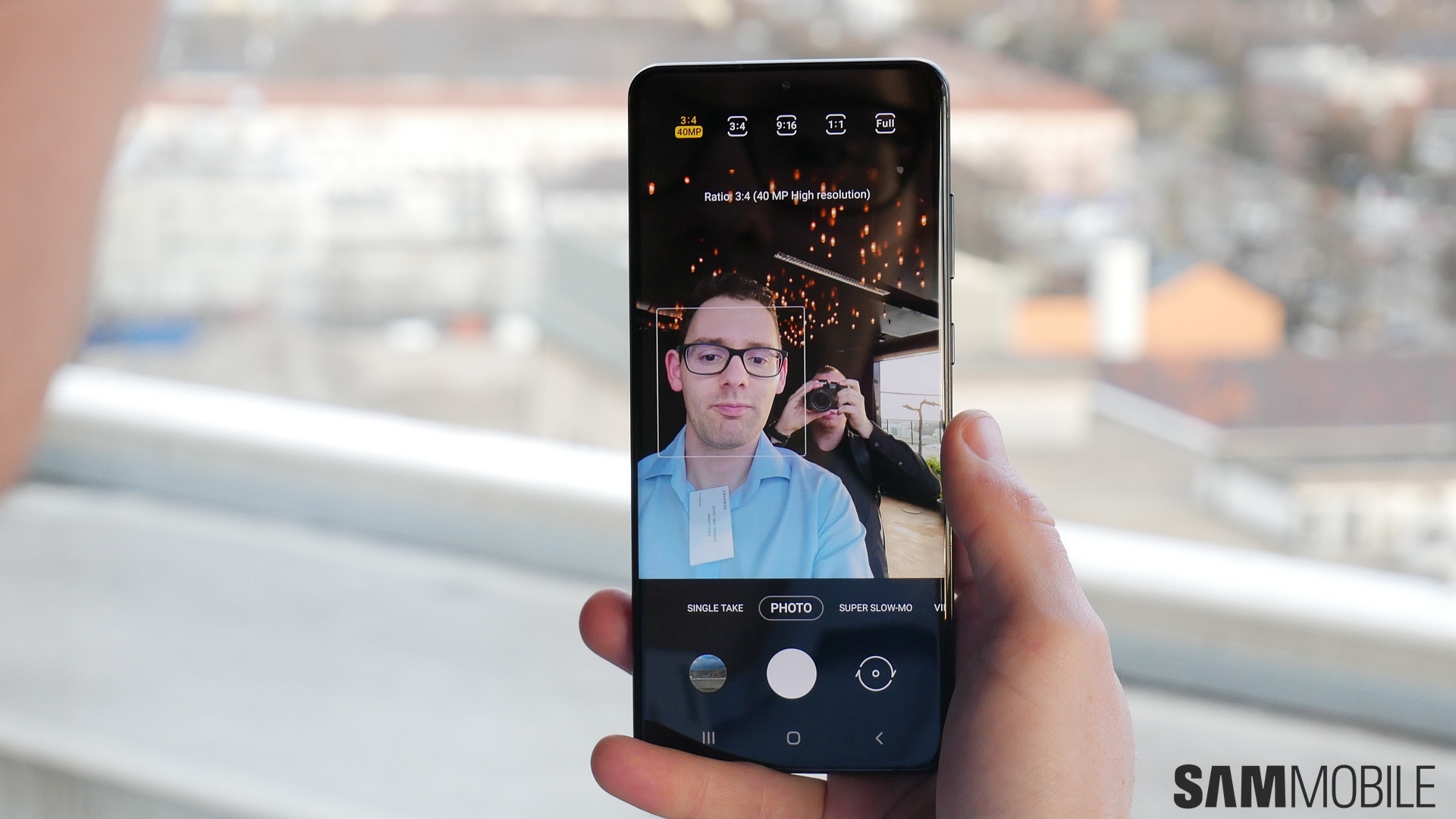
And, in my opinion, one feature that debuted on the Galaxy S20 series — and has since been introduced on other devices, including the Galaxy S10 and Galaxy Note 10, with One UI 2.1 — is the most thoughtful one Samsung has ever conceived: Single Take.
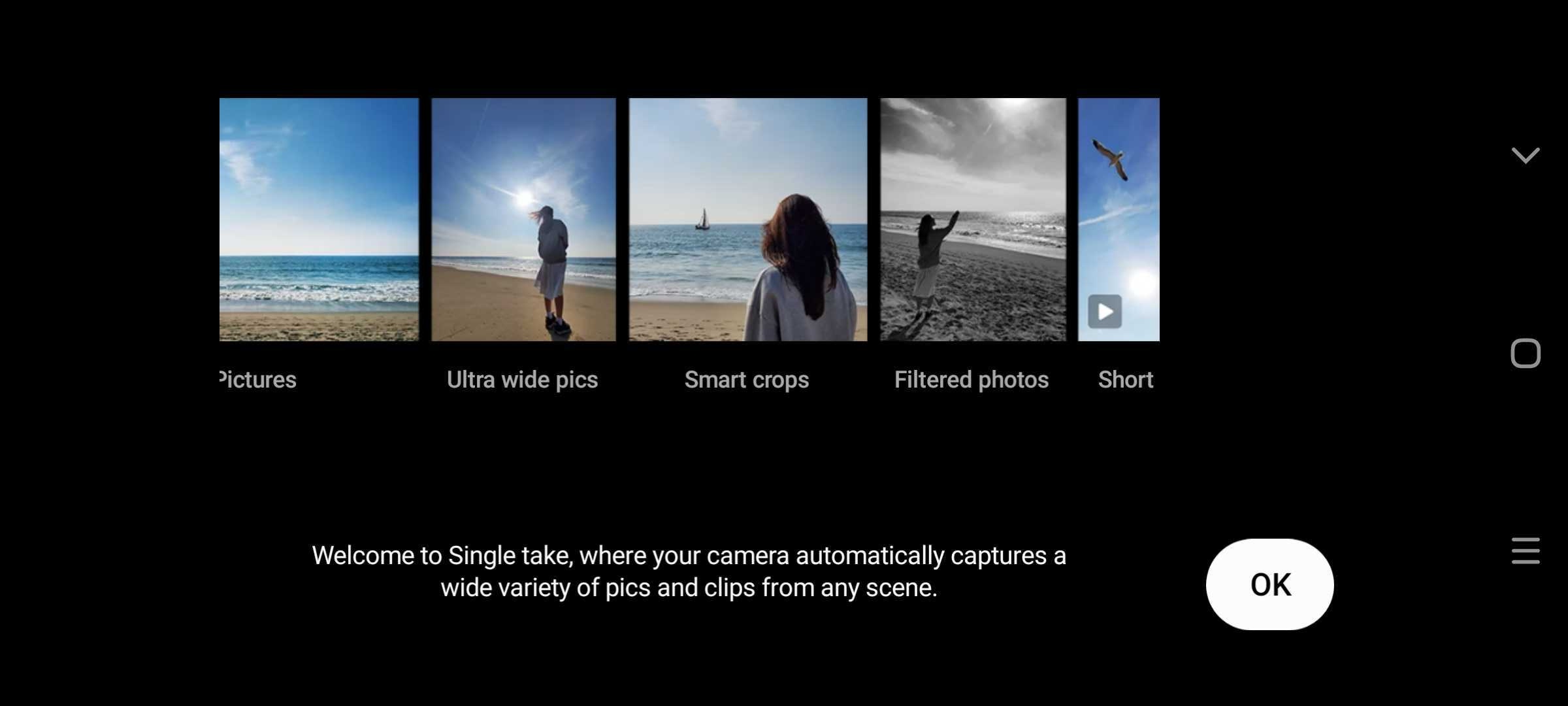
What is Single Take? Well, it’s the answer to a dilemma almost all of us have probably faced at some point in our life: Choosing whether to shoot a video or capture a still photo in a particular moment. With Single Take, you can do both: When you press the shutter button in Single Take mode, the camera uses artificial intelligence to capture both photos and videos of whatever is in the frame for 10 seconds.
In addition to taking standard photos, Single Take also creates photos with random filters applied, ultra-wide photos (using the ultra-wide rear camera), Live Focus bokeh pictures, panorama shots, and smart crops that cut out some part of the scene for a more artistic look. It also records short clips in addition to a regular video, including boomerang clips, slow-motion clips, and hyperlapse clips. You can then choose what to keep and what to delete.
Situations where Single Take can come in handy are many. You can point the camera at your friend or family member while they’re blowing out the candles and cutting their birthday cake to automatically get both videos and photos of the moment – according to Samsung, this was one of the main use cases that led to the development of Single Take. Single Take is also great for recording your kids or pets in action, or for capturing beautiful landscapes when you’re on a holiday.
While Single Take is yet another camera feature that you won’t use every day, it’s one of the more useful ones that you can’t live without once you’ve used it. It’s stuff like this that truly enhances a smartphone’s user experience, and I can only hope Samsung will continue to focus on creating more unique features like Single Take going forward.
What do you think? Do you use Single Take mode on your Galaxy smartphone?
Abhijeet's writing career started with guides for custom firmware for Samsung devices (including the original Galaxy S), and he moved to SamMobile in mid-2013 and worked up the ranks to Editor-in-chief. In addition to phones and mobile devices, his interests include gaming on both PC and console, PC hardware, and spending countless hours on YouTube watching videos on tech, movies, games, politics, and internet dramas.