Awesome deals Galaxy Z Fold7, Watch8, S25 Ultra and S95F OLED TV
Last updated: January 23rd, 2026 at 14:08 UTC+01:00
SamMobile has affiliate and sponsored partnerships, we may earn a commission.
There are a lot of missing Galaxy Watch-related actions and conditions.
Reading time: 2 minutes
Samsung’s Modes and Routines app is one of the most powerful automation tools on Android. It has no rival in the Android ecosystem. It lets you create endless automations—or routines—to reduce repetitive work. However, once a Galaxy Watch enters the picture, it feel starts to feel severely limited.
I have been using a Galaxy Watch Ultra paired to a Galaxy S23 Ultra for a few months now, and Modes And Routines' limitations around Galaxy Watches have become hard to ignore, even after it received more features with One UI 8.0.
My biggest issue with the Modes And Routines app is its lack of enough Galaxy Watch-related conditions. There is no way to read something as basic as the smartwatch’s remaining battery percentage. And it limits several real-world automation ideas.
For example, when I go for my daily walk, I want the Always On Display on my Galaxy Watch Ultra to turn on only if the battery is above 30 percent. AOD is quite useful during workouts, as you can view ongoing statistics more easily. However, it is also consumes a lot of battery.
If my watch doesn't have enough battery to last through my 40-60-minute exercise, I wouldn't want to activate AOD as there would be a risk of the watch dying before my exercise is complete. Without access to Galaxy Watch battery information, this routine is something that I can't create.
There is a way to read a phone's battery level, but not a connected Galaxy Watch's or Galaxy Buds' battery level, even when using Good Lock's Routines+ module.
Another routine I would love is to automatically start music playback on the watch (using Spotify) if it is connected to Galaxy Buds during workouts. But since there is no condition to check if Galaxy Buds are connected to the Galaxy Watch, music playback automation isn't possible.
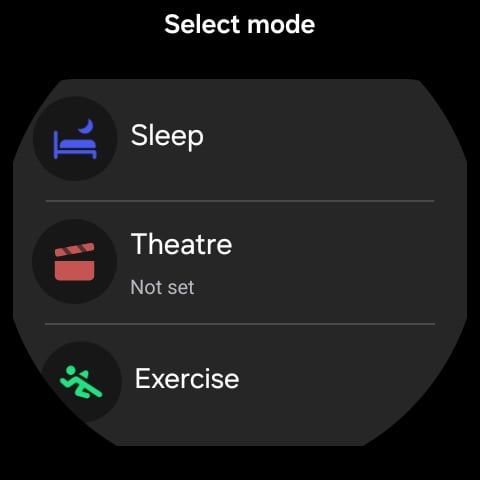
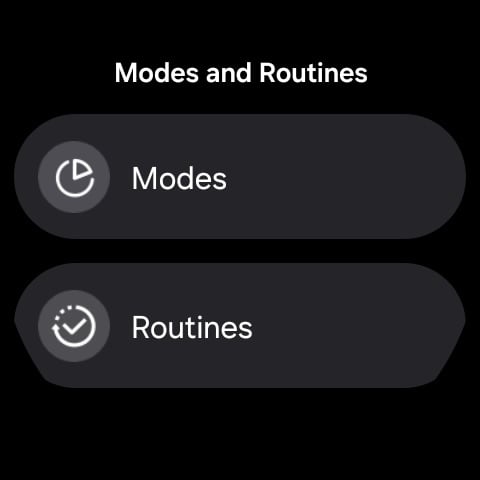
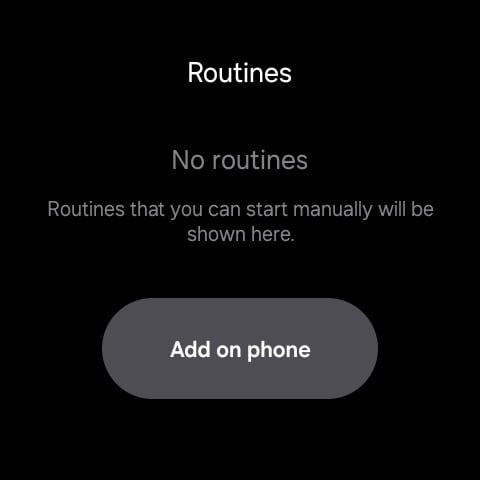
Moreover, there is no dedicated Modes and Routines app on the Galaxy Watches. So, there is no way to edit or view routines directly from a Galaxy Watch, which feels like a missed opportunity.
Samsung has developed a great automation tool, and it works like a charm, but only if you're using it on a Galaxy phone. I hoped to see more Galaxy Watch-related conditions with One UI 8.0, but nothing changed. Here's hoping Samsung will add more Galaxy Watch specific actions and conditions to Modes and Routines soon.