Cyber week deals! Galaxy Watch8 Classic, Fold 7, S25 Ultra. Follow us on YouTube, TikTok, or LinkedIn
Last updated: November 30th, 2025 at 16:19 UTC+01:00
SamMobile has affiliate and sponsored partnerships, we may earn a commission.
Enjoy precise customization on your phone's theme.
Reading time: 2 minutes
The fine people over at SamMobile's YouTube channel have been curating a list of the top ten Good Lock apps to use, and they've put out a new video today detailing Theme Park.
It's an absolute must have if you like to fine tune the personalization options on your device. The video goes into a lot more detail about everything you can achieve with this Good Lock app.
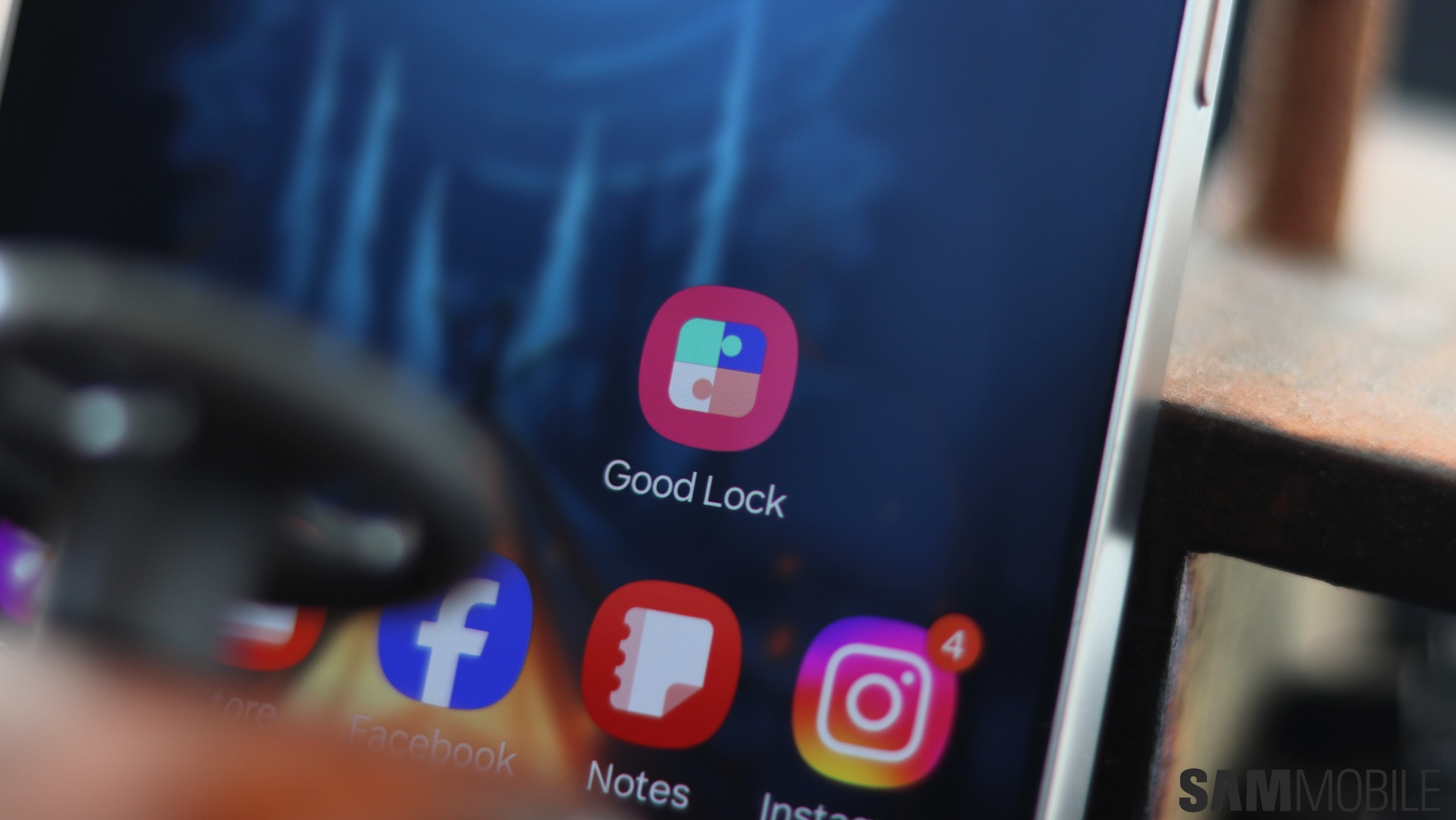
For those who are unaware, Good Lock is Samsung's customization and personalization suite. It provides a whole host of apps that you can use to fine tune many different elements of the user interface precisely to your own liking.
Theme Park lets you theme out the entire device exactly how you want. It lets you change visual elements in the theme, keyboard, quick panel, volume panel, and even the app icons from within the app. Think of it as a one-stop destination for personalization.
You're presenting with a range of options when creating a new theme, from choosing a custom wallpaper to collecting a main color and style that will become the base of this custom theme. The options only go more granular from there, allowing you to kit out the device to suit your aesthetic.
Do check out the full video below to learn more about everything you can do with Theme Park. As always, subscribe to our YouTube channel as we've got more videos coming on the many great Good Lock modules available.
Adnan Farooqui is a long-term writer at SamMobile. Based in Pakistan, his interests include technology, finance, Swiss watches and Formula 1. His tendency to write long posts betrays his inclination to being a man of few words.