Last updated: September 12th, 2019 at 17:34 UTC+02:00
SamMobile has affiliate and sponsored partnerships, we may earn a commission.
Reading time: 3 minutes
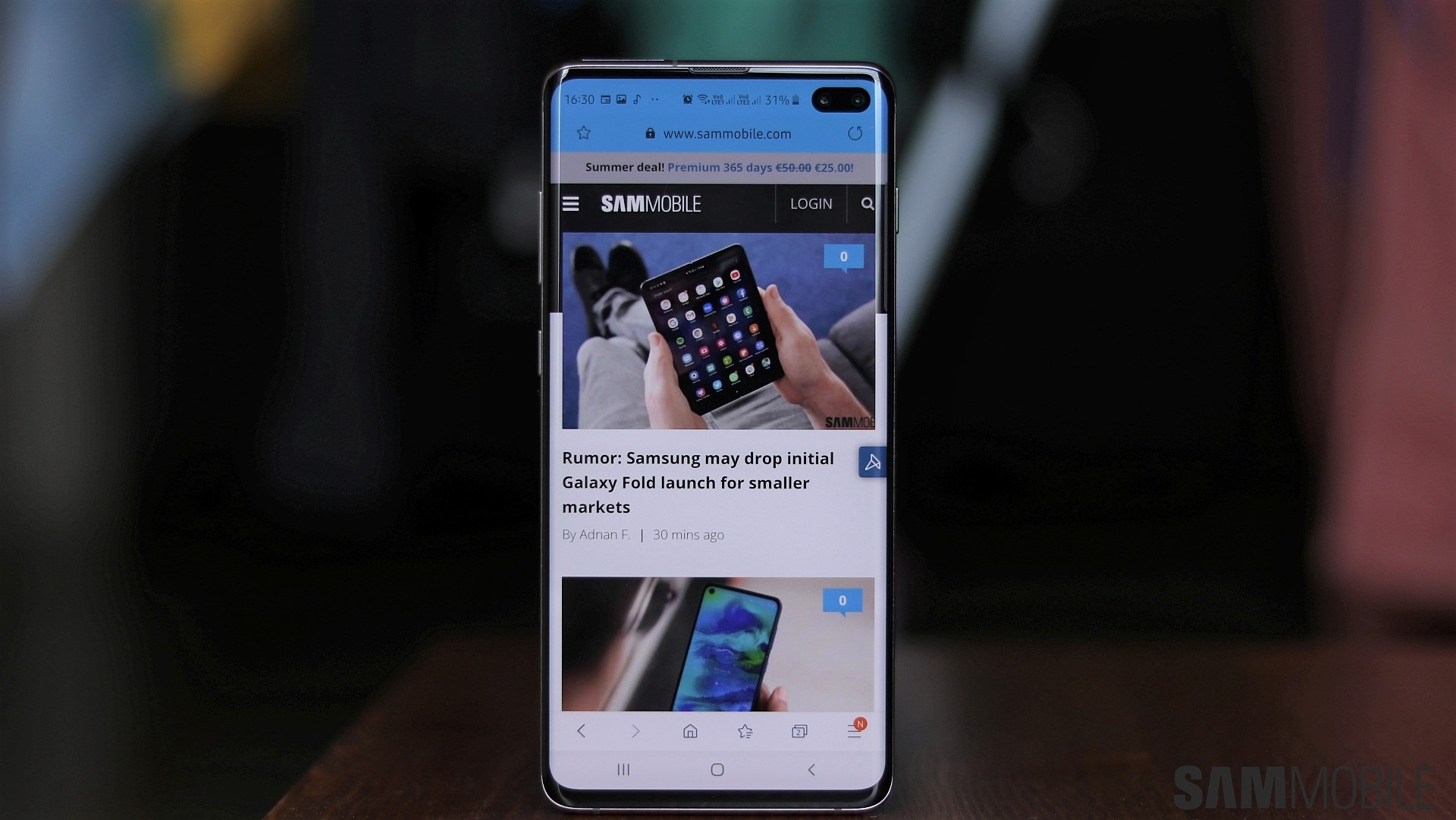
The option to play videos in a pop-up window does still exist, but now, it will only work if a website or content provider allows it. And that means you can't use the functionality on the YouTube website, which is a shame as Video Assistant originally allowed users to get around the YouTube app's limitation of not playing videos when the app is minimized. It does make sense, however, as content providers need to be able to protect their content in a day and age where multiple streaming services and providers vie for the customer's attention.
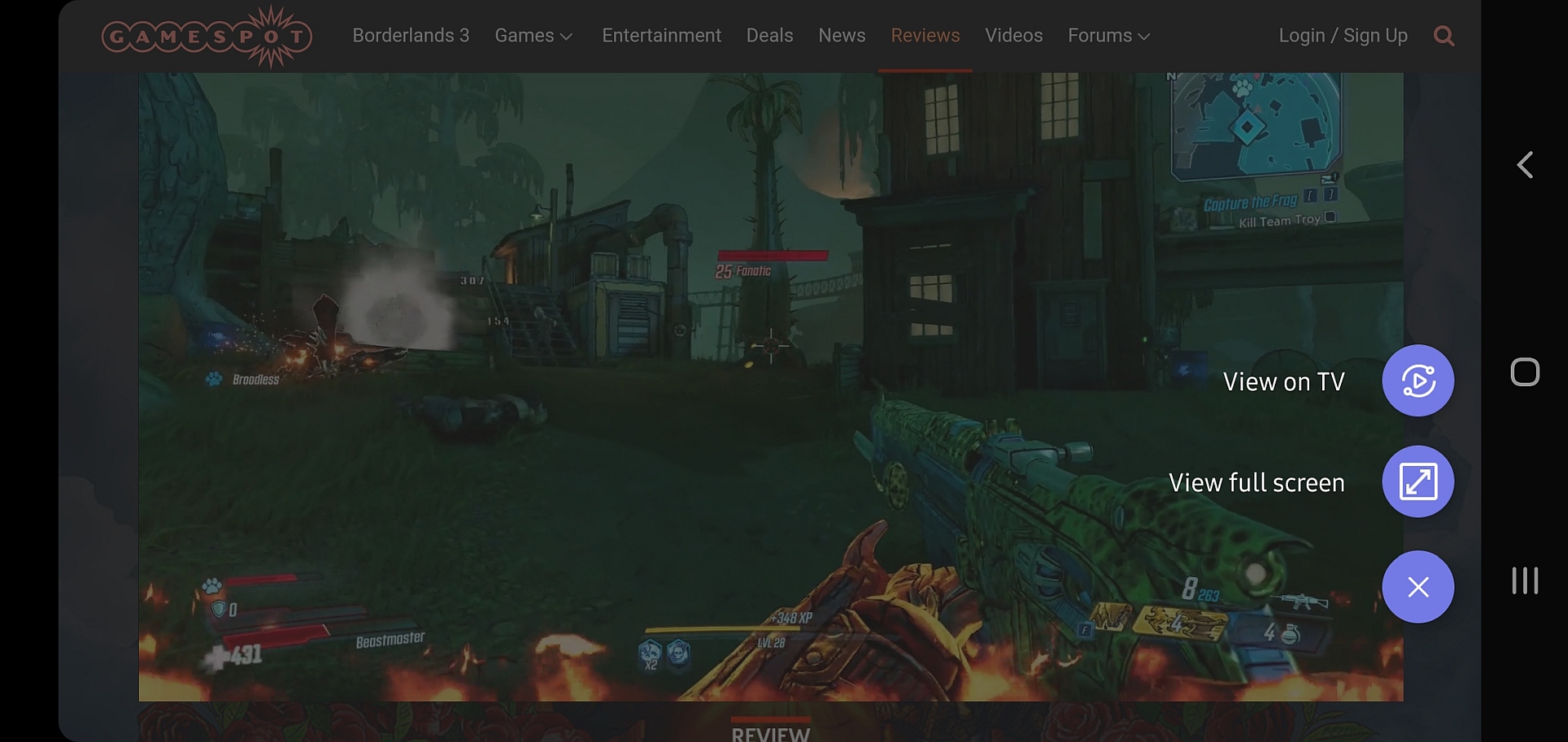
If you use Samsung Internet, you'll simply have to try out the new beta and check which of your favorite websites allow you to run videos in a pop-up window. The other two Video Assistant options — casting videos to a television through the Smart View feature and viewing them full-screen on the mobile screen with enhanced controls — continue to work on every website, and, as before, you can disable Video Assistant completely from the Useful features section of the browser's settings.
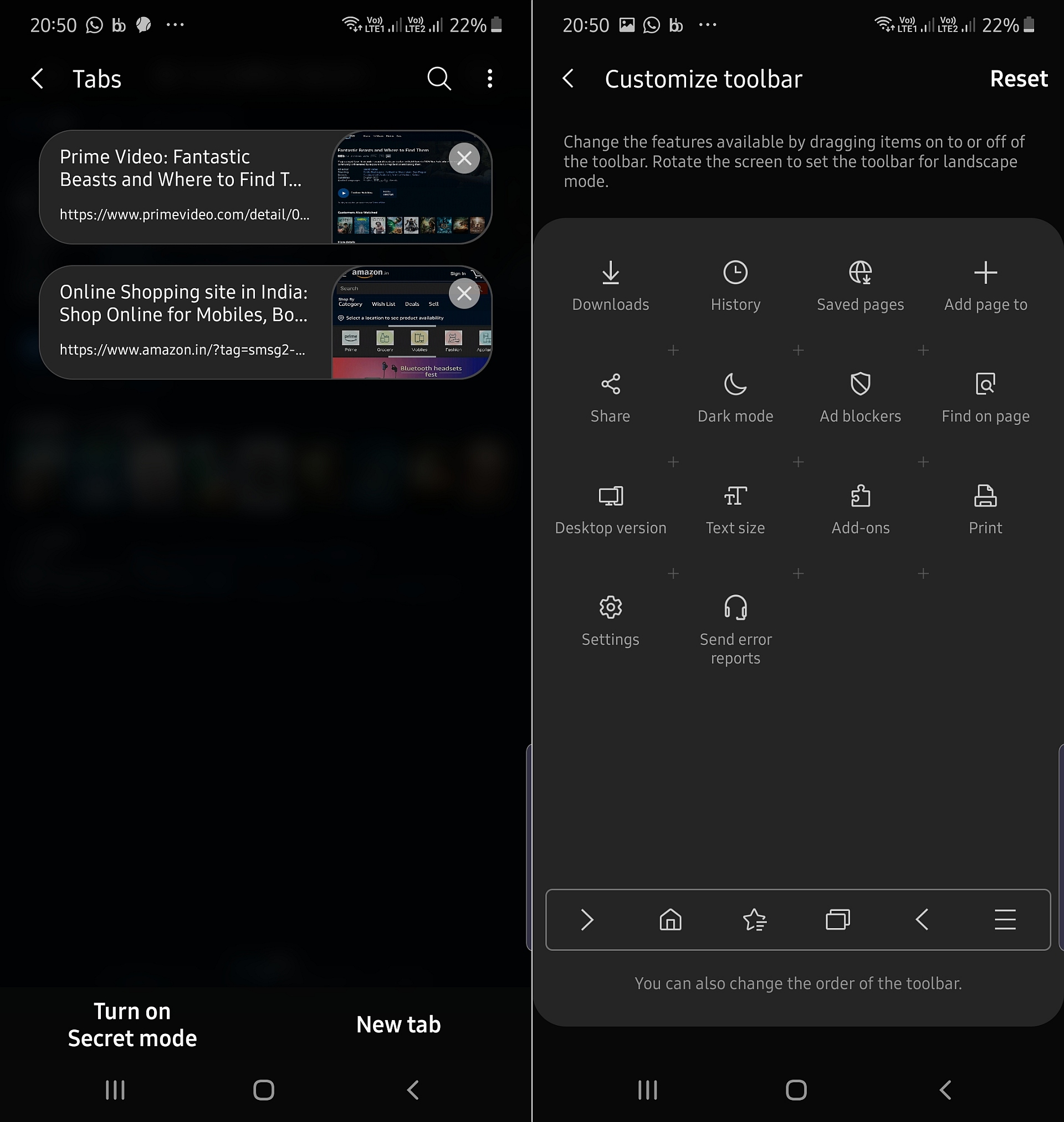
The newest Samsung Internet beta release also brings the ability to relocate the buttons on the bottom toolbar and those in the ‘more' menu. The toolbar customization menu can be found in the Appearance » Customize toolbar section of the browser settings and is very handy – now, you can move that back button to the right side of the toolbar for easier reach or even remove it if that's what you desire. Samsung has also updated the list view for the tab manager: You now get a thumbnail showing the contents of a website instead of just the site's name.
You can download the latest Samsung Internet beta — version 10.2.00.19 — from Google Play; the latest release isn't yet available on the Galaxy Store, but that should change in the next couple of days. As always, you can also grab the app by downloading its APK file from our APK archive and sideloading it on your phone or tablet.

Abhijeet's writing career started with guides for custom firmware for Samsung devices (including the original Galaxy S), and he moved to SamMobile in mid-2013 and worked up the ranks to Editor-in-chief. In addition to phones and mobile devices, his interests include gaming on both PC and console, PC hardware, and spending countless hours on YouTube watching videos on tech, movies, games, politics, and internet dramas.













